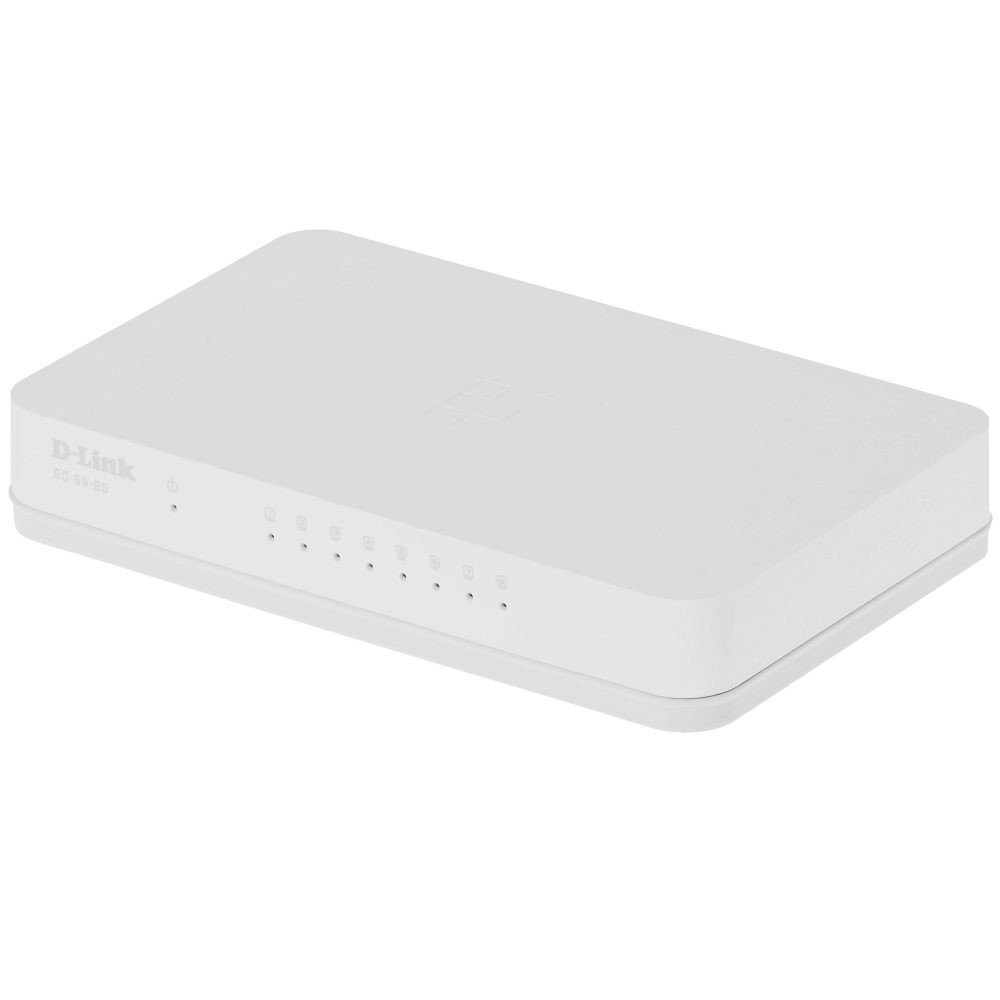
The D-Link GO-SW-8G is an 8-port unmanaged Gigabit desktop switch designed for small office and home office (SOHO) environments. This device facilitates network expansion by providing eight 10/100/1000 Mbps Ethernet ports, enabling high-speed data transfer for connected devices. It incorporates D-Link's Green Technology for energy efficiency, reduced heat generation, and extended product lifespan.
چمتو کول
د بسته محتويات
ډاډ ترلاسه کړئ چې ستاسو کڅوړه لاندې توکي لري:
GO-SW-8G device
د بریښنا اډاپټر
د سویچ سره نښلول
The GO-SW-8G is a plug-and-play device, requiring no software configuration for basic operation. Follow these steps to set up your switch:
د بریښنا پیوستون: Connect the provided power adapter to the power input port on the rear panel of the GO-SW-8G switch and then plug the adapter into a standard electrical outlet.
د شبکې وسیلې اتصال: Connect Ethernet cables from your network devices (e.g., computers, network-attached storage, routers) to any of the eight available RJ45 ports on the GO-SW-8G switch. The switch supports auto MDI/MDIX, so you can use either straight-through or crossover Ethernet cables.
تایید: Once connected, the corresponding LED indicator for each active port will illuminate, indicating a successful link.
Image: D-Link GO-SW-8G 8-Port Unmanaged Gigabit Desktop Switch. This image displays the compact white design of the switch with its multiple Ethernet ports and power input.
عملیات
The D-Link GO-SW-8G operates as an unmanaged switch, meaning it requires no user configuration for its core functions. It automatically detects network speed and duplex mode for each connected device, providing optimal performance. The Gigabit Ethernet ports support data transfer rates of up to 1000 Mbps, facilitating fast communication within your local network.
د LED شاخصونه
The switch features LED indicators for each port and for power. These indicators provide visual feedback on the status of the switch and its connections:
Confirm that all connected devices and cables support Gigabit Ethernet (1000 Mbps) for optimal performance.
د ډیر شبکې ترافیک یا د بینډ ویت-شدت لرونکي غوښتنلیکونو لپاره وګورئ چې په وصل شوي وسیلو کې روان دي.
Ensure the switch is placed in an area with adequate ventilation to prevent performance degradation due to overheating.
مشخصات
برانډ
د لینک
د ماډل شمیره
GO-SW-8G/B
د بندرونو شمیر
8
د معلوماتو د لیږد کچه
۱۰۰۰ میګابایټ په ثانیه کې (ګیګابایټ)
د سویچ ډول
بې نظمه
انٹرفیس
RJ45
مطابقت لرونکې وسیلې
PC، Mac
والیtage
5 ولټه
د قضیې موادو ډول
پلاستیک
د توکي وزن
0.3 پونډه
د تضمین معلومات
The D-Link GO-SW-8G switch comes with a د 3 کلن محدود تضمین. For detailed terms and conditions, please refer to the warranty card included with your product or visit the official D-Link webسایټ
ملاتړ
For technical support, product registration, or to download the latest firmware and documentation, please visit the official D-Link support website. You can typically find support resources by searching for your product model (GO-SW-8G) on their site.
Ask about setup, troubleshooting, compatibility, parts, safety, or missing instructions. Manuals+ will review the question and use this page’s manual context to help answer it.