
1. پیژندنه
The Divoom Voombox Outdoor Speaker is a rugged, water-resistant portable audio device designed for outdoor use. It offers advanced audio performance and a long-lasting rechargeable battery, providing a full-range listening experience. This manual provides detailed instructions for setting up, operating, maintaining, and troubleshooting your Voombox Outdoor Speaker.

Figure 1: Divoom Voombox Outdoor Speaker, showcasinد هغې قوي ډیزاین.
۲. په بکس کې څه دي؟
مهرباني وکړئ د بسته بندۍ محتويات وګورئ ترڅو ډاډ ترلاسه کړئ چې ټول توکي شتون لري:
- (1) Divoom Voombox Outdoor Speaker
- (1) د مړوند پټه
- (1) Auxiliary Connection Cable
- (1) Micro-USB Charging Cable
3. د محصول ب Featuresې
The Divoom Voombox Outdoor Speaker is equipped with several features for an enhanced audio experience:
- Booming Dual Speakers: ځواکمن او روښانه آډیو آوټ پټ وړاندې کوي.
- بې سیم پلې بیک: Connects wirelessly via Bluetooth 4.0 from up to 10 meters away.
- جوړ شوی مایکروفون: Enables hands-free calls and conference calls.
- اوږدمهاله بیټرۍ: Features a 3200 mAh rechargeable battery providing up to 12 hours of playback.
- Sturdy and Weather-Resistant Design: Built to withstand outdoor conditions with an IP44 rating.

شکل 2: پورته view of the Voombox Outdoor Speaker, highlighting its control panel.

Figure 3: The Voombox Outdoor Speaker demonstrating its IP44 weather resistance against splashes.
4. ترتیب کول
۳.۱ د سپیکر چارج کول
- Locate the Micro-USB charging port on the speaker.
- Connect the Micro-USB charging cable to the speaker and the other end to a USB power source (e.g., computer USB port, USB wall adapter).
- The charging indicator light will illuminate. A full charge typically takes 3 to 4 hours.
- کله چې په بشپړ ډول چارج شي، د شاخص څراغ به بدل شي یا بند شي، د ماډل پورې اړه لري.

Figure 4: Visual representation of the Voombox Outdoor Speaker's 12-hour battery life.
5. عملیاتي لارښوونې
5.1 بریښنا کول / بندول
- To power on, press and hold the Power button until you hear an audible cue or see the indicator light.
- To power off, press and hold the Power button again until the device shuts down.
5.2 د بلوتوټ جوړه کول
- Ensure the speaker is powered on and within 10 meters of your Bluetooth device.
- The speaker will automatically enter pairing mode (indicated by a flashing LED).
- On your smartphone, tablet, or other Bluetooth device, enable Bluetooth and search for available devices.
- Select "Voombox Outdoor" from the list of devices.
- یوځل چې جوړه شي، سپیکر به د اوریدو وړ تایید چمتو کړي، او د LED شاخص به قوي شي.
- سپیکر به په اتوماتيک ډول د وروستي جوړه شوي وسیلې سره وصل شي کله چې بریښنا فعاله شي، که چیرې وسیله په حد کې وي.
۳ آډیو غږول
- پلی کول / ودرول: د Play/Pause تڼۍ کېکاږئ.
- حجم پورته کول: د "+" تڼۍ کېکاږئ.
- کموالی: د "-" تڼۍ کېکاږئ.
- بله لار: د "+" تڼۍ کېکاږئ او ونیسئ.
- مخکینی لار د "-" تڼۍ کېکاږئ او ونیسئ.
۶.۳ د لاسونو څخه پاک زنګ وهل
- زنګ ووهئ: Press the Call button (often the Play/Pause button) when a call comes in.
- ټلیفون پای: Press the Call button again to end the call.
- زنګ رد کړئ: د راتلوونکي زنګ ردولو لپاره د زنګ تڼۍ کېکاږئ او ونیسئ.
- وروستنۍ شمیره بیا ولیکئ: د زنګ تڼۍ دوه ځله فشار ورکړئ.
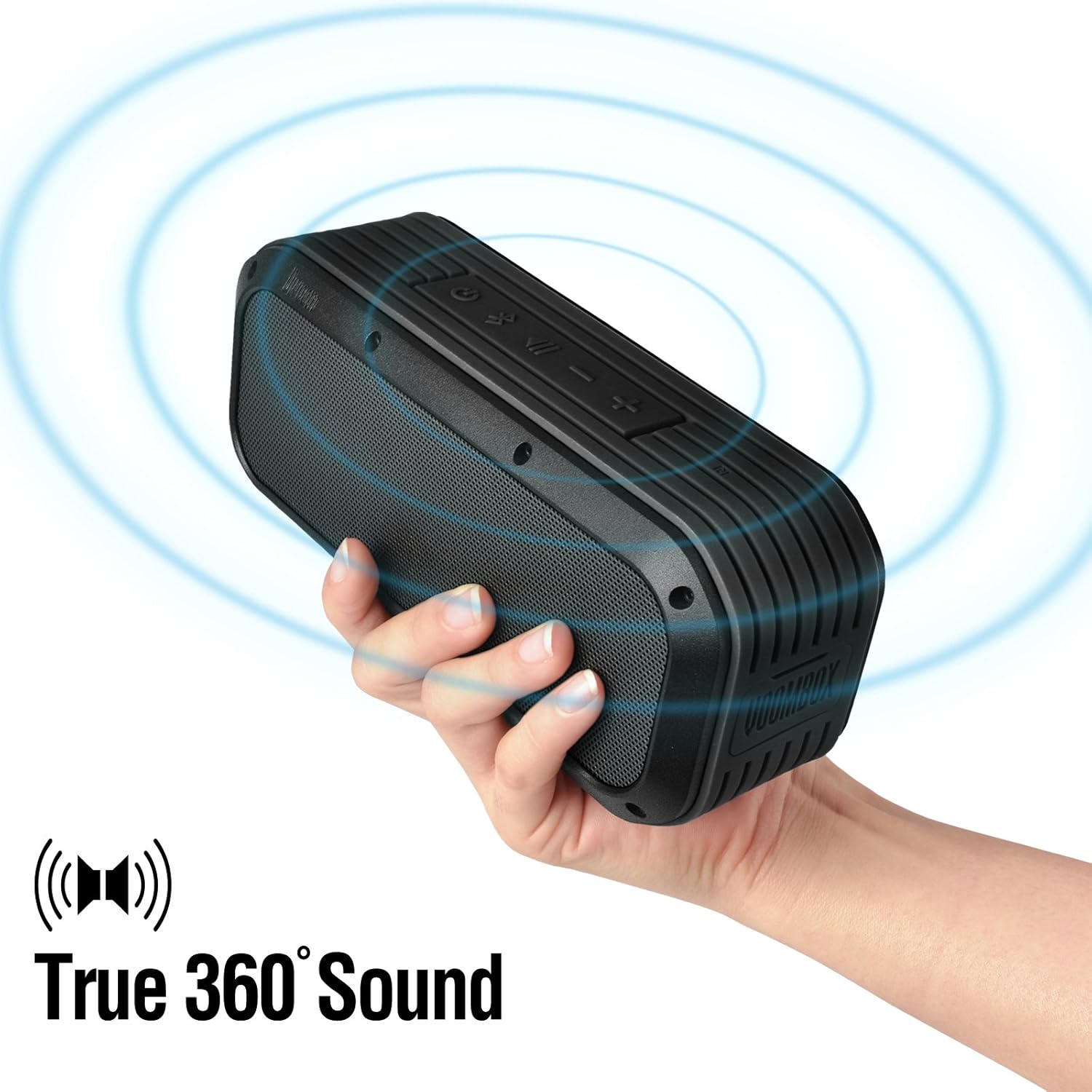
Figure 5: The Voombox Outdoor Speaker's ability to project 360-degree sound.
6. ساتنه
Proper care will extend the life of your Divoom Voombox Outdoor Speaker:
- پاکول: یو نرم استعمال کړئ، دamp د سپیکر د سطحې د پاکولو لپاره ټوکر. سخت کیمیاوي مواد یا د کثافاتو پاکوونکي مه کاروئ.
- د اوبو مقاومت: While the speaker is weather-resistant (IP44), it is not designed for submersion. Ensure all port covers are securely closed before exposure to water splashes.
- ذخیره کول: سپیکر په یخ او وچ ځای کې د مستقیم لمر وړانګو او سختې تودوخې څخه لرې وساتئ.
- د بیټرۍ پاملرنه: To maintain battery health, avoid fully discharging the battery frequently. Charge the speaker regularly, even if not in use for extended periods.
7. ستونزه حل کول
| ستونزه | احتمالي لامل | د حل لاره |
|---|---|---|
| سپیکر نه چالانېږي. | بیټرۍ ختمه شوې. | سپیکر د ۲-۳ ساعتونو لپاره چارج کړئ. |
| د بلوتوت آلې سره جوړه نشي. | سپیکر د جوړې کولو حالت کې نه دی یا ډیر لرې دی. | Ensure speaker is on and within 10m. Turn Bluetooth off/on on your device. Forget previous pairings. |
| غږ نشته یا ټیټ غږ. | Volume too low on speaker or source device. | په سپیکر او ستاسو وصل شوي وسیله دواړو کې حجم زیات کړئ. |
| د غږ تحریف. | حجم ډېر لوړ یا کمزوری بلوتوث سیګنال. | Reduce volume. Move speaker closer to the source device. |
8. مشخصات
| فیچر | تفصیل |
|---|---|
| د موټر چلوونکي اندازه | 2-inches x 2-inches |
| د تولید بریښنا | 7.5 W x 2 (Total 15 Watts) |
| د سپیکر ابعاد | 165L x 52D x 70 H (mm) |
| د شور تناسب ته سیګنال | ≥75dB |
| د بیټرۍ ظرفیت | 3200 mAh |
| د بیټرۍ Voltage | 3.7 وی |
| د بیټرۍ چارج وخت | له 3 څخه تر 4 ساعتونو پورې |
| د بیسیم رینج | تر 10 مترو پورې |
| د بلوتوث موافقت | بلوتوث 4.0 |
| بلوتوث پروfile ملاتړ | A2DP stereo |
| د خبرو وخت | تر 12 ساعتونو پورې |
| د مایکروفون حساسیت | -40db |
| د محصول ابعاد | 18.49 x 5.99 x 7.8 سانتي متره |
| د توکي وزن | 698.53 ګرامه |
| د ماډل شمیره | 17620 |

Figure 6: Internal components of the Voombox Outdoor Speaker, illustrating its robust construction.
9. تضمین او ملاتړ
Divoom products are designed for durability and performance. For warranty information and technical support, please refer to the official Divoom webسایټ ته مراجعه وکړئ یا مستقیم د دوی د پیرودونکو خدماتو سره اړیکه ونیسئ. د تضمین ادعاوو لپاره د پیرود ثبوت په توګه د پیرود رسید وساتئ.
د اضافي ملاتړ یا پوښتنو لپاره، مهرباني وکړئ لیدنه وکړئ Divoom Official Webسایټ.