
PROSCAN PSB3713-OP
PROSCAN 37-Inch Bluetooth Sound Bar User Manual
ماډل: PSB3713-OP
پیژندنه
د پیرودلو لپاره مننهasing the PROSCAN 37-Inch Bluetooth Sound Bar. This ultra-slim sound bar is designed to enhance your audio experience with your Smart TV, offering versatile connectivity options including Bluetooth, Optical Digital Audio Input, and Aux-In. This manual provides detailed instructions for setup, operation, maintenance, and troubleshooting to ensure optimal performance and longevity of your device.
د خوندیتوب مهم معلومات
خبرداری: پدې محصول کې د کیلیفورنیا ایالت ته پیژندل شوي کیمیاوي توکي شامل دي چې د سرطان او زیږون نیمګړتیاوې یا نور د زیږون زیان لامل کیږي.
- د وسیلې د چلولو دمخه ټولې لارښوونې ولولئ.
- دا لارښود د راتلونکي حوالې لپاره وساتئ.
- واحد باران یا رطوبت ته مه ښکاره کوئ.
- د وینټیلیشن هیڅ خلاصون مه بندوئ.
- د مناسب بریښنا رسولو حجم ډاډمن کړئtage لکه څنګه چې په واحد کې ښودل شوي.
- د برښنا د طوفان په وخت کې یا کله چې د اوږدې مودې لپاره نه کارول کیږي یونټ خلاص کړئ.
- ټول خدمتونه وړ خدمت پرسونل ته راجع کړئ.
په بکس کې څه دي

Image: Contents of the PROSCAN Sound Bar box, showing the sound bar, remote control, AC power adapter, stereo audio connection cable, RCA audio cable, and mount screws.
مهرباني وکړئ وګورئ چې لاندې ټول توکي ستاسو په بسته کې شامل دي:
- PROSCAN 37-Inch Bluetooth Sound Bar
- ریموټ کنټرول
- د AC ځواک اډیپټر
- Stereo Audio Connection Cable
- د RCA آډیو کیبل
- Mount Screws (for wall mounting)
- د کارونکي لارښود (دا لاسوند)
محصول پای ته ورسیدview

Image: The PROSCAN 37-Inch Bluetooth Sound Bar positioned in front of a curved television screen, with its remote control placed nearby. The sound bar is sleek and black.
The PROSCAN 37-Inch Bluetooth Sound Bar is designed for optimal audio performance and ease of use. It features a sleek, ultra-slim design that complements any home entertainment setup.
مخکینۍ پینل

انځور: مستقیم مخ view of the PROSCAN 37-Inch Bluetooth Sound Bar, showcasinد هغې لږترلږه ډیزاین او د سپیکر ګریل.
The front panel features the speaker grille and an LED indicator that shows the current input mode and status.
شاته پینل (اړیکې)
The rear panel houses all the necessary input ports for connecting to your audio sources.
- Optical Digital Audio Input: For high-quality digital audio connection from your TV or other devices.
- AUX In (3.5mm): For connecting analog audio devices.
- په DC کې: د بریښنا وتلي درشل.
ریموټ کنټرول
The included remote control allows you to manage all functions of the sound bar conveniently.
- پاور آن/بند
- حجم پورته / ښکته
- Input Source Selection (Bluetooth, Optical, AUX, FM)
- خاموش
- FM Radio controls (Scan, Preset)
د تنظیم کولو لارښود
1. ځای پرځای کول
The sound bar can be placed on a table stand or wall-mounted.

Image: The PROSCAN Sound Bar wall-mounted directly above a flat-screen television, demonstrating a clean and space-saving installation.
- د میز موقف: Place the sound bar on a stable, flat surface in front of your TV. Ensure it does not block the TV's remote sensor.
- وال ماونټ: Use the included mount screws to securely attach the sound bar to a wall. Refer to the wall mounting template (if provided separately) for precise drilling locations. Ensure the wall can support the weight of the sound bar.
2. د آډیو سرچینو سره نښلول
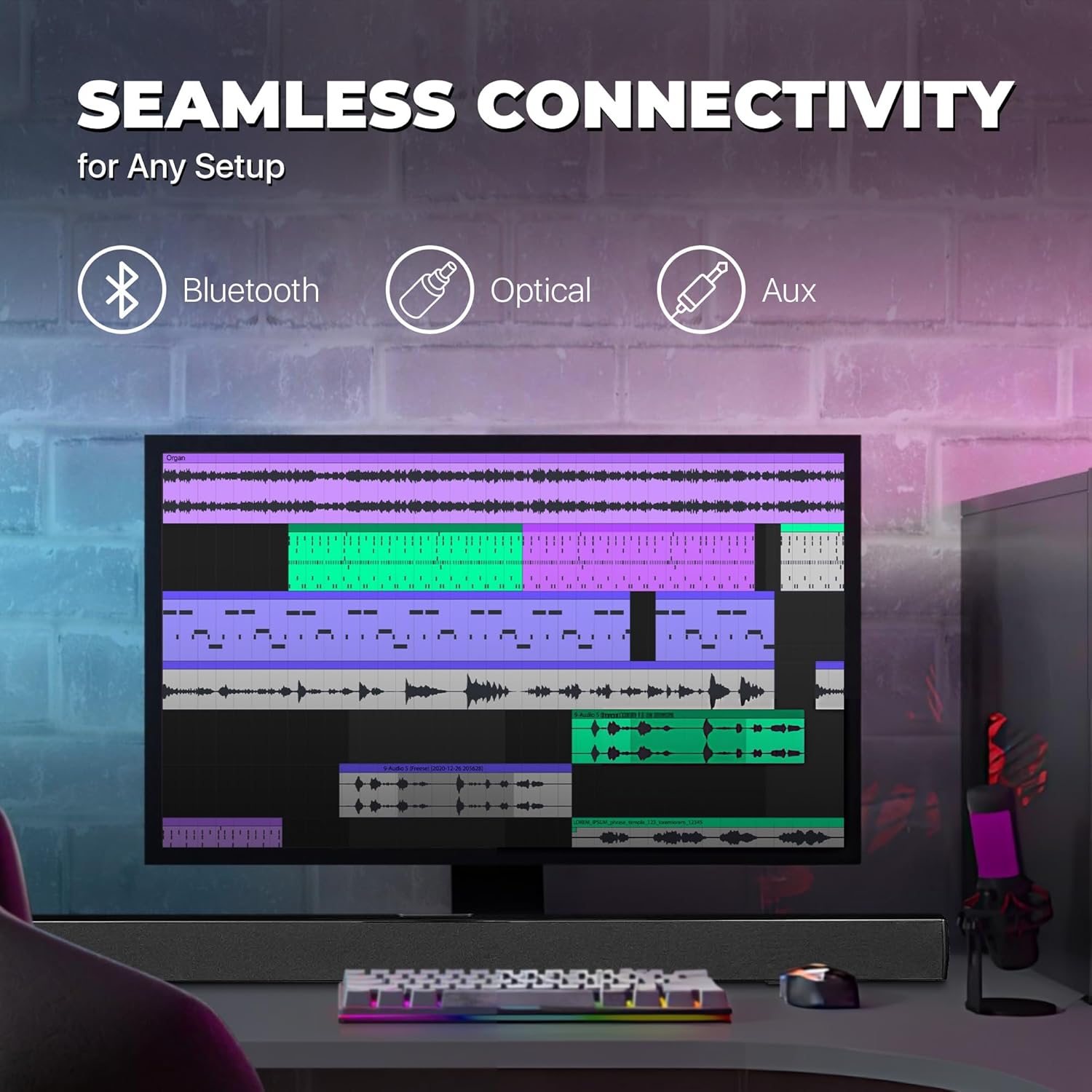
Image: A graphic illustrating the seamless connectivity options of the sound bar, including icons for Bluetooth, Optical, and Aux connections, with a sound bar placed below a computer monitor.
د خپل آډیو سرچینې سره د نښلولو لپاره له لاندې لارو څخه یوه غوره کړئ:
- Optical Digital Audio Connection:
Connect an optical cable (not included) from the OPTICAL OUT port on your TV or audio device to the OPTICAL IN port on the sound bar. This provides high-quality digital audio.
- د AUX (3.5mm) اتصال:
Use the included 3.5mm audio cable to connect the AUX IN port on the sound bar to the headphone jack or audio output port on your device (e.g., TV, smartphone, MP3 player).
- بلوتوث پیوستون
For wireless audio streaming from Bluetooth-enabled devices like smartphones, tablets, or laptops. (Detailed pairing instructions in the Operating section).
3. د بریښنا پیوستون
Connect the included AC power adapter to the DC IN port on the sound bar, then plug the adapter into a standard wall outlet.
عملیاتي لارښوونې
پاور آن/بند
فشار ورکړئ پاور د ریموټ کنټرول یا د غږ بار کې تڼۍ د واحد د فعال یا بندولو لپاره.
د ننوتلو سرچینې غوره کول
فشار ورکړئ INPUT button on the remote control repeatedly to cycle through the available input sources: Bluetooth, Optical, AUX, FM. The LED indicator on the front panel will change to reflect the selected input.
د حجم کنټرول
د کارولو VOL+ او VOL- buttons on the remote control to adjust the volume. Press the خاموش د آډیو د لنډمهاله خاموشولو لپاره تڼۍ.
د بلوتوث جوړې کول
- د غږ بار چالان کړئ او د بلوتوټ حالت غوره کړئ چې په کارولو سره INPUT button. The LED indicator will flash, indicating it's in pairing mode.
- په خپل وسیله (سمارټ فون، ټابلیټ، او نور) کې بلوتوث فعال کړئ او د شته وسایلو لټون وکړئ.
- Select "PSB3713-OP" from the list of found devices.
- Once paired, the LED indicator will stop flashing and remain solid. You can now play audio from your device through the sound bar.
د ایف ایم راډیو عملیات
د جوړ شوي ایف ایم راډیو کارولو لپاره:
- د FM حالت غوره کړئ چې په کارولو سره INPUT تڼۍ
- فشار ورکړئ سکین button on the remote control to automatically scan and save available FM stations.
- د کارولو PREV او بل ت savedۍ د خوندي شوي سټیشنونو له لارې تګ راتګ لپاره.
ساتنه
- پاکول: د غږ بار سطحه پاکولو لپاره نرم، وچ ټوکر وکاروئ. د مایع پاکوونکو یا ایروسول سپرې مه کاروئ.
- ذخیره کول: که چیرې یونټ د اوږدې مودې لپاره ذخیره کوئ، نو د بریښنا له سایټ څخه یې خلاص کړئ او په یخ او وچ ځای کې یې وساتئ.
- وینټیلیشن: Ensure the sound bar has adequate ventilation and is not covered by cloths or other materials that could block airflow.
د ستونزو حل کول
| ستونزه | احتمالي لامل | د حل لاره |
|---|---|---|
| هیڅ ځواک نشته | د بریښنا اډاپټر نه وصل شوی یا آوټ لیټ کار نه کوي. | Ensure the power adapter is securely connected to the sound bar and a working power outlet. |
| غږ نشته | د ننوتلو ناسمه سرچینه غوره شوې؛ حجم ډېر ټیټ دی؛ د آډیو کیبل په سمه توګه نه دی وصل شوی. | Select the correct input source (Bluetooth, Optical, AUX). Increase the volume. Check all audio cable connections. Ensure TV audio output is set correctly (e.g., PCM for Optical). |
| بلوتوث جوړه ناکامه ده | د غږ بار د جوړې کولو حالت کې نه دی؛ وسیله ډیره لرې ده؛ مداخله. | Ensure the sound bar is in Bluetooth pairing mode (flashing LED). Move your device closer to the sound bar. Turn off other Bluetooth devices to reduce interference. |
| ریموټ کنټرول کار نه کوي | Batteries are dead or inserted incorrectly; obstacle between remote and sound bar. | Replace the remote control batteries. Ensure there is no obstruction between the remote and the sound bar's sensor. |
| د FM ضعیف استقبال | کمزوری سیګنال. | Adjust the position of the sound bar or try rescanning for stations. |
مشخصات
| فیچر | تفصیل |
|---|---|
| د ماډل نوم | د PSB3713-OP لپاره تفتیش وسپارئ، موږ به په XNUMX ساعتونو کې له تاسو سره اړیکه ونیسو. |
| د سپیکر ډول | ساؤنډ بار |
| د سپیکر اندازه | 37 انچه |
| د ارتباط ټیکنالوژي | Bluetooth, Auxiliary (3.5mm), Optical |
| بې سیم مخابرات | بلوتوث، ایف ایم راډیو |
| د آډیو وتلې حالت | سټیریو، شاوخوا غږ |
| د سپیکر اعظمي تولید ځواک | 40 واټ |
| خنډ | 4 اوم |
| د محصول ابعاد (د x څلویښتم x څلویښتم) | ۱۶"د x ۲۶"وچ x ۴۷"ح |
| د توکي وزن | 4.55 پونډه |
| رنګ | تور |
| د بریښنا سرچینه | د بریښنا تار شوی |
| د کنټرولر ډول | ریموټ کنټرول |
| د نصب کولو ډول | د بار غره |
تضمین او ملاتړ
This PROSCAN product comes with a Limited Warranty. For specific warranty terms and conditions, please refer to the warranty card included in your product packaging or contact PROSCAN customer support.
For technical support, troubleshooting assistance, or service inquiries, please contact the manufacturer, Curtis International LTD, or visit the PROSCAN official webد اړیکو معلوماتو لپاره سایټ.
جوړونکی: Curtis International LTD
Webسایټ: Visit the PROSCAN Store on Amazon
Ask a question about this manual
Ask about setup, troubleshooting, compatibility, parts, safety, or missing instructions. Manuals+ will review the question and use this page’s manual context to help answer it.