
1. محصول ختم شوview
The Vimtag CP1 is a wireless IP video monitoring surveillance security camera designed for remote home or business monitoring. It features high-definition video, pan/tilt functionality, two-way audio, and night vision capabilities.
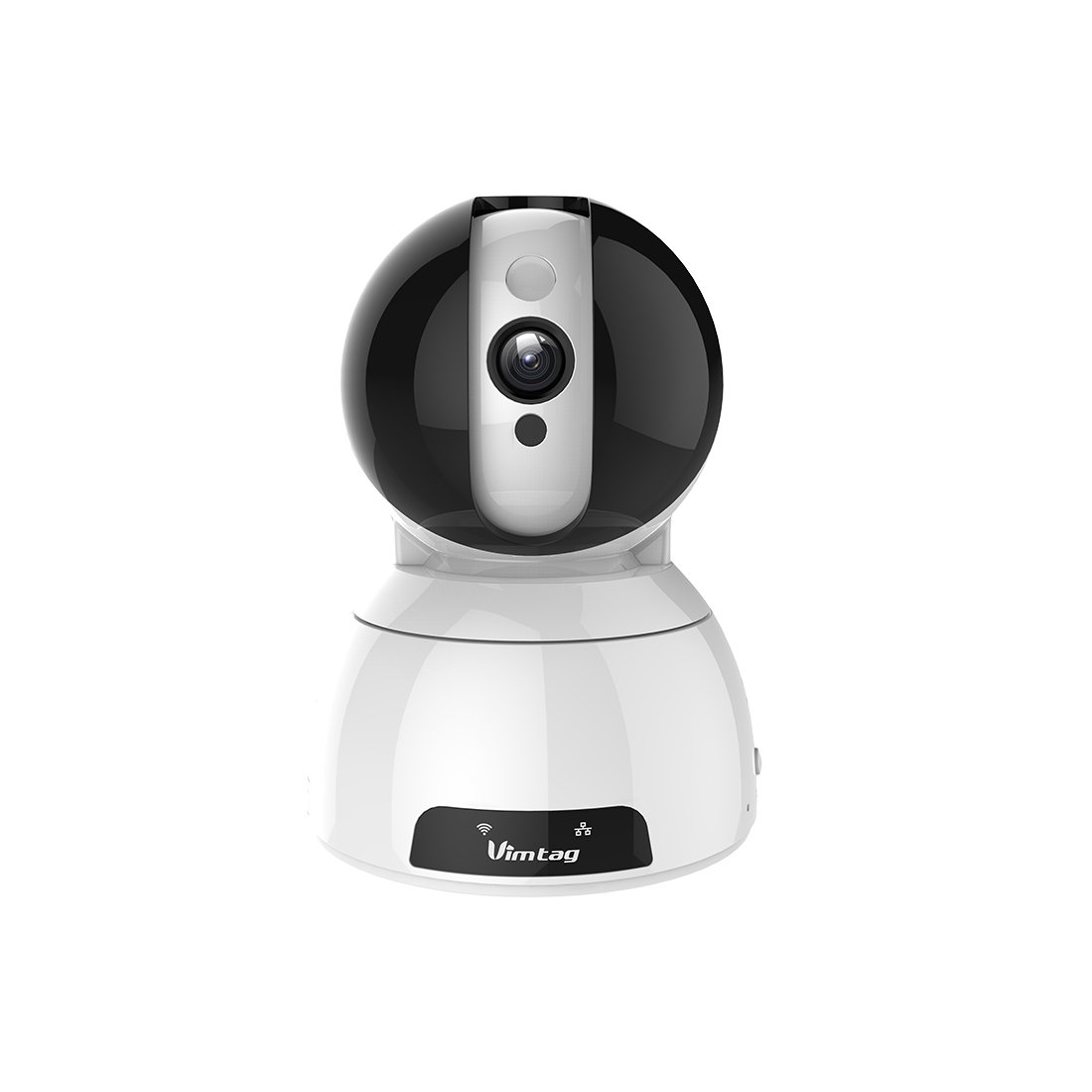
Figure 1: Vimtag CP1 Camera Front View
کلیدي ځانګړتیاوې:
- د HD ویډیو کیفیت: 1280 x 720p at 25 frames per second for clear monitoring.
- د پین او ټیلټ فعالیت: 350-degree horizontal rotation and 100-degree vertical tilt to cover a wide area.
- دوه طرفه آډیو: د اړیکو لپاره جوړ شوی مایکروفون او سپیکر.
- د شپې لید: Infrared LEDs provide clear visibility up to 10 meters in low-light conditions.
- د حرکت کشف: Alerts with snapshots and video clips upon detecting movement.
- ځایی او بادل ذخیره: Supports Micro SD cards up to 64GB and optional cloud storage.
- اسانه ترتیب: Quick Wi-Fi setup via the Vimtag د ګرځنده غوښتنلیک.

Figure 2: Vimtag CP1 Key Features
2. د تنظیم کولو لارښود
2.1 د بسته محتويات
د پیل کولو دمخه، ډاډ ترلاسه کړئ چې ټول توکي په کڅوړه کې شتون لري:
- 1 x Vimtag CP1 Camera
- 1 x Camera Rack
- 1 x د بریښنا کیبل
- 1 ایکس ایترنیټ کیبل
- ۱ x د کارونکي لارښود (دا سند)
۴.۲ د تنظیم کولو لومړني ګامونه
- پاور آن: Connect the power cable to the camera and plug it into a power outlet. The camera will initiate its startup sequence.
- اپلیکیشن ډاونلوډ کړئ: Download the free Vimtag app from your smartphone's app store (iOS App Store or Google Play Store).
- د حساب ثبتول: Open the Vimtag app and register for a new account or log in if you already have one.
- کیمره اضافه کړئ: Follow the in-app instructions to add your new CP1 camera. This typically involves scanning a QR code on the camera or entering its device ID.
- د وائی فای ترتیب: Configure the camera to connect to your Wi-Fi network using the app. Ensure your Wi-Fi network is 2.4GHz, as 5GHz networks may not be supported.
- ایښودل (اختیاري): Use the included camera rack to mount the camera on a wall or ceiling if desired.
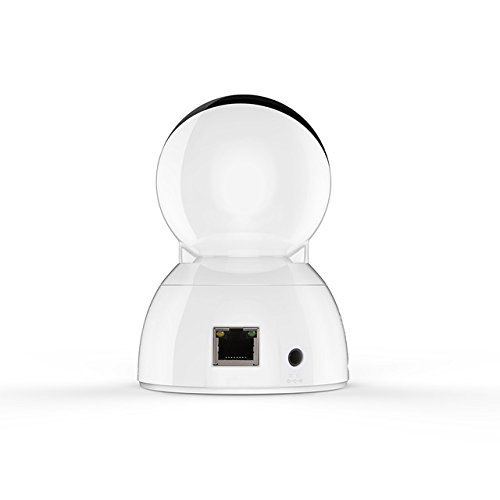
Figure 3: Vimtag CP1 Back View د بندرونو سره
For detailed visual guidance, refer to the video tutorials available on the official Vimtag ملاتړ webسایټ
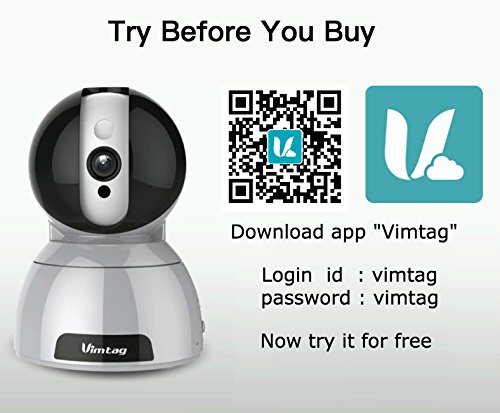
Figure 4: Vimtag App Download and Demo Information
ویم ډاونلوډ کړئtag اپلیکیشن له vimtag.com/download/.
3. عملیاتي لارښوونې
3.1 ژوندی View او د پان/ټيلټ کنټرول
Once the camera is connected, open the Vimtag app to access the live video feed. Use the on-screen controls to pan the camera horizontally (350 degrees) and tilt it vertically (100 degrees) to adjust the viewزاویه.

Figure 5: Pan and Tilt Control via App
۴.۴ دوه اړخیزه آډیو
The camera supports two-way audio. Tap the microphone icon in the app to speak through the camera's speaker, and listen to audio from the camera's built-in microphone.
3.3 د شپې لید
The CP1 camera automatically switches to night vision mode in low-light conditions, providing clear black and white video up to 10 meters using its infrared LEDs.
۵.۳ د حرکت کشف او خبرتیاوې
Configure motion detection settings within the Vimtag app. You can set sensitivity levels and define specific areas for detection. When motion is detected, the camera can send instant notifications to your smartphone, including snapshots or short video clips.
۴.۵ د ویډیو ثبت او ذخیره کول
کیمره د ذخیره کولو دوه لومړني میتودونه ملاتړ کوي:
- د مایکرو SD کارت: Insert a Micro SD card (up to 64GB, not included) into the camera's designated slot for local recording. Recordings can be accessed and managed through the app.
- د بادل ذخیره کول: Optional cloud storage services are available through Vimtag for remote backup and access to recorded footage.
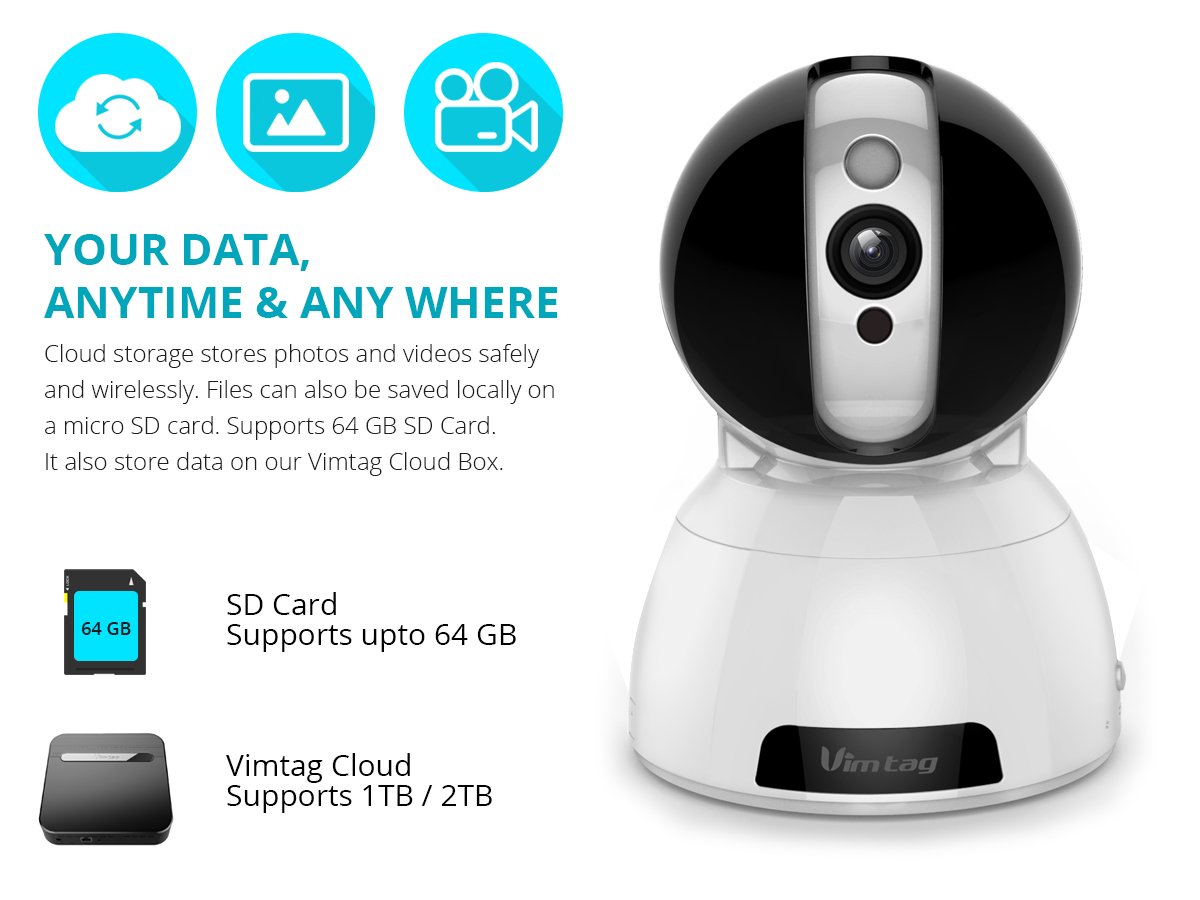
Figure 6: Storage Options for Vimtag CP1
4. ساتنه
4.1 پاکول
To maintain optimal performance, periodically clean the camera's lens and exterior. Use a soft, dry cloth. Avoid abrasive cleaners or solvents that could damage the camera's finish or lens coating.
4.2 د فرم ویئر تازه معلومات
ویمtag may release firmware updates to improve camera performance, add features, or enhance security. Check the Vimtag app regularly for available updates and follow the in-app instructions to install them. Ensure the camera remains powered during the update process.
4.3 د چاپیریال په اړه نظرونه
The Vimtag CP1 camera is designed for indoor use. Avoid exposing it to extreme temperatures, direct sunlight, high humidity, or water, as it is not water-resistant.
5. ستونزه حل کول
This section addresses common issues you might encounter with your Vimtag CP1 camera.
۶.۱ کیمره د وای فای سره نه وصل کیږي
- Check Wi-Fi Band: Ensure your Wi-Fi network is 2.4GHz. The camera may not support 5GHz networks.
- د سیګنال ځواک: Place the camera closer to your Wi-Fi router to ensure a strong signal.
- سم پټنوم: Double-check that you are entering the correct Wi-Fi password in the app.
- کیمره بیا تنظیم کړئ: Locate the reset button on the camera (often a small pinhole) and press it for 5-10 seconds until the camera resets. Then, attempt the setup process again.
- د راټر تنظیمات: Verify that your router's firewall or security settings are not blocking the camera's connection.
۶.۳ د ویډیو خراب کیفیت
- د شبکې بینډ ویت: Ensure your internet connection has sufficient upload speed for streaming HD video.
- د اپلیکیشن تنظیمات: Check the video quality settings within the Vimtag app; you might be able to adjust it.
- د لینز پاکوالی: د کیمرې لینز په نرم، وچ ټوکر سره پاک کړئ.
۶.۵ دوه اړخیزه آډیو ستونزې
- د حجم کچه: Check the volume settings on your smartphone and within the Vimtag اپلیکیشن
- Microphone/Speaker Obstruction: ډاډ ترلاسه کړئ چې د کیمرې مایکروفون او سپیکر بند نه وي.
- د شبکې ځنډ: High network latency can affect audio quality and introduce delays.
۶.۴ د حرکت کشف کار نه کوي
- Enable Feature: Verify that motion detection is enabled in the Vimtag د اپلیکیشن تنظیمات.
- حساسیت: Adjust the motion detection sensitivity. If it's too low, it might miss events.
- د کشف زونونه: Ensure the areas you want to monitor are correctly configured as detection zones.
6. تخنیکي مشخصات
| د ماډل نوم | ویمtag CP1 |
| د توکي ماډل شمیره | 6970167642228 |
| د ویډیو نیول حل | 720p (1280 x 720 پکسلز) |
| د چوکاټ نرخ | په هره ثانیه کې 25 چوکاټونه |
| د پین / خښتو سلسله | 350 degrees (Pan) x 100 degrees (Tilt) |
| ډیجیټل زوم | 4x |
| د شپې لید واټن | تر ۵ مترو پورې (انفرارډ) |
| د ذخیره کولو اختیارونه | مایکرو ایس ډی (تر ۲۵۶ جي بي پورې)، کلاوډ ذخیره |
| ارتباط | Wireless (Wi-Fi IEEE802.12b/g/n) |
| د بریښنا سرچینه | AC Power Adapter (7 Watts) |
| ابعاد (L x W x H) | ۲۷ x ۷۰ x ۳۲۲ ملي متره |
| د توکي وزن | 450 ګرامه |
| د کور دننه / بهر کارول | دننه |
| د اوبو د مقاومت کچه | د اوبو مقاومت نلري |
| د کنټرول طریقه | App (Android, iOS), Voice |
7. تضمین او ملاتړ
7.1 د محصول تضمین
The Vimtag CP1 camera comes with a د ۶ میاشتو د بدیل تضمین. دا تضمین د عادي استعمال لاندې د تولید نیمګړتیاوې او نیمګړتیاوې پوښي. مهرباني وکړئ د تضمین ادعاوو لپاره د پیرود ثبوت وساتئ.
7.2 د پیرودونکي ملاتړ
For any queries, technical assistance, or warranty claims, please contact Vimtag customer support. Support is available via telephone, chat, Skype, and email. Refer to the official Vimtag webد اړیکو د تازه معلوماتو لپاره سایټ.
Step-by-step setup instructions and video tutorials are also available on the Vimtag support portal to assist you with installation and operation.