
1. محصول ختم شوview
The SAMCOM FPCN10A is a professional-grade UHF two-way radio designed for reliable long-range communication. It features a durable build, a high-capacity battery, and multiple channels with privacy codes for clear and secure conversations.
د بسته محتويات
The SAMCOM FPCN10A radio kit includes the following items:
- SAMCOM FPCN10A Radios (2 units)
- Earpieces (2 units)
- Charger Bases with AC adapters (2 units)
- د کمربند کلپونه (۲ واحدونه)
- Batteries (2 units)
- انتنونه (۴ واحدونه)
- د کارن لارښود

2. ترتیب کول
۵.۱ د بیټرۍ نصب او چارج کول
The SAMCOM FPCN10A radios are powered by a 3000mAh Lithium Polymer battery. Ensure the battery is fully charged before first use.
- To install the battery, align the battery pack with the back of the radio and slide it upwards until it clicks into place.
- To remove the battery, press the two small tabs on the sides of the radio (near the top of the battery compartment) and slide the battery downwards.
- Place the radio (with battery installed) into the charger base. The charger base connects to a standard AC wall outlet.
- The charging indicator light on the charger base will show the charging status. A full charge typically takes 4-5 hours.


۵.۲ د انتن ضمیمه
The radio comes with a detachable SMA female connector antenna. Carefully screw the antenna onto the connector at the top of the radio until it is finger-tight. Do not overtighten.
2.3 د بیلټ کلپ ضمیمه کول
The belt clip can be attached to the back of the radio for convenient carrying. Align the belt clip with the designated slots on the battery pack and secure it with the provided screws.

3. عملیاتي لارښوونې
۴.۱ د بریښنا فعالول/بندول او د حجم کنټرول
- To power on the radio, rotate the top-left knob clockwise. You will hear a power-on tone and the display will illuminate.
- Continue rotating the same knob to adjust the volume. Clockwise increases volume, counter-clockwise decreases it.
- د بریښنا بندولو لپاره، نوب د ساعت په مقابل لوري وګرځوئ تر هغه چې کلیک وکړي.
3.2 د چینل انتخاب
The SAMCOM FPCN10A features 20 channels. To select a channel:
- Rotate the top-right knob to cycle through the available channels. The selected channel number will be displayed on the LCD screen.
- The radio supports CTCSS/DCS codes to minimize interference and ensure private conversations within your group. These are typically pre-programmed.
3.3 لیږدول او ترلاسه کول
- د لیږدولو لپاره، د راډیو په اړخ کې موقعیت لرونکي د خبرو اترو لپاره د فشار (PTT) تڼۍ فشار ورکړئ او ونیسئ. په مایکروفون کې په واضح ډول خبرې وکړئ.
- د لیږد بندولو او د ترلاسه کولو حالت ته د بیرته راستنیدو لپاره د PTT تڼۍ خوشې کړئ.
- The radio also supports Voice-Activated Transmission (VOX) for hands-free operation. This feature can be enabled or disabled through programming.
۵.۳ د ګروپ زنګ وهلو فعالیت
The FPCN10A radios support a group call function, allowing you to communicate with multiple team members simultaneously across different channels. This feature enhances coordination for various operations.

3.5 Scanning Feature
The radio includes a scanning feature that allows it to automatically scan through programmed channels to detect active transmissions. This can be useful for monitoring multiple channels without manual switching.
۵.۶ د اړیکو لړۍ
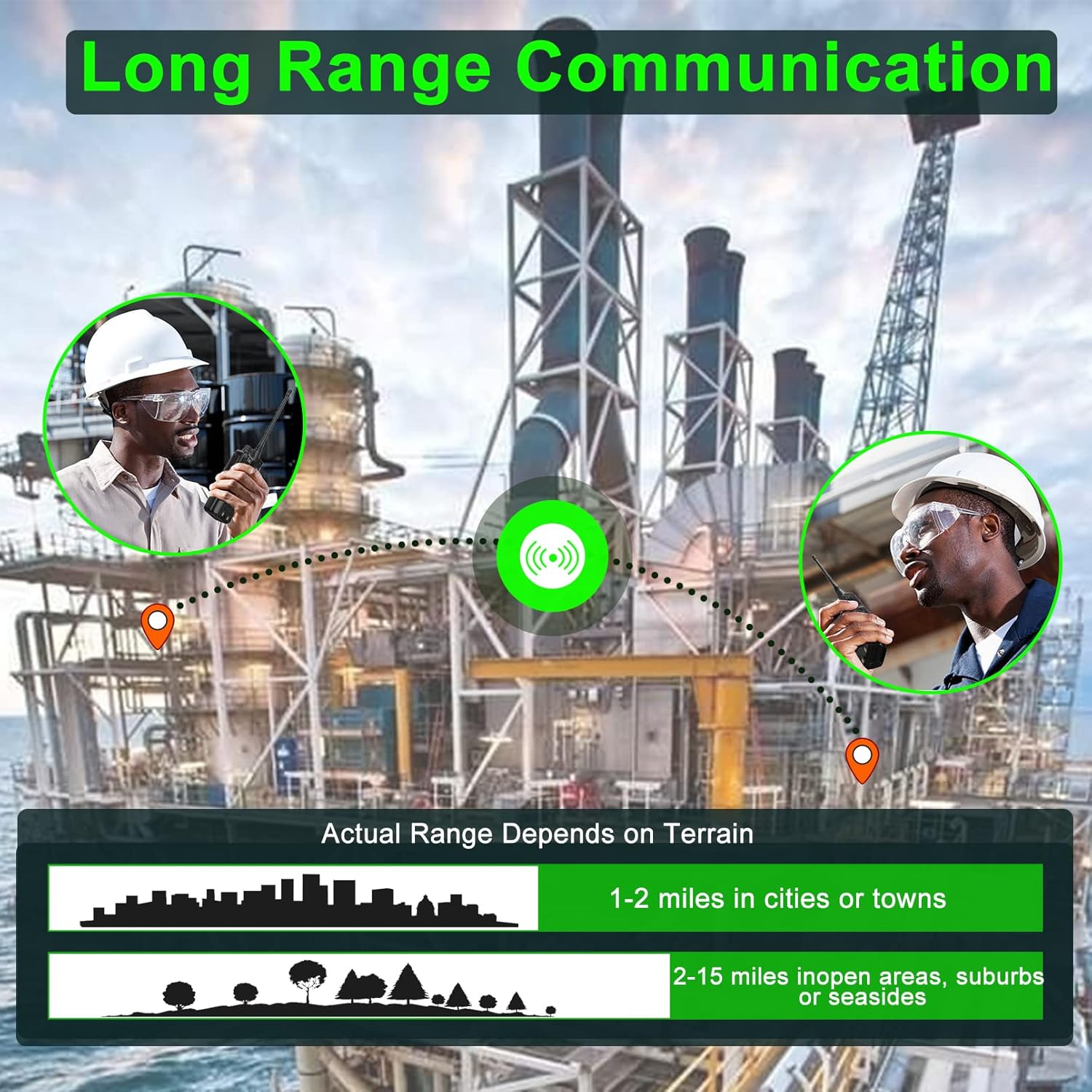
The actual communication range of the FPCN10A radios varies depending on terrain and environmental conditions. Typical ranges are:
- 1-2 miles in cities or towns
- 2-15 miles in open areas, suburbs, or seasides
4. ساتنه
4.1 د بیټرۍ پاملرنه
The 3000mAh battery provides over 24 hours of talk time and up to 250 hours of standby time. To maximize battery life:
- بیټرۍ د ابتدايي کارونې دمخه په بشپړه توګه چارج کړئ.
- د بیټرۍ د ډیر چارج کولو یا په بشپړ ډول وچولو څخه ډډه وکړئ.
- راډیو او بیټرۍ په یخ او وچ ځای کې وساتئ کله چې کارول نه وي.

۴.۳ پاکول او دوام
The FPCN10A radios are designed to be rugged and durable, with resistance to dust, shock, and vibration, and a 2-meter drop rating. They are also water-resistant.
- د راډیو بهرنۍ برخه د نرم، وچ او نرم څراغ سره پاکه کړئ.amp ټوکر د سختو کیمیاوي موادو یا خړوبولو پاکونکو څخه کار مه اخلئ.
- Ensure the battery contacts are clean and dry.
- While water-resistant, avoid submerging the radio or exposing it to high-pressure water jets.
5. ستونزه حل کول
۱ برېښنا نشته
- وګورئ چې بیټرۍ په سمه توګه نصب شوې او په بشپړه توګه چارج شوې ده.
- Ensure the power/volume knob is rotated clockwise to the 'ON' position.
5.2 Cannot Transmit or Receive
- Verify that the radio is on the correct channel.
- ډاډ ترلاسه کړئ چې انتن په خوندي ډول تړل شوی دی.
- وګورئ چې بیټرۍ کافي چارج لري.
- Confirm that you are within the effective communication range.
- If using CTCSS/DCS codes, ensure they match the receiving radio.
۵.۲ د غږ خراب کیفیت
- د حجم غوټۍ تنظیم کړئ.
- ډاډ ترلاسه کړئ چې مایکروفون او سپیکر خنډ شوي نه دي.
- Move to an area with less interference or closer to the other radio.
۵.۴ د پروګرام کولو مسایل
The SAMCOM FPCN10A radios are programmable. If you encounter issues with channel settings or advanced features, specialized programming software and a programming cable are required. Refer to the SAMCOM support website for programming guides and software downloads.
6. مشخصات
| فیچر | تفصیل |
|---|---|
| د ماډل شمیره | FPCN10A-2025 |
| د فریکونسی رینج | UHF 406.1MHz-470MHz |
| د چینلونو شمیر | 20 |
| د بیټرۍ ډول | لیتیم پولیمر |
| د بیټرۍ ظرفیت | 3000mAh |
| د RF تولید بریښنا | تر 2 واټو پورې |
| والیtage | 7.4 ولټه |
| د توکي وزن | ۲.۴۵ پونډه |
| د محصول ابعاد | ۱۶"د x ۲۶"وچ x ۴۷"ح |
| د ښودلو ډول | LCD |
| د اوبو د مقاومت کچه | د اوبو مقاومت |
| د FCC ID | 2AIOQ-FPCN10A |
7. تضمین او ملاتړ
7.1 د تضمین معلومات
The SAMCOM FPCN10A radios come with a 3-year manufacturer's warranty. Please retain your proof of purchase for warranty claims. The warranty covers defects in materials and workmanship under normal use.
7.2 د پیرودونکي ملاتړ
For technical assistance, troubleshooting, or warranty inquiries, please visit the official SAMCOM webسایټ یا د دوی د پیرودونکو خدماتو څانګې سره اړیکه ونیسئ. د اړیکو معلومات معمولا د محصول په بسته بندۍ یا د تولید کونکي په پاڼه کې موندل کیدی شي webسایټ