
پیژندنه
This manual provides detailed instructions for the operation and maintenance of your MIABOO Retro Portable Bluetooth Speaker and Digital Radio Alarm Clock. Please read this manual thoroughly before use to ensure proper functionality and to maximize your experience with the device.
The MIABOO M20 is a versatile device combining multiple functions:
- د پورټ ایبل بلوتوټ سپیکر
- Wireless Music Player (TF Card, AUX-IN)
- د لاسونو څخه وړیا تلیفون کول
- AM/FM راډیو
- د ډیجیټل الارم ساعت

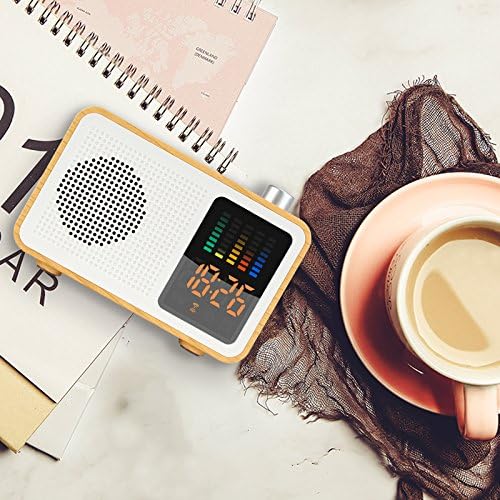
انځور: مخکینۍ برخه view of the MIABOO Retro Portable Bluetooth Speaker and Digital Radio Alarm Clock, showcasing دا لرګین جasing, speaker grille, digital display with time and equalizer, and top control knob.
چمتو کول
خلاصول او لومړنی چارج
Carefully remove the device from its packaging. Before first use, it is recommended to fully charge the device. Connect the provided USB charging cable to the device's USB port and to a compatible USB power adapter (not included) or computer USB port.
The device contains 1 Lithium-Ion battery, which is included and required for operation.
انځور: اړخ view of the MIABOO speaker showing the USB charging port with a cable connected, along with TF card and AUX ports.
عملیاتي لارښوونې
پاور آن/بند
To power on the device, press and hold the power button (usually located on the side or top) until the display illuminates. To power off, press and hold the power button again.
د موډل انتخاب
Press the 'M' button (Mode button) to cycle through available modes: Bluetooth, FM Radio, AM Radio, TF Card, and AUX-IN.

Image: Graphic illustrating the multiple functions of the MIABOO speaker, including Bluetooth play, AUX play, TF card play, FM radio, and alarm clock.
د بلوتوث جوړې کول
- Switch the device to Bluetooth mode. The display will show a Bluetooth icon, and the device will enter pairing mode.
- په خپل ګرځنده وسیله کې، بلوتوټ فعال کړئ او د شته وسایلو لټون وکړئ.
- Select "MIABOO M20" (or similar name) from the list of devices.
- Once paired, the device will emit a confirmation sound, and the Bluetooth icon on the display will become solid.
- You can now play audio from your mobile device through the speaker.
FM/AM Radio Operation
- Switch the device to FM or AM Radio mode using the 'M' button.
- To automatically scan and save available stations, press and hold the Play/Pause button. The device will scan and store stations.
- To manually tune, use the '+' and '-' buttons to adjust the frequency.
- To switch between saved stations, briefly press the Play/Pause button or use the '+' and '-' buttons.
لارښوونه: For improved radio reception, connect a pair of headphones to the AUX-IN port, as the headphone cable can act as an external antenna. Alternatively, ensure the charging cable is connected, as it can also aid reception.
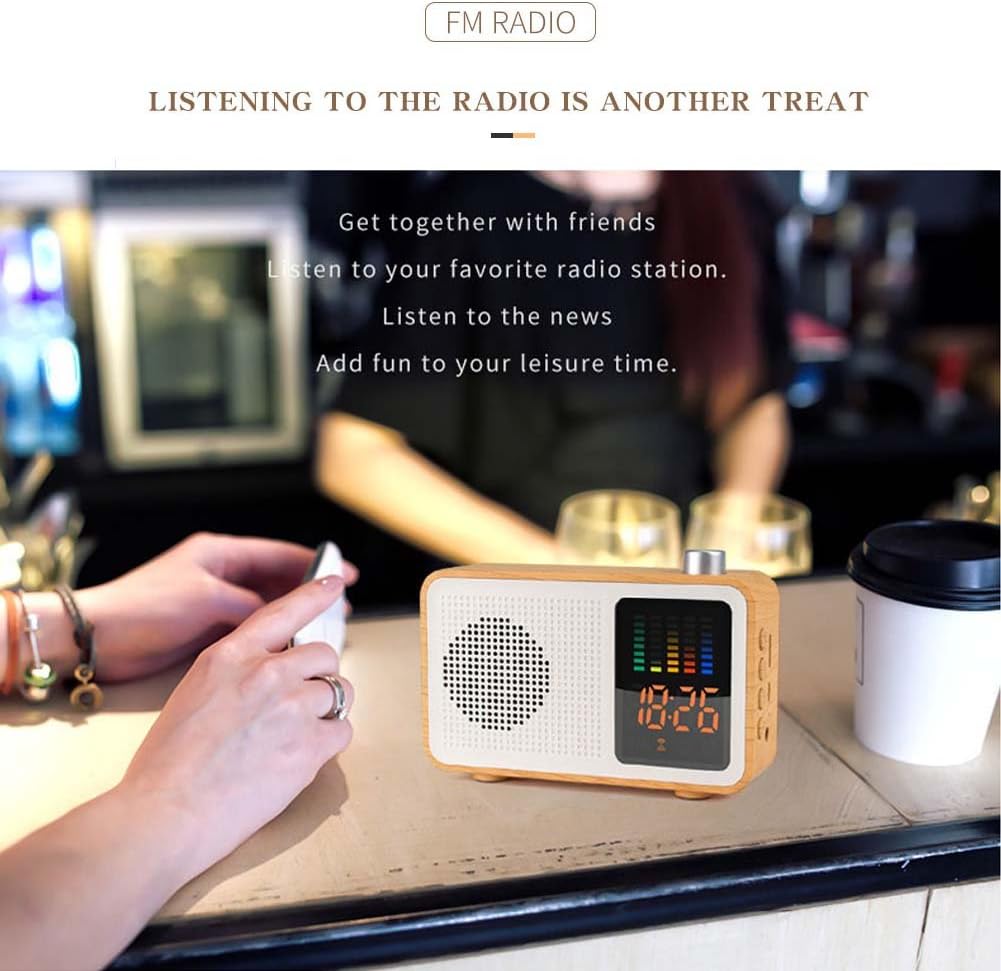
Image: The MIABOO speaker placed on a table in a cafe, demonstrating its use for listening to FM radio.
د TF کارت پلے بیک
- د MP3 آډیو سره یو TF (مایکرو ایس ډی) کارت دننه کړئ fileد TF کارت سلاټ ته ننوځي.
- Switch the device to TF Card mode.
- وسیله به په اتوماتيک ډول د غږ غږول پیل کړي files له کارت څخه.
- Use the Play/Pause button to pause/resume playback and the '+' and '-' buttons to skip tracks.
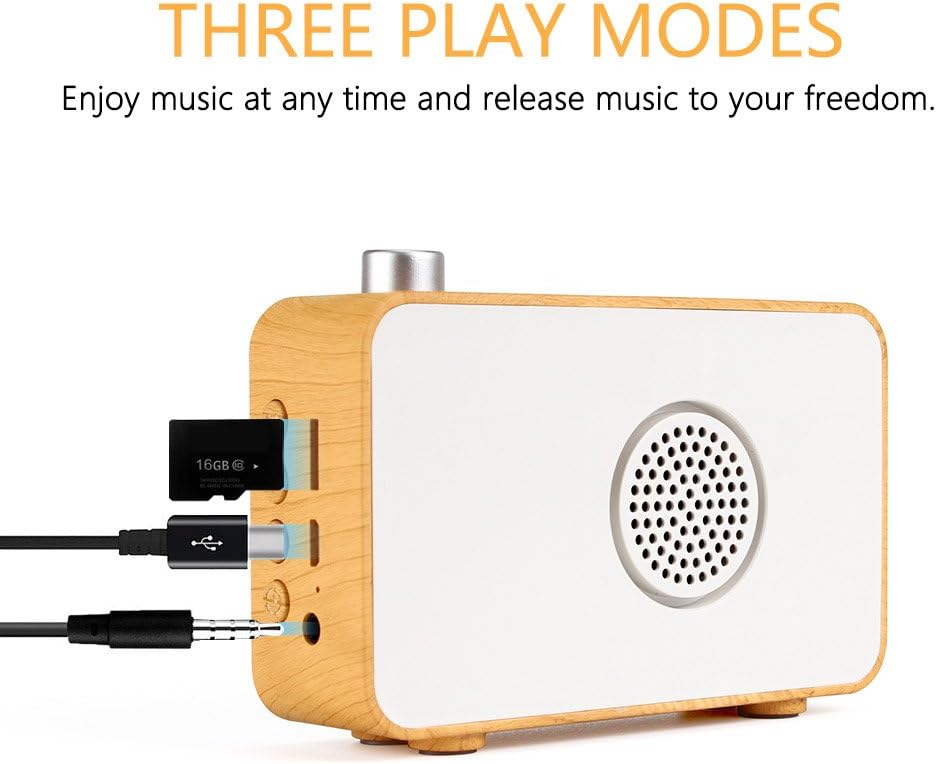
انځور: اړخ view of the MIABOO speaker showing the TF card slot with a TF card inserted, along with USB and AUX ports.
AUX-IN حالت
- Connect an external audio device (e.g., smartphone, MP3 player) to the AUX-IN port using a 3.5mm audio cable (not included).
- Switch the device to AUX-IN mode.
- Audio from the connected device will now play through the speaker. Control playback from the external device.
د الارم ساعت فعالیت
- In standby mode or while displaying the time, press and hold the 'Alarm' button (often labeled with a bell icon).
- Use the '+' and '-' buttons to set the hour, then press the 'Alarm' button again to confirm.
- Use the '+' and '-' buttons to set the minute, then press the 'Alarm' button again to confirm.
- د الارم آیکون به په نندارتون کې ښکاره شي، چې دا په ګوته کوي چې الارم تنظیم شوی دی.
- To deactivate the alarm, press the 'Alarm' button briefly.
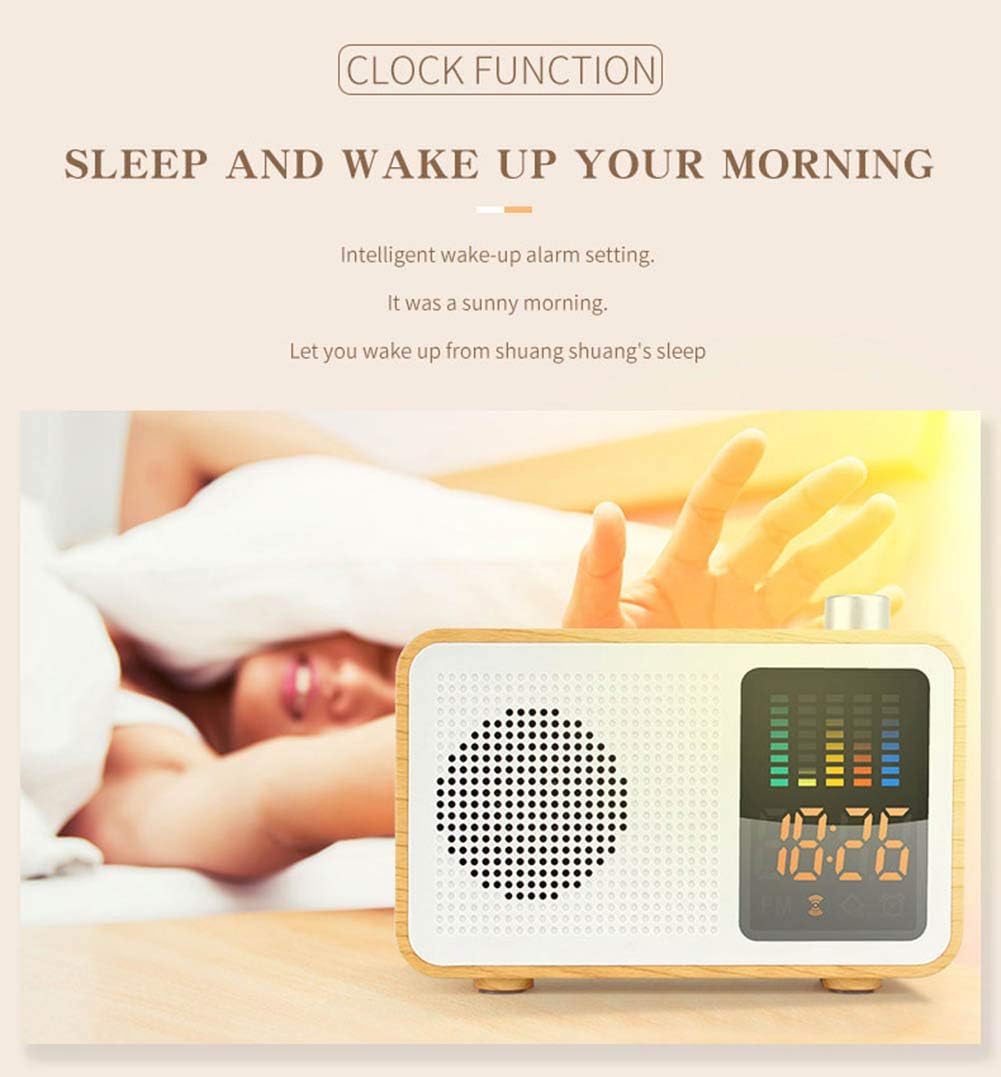
Image: The MIABOO speaker on a bedside table, displaying the time, illustrating its alarm clock function.
ساتنه
پاکول
Wipe the device with a soft, dry cloth. Do not use abrasive cleaners or solvents, as these may damage the surface. Avoid exposing the device to excessive moisture.
د بیټرۍ پاملرنه
د بیټرۍ د ژوند اوږدولو لپاره، د بیټرۍ په بشپړ ډول د بار بار چارج کولو څخه ډډه وکړئ. وسیله په منظم ډول چارج کړئ، حتی که د اوږدې مودې لپاره نه کارول کیږي. وسیله په یخ او وچ ځای کې وساتئ.
د ستونزو حل کول
- ځواک نشته: Ensure the device is charged. Connect the USB charging cable and allow it to charge for at least 30 minutes before attempting to power on again.
- د راډیو کمزوری استقبال: Connect headphones to the AUX-IN port or the USB charging cable to improve antenna reception. Try repositioning the device.
- د بلوتوټ جوړه کولو مسلې: Ensure the device is in Bluetooth pairing mode. Check that Bluetooth is enabled on your mobile device and that it is within range. Forget previous pairings on your mobile device and try pairing again.
- غږ نشته: Check the volume level on both the speaker and the connected audio source. Ensure the correct mode (Bluetooth, FM, TF, AUX) is selected.
- بې ځوابه تڼۍ: If buttons become unresponsive, try resetting the device by powering it off and on again. If the issue persists, ensure the battery is sufficiently charged.
مشخصات
| فیچر | تفصیل |
|---|---|
| برانډ | MIABOO |
| د ماډل شمیره | M20 |
| بلوتوث نسخه | 4.2 |
| د تعدد ځواب | 20Hz-20KHz |
| د تولید بریښنا | 5W |
| د بیسیم رینج | 10m |
| خنډ | 4 اوم |
| بیټرۍ | 1200mAh Lithium battery (included) |
| د قضیې مواد | ABS، لرګي |
| ابعاد (L x W x H) | 120mm x 84.5mm x 33.8mm |
| وزن | 360 ګرامه |
| د ښودلو ډول | ډیجیټل |
| د بریښنا سرچینه | د بیټرۍ چلول |

Image: Diagram showing the dimensions of the MIABOO speaker (120mm length, 84.5mm height, 33.8mm width) and listing key specifications like Bluetooth version, frequency, output power, battery capacity, and materials.
تضمین او ملاتړ
د تضمین معلوماتو او پیرودونکو ملاتړ لپاره، مهرباني وکړئ د پیرود اسنادو ته مراجعه وکړئ یا خپل پرچون پلورونکي سره اړیکه ونیسئ. د هر ډول تضمین ادعا لپاره د پیرود ثبوت وساتئ.