
Divoom Ditoo
Divoom Ditoo Pixel Art Gaming Portable Bluetooth Speaker User Manual
Model: Ditoo
پیژندنه
The Divoom Ditoo is a versatile portable Bluetooth speaker featuring a 16x16 LED front panel for pixel art display, a smart alarm, and various app-controlled functions. This manual provides detailed instructions for setting up, operating, and maintaining your Ditoo speaker.

Image: The Divoom Ditoo speaker, showcasing its pixel art display and retro design.
په بکس کې څه دي
Upon unboxing your Divoom Ditoo, please ensure all the following components are present:
- Divoom Ditoo Speaker
- د USB-C چارج کیبل
- د کارونکي لارښود (دا لاسوند)
- Mini Wireless Microphone (if included with your specific package)
- د چټک پیل لارښود
- Cute Sticker

Image: A visual representation of the Divoom Ditoo speaker and its included accessories, such as the USB-C cable and quick start guide.
محصول پای ته ورسیدview او کنټرولونه
Familiarize yourself with the Ditoo's physical components and controls for optimal use.
Image: Detailed diagram of the Divoom Ditoo speaker, highlighting its various buttons, ports, and features.
| نه. | تڼۍ/پورټ | فعالیت |
|---|---|---|
| 1 | "m" button | Press: Enter/Exit menu system. Hold: Turn On/Off the keyboard backlight. |
| 2 | "+" تڼۍ | Press: Increase volume. Hold: Increase brightness. |
| 3 | "*" Lighting button | Press: Change light function. Hold: Change light effects. |
| 4 | "<" button | Press: Previous song. Hold: Last light effect. |
| 5 | "-" Lower key | Press: Decrease volume. Hold: Lower brightness. |
| 6 | ">" button | Press: Next song. Hold: Next light effect. |
| 7 | لیور | Short pull: Play/Pause. Long pull: Start voice memo recording. |
| 8 | د آډیو سرچینې تڼۍ | Short pull: Switch between different audio sources. Double press: Disconnect Bluetooth connection. |
| 9 | د بیټرۍ شاخص | Press any button to check the battery status. |
| 10 | د باس بندر | Enhances low-frequency sound output. |
| 11 | د شا پورټ فلیپ | Protects the charging and TF card slots. |
| 12 | د پن سوراخ بیا تنظیم کړئ | Used to reset the device if it becomes unresponsive. |
| 13 | د USB ډول-C چارج کولو بندر | د وسیله چارج کولو لپاره. |
| 14 | د ON/OFF تڼۍ | Hold: Power ON/OFF speaker. |
| 15 | د TF کارت سلاټ | Playback music from a TF (microSD) card. |
چمتو کول
1. Charging the Ditoo
Before first use, fully charge your Divoom Ditoo speaker. Connect the provided USB-C cable to the charging port (13) on the back of the device and the other end to a USB power adapter (not included).
- The battery indicator (9) will show charging status.
- A full charge provides approximately 8 hours of playback. Playback time may vary depending on image complexity and brightness.
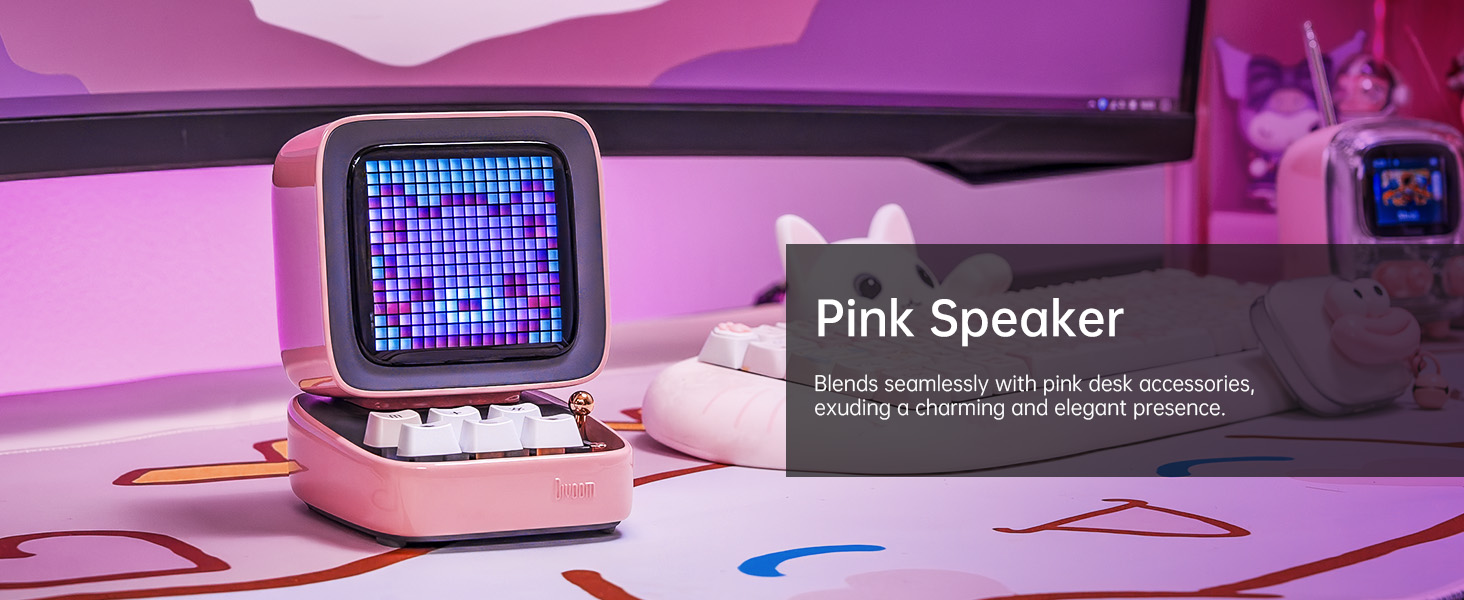
Image: The Divoom Ditoo speaker connected to a USB-C charging cable, illustrating the charging process.
2. Downloading the Divoom App
To unlock the full potential of your Ditoo speaker, download the official Divoom app. The app is available for both iOS and Android devices.
- Scan the QR code on the product packaging or visit www.divoom.com/AppDownLoad ډاونلوډ کول.
Image: A smartphone displaying the Divoom app, demonstrating its pixel art creation and gallery functionalities.
3. د بلوتوث جوړه کول
Once the Ditoo is charged and the app is installed:
- Hold the ON/OFF button (14) to power on the speaker.
- په خپل سمارټ فون یا ټابلیټ کې بلوتوث فعال کړئ.
- Open the Divoom app and follow the on-screen instructions to connect to "Ditoo-Audio".
- Alternatively, you can pair directly through your device's Bluetooth settings.
Image: A smartphone wirelessly connected to the Divoom Ditoo speaker, illustrating the Bluetooth pairing process and real-time pixel art display.
عملیاتي لارښوونې
بنسټیز آډیو غږول
- د حجم کنټرول: Use the "+" (2) and "-" (5) buttons on the keyboard to adjust volume.
- تګ راتګ: Use the "<" (4) and ">" (6) buttons to skip between songs.
- پلی کول / ودرول: Short pull the Lever (7) to play or pause audio.
- د آډیو سرچینه: Short pull the Audio source button (8) to switch between Bluetooth and TF card playback.
Pixel Art and Lighting Functions
- Change Light Function: Press the "*" Lighting button (3) to cycle through different lighting modes.
- د رڼا اغیزې بدل کړئ: Hold the "*" Lighting button (3) to change specific light effects within a mode.
- د کیبورډ شاته رڼا: Hold the "m" button (1) to turn the keyboard backlight on or off.
- د روښانتیا سمون: Hold the "+" (2) or "-" (5) buttons to adjust the screen brightness.

Image: The Divoom Ditoo speaker showcasing its vibrant pixel art display capabilities, including dynamic animations and color variations.
Using the Divoom App Features
The Divoom app provides extensive customization and functionality for your Ditoo speaker:
- د پکسل هنر جوړول: Design your own pixel art or import images to display on the screen.
- Online Gallery: Access a vast community gallery of pixel art designs created by other users.
- د سمارټ الارم: Set alarms with customizable sounds and pixel art animations.
- خبرتیاوې: Receive social media and app notifications directly on the Ditoo's screen.
- لوبې: Play built-in pixel games using the joystick and keyboard buttons.
- وسیلې: Access various tools like a stopwatch, timer, and scorekeeper.
- Music Visualizer: Display dynamic pixel art visualizations that react to your music.
- سپین شور: Choose from 24 soothing sounds for relaxation or sleep aid.

Image: Multiple screenshots of the Divoom mobile application, demonstrating its diverse features including pixel art design, clock face selection, and scheduling tools.
Voice Memo Recording
Long pull the Lever (7) to start recording a voice memo. Pull again to stop recording. Memos can be managed through the Divoom app.
ساتنه
- پاکول: Use a soft, dry cloth to clean the speaker's surface. Do not use liquid cleaners or aerosols.
- ذخیره کول: Store the Ditoo in a cool, dry place away from direct sunlight and extreme temperatures.
- د بیټرۍ پاملرنه: د بیټرۍ د ژوند اوږدولو لپاره، د بیټرۍ په مکرر ډول په بشپړه توګه چارج کولو څخه ډډه وکړئ. په منظم ډول چارج کړئ.
- د اوبو مقاومت: The Divoom Ditoo is NOT waterproof. Avoid exposure to water or high humidity.
د ستونزو حل کول
| مسله | احتمالي لامل | د حل لاره |
|---|---|---|
| وسیله فعاله نه ده. | ټیټ بیټرۍ. | د USB-C کیبل په کارولو سره وسیله چارج کړئ. |
| د بلوتوث له لارې نشي وصل کېدای. | Bluetooth not enabled on device; Ditoo not in pairing mode; interference. | Ensure Bluetooth is on. Double press the Audio source button (8) to disconnect and re-enter pairing mode. Move closer to the speaker. |
| Pixel art display is dim or unresponsive. | د روښانتیا ترتیب ډیر ټیټ دی؛ د سافټویر خرابوالی. | Hold the "+" button (2) to increase brightness. If unresponsive, use a pin to press the Reset pin hole (12). |
| په لوړ حجم کې د غږ تحریف. | حجم ډیر لوړ. | Decrease the volume using the "-" button (5). |
| App features not syncing with speaker. | App not connected or outdated. | Ensure the app is connected to "Ditoo-Audio". Update the Divoom app to the latest version. |
مشخصات
| فیچر | تفصیل |
|---|---|
| د ماډل نوم | دیتو |
| ابعاد (D x W x H) | ۱۸.۱۱" دره x ۱۶.۱۴" دره x ۱۴.۵۷" دره (۴۶۰ ملي متره x ۴۱۰ ملي متره x ۳۷۰ ملي متره) |
| د توکي وزن | 533 ګرامه (1.18 پونډه) |
| د سپیکر اندازه | 48 ملي متره |
| د تولید بریښنا | 15 واټ |
| د بیټرۍ ظرفیت | 5000 mAh |
| د پلې بیک وخت | تر 8 ساعتونو پورې |
| بلوتوث نسخه | 5.0 |
| د بیسیم رینج | 10 متره |
| د تعدد ځواب | 80 Hz (lower bound provided) |
| د سیګنال څخه تر شور پورې نسبت | 80 dB |
| د کنټرول طریقه | اپلیکیشن، تڼۍ |
| ارتباط | Bluetooth, TF Card, USB Type-C |
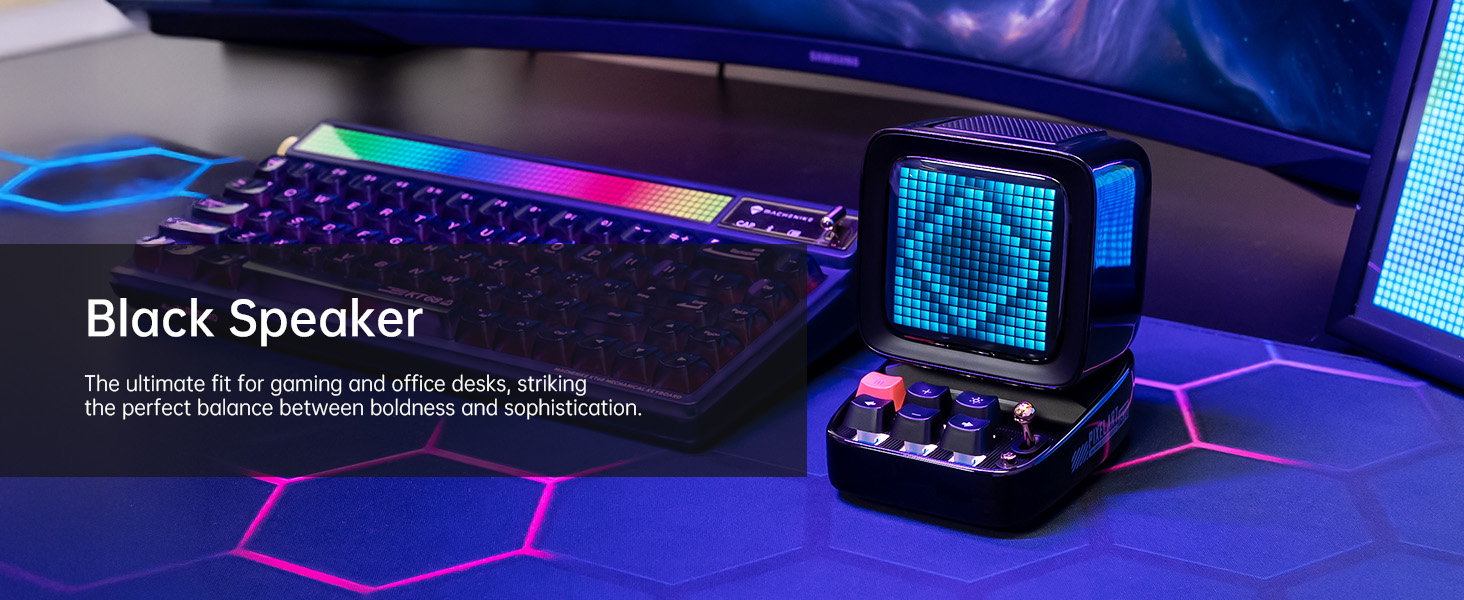
Image: A technical diagram illustrating the physical dimensions and key product parameters of the Divoom Ditoo speaker.
تضمین او ملاتړ
Divoom products typically come with a standard manufacturer's warranty. For specific warranty details, please refer to the warranty card included in your product packaging or visit the official Divoom website. For technical support, troubleshooting assistance, or any product-related inquiries, please contact Divoom customer service through their official channels.
Official Divoom Webسایټ: www.divoom.com
تاسو کولی شئ د کارونکي رسمي لارښود (PDF) ته هم مراجعه وکړئ چې دلته شتون لري: Divoom Ditoo User Manual PDF
Ask a question about this manual
Ask about setup, troubleshooting, compatibility, parts, safety, or missing instructions. Manuals+ will review the question and use this page’s manual context to help answer it.