
پیژندنه
This manual provides detailed instructions for the proper use and maintenance of your SYNCO Lav-S6E Omnidirectional Lavalier Microphone. Please read this manual thoroughly before operating the device to ensure optimal performance and longevity.
محصول پای ته ورسیدview او کلیدي ځانګړتیاوې
The SYNCO Lav-S6E is an omnidirectional lavalier microphone designed for clear audio recording across various devices. Its key features include:
- Auto-pairing Technology: Equipped with two built-in microchips for automatic recognition and flexible pairing between 3.5mm TRRS and 3.5mm TRS audio input devices. This eliminates the need for external adapters, offering plug-and-play functionality.
- Clear Working Status Indicator: An integrated indicator light allows for real-time monitoring of the microphone's operational status and connection, ensuring you are aware of its state during recording.
- هر اړخیزه اخیستلو نمونه: Features a 360-degree sound pickup range and a high-sensitivity condenser microphone head, designed to capture sound comprehensively.
- پراخه مطابقت: Compatible with iOS/Android smartphones, cameras, laptops, PCs, and other devices equipped with 3.5mm jacks.
- Advanced Noise Handling: Utilizes upgraded circuitry to achieve low self-noise and actively reduce ambient noise below 70Hz, providing clear and focused audio.
په بکس کې څه دي
د بسته بندۍ پرانستلو سره، ډاډ ترلاسه کړئ چې ټولې برخې شتون لري:
- SYNCO Lav-S6E Lavalier Microphone
- د لیتیم ایون بیټرۍ
- Note: Additional accessories such as a windscreen and lapel clip are typically included with lavalier microphones. Please check your packaging.
د تنظیم کولو لارښوونې
- بیټرۍ داخل کړئ: Ensure the Lithium Ion battery is correctly inserted into the microphone's power module.
- وسیله سره وصل کړئ:
- For devices with a 3.5mm TRRS or TRS jack (smartphones, cameras, laptops, PCs), simply plug the microphone's 3.5mm connector into the audio input port. The microphone's auto-pairing technology will detect the device type.
- For iPhone 7 and later models, use the 3.5mm-to-Lightning adapter provided with your iPhone.
- Some Android smartphones may require downloading an external video recording application for the microphone to function correctly.
- د څارنې حالت: Observe the indicator light on the microphone's power module. A steady light indicates a successful connection and operational status.
- مایکروفون ضمیمه کړئ: Securely clip the lavalier microphone to your clothing, approximately 6-8 inches (15-20 cm) from your mouth, to capture optimal sound. Ensure it is not rubbing against clothing, which can cause unwanted noise.

Image: The SYNCO Lav-S6E microphone features auto-pairing technology, allowing direct connection to both cameras and smartphones without additional adapters.
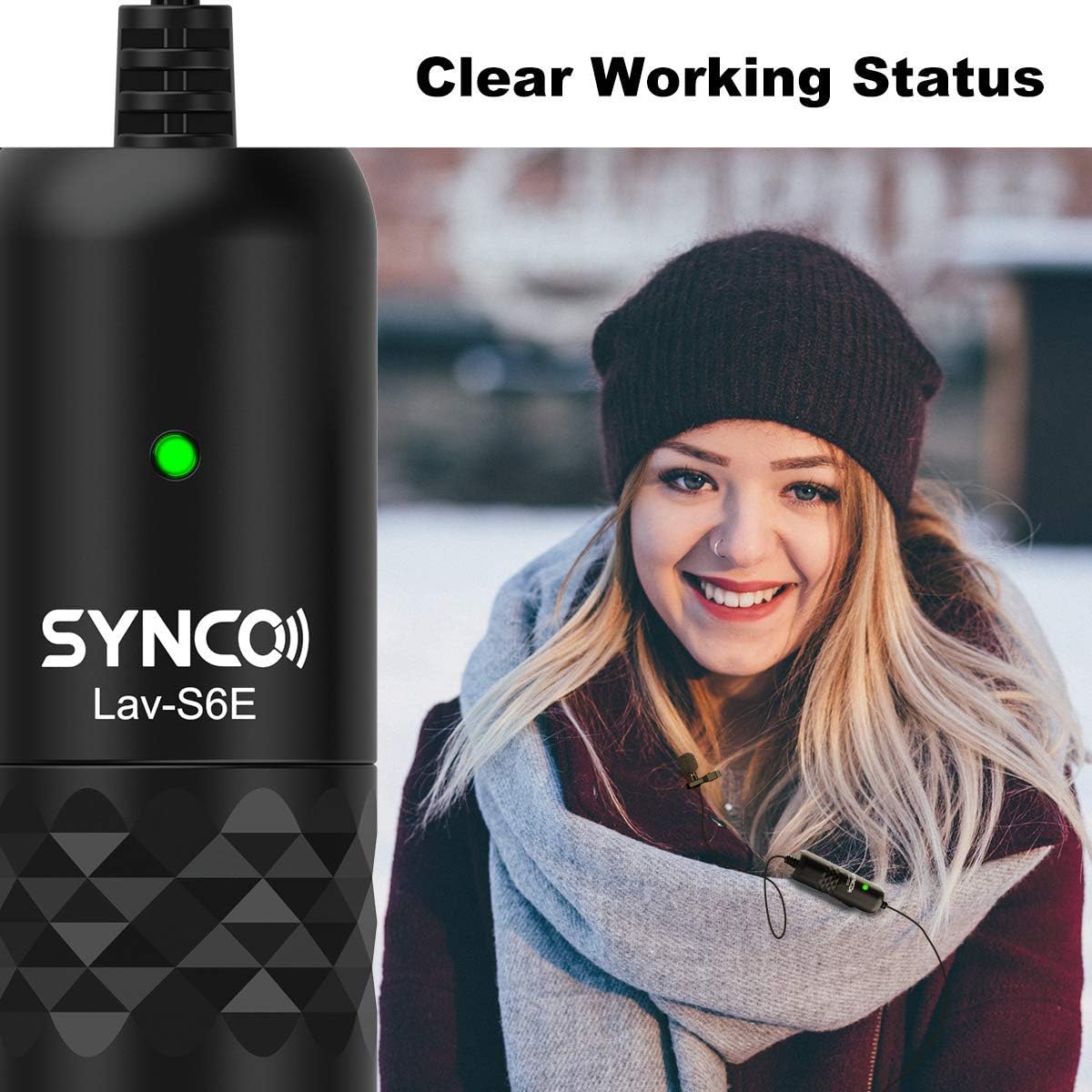
Image: The microphone's indicator light provides a clear visual cue of its working status.

Image: The SYNCO Lav-S6E offers wide compatibility with various recording devices.
عملیاتي لارښوونې
- موقعیت: For optimal sound capture, position the microphone on your lapel or collar. Ensure the omnidirectional capsule is facing outwards and is not obstructed by clothing or accessories.
- ثبتول: Once connected and the indicator light is active, begin recording on your chosen device (smartphone, camera, laptop, PC).
- د آډیو څارنه: If your recording device allows, use headphones to monitor the audio input during recording to ensure clear sound and proper microphone placement.
- د کیبل مدیریت: The 6-meter (19.7-foot) cable provides flexibility. Manage the cable to prevent tangling or accidental disconnections during use.

Image: The omnidirectional pickup pattern captures sound from all directions, suitable for group discussions or interviews.

Image: The microphone's advanced noise processing helps to clarify audio by reducing ambient sounds.
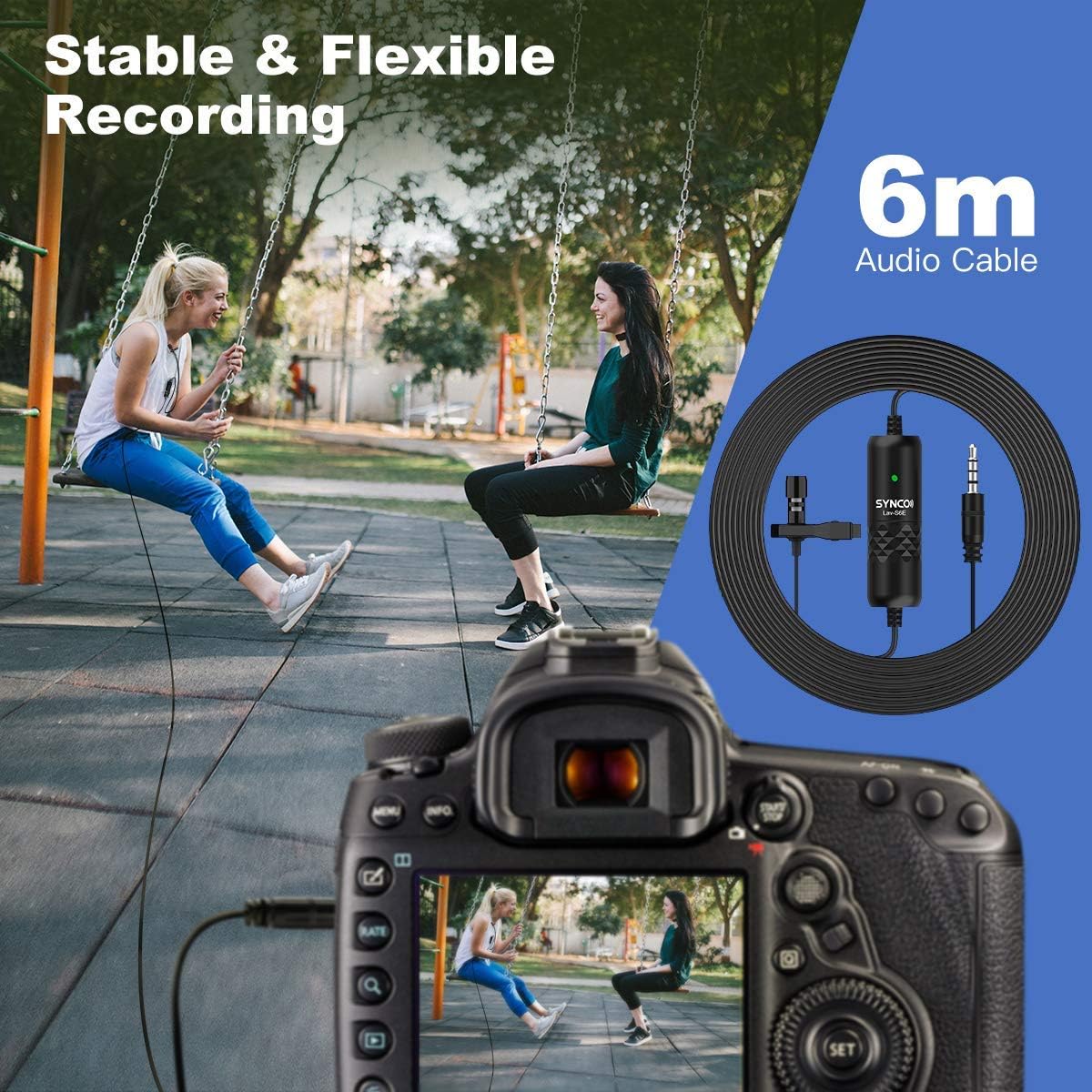
Image: The 6-meter audio cable provides ample length for flexible recording setups.
د ستونزو حل کول
- هیڅ غږ یا ټیټ حجم نشته:
- Ensure the microphone is securely plugged into the device's audio input.
- Check the battery level and ensure it is correctly inserted.
- Verify the indicator light is active.
- Adjust the input volume settings on your recording device.
- For smartphones, confirm that the correct audio input source is selected in your recording app.
- جامد یا ناغوښتل شوی شور:
- Ensure the microphone is not rubbing against clothing or other objects.
- د نورو بریښنایی وسیلو څخه د بریښنایی مقناطیسي مداخلې لپاره وګورئ.
- The microphone has advanced noise handling; however, very loud ambient noise may still be picked up. Try to record in quieter environments.
- Inspect the cable for any damage or kinks.
- د مطابقت مسلې:
- For iPhone 7 and newer, confirm you are using the official 3.5mm-to-Lightning adapter.
- For some Android devices, try using a third-party recording application if the native camera app does not recognize the microphone.
ساتنه
- پاکول: Use a soft, dry cloth to clean the microphone and cable. Avoid using liquid cleaners or solvents.
- ذخیره کول: مایکروفون په یخ او وچ ځای کې د مستقیم لمر وړانګو او سختې تودوخې څخه لرې وساتئ.
- د کیبل پاملرنه: Avoid sharp bends or excessive pulling on the cable to prevent internal damage.
- د بیټرۍ بدلول: Replace the Lithium Ion battery as needed to ensure consistent performance.
مشخصات
| د ماډل شمیره | S6E |
| د توکي وزن | 4.6 اونس |
| د کڅوړې ابعاد | 5.24 x 5.16 x 1.73 انچه |
| د کیبل اوږدوالی | 6 متره / 19.7 فوټ |
| د نښلونکي ډول | 3.5mm TRRS/TRS (Auto-pairing) |
| د پورته کولو نمونه | Omnidirectional (360-degree) |
| مطابقت لرونکې وسیلې | Smartphones (iOS/Android), Cameras, Laptops, PCs |
| د بریښنا سرچینه | د بیټرۍ چلول (لیتیم ایون) |
| د موادو ډول | فلزي |
تضمین او ملاتړ
For warranty information and technical support, please refer to the official SYNCO webسایټ ته مراجعه وکړئ یا مستقیم د دوی د پیرودونکو خدماتو سره اړیکه ونیسئ. د تضمین ادعاوو لپاره د پیرود ثبوت په توګه د پیرود رسید وساتئ.
جوړونکی: SYNCO
Webسایټ: Visit the SYNCO Store on Amazon