
1. پهview
The CHONCHOW T931 is a full-sized wired gaming keyboard designed for various computing and gaming platforms. It features LED rainbow backlighting, anti-ghosting capabilities, and an ergonomic design for comfortable use. This manual provides instructions for setup, operation, maintenance, and troubleshooting.
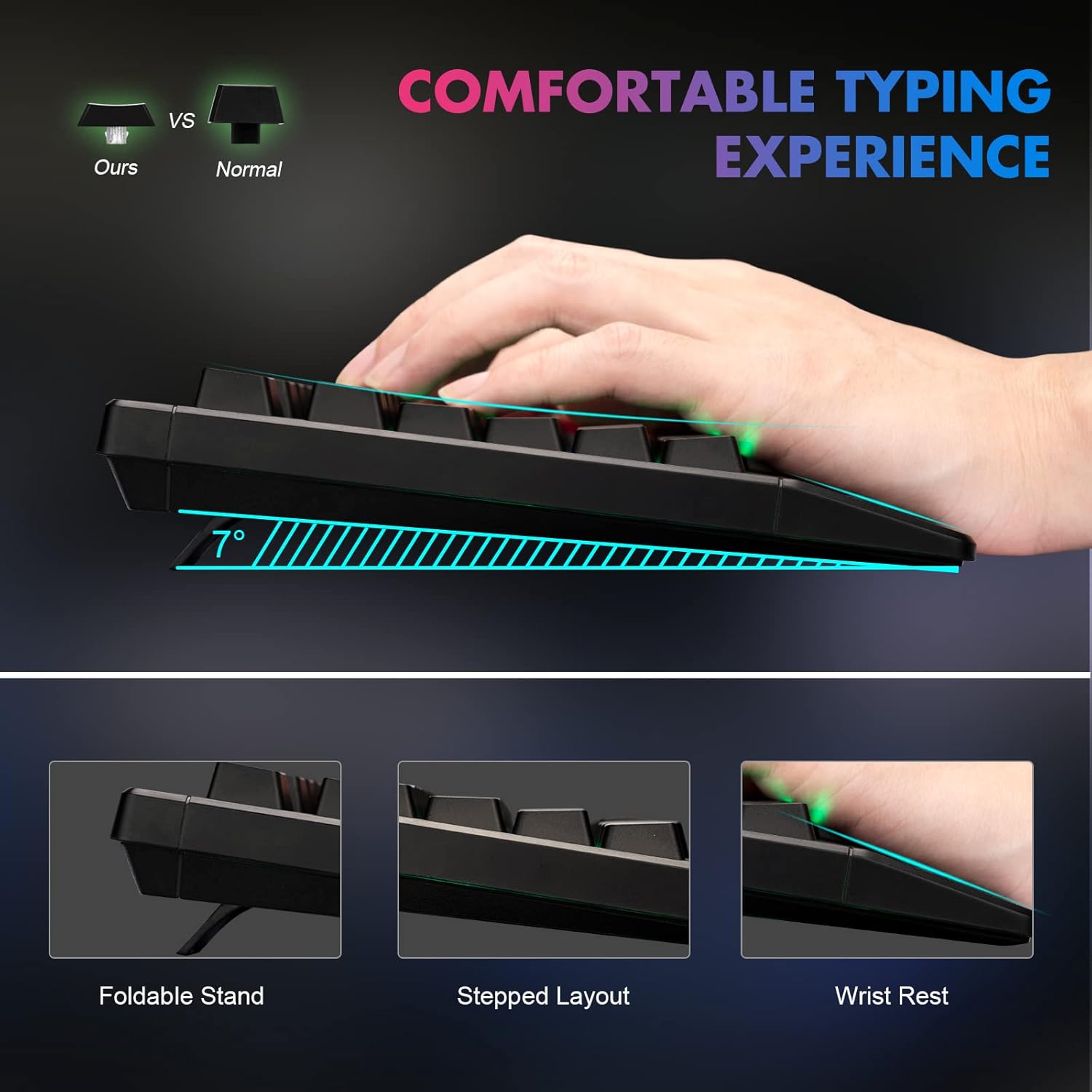
Figure 1: Ergonomic design of the CHONCHOW T931 keyboard, highlighting the integrated wrist rest, stepped key layout, and foldable feet for adjustable typing angle.
2. ترتیب کول
The CHONCHOW T931 keyboard is a plug-and-play device, requiring no additional driver installation for basic functionality.
۴.۲ د کیبورډ نښلول
- Locate an available USB port on your computer, laptop, or compatible gaming console (PS3, PS4, PS5, Xbox).
- د کیبورډ USB نښلونکی په USB پورټ کې دننه کړئ.
- The operating system will automatically detect and install the necessary drivers. The keyboard will be ready for use within a few seconds.
2.2 مطابقت
This keyboard is compatible with a wide range of operating systems and devices, including:
- عملیاتي سیسټمونه: Windows 2000, 2003, XP, Vista, Win7, Win8, Win10, Win11, macOS, Linux.
- وسایل: PC, Laptops, Gaming Consoles (PS3, PS4, PS5, Xbox), and various tablet models.
3. عملیاتي لارښوونې
د 3.1 شاته څراغ کنټرول
The keyboard features LED rainbow backlighting with multiple modes and adjustable brightness.
- د شا څراغ فعال/بند کړئ: مطبوعاتي FN + Light Bulb Key (located next to the right ALT key) to toggle the backlight on or off.
- د روښنايي حالت بدلول: مطبوعاتي FN + PG UP / PG DN to cycle through available static and dynamic backlight modes.
- روښانتیا تنظیم کړئ: مطبوعاتي FN + Plus (+) / Minus (-) keys to adjust the backlight brightness (3 levels available).
- Adjust Dynamic Speed: د متحرک رڼا حالتونو لپاره، فشار ورکړئ FN + Left Arrow / Right Arrow to adjust the speed of the effect.
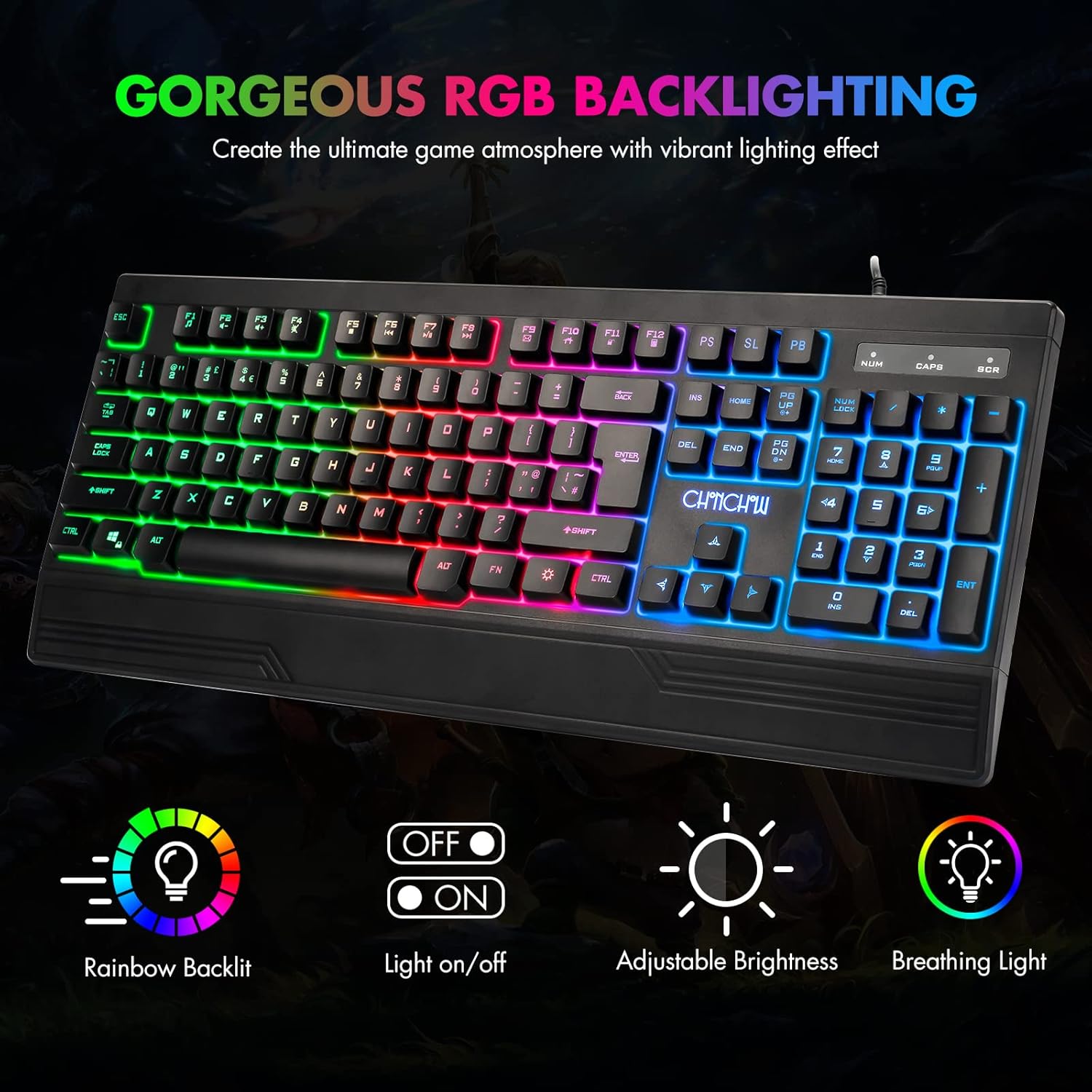
Figure 2: The CHONCHOW T931 keyboard showcasing its vibrant rainbow LED backlighting and indicators for various lighting controls.
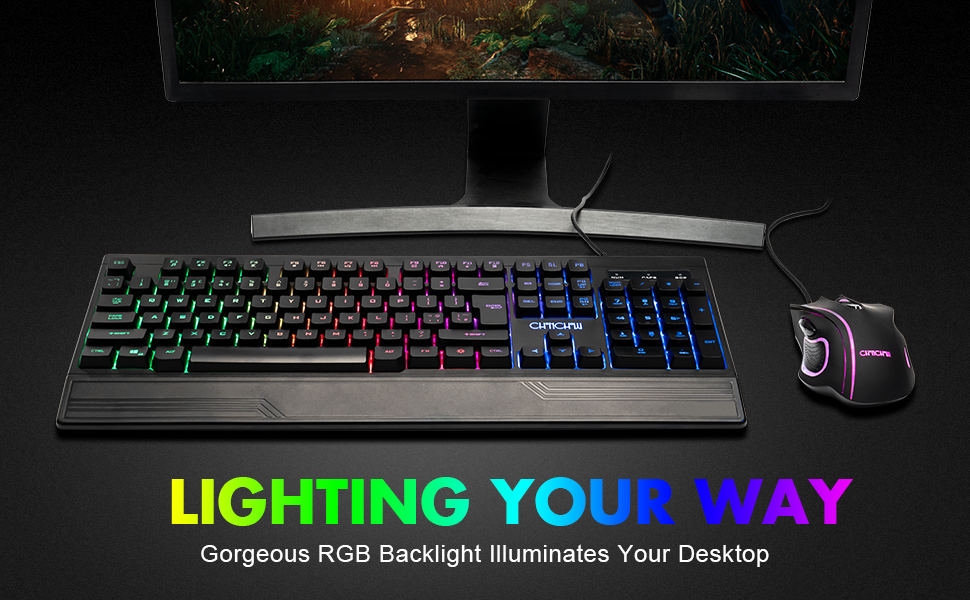
شکل 3: مفصل view of the FN key combinations for managing the keyboard's LED backlight settings.
۵.۴ ملټي میډیا دندې
د فشارولو له لارې ملټي میډیا کنټرولونو ته لاسرسی ومومئ FN key in combination with the designated function keys (F1-F12).
| کلیدي ترکیب | فعالیت |
|---|---|
| FN + F1 | د میوزیک پلیر |
| FN + F2 | حجم ښکته |
| FN + F3 | حجم پورته |
| FN + F4 | خاموش |
| FN + F5 | بيا غږول بند کړئ |
| FN + F6 | مخکینی ټریک |
| FN + F7 | پلی/ودرول |
| FN + F8 | بله لار |
| FN + F9 | ایمیل |
| FN + F10 | کور پاڼه |
| FN + F11 | د کیبورډ لاک |
| FN + F12 | محاسبه کوونکی |

Figure 4: Illustration of multimedia function keys and the WASD interchange function.
۴.۳ د لوبو ځانګړتیاوې
- ۲۵-کلیدي ضد غوسټینګ: This feature ensures that multiple key presses are registered simultaneously without conflict, which is crucial for fast-paced gaming.
- Interchangeable W/A/S/D Keys: مطبوعاتي FN + W to swap the functionality of the W, A, S, D keys with the arrow keys (Up, Left, Down, Right). Press FN + W again to restore the original setting.
- WIN Lock Function: The keyboard includes a WIN lock function to prevent accidental presses of the Windows key during gameplay, which can minimize interruptions.

Figure 5: The keyboard's anti-ghosting capability ensures accurate registration of multiple simultaneous key presses.
4. ساتنه
Proper maintenance can extend the lifespan and performance of your keyboard.
4.1 Spill-Resistant Design
The CHONCHOW T931 keyboard features a spill-resistant design to protect against minor liquid spills. In case of a spill, immediately disconnect the keyboard from your device and allow it to dry completely before reconnecting.

Figure 6: The keyboard's spill-resistant construction helps protect against accidental liquid exposure.
4.2 Cleaning and Detachable Keycaps
For thorough cleaning, the keycaps are detachable.
- Gently pull up on the keycaps to remove them. A keycap puller (not included) can assist in this process.
- Clean the keycaps with a soft, damp cloth. For the keyboard base, use a soft brush or compressed air to remove dust and debris.
- Ensure all components are completely dry before reattaching the keycaps.
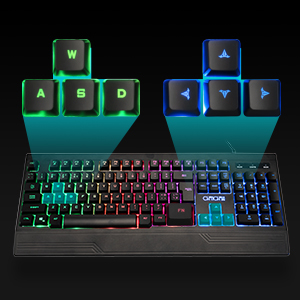
Figure 7: Detachable keycaps facilitate easy cleaning and maintenance of the keyboard.
5. ستونزه حل کول
If you encounter issues with your CHONCHOW T931 keyboard, please refer to the following common solutions:
- کیبورډ ځواب نه ورکوي:
- ډاډ ترلاسه کړئ چې USB کیبل په خوندي ډول د کیبورډ او وسیلې دواړو سره وصل دی.
- هڅه وکړئ چې کیبورډ له بل USB پورټ سره وصل کړئ.
- Test the keyboard on another computer or device to rule out a device-specific issue.
- خپل کمپیوټر یا وسیله بیا پیل کړئ.
- شاته څراغ کار نه کوي:
- مطبوعاتي FN + Light Bulb Key to ensure the backlight is turned on.
- د روښانتیا تنظیم کول د دې په کارولو سره FN + Plus (+) / Minus (-) کیلي
- Keys Not Registering Correctly:
- Ensure no debris is lodged under the keycaps. Refer to the cleaning instructions in Section 4.2.
- If W/A/S/D keys are acting as arrow keys, press FN + W to revert to standard functionality.
که دا ګامونه ستونزه حل نه کړي، مهرباني وکړئ د نورو مرستو لپاره د پیرودونکو ملاتړ سره اړیکه ونیسئ.
6. مشخصات
| فیچر | تفصیل |
|---|---|
| برانډ | چونچو |
| د ماډل شمیره | T931 |
| د ارتباط ټیکنالوژي | د USB تار |
| د کیبورډ ترتیب | QWERTY، ۶۶ کیلي |
| د سویچ ډول | Crater Switch Keys |
| شاته رڼا کول | LED Rainbow (RGB) |
| ځانګړي ځانګړتیاوې | Backlit, Ergonomic, Wrist Rest, 26-Key Anti-Ghosting, Spill-Resistant |
| د محصول ابعاد (L x W x H) | ۱.۳۵" x ۳.۷۱" x ۳.۷۱" (۳.۴۳ سانتي متره x ۹.۴۲ سانتي متره x ۹.۴۲ سانتي متره) |
| مواد | پلاستیک |
| مطابقت لرونکي عملیاتي سیسټمونه | وینډوز، میکوس، لینکس |
| وړاندیز شوی کارول | لوبې کول |
7. تضمین او ملاتړ
CHONCHOW offers a 30-day refund or replacement policy for quality issues and a 12-month warranty from the date of purchase.
For warranty claims, technical support, or any product-related inquiries, please contact CHONCHOW customer service through the retailer's platform or the official CHONCHOW webسایټ