
1. پیژندنه
Thank you for choosing the Easysleep Sound White Noise Machine. This device is designed to create a peaceful environment, aiding in relaxation and sleep for babies, children, and adults. It features a variety of soothing sounds, adjustable night lights, and convenient timer and memory functions. Please read this manual carefully to ensure proper use and maintenance of your device.
2. د خوندیتوب معلومات
- وسیله د اوبو یا رطوبت سره مه ښکاره کوئ.
- وسیله د تودوخې سرچینو او مستقیم لمر څخه لرې وساتئ.
- Use only the provided USB cable and a compatible AC adapter (not included) for power.
- هڅه مه کوئ چې وسیله پخپله جلا کړئ یا ترمیم کړئ. د مرستې لپاره د پیرودونکي ملاتړ سره اړیکه ونیسئ.
- د کوچنیو ماشومانو له لاسرسي لرې وساتئ ترڅو د کوچنیو برخو څخه د ساه بندیدو خطرونو مخه ونیسئ.
3. د بسته محتويات
- Easysleep Sound White Noise Machine
- د کارن لارښود
- USB کیبل

Image: The package contents, showing the white noise machine, user manual, and USB cable.
4. محصول ختم شوview
The Easysleep Sound White Noise Machine features an intuitive control panel on its top surface, allowing for easy access to all functions.

Image: Easysleep White Noise Machine with control buttons.
- د بریښنا تڼۍ: وسیله آن یا بندوي.
- د غږ پورته/ښکته کولو تڼۍ (+/-): Adjusts the sound volume. There are 32 levels of volume.
- Previous/Next Sound Buttons (◀◀/▶▶): Cycles through the available sounds.
- د ټایمر تڼۍ (د ساعت نښه): د اتوماتیک بندولو ټایمر تنظیموي.
- Night Light Button (Light bulb icon): Turns the night light on/off and cycles through colors/brightness.
5. ترتیب کول
- Unpack the Easysleep Sound White Noise Machine and its accessories.
- Connect the provided USB cable to the power input port on the device.
- Plug the other end of the USB cable into a compatible AC adapter (DC 5V, 1000mA, not included) or a USB port.
- وسیله په مستحکم، فلیټ سطح کې ځای په ځای کړئ.
6. عملیاتي لارښوونې
۸ پاور آن/بند
- فشار ورکړئ د بریښنا تڼۍ (circle with vertical line) to turn the device on.
- فشار ورکړئ د بریښنا تڼۍ again to turn the device off.
6.2 د غږ انتخاب
The device offers 25 non-looping soothing sounds to choose from, including white noise, fan sounds, nature sounds (brook, sea waves, birds, bonfire, rain), and calming melodies (piano, lullabies, meditation).
- فشار ورکړئ Previous Sound Button (◀◀) to go to the previous sound.
- فشار ورکړئ Next Sound Button (▶▶) to advance to the next sound.

Image: A visual representation of the various soothing sounds available.
6.3 د حجم سمون
The device features 32 levels of volume to effectively mask disruptive environmental noise.
- فشار ورکړئ حجم بټن (+) د حجم زیاتولو لپاره.
- فشار ورکړئ د حجم ښکته تtonۍ (-) د حجم کمولو لپاره.

Image: Illustration of the 32 volume levels, designed to combat noise pollution.
۶.۵ د شپې د رڼا عملیات
The integrated night light offers 12 colors and 10 brightness levels, perfect for sleeping, feeding, or reading.
- فشار ورکړئ Night Light Button (Light bulb icon) څراغ فعال/بندول.
- فشار ورکړئ د شپې رڼا تڼۍ repeatedly to cycle through the 12 available colors.
- To adjust brightness, press and hold the د شپې رڼا تڼۍ. The brightness will cycle through 10 levels. Release the button when the desired brightness is reached.
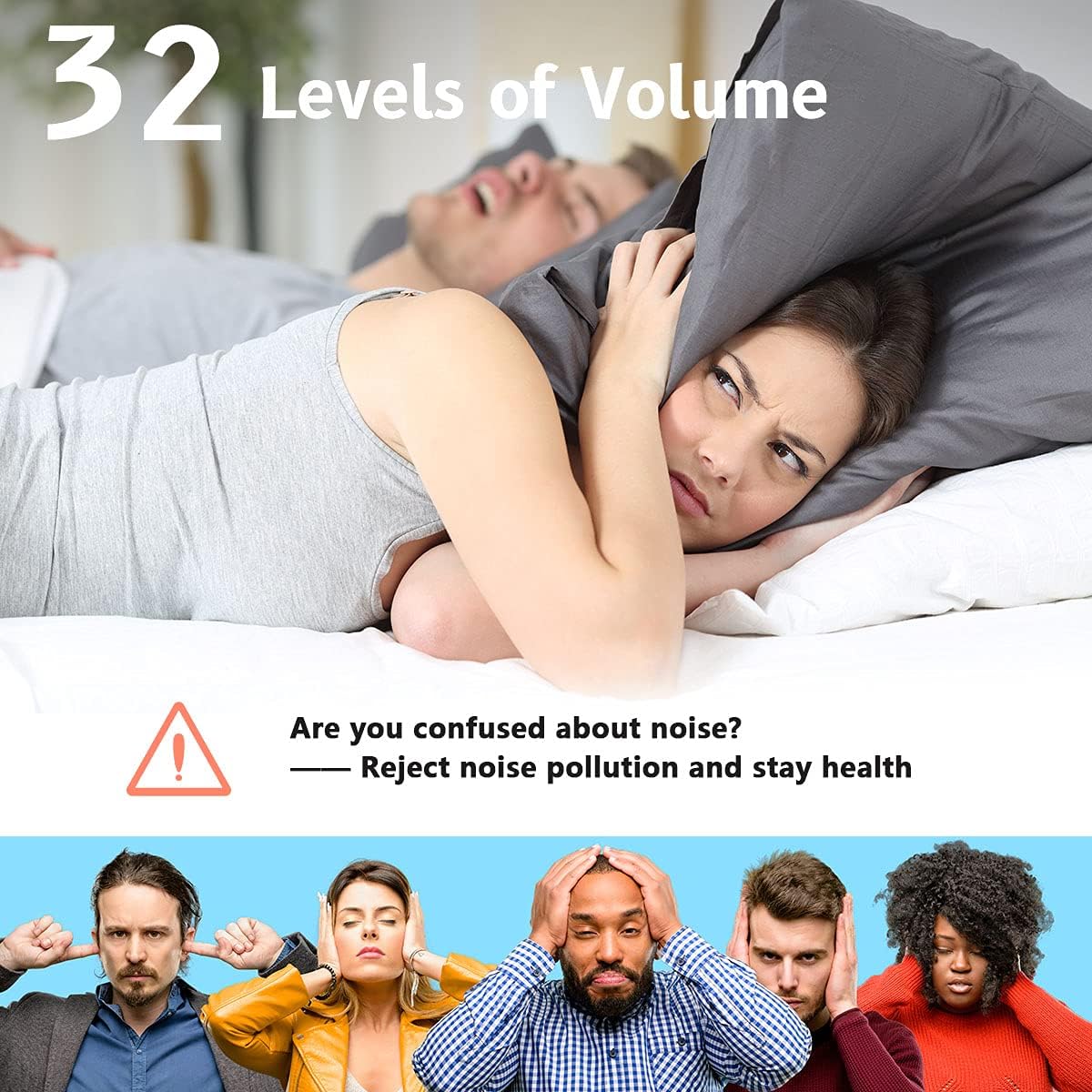
Image: The Easysleep machine on a nightstand, showcasing the 12 color night light options.
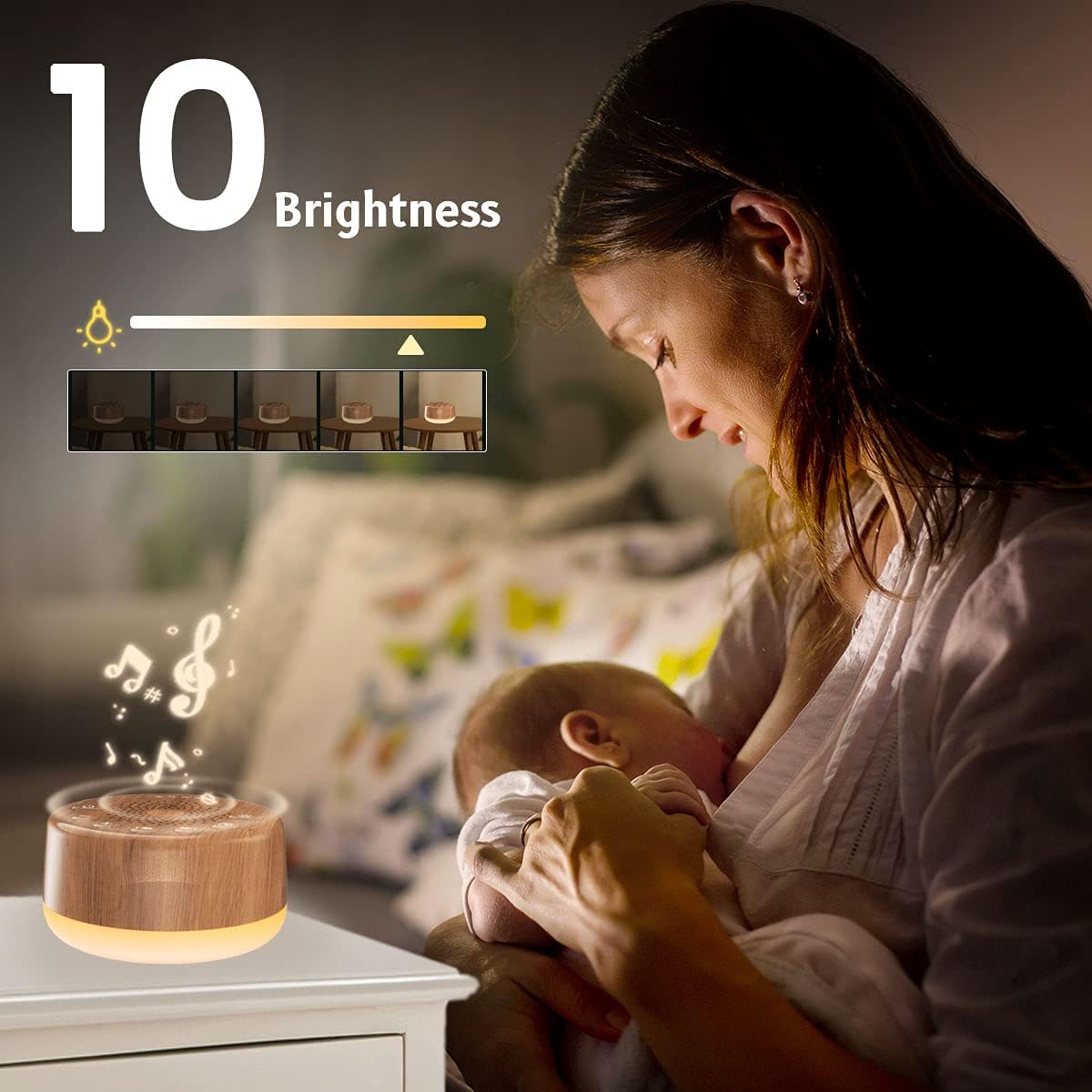
Image: A mother with her baby, illustrating the 10 adjustable brightness levels of the night light.
6.5 د ټیمر فعالیت
You can set the device for continuous play or use the auto-off timer.
- فشار ورکړئ Timer Button (Clock icon) to cycle through timer options: 60 minutes, 120 minutes, 180 minutes, 240 minutes, or continuous play (indicated by an infinity symbol).
- The corresponding indicator light above the speaker will illuminate to show the selected timer setting.
6.6 د حافظې فعالیت
The memory function automatically restores your previous volume, sound, and timer settings when the device is turned back on.
۱۰.۲ د محصول رسمي ویډیوګانې
Video: Demonstration of the Easysleep Sound Machine's features, including sound selection, volume control, and night light functionality.
Video: User demonstration showcasing the ease of use and various sound options available on the Easysleep White Noise Machine.
ویډیو: یو کاروونکی بیاview highlighting the long-term benefits and reliability of the Easysleep Sound Machine for sleep improvement.
7. ساتنه
- To clean the device, wipe it with a soft, dry cloth.
- د کثافاتو پاکوونکي یا محلول مه کاروئ.
- ډاډ ترلاسه کړئ چې وسیله د پاکولو دمخه غیر پلګ شوې ده.
8. ستونزه حل کول
| ستونزه | د حل لاره |
|---|---|
| وسیله فعاله نه ده. | Ensure the USB cable is securely connected and the power source is active. Try a different USB port or AC adapter. |
| غږ نشته. | Check the volume level and ensure it is not set to minimum. Try selecting a different sound. |
| د شپې څراغ کار نه کوي. | Press the Night Light Button to turn it on. If it still doesn't work, ensure the device is powered on. |
| د غږ کیفیت ټیټ دی. | Ensure the device is placed on a stable surface and not obstructed. Adjust the volume. |
9. مشخصات
| فیچر | تفصیل |
|---|---|
| د محصول ابعاد | 3.9 x 3.9 x 2.3 انچه |
| د توکي وزن | 0.4 پونډه (6.4 اونس) |
| د توکي ماډل شمیره | EWN-I3 |
| مواد | Wood (finish) |
| د بریښنا سرچینه | AC or USB (DC 5V, 1000mA) |
| د غږ انتخابونه | 25 بې لونګ غږونه |
| د حجم کچه | 32 کچه |
| د شپې رڼا | ۷ رنګونه، ۳ د روښانتیا کچه |
| د ټیمر اختیارونه | Continuous, 60, 120, 180, 240 minutes |
10. تضمین او ملاتړ
The Easysleep Sound White Noise Machine comes with an 18-month warranty from the date of purchase. If you encounter any issues or have questions regarding your device, please do not hesitate to contact Easysleep customer support. Contact information can typically be found on the product packaging or the official Easysleep webسایټ