
1. پیژندنه
The VJOYCAR R1 is a universal 3D Head-Up Display (HUD) GPS speedometer designed to enhance driving safety by projecting essential vehicle data directly into your line of sight. Unlike traditional HUDs, the R1 features a 3D reflection display, eliminating the need for windshield film and preventing double images, even under direct sunlight. It operates by collecting data such as speed, trip time, trip distance, satellite quantity, and altitude directly from GPS satellites, ensuring compatibility with all vehicle types, including electric, diesel, hybrid, LPG, trucks, buses, SUVs, and ATVs.
This device connects via a standard USB cable, drawing power from your car's USB port or a car adapter. Its design ensures no interference with your vehicle's engine or computer systems.

Image 1.1: The VJOYCAR R1 3D HUD Head Up Display unit.
2. د بسته محتويات
- VJOYCAR R1 3D HUD Unit
- د USB بریښنا کیبل
- د پرچی ضد مټ
- د کارونکي لارښود (دا لاسوند)
3. ترتیب او نصب کول
- وسیله خلاص کړئ: Carefully remove the HUD unit and all accessories from the packaging.
- محافظتي فلمونه لرې کړئ: Before first use, peel off any protective films from both sides of the display screen.
- ځای په ځای کول: د HUD واحد په خپل ډشبورډ کې په داسې موقعیت کې ځای په ځای کړئ چې ستاسو خنډ نه ګرځي view of the road. Ensure it is stable. An anti-slip mat is provided for secure placement.
- بریښنا وصل کړئ: Connect the provided USB cable to the HUD unit and then to a 5V USB power source in your vehicle. This can be a car USB port or a car adapter.

Image 3.1: Connecting the HUD via USB cable.

Image 3.2: The VJOYCAR R1 HUD is universally compatible with various vehicle types.

انځور ۱.۱: مخ او اړخ views of the VJOYCAR R1, illustrating its compact design for dashboard placement.
The HUD is designed to power on and off automatically with your vehicle's engine, simplifying operation.
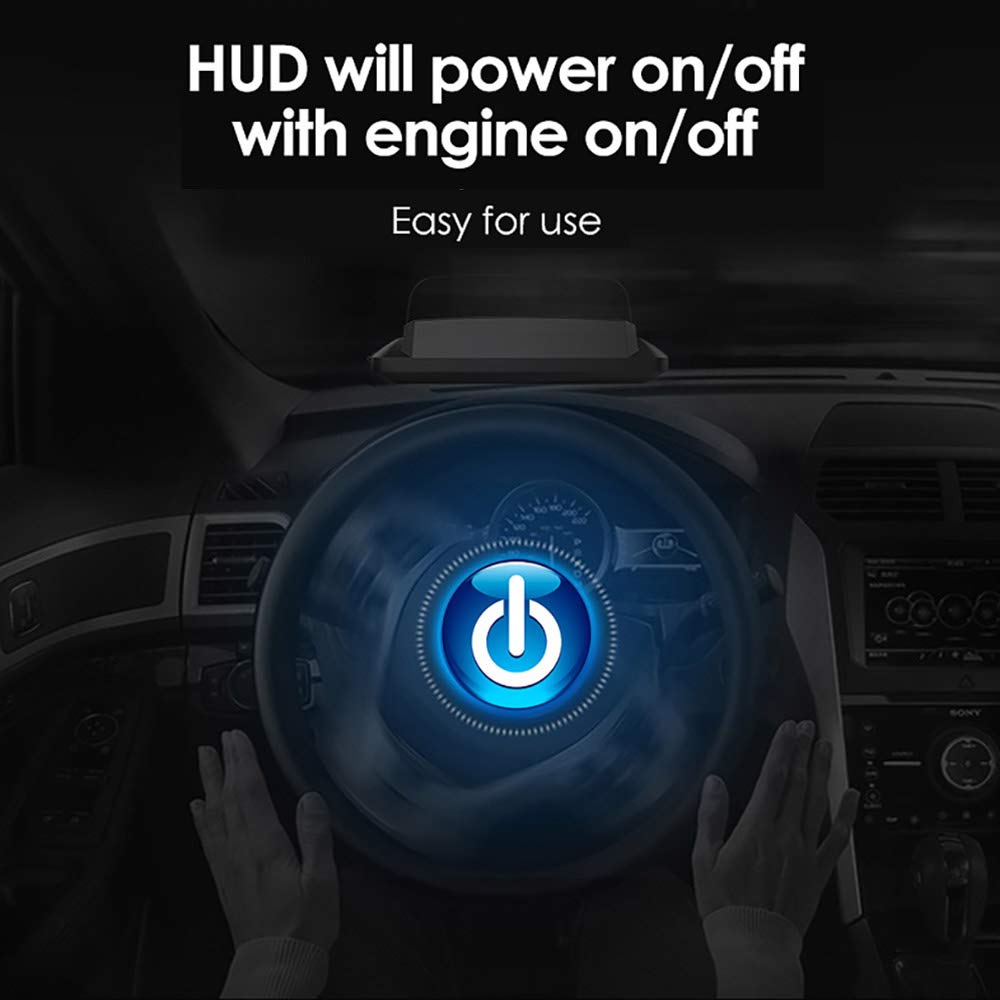
Image 3.4: The HUD automatically synchronizes power with the vehicle's engine.
4. عملیاتي لارښوونې
4.1 ښودل حالتونه
The VJOYCAR R1 offers six different display interfaces, which can be switched to show various combinations of driving data. The default speed unit is MPH, but this can be changed to KM/H in the settings.
- یوازې سرعت
- Speed + Real-time Clock
- Speed + Single Driving Distance
- سرعت + لوړوالی
- Speed + Satellite Number
- Speed + Single Driving Time

Image 4.1: Various multi-function display interfaces available on the HUD.
4.2 د الارم فعالیت
The HUD includes two primary alarm functions to enhance driving safety:
- د تیز رفتار الارم: This alarm can be configured for a single speed threshold or multiple levels (e.g., 60-100-120-180 MPH/KM/H). Each value can be individually enabled or disabled.
- د ستړیا د موټر چلولو الارم: This alarm activates after a set duration of continuous driving (e.g., every 4 hours) to remind the driver to take a break.

Image 4.2: Visual representation of the speed alarm and fatigue driving alarm indicators.
4.3 Display Visibility
The 3D reflection display ensures clear visibility in various lighting conditions, including bright daylight and nighttime driving, without requiring additional reflective film on the windshield.

Image 4.3: The HUD display showing clear visibility during both daytime and nighttime driving conditions.
5. ساتنه
To ensure the longevity and optimal performance of your VJOYCAR R1 HUD, follow these simple maintenance guidelines:
- پاکول: یو نرم، وچ، یا لږ څه استعمال کړئamp cloth to clean the exterior of the unit. Avoid using harsh chemicals, abrasive cleaners, or solvents, as these can damage the display or casing.
- ذخیره کول: کله چې د اوږدې مودې لپاره نه کارول کیږي، وسیله په یخ او وچ ځای کې د مستقیم لمر وړانګو او سختې تودوخې څخه لرې وساتئ.
- د کیبل پاملرنه: Handle the USB power cable gently. Avoid bending or crimping it excessively to prevent internal damage.
6. ستونزه حل کول
If you encounter issues with your VJOYCAR R1 HUD, refer to the following common problems and solutions:
| ستونزه | احتمالي لامل | د حل لاره |
|---|---|---|
| No display/Unit does not power on | د برېښنا رسولو نشتوالی یا خرابه اړیکه. | Ensure the USB cable is securely connected to both the HUD and a functional 5V USB power source in the vehicle. Check if the vehicle's USB port or adapter is working. |
| د سرعت ناسم لوستل | Initial GPS signal acquisition delay or calibration needed. | Allow a few moments for the device to acquire a stable GPS signal after powering on. If the inaccuracy persists, contact VJOYCAR customer support for assistance with calibration. |
| No GPS signal / Speedometer useless | Obstruction of GPS signals (e.g., tunnels, parking garages, dense urban areas with tall buildings). | This is a limitation of GPS-based devices. The signal will return once the device has a clear view of the sky. Consider this characteristic when driving in areas prone to signal loss. |
| Display is dim or difficult to read | Brightness settings or extreme ambient light. | The device typically adjusts brightness automatically. Ensure no objects are blocking the light sensor (if present). In very bright direct sunlight, some dimming may occur, but the 3D reflection display is designed to minimize this. |
| Unit does not turn off with engine | Constant power supply from the vehicle's USB port. | Some vehicle USB ports remain powered even when the engine is off. If this occurs, manually unplug the device or use a USB port that powers down with the ignition. |
7. مشخصات
| فیچر | تفصیل |
|---|---|
| د ماډل شمیره | R1 |
| د محصول ابعاد (L x W x H) | 13.5 x 6.7 x 5.4 سانتي متره |
| د توکي وزن | ۰.۱۲ کیلوګرامه (۱۱۸ ګرامه) |
| مواد | اکریلونایتریل بوټاډین سټیرین (ABS) |
| د بریښنا رسول | USB 5V |
| د معلوماتو سرچینه | GPS Satellites |
| د ښودلو ډول | 3D LCD TFT Reflection Display |
| د سرعت واحدونه | MPH / KM/H (Switchable) |
| UPC | 610521672466 |
8. ملاتړ
For further assistance, technical support, or warranty inquiries, please contact VJOYCAR customer service through the retailer where the product was purchased or refer to the official VJOYCAR webد اړیکو معلوماتو لپاره سایټ.