
1. پیژندنه
The Qilmy 1080P Wireless WiFi Home Security Camera is designed to provide reliable surveillance for your home. This device combines a high-definition camera with motion detection, night vision, and remote viewing capabilities, all integrated into a standard light bulb form factor for easy installation. This manual will guide you through the installation, setup, and operation of your new security camera.
2. کلیدي ځانګړتیاوې
- بشپړ HD 1080P ریزولوشن: روښانه او مفصل ویډیو foo چمتو کويtage.
- Wireless WiFi Connectivity: Easy connection to your home network for remote access.
- Motion Detection & Instant Alarm: Automatically detects movement and sends alerts to your connected device.
- د شپې روښانه لید: په ټیټ رڼا شرایطو کې د لید لید ډاډمن کوي.
- لرې Viewing: Monitor your property from anywhere using a smartphone app.
- Integrated Flood Light: Features 3 built-in flood lights that can activate automatically upon motion detection.
- اسانه نصب کول: Screws into a standard E27 light socket.
- د مایکرو SD کارت سلاټ: د ثبتونو محلي ذخیره کولو لپاره.

انځور: اوورview of the Qilmy Home Security Camera's key features, including 1080P resolution, video recording, 360 panoramic viewing, Wi-Fi connection, light function, motion detection, remote viewing, and Micro SD card slot.
۲. په بکس کې څه دي؟
- Qilmy 1080P Wireless WiFi Home Security Camera (Bulb-shaped)
- E27 Light Socket Adapter (for mounting)
- د نصبولو پیچونه او دیوال لنگرونه
- د چټک پیل لارښود

Image: Contents of the Qilmy Home Security Camera package, showing the camera, an E27 socket adapter, mounting hardware, and a quick start guide.
4. ترتیب کول
4.1 فزیکي نصب کول
- یو ځای غوره کړئ: Select a location with a standard E27 light socket that provides the desired viewد اننګ زاویه کې ده او ستاسو د 2.4GHz وای فای شبکې په حد کې ده.
- بندول: Ensure the power to the light socket is turned off at the circuit breaker before installation.
- کیمره نصب کړئ: Carefully screw the Qilmy security camera into the E27 light socket. If no existing socket is available, use the provided E27 adapter and mounting hardware to install it on a wall or ceiling.
- پاور آن: Restore power to the light socket. The camera will power on and emit a voice prompt indicating it is ready for configuration.

Image: A person's hands installing the Qilmy Home Security Camera into a ceiling light fixture, demonstrating its easy and quick installation process.
۳.۵ د وای فای اتصال او د اپلیکیشن تنظیم کول
- اپلیکیشن ډاونلوډ کړئ: Download the recommended mobile application (e.g., "iCSee" or similar as indicated in the Quick Start Guide) from your smartphone's app store.
- حساب ثبت کړئ: Open the app and register a new user account if you don't already have one.
- وسیله اضافه کړئ: Follow the in-app instructions to add a new device. This typically involves scanning a QR code on the camera or selecting the device type and following prompts.
- وائی فای سره وصل کړئ: Connect the camera to your 2.4GHz Wi-Fi network. Ensure your smartphone is also connected to the same 2.4GHz network during the setup process.
- ترتیب: The camera will confirm successful connection with a voice prompt. Once connected, you can access live video and adjust settings through the app.

Image: A smartphone displaying the live feed from the Qilmy Home Security Camera, illustrating Wi-Fi connection and remote viewing capabilities from anywhere, anytime.
5. عملیاتي لارښوونې
5.1 ژوندی Viewing او ثبت کول
- Open the mobile app to view the live feed from your camera.
- Use the app interface to manually record video or capture screenshots.
- ثبت شوي foo ته لاسرسیtage stored on the Micro SD card or cloud storage (if subscribed).
۵.۳ د حرکت کشف او خبرتیاوې
- د اپلیکیشن تنظیماتو کې د حرکت کشف فعال کړئ.
- Adjust sensitivity levels to minimize false alarms.
- کله چې حرکت کشف شي، په خپل سمارټ فون کې سمدستي خبرتیاوې ترلاسه کړئ.
- The camera can automatically activate its floodlights and siren alarm upon detecting motion, deterring intruders.
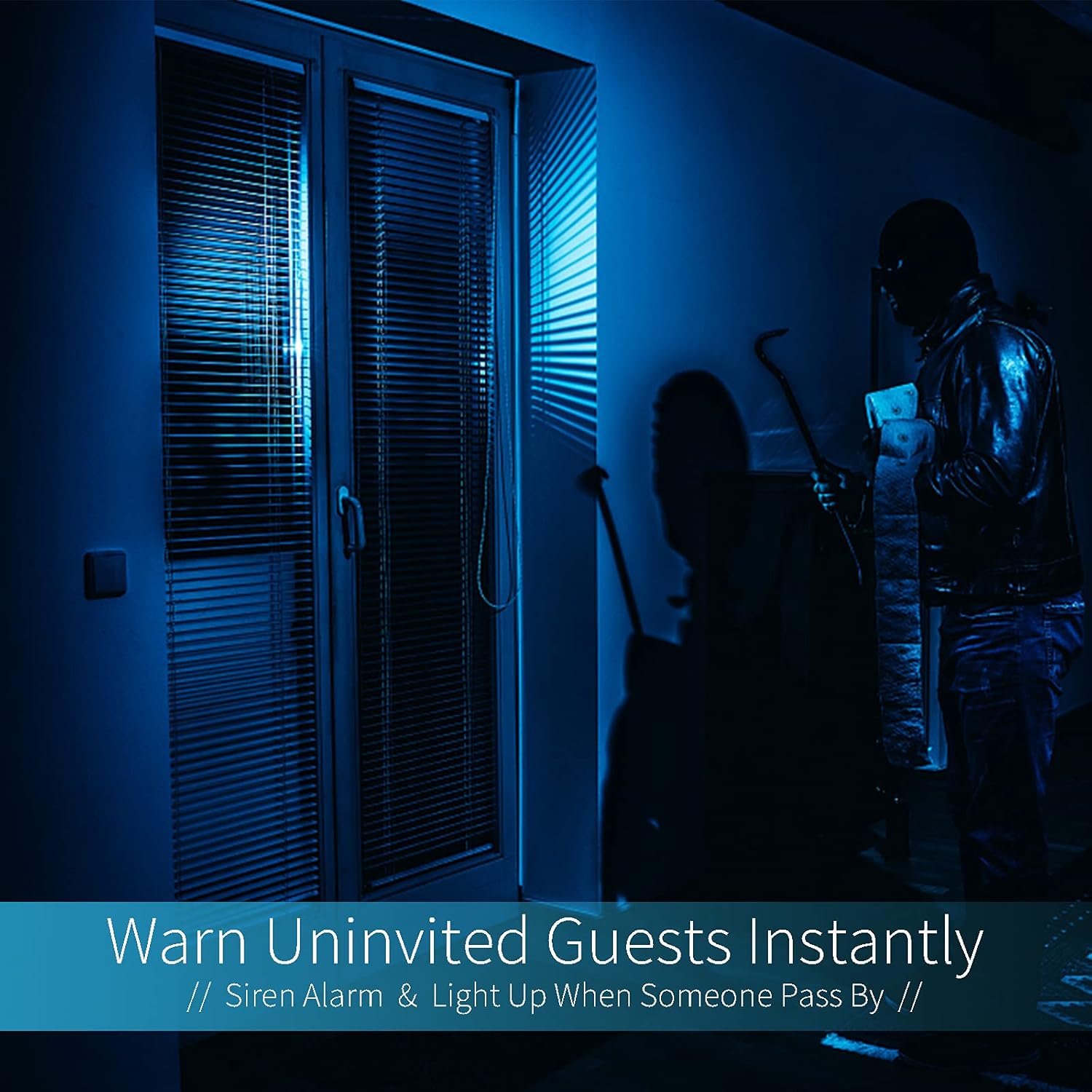
Image: A dark room with a security camera's light illuminating a figure, depicting the camera's ability to warn uninvited guests instantly with a siren alarm and light activation upon motion detection.
5.3 د رڼا فعالیت
- The camera features built-in floodlights.
- Control the floodlights manually through the app.
- Configure the floodlights to turn on automatically when motion is detected, especially during nighttime.

Image: A comparison of a standard light bulb and the Qilmy Home Security Camera, highlighting its dual function as both a light bulb and a security camera with 3W consumption.
6. ساتنه
- پاکول: د کیمرې لینز او بدن په نرم او وچ ټوکر سره په نرمۍ سره پاک کړئ. سخت کیمیاوي مواد یا د کثافاتو پاکوونکي مه کاروئ.
- د فرم ویئر تازه معلومات: د غوره فعالیت او امنیت ډاډمن کولو لپاره د شته فرم ویئر تازه معلوماتو لپاره په منظم ډول د موبایل اپلیکیشن وګورئ.
- د SD کارت مدیریت: که چیرې د مایکرو ایس ډی کارت کاروئ، نو په دوره یي ډول بیاview او زوړ foo حذف کړئtage to free up space, or enable loop recording if supported by the app.
- د شبکې ثبات: ډاډ ترلاسه کړئ چې ستاسو د وای فای شبکه د کیمرې د بې خنډه عملیاتو لپاره مستحکم او قوي ده.
7. ستونزه حل کول
| ستونزه | احتمالي لامل | د حل لاره |
|---|---|---|
| کیمره نه چالانېږي. | No power to the light socket; camera not screwed in properly. | Check the circuit breaker. Ensure the camera is securely screwed into the E27 socket. |
| د وائی فای سره د نښلولو توان نلري. | Incorrect Wi-Fi password; camera too far from router; 5GHz Wi-Fi network used. | د وای فای پټنوم تایید کړئ. کیمره روټر ته نږدې کړئ. ډاډ ترلاسه کړئ چې تاسو د 2.4GHz وای فای شبکې سره وصل یاست. |
| د حرکت کشف خبرتیاوې نشته. | Motion detection disabled; sensitivity too low; app notifications blocked. | Enable motion detection in the app. Increase sensitivity. Check app notification settings on your phone. |
| د ویډیو خراب کیفیت. | Weak Wi-Fi signal; dirty lens. | د وای فای سیګنال ځواک ښه کړئ. د کیمرې لینز د نرم ټوکر سره پاک کړئ. |
| لرې viewکار نه کوي. | Internet connection issue on camera or phone; app not updated. | Check internet connectivity for both camera and phone. Update the app to the latest version. |
8. مشخصات
- د ماډل شمیره: ZXL2023011
- د ویډیو نیول حل: 1080p بشپړ HD
- د ارتباط ټیکنالوژي: بې سیم (وائی فای)
- بې سیم مخابراتي ټیکنالوژي: وای فای (یوازې 2.4GHz)
- د بریښنا سرچینه: AC/DC (E27 light socket)
- واټtage: ۴۵ واټه
- ځانګړي ځانګړتیاوې: Motion Sensor, Night Vision, Integrated Flood Light
- د فورم فکتور: Dome (Bulb-shaped)
- د نصب کولو ډول: Wall Mount (via E27 adapter)
- د توکي ابعاد (L x W x H): 6.45 x 4.1 x 3.54 انچه
- د توکي وزن: ۰.۹۸۶ اونس (۲۷.۹۴ ګرامه)
- د نړیوال خوندیتوب درجه: IP67
- مطابقت لرونکي وسایل: سمارټ فون
- UPC: 605660998393
9. تضمین او ملاتړ
Specific warranty information and detailed support contact details are typically provided with the product packaging or on the manufacturer's official website. Please refer to the documentation included with your purchase for the most accurate and up-to-date warranty terms and customer support options.