
پیژندنه
This manual provides detailed instructions for the operation and maintenance of your TOZO G1 Wireless Gaming Earbuds. Please read thoroughly before use to ensure optimal performance and longevity of your device.
په بکس کې څه دي
- TOZO G1 بې سیم ایربډونه
- د بې سیم چارج قضیه
- Eartips (multiple sizes for comfortable fit)
- د USB A څخه د USB C چارج کیبل
- د کارونکي لارښود (دا لاسوند)
چمتو کول
۴.۱. د غوږۍ او کیس چارج کول
Before first use, fully charge the earbuds and charging case to ensure maximum battery life.
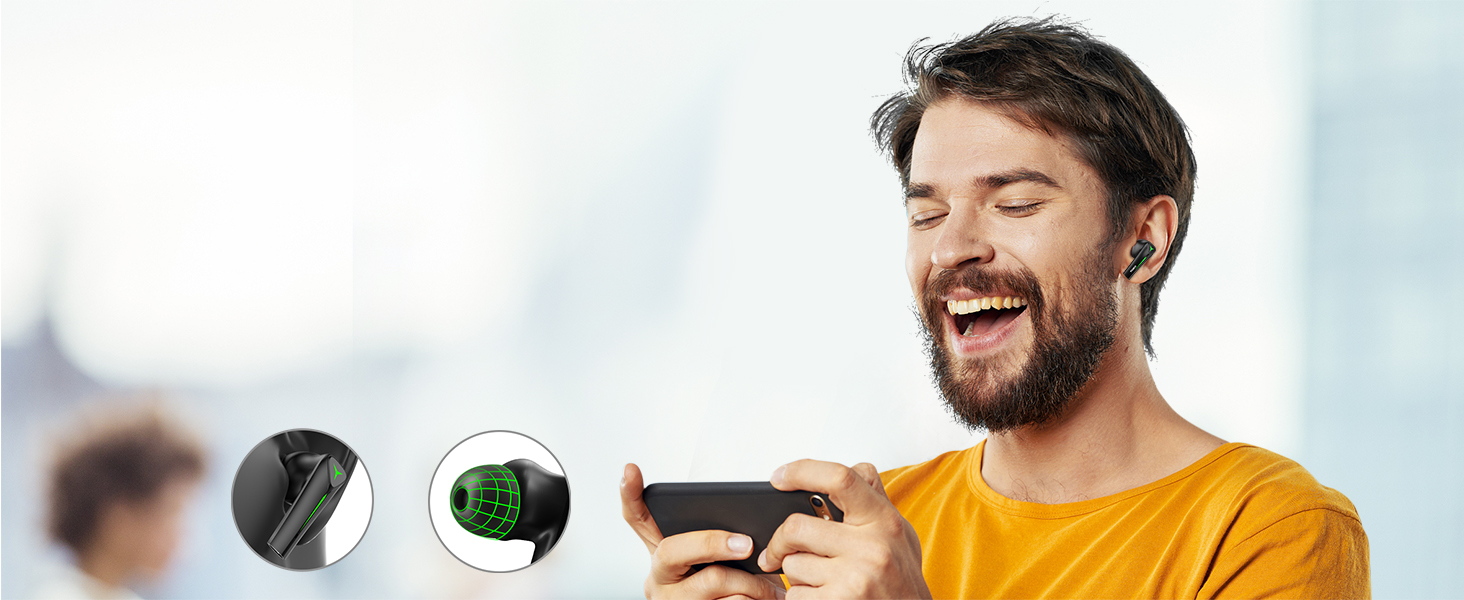
Image: The TOZO G1 charging case connected via a USB-C cable, indicating charging status with an illuminated logo.
- Connect the USB A to USB C charging cable to the charging port on the case.
- Connect the other end to a compatible USB power source.
- The LED indicator on the case will show the charging status. A full charge provides up to 6 hours of playback for the earbuds and an additional 30 hours with the charging case.
۲. ستاسو د وسیلې سره جوړه کول
Follow these steps to pair your earbuds with a Bluetooth-enabled device.
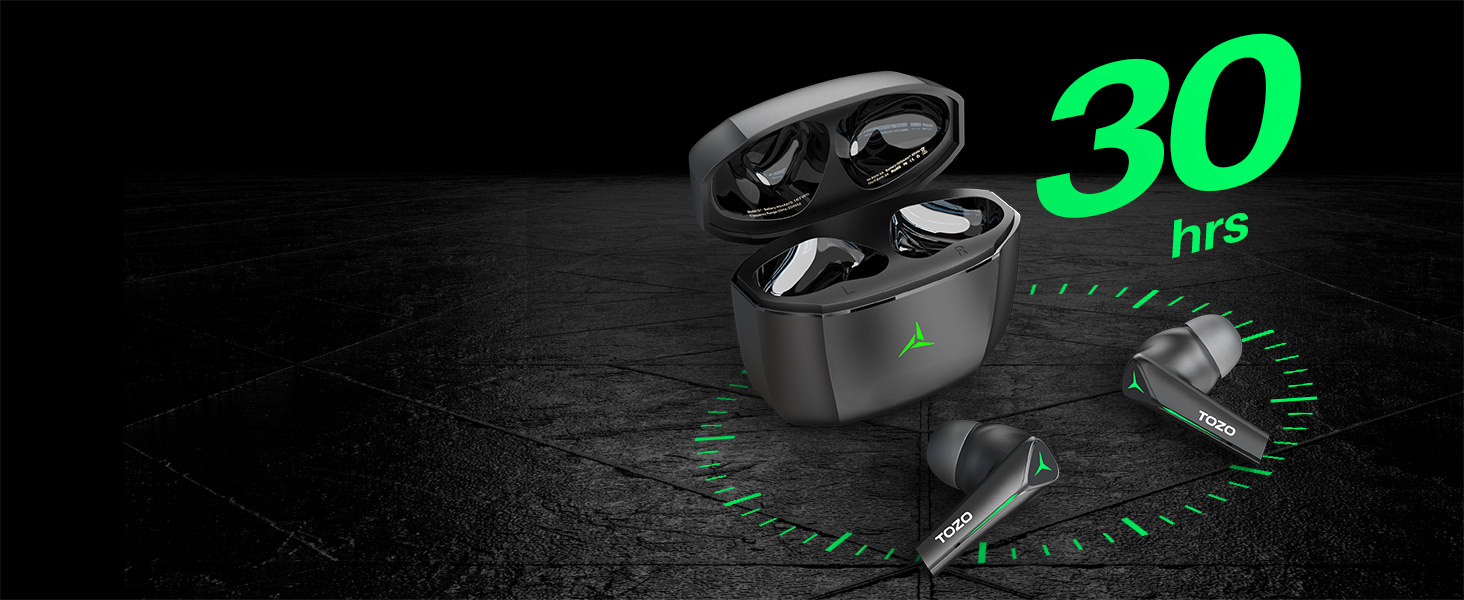
Image: TOZO G1 earbuds shown next to a smartphone displaying Bluetooth pairing options, with the earbuds emitting a green light.
- Open the charging case. The earbuds will automatically enter pairing mode (indicated by flashing LED lights).
- On your device (smartphone, tablet, laptop, gaming console), enable Bluetooth.
- لټون "TOZO G1" in the list of available devices and select it to connect.
- Once connected, the earbud LED lights will turn off or show a steady light.
عملیاتي لارښوونې
1. Game & Music Dual Mode
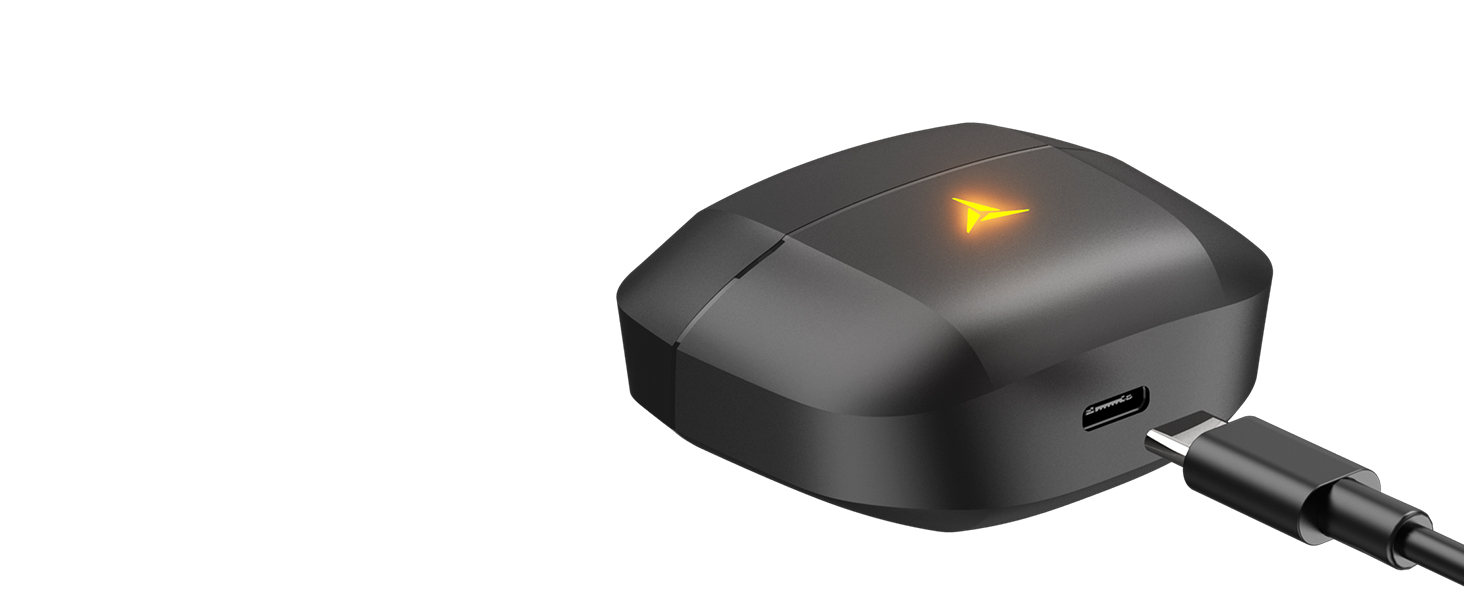
Image: A split image showing the TOZO G1 earbuds in "Game Mode" with a gaming scene and "Music Mode" with a person playing guitar, highlighting the dual functionality.
The TOZO G1 earbuds feature a dual mode for optimized audio performance:
- د لوبې حالت: Provides 45ms ultra-low latency for synchronized audio and video, enhancing gaming with accurate sound detection (footsteps, gunfire).
- د موسیقۍ حالت: Delivers high-fidelity sound with powerful bass (16Hz-20kHz), mellow midrange, and clear treble for an immersive listening experience.
۱. د سمارټ ټچ کنټرول

Image: A diagram illustrating the touch control functions for the left and right TOZO G1 earbuds, including play/pause, track skipping, volume control, call management, and voice assistant/game mode activation.
Control your earbuds with simple touch gestures:
| عمل | کیڼ ایربډ | ښۍ ایربود |
|---|---|---|
| پلی/ودرول | Single Tap (X1) | Single Tap (X1) |
| تیر / بل سندره | Double Tap (X2) - Previous | Double Tap (X2) - Next |
| ځواب / زنګ پورته کول | Single Tap (X1) | Single Tap (X1) |
| زنګ رد کړئ | د 2 ثانیو لپاره ونیسئ | د 2 ثانیو لپاره ونیسئ |
| حجم ښکته / پورته | Hold for 2 seconds - Volume Down | Hold for 2 seconds - Volume Up |
| Voice Assistant/Game Mode | Triple Tap (X3) - Voice Assistant | Triple Tap (X3) - Game Mode |
ساتنه
- د غوږونو غوږوالۍ او د چارج کولو قضیه په منظم ډول د نرم او وچ ټوکر سره پاک کړئ.
- Avoid exposing the earbuds to extreme temperatures or liquids. While waterproof, prolonged submersion is not recommended.
- Store in the charging case when not in use to protect and keep them charged.
د ستونزو حل کول
- د غوږونو نه جوړېږي:
- Ensure both earbuds are in the charging case and the case is open. Check your device's Bluetooth settings and try reconnecting. If issues persist, reset the earbuds (refer to the full user manual for specific reset instructions).
- بې غږه یا ټیټ غږ:
- Check the volume levels on both your device and the earbuds. Ensure earbuds are properly seated in your ears. Verify the earbuds are connected to the correct device.
- د چارج کولو مسلې:
- ډاډ ترلاسه کړئ چې د چارج کولو کیبل په خوندي ډول د کیس او بریښنا سرچینې دواړو سره وصل دی. یو بل USB-C کیبل یا د بریښنا اډاپټر هڅه وکړئ. د ایربډونو او کیس دننه د چارج کولو تماسونه پاک کړئ.
مشخصات
| فیچر | تفصیل |
|---|---|
| د ماډل نوم | G1 |
| د ارتباط ټیکنالوژي | بېسیم (بلوتوث ۵.۳) |
| آډیو ځنډ | ۸۰ ملی ثانیې (د لوبې حالت) |
| د بیټرۍ ژوند (ایربډونه) | تر 6 ساعتونو پورې |
| د لوبې ټول وخت (د چارج کولو کیس سره) | تر 30 ساعتونو پورې |
| د اوبو د مقاومت کچه | واټر پروف (IPX5) |
| د کنټرول طریقه | لمس |
| شاملې برخې | TOZO G1 Wireless Earbuds, Wireless Charging Case, Eartips, USB A to USB C Charging Cable, User Manual |
د محصول رسمي ویډیو
ویډیو: د محصول رسمي ویډیو نندارهasing the TOZO G1 Wireless Gaming Earbuds and their features.
تضمین او ملاتړ
TOZO products come with a standard manufacturer's warranty. For detailed warranty information, product support, or to contact customer service, please visit the official TOZO webسایټ یا ستاسو د محصول بسته بندۍ کې شامل تضمین کارت ته مراجعه وکړئ.
رسمي Webسایټ: www.tozostore.com