
1. پیژندنه
The InnoGIO GIOsleepy Bunny Night Light is designed to provide a comforting presence for children, assisting with sleep through gentle illumination and soothing sounds. This device features a soft silicone construction, 8 selectable light colors, and integrated melodies and white noise. It is rechargeable via a Micro USB cable for convenience and portability.
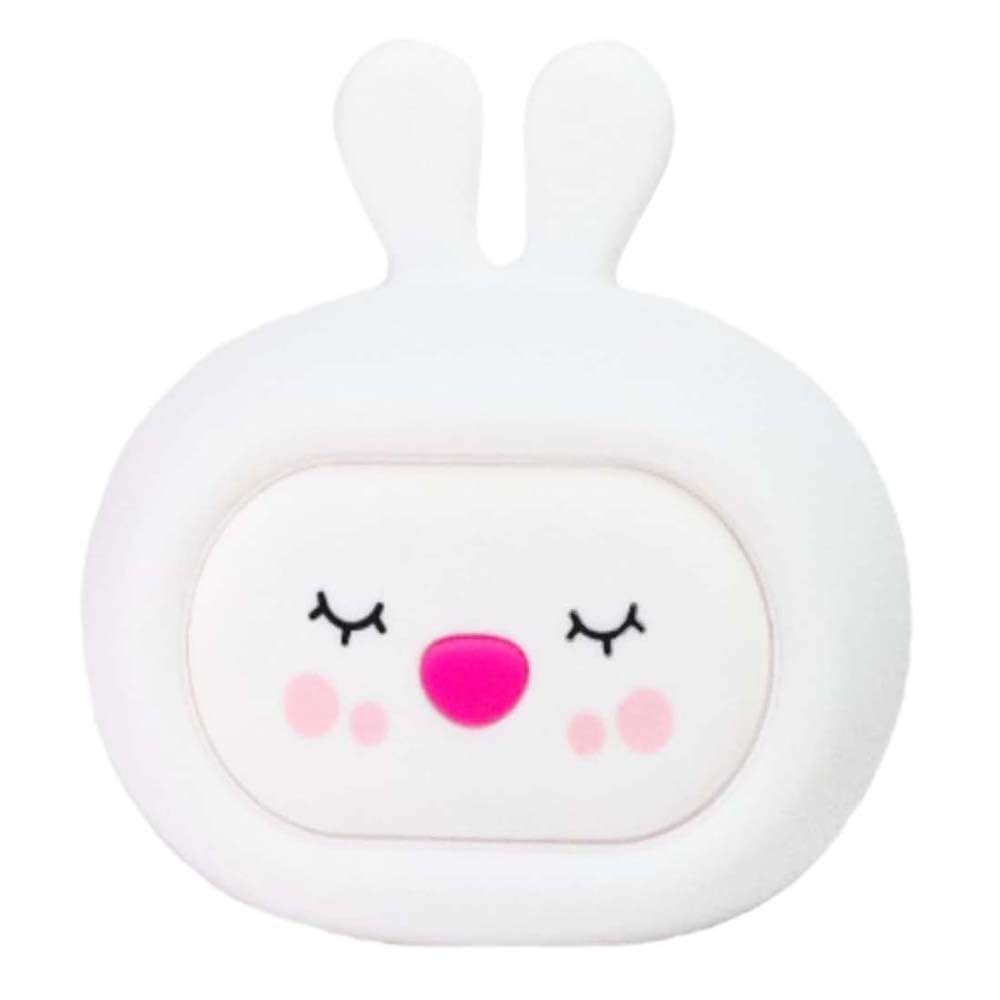
Image: The GIOsleepy Bunny Night Light illuminated, providing a soft glow.

Image: The GIOsleepy Bunny Night Light positioned near a child, demonstrating its intended use.
2. د خوندیتوب معلومات
- دا محصول لوبو نه دی. د ماشومانو لخوا د کارولو په وخت کې د لویانو څارنه سپارښتنه کیږي.
- وسیله له اوبو او رطوبت څخه لرې وساتئ ترڅو د بریښنایی خطرونو مخه ونیول شي.
- Use only the provided Micro USB cable for charging. Do not use damaged cables or chargers.
- Do not attempt to disassemble, repair, or modify the device. Contact support for assistance.
- د سختې تودوخې څخه ډډه وکړئ. د لمر مستقیم رڼا یا د تودوخې سرچینو ته مه ښکاره کوئ.
- Ensure the device is placed on a stable surface to prevent falling.
3. د بسته محتويات
مهرباني وکړئ د لاندې توکو لپاره په بسته کې وګورئ:
- InnoGIO GIOsleepy Bunny Night Light
- د مایکرو USB چارج کولو کیبل
- د کارونکي لارښود (دا لاسوند)

Image: The GIOsleepy Bunny Night Light shown with its packaging box.
4. ترتیب کول
- لومړنی لګښت: Before first use, fully charge the night light using the provided Micro USB cable. Connect the cable to the charging port on the device and to a standard USB power adapter (not included). The charging indicator (if present) will show charging status. A full charge allows for up to 8 hours of operation.
- ځای په ځای کول: Place the GIOsleepy Bunny Night Light on a stable, flat surface in the child's room, away from direct heat sources or water.
5. عملیاتي لارښوونې
۸ پاور آن/بند
The device is typically activated by a touch or pat. Gently pat the silicone surface of the night light to turn it on or off.
5.2 د ر Lightا حالت
The GIOsleepy Bunny Night Light features 8 different light colors. Upon activation, the light may cycle through colors automatically or display a default color.
- د رنګونو بدلول: Gently pat the silicone surface of the lamp to cycle through the available colors. Each pat will typically switch to the next color in sequence.
- د رنګ اتومات بدلون: In some modes, the colors will gradually change every 3 seconds. Patting the lamp can pause this automatic cycle on a specific color or switch to a different mode.

Image: The GIOsleepy Bunny Night Light emitting a soft white light.
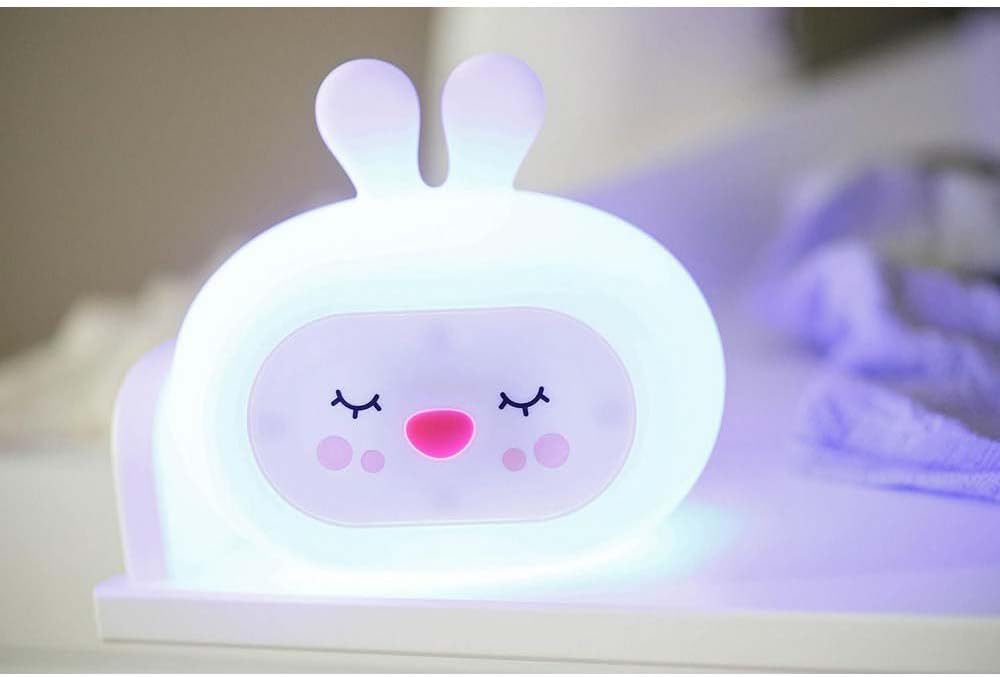
Image: The GIOsleepy Bunny Night Light illuminated with a blue hue.
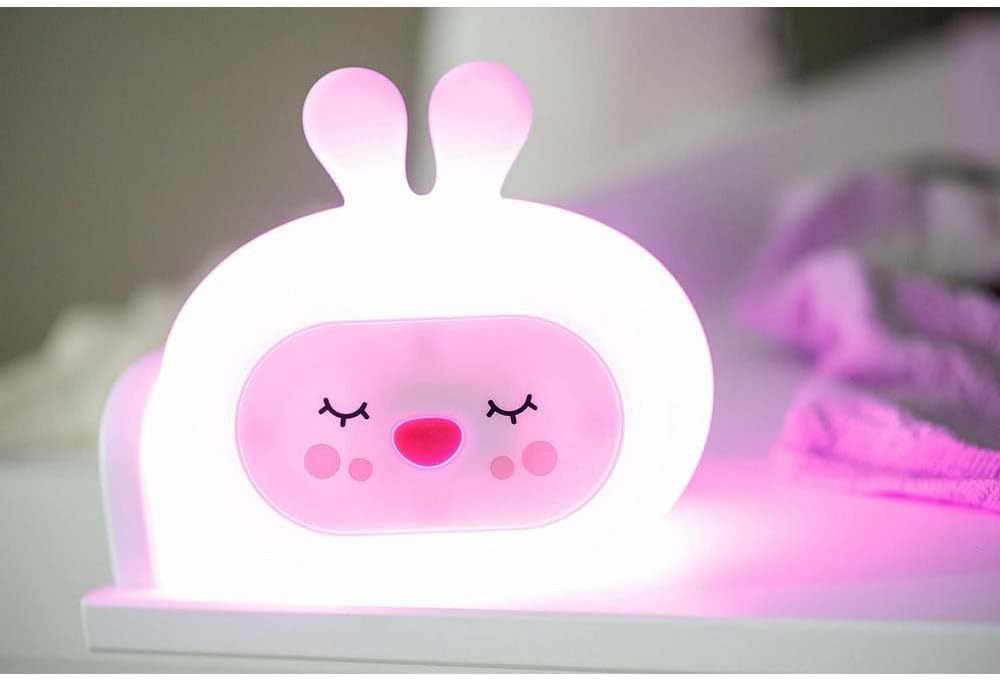
Image: The GIOsleepy Bunny Night Light illuminated with a pink hue.
5.3 Music and Sound Modes
The night light includes a music mode with pre-installed melodies, nature sounds, and white noise to aid in relaxation and sleep.
- Activating Sounds: Refer to the specific controls on your device for sound activation. This may involve a dedicated button or a specific sequence of pats.
- د غږونو بدلول: Cycle through available melodies, nature sounds, or white noise options using the designated control.
6. چارج کول
When the battery is low, the light may dim or stop functioning. Recharge the device using the Micro USB cable provided.
- Connect the Micro USB cable to the charging port on the night light.
- د USB کیبل بله پای د یو مناسب USB بریښنا سرچینې سره وصل کړئ (د مثال په توګه، د کمپیوټر USB پورټ، دیوال اډاپټر).
- Charging time may vary. A full charge provides up to 8 hours of continuous use.
7. ساتنه
- پاکول: To clean the silicone surface, gently wipe with a soft, damp ټوکر د کثافاتو پاکوونکي مه کاروئ یا وسیله په اوبو کې ډوب کړئ.
- ذخیره کول: When not in use for extended periods, store the night light in a cool, dry place, away from direct sunlight.
8. ستونزه حل کول
- وسیله نه فعالیږي: Ensure the device is fully charged. Connect it to the charger and wait for a few minutes before attempting to turn it on again.
- Light colors are not changing: Try patting the device more firmly or in a different spot. If the issue persists, recharge the device.
- No sound or music: Check if the sound function is activated. Ensure the device is charged.
- وسیله بې ځوابه ده: Allow the battery to fully discharge, then recharge it completely. This may reset the internal electronics.
9. مشخصات
| فیچر | تفصیل |
|---|---|
| برانډ | انجوجیو |
| ماډل | GIOsleepy Bunny |
| مواد | سیلیکون |
| رنګ | سپین |
| د رڼا ډول | LED (د ر Lightا پریښودو شیډول) |
| د رنګونو شمیر | 8 |
| د سویچ ډول | لمس |
| د بریښنا سرچینه | Rechargeable via Micro USB |
| د کار وخت (بشپړ چارج) | تر 8 ساعتونو پورې |
| د محصول ابعاد | 9D x 15.5W x 13.5H سانتي متره |
| د توکي وزن | 100 ګرامه |
10. تضمین
The InnoGIO GIOsleepy Bunny Night Light is covered by the manufacturer's standard warranty. Please refer to your purchase documentation or the InnoGIO official webد تضمین د تفصيلي شرایطو او مقرراتو لپاره سایټ.
11. ملاتړ
If you have any questions, require assistance, or need further explanation regarding your InnoGIO GIOsleepy Bunny Night Light, please do not hesitate to contact our customer service. Our experienced consultants are available to help you.
For support, please visit the official InnoGIO webسایټ ته مراجعه وکړئ یا د خپل محصول بسته بندۍ سره چمتو شوي د اړیکو معلوماتو ته مراجعه وکړئ.