
پیژندنه
د پیرودلو لپاره مننهasing the Cuifati A100 Mini Cartoon Kids Camera. This camera is designed for children aged 3-12, offering a fun and safe way to explore photography and videography. Its compact, lightweight, and durable design, made from food-grade ABS material, ensures a comfortable and secure grip for small hands. This manual provides essential information for setting up, operating, and maintaining your camera.
The camera features a 2.0-inch color display, 20MP photo resolution, 720P video recording, and includes various photo frames and filters to enhance creativity. It is equipped with a built-in 400mAh rechargeable battery for extended use.
د خوندیتوب معلومات
- This product is intended for children aged 3-12. Adult supervision is recommended during use.
- The camera is made from food-grade ABS material, ensuring it is safe for children.
- Do not expose the camera to extreme temperatures, direct sunlight for prolonged periods, or moisture.
- د کیمرې د غورځولو یا قوي تاثیراتو سره مخ کیدو څخه ډډه وکړئ.
- Keep small parts, such as memory cards, out of reach of very young children to prevent choking hazards.
- Use only the provided charging cable or a compatible DC5V 1A charger.
- The battery is built-in and non-detachable. Do not attempt to replace it.
د بسته محتويات
مهرباني وکړئ بسته وګورئ ترڅو ډاډ ترلاسه کړئ چې ټول توکي شتون لري:
- 1 x Cuifati A100 Children Camera
- ۱ x د فکس کولو تسمه
- 1 x Anti-lost Rope
- 1 x د USB چارج کیبل

شکل 1: Package contents including the camera, straps, and charging cable.
محصول پای ته ورسیدview
The Cuifati A100 camera features a user-friendly design with a durable, rounded body for comfortable handling.

شکل 2: The camera's light and round design.
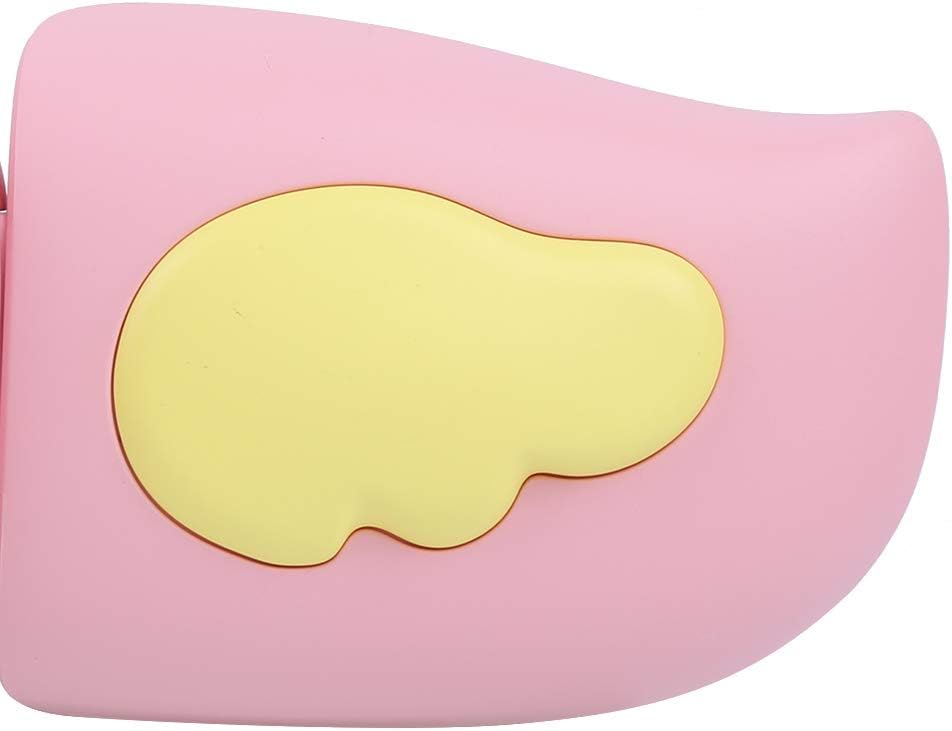
شکل 3: Detail of the camera's ergonomic design.
کلیدي ځانګړتیاوې:
- د 2.0 انچ رنګ ښودنه: لپاره viewد عکسونو، ویډیوګانو، او نیویګینګ مینو ډاونلوډ کول.
- ثابت لینز: 100° viewing angle for capturing wide scenes.
- د کاروونکي دوستانه تڼۍ: د اسانه عملیاتو لپاره رواني کنټرولونه.
- USB انٹرفیس: د چارج کولو او ډیټا لیږد لپاره.
- د میموري کارت سلاټ: Supports up to 32GB (card not included).
چمتو کول
1. د کیمرې چارج کول
Before first use, fully charge the camera's built-in 400mAh battery. The camera features a large capacity battery for strong endurance.
- Connect the provided USB charging cable to the camera's USB port.
- Connect the other end of the USB cable to a DC5V 1A USB power adapter (not included) or a computer's USB port.
- The charging indicator light will illuminate. Once charging is complete, the light may change color or turn off.
2. د میموري کارت داخلول
A memory card (MicroSD card, up to 32GB) is required to save photos and videos. It is not included in the package.
- د کیمرې په اړخ کې د حافظې کارت سلاټ ومومئ.
- Gently insert a MicroSD card into the slot with the metal contacts facing the front of the camera until it clicks into place.
- To remove the card, gently push it in again until it springs out.
عملیاتي لارښوونې
1. بریښنا فعال/بند
- د فعالولو لپاره: د بریښنا تڼۍ فشار ورکړئ او ونیسئ (معمولا د سره نښه شوی Ⓜ or a similar icon) for a few seconds until the screen lights up.
- د بریښنا بندولو لپاره: د بریښنا تڼۍ بیا فشار ورکړئ او ونیسئ تر هغه چې سکرین بند نشي.

شکل 4: Camera in hand, showing the display and control buttons.
2. عکسونه اخیستل
- کیمره چالان کړئ. دا به معمولا د عکس حالت ته ډیفالټ وي.
- Frame your shot using the 2.0-inch color display.
- Press the Shutter button (often a prominent button on top or side) to take a picture.
- The camera supports 20MP photo resolution.
- Utilize the 4 types of photo stickers and 9 kinds of filters for creative effects.
- Time-lapse shooting for selfies can be set for 3 or 5 seconds.
3. د ویډیو ثبتول
- From photo mode, navigate to video mode using the mode button (usually marked 'M' or a video camera icon).
- Press the Shutter button to start recording. A recording indicator will appear on the screen.
- د شټر ت buttonۍ فشار ورکړئ ترڅو ثبت ثبت کړئ.
- The camera records videos in 720P (1080x720) resolution.
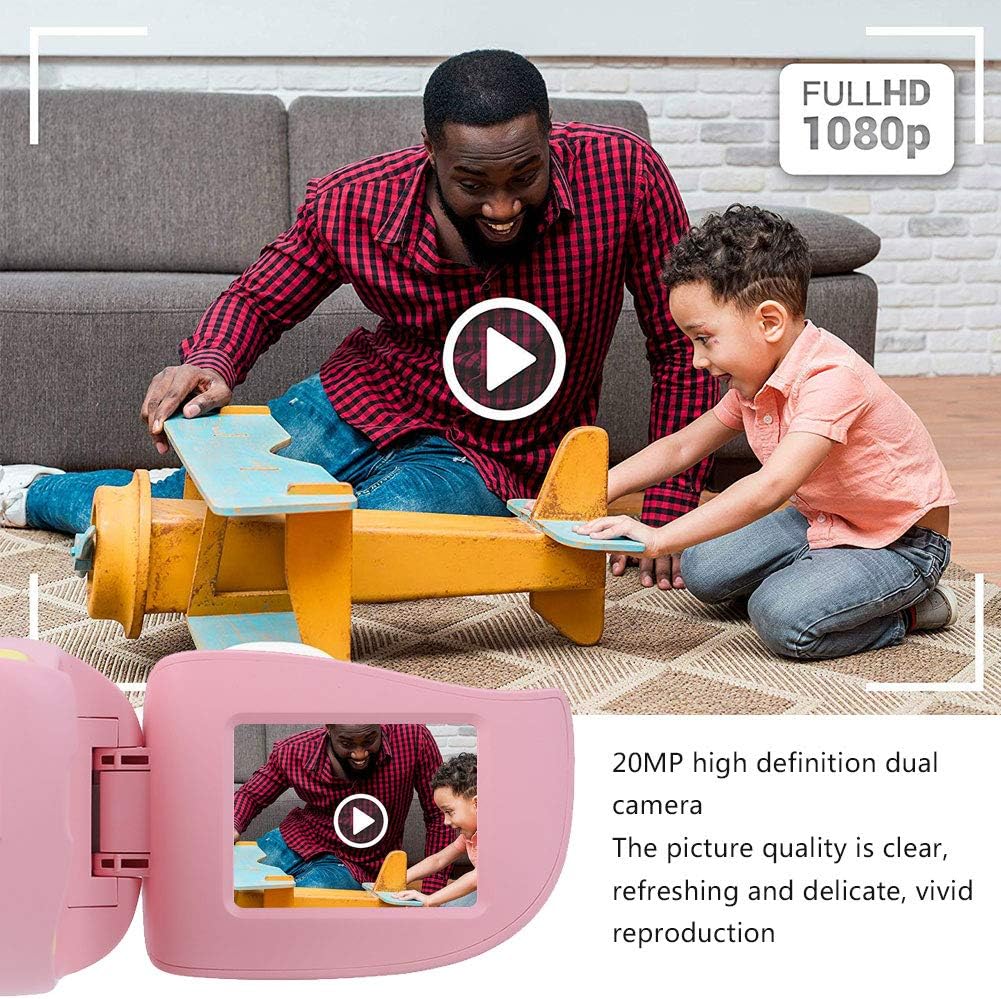
شکل 5: Illustrating the camera's 20MP photo and 720P video capabilities.
4. د پلې بیک حالت
- Enter playback mode using the mode button.
- Use the navigation buttons (up/down or left/right arrows) to browse through your photos and videos.
- Press the OK/Shutter button to view یو عکس یا ویډیو پلی کړئ.
5. Settings and Games
- Access the settings menu via the mode button or a dedicated menu button. Here you can adjust language (Chinese, English, Russian, Korean, Japanese), date/time, and other camera parameters.
- The camera supports a variety of built-in games for entertainment. Navigate to the game section through the menu.
ساتنه
- پاکول: Use a soft, dry cloth to clean the camera body. For the lens, use a specialized lens cleaning cloth. Do not use liquid cleaners or abrasive materials.
- ذخیره کول: Store the camera in a cool, dry place away from direct sunlight and moisture when not in use.
- د بیټرۍ پاملرنه: د بیټرۍ د ژوند اوږدولو لپاره، د بیټرۍ په مکرر ډول د بشپړ چارج کولو څخه ډډه وکړئ. کیمره په منظم ډول چارج کړئ، حتی که د اوږدې مودې لپاره نه کارول کیږي.
د ستونزو حل کول
| ستونزه | احتمالي لامل | د حل لاره |
|---|---|---|
| کیمره نه چالانیږي. | بیټرۍ ټیټه یا ختمه شوې ده. | Charge the camera using the USB charging cable. |
| عکسونه نشي اخیستلی / ویډیوګانې ثبتولی. | هیڅ میموري کارت نه دی داخل شوی یا کارت ډک/فاسد نه دی. | Insert a compatible MicroSD card (up to 32GB). Check if the card has sufficient space or try formatting it (this will erase all data). |
| انځورونه/ویډیوګانې تیاره دي. | Lens is dirty or lighting is poor. | Clean the lens with a soft cloth. Ensure adequate lighting for your shots. |
| کیمره کنګل کیږي یا بې ځوابه کیږي. | د سافټویر خرابوالی. | Press and hold the Power button for an extended period (e.g., 10-15 seconds) to force a restart. If the issue persists, ensure the battery is charged. |
مشخصات
| ماډل | A100 |
| مواد | د خوړو په کچه ABS |
| سکرین | 2.0 Inch Color Display Screen (LCD) |
| لینس | Fixed Lens, 100° Viewزاویه |
| د ذخیرې منځنۍ | Memory Card (MicroSD), Maximum Support 32GB (Not Included) |
| د انځور بڼه | JPG |
| د ویډیو بڼه | JPEG |
| د ویډیو حل | ۷۲۰پکسله (۱۲۸۰x۷۲۰) |
| عکس پکسل | 20 MP Effective Still Resolution |
| د عکس چوکاټونه | 4 ډولونه |
| د فلټر اغیزې | 9 ډوله |
| ننوتۍ جلدtage | DC5V 1A |
| افعال | Taking Pictures, Video Recording, Games |
| ملاتړ شوي ژبې | Chinese, English, Russian, Korean, Japanese |
| بیټرۍ | Built-in, Non-Detachable 400mAh Lithium Battery |
| وزن | نږدې 220 ګرامه |
| ابعاد (تقریبا) | ۱۸ x ۹ x ۶ سانتي متره (د پارسل ابعاد) |
| ارتباط | USB، Wi-Fi |
| د عکس سینسر ټیکنالوژي | CMOS |
| د افشا کولو کنټرول | لارښود |
| د شوټینګ طریقې | سپورت |
| پرله پسې ډزې | 30 FPS |
| د عمر سلسله | ماشوم (۶-۱۶ کاله) |
تضمین او ملاتړ
Specific warranty information is not provided in this manual. For details regarding warranty coverage, technical support, or service, please refer to the documentation included with your purchase or contact the retailer where the product was acquired. You may also visit the official Cuifati brand store for additional information.
Cuifati Brand Store: هټۍ ته مراجعه وکړئ