
Audeze 208-MW-1120-01
د آډیز میکسویل بې سیم گیمینګ هیډسیټ کارونکي لارښود
Model: 208-MW-1120-01
پیژندنه
The Audeze Maxwell Wireless Gaming Headset is engineered to provide an immersive audio experience across multiple platforms, including PlayStation, Mac, PC, and Switch. Featuring Audeze's renowned 90mm Planar Magnetic Drivers, this headset delivers exceptional sound quality with deep bass and dynamic range. It incorporates advanced A.I. noise filtering technology for crystal-clear communication and offers extensive battery life for prolonged gaming sessions.
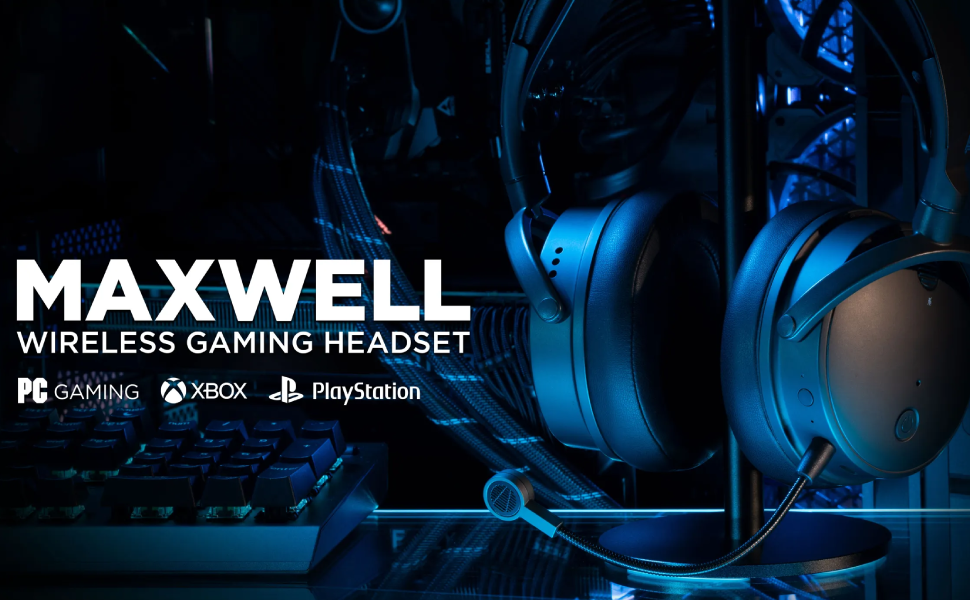
Image: Audeze Maxwell Wireless Gaming Headset banner.
چمتو کول
Before using your Audeze Maxwell headset, ensure it is fully charged and properly connected to your desired device.
د هیډسیټ چارج کول
The Maxwell headset boasts over 80 hours of low-latency wireless gameplay on a full charge. A quick 20-minute charge can provide a full day of gaming. Use the included USB-C cable to charge the headset.
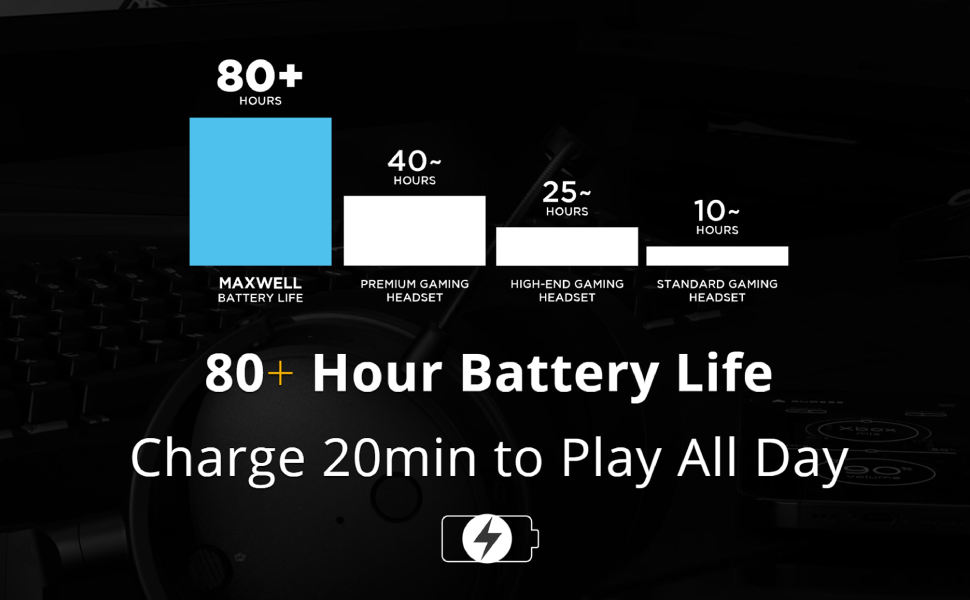
Image: Chart illustrating the Audeze Maxwell's 80+ hour battery life compared to other headsets.
ارتباط
دا هیډسیټ د ارتباط لپاره څو اړخیز انتخابونه وړاندې کوي:
- بې سیم: Utilize the included USB-C dongle for ultra-low latency wireless connection to PlayStation, PC, Mac, and Switch.
- بلوتوث: Connect wirelessly via Bluetooth to compatible devices.
- USB-C: Direct wired connection via USB-C for high-resolution audio.

Image: Graphic highlighting the ultra-low latency wireless capabilities of the headset.
شاملې برخې
Your Audeze Maxwell headset package includes the following items:
- Audeze Maxwell Wireless Gaming Headset
- د جلا کیدو وړ بوم مایکروفون
- USB-C بې سیم ډانګلی
- د USB-C چارج کیبل
- 3.5mm آډیو کیبل

Image: The Audeze Maxwell headset displayed with its various included accessories, such as cables and the detachable microphone.
د هیډسیټ چلول
Familiarize yourself with the controls and features of your Audeze Maxwell headset for optimal use.

Image: The Audeze Maxwell headset resting on a PlayStation 5 console, with labels indicating key features and controls such as the multi-function button, mic mute switch, and volume controls.
کلیدي کنټرولونه او ځانګړتیاوې
- د بریښنا تڼۍ: Located on the earcup, press and hold to power on/off.
- ملټي فنکشن بټن: Used for various controls depending on the context (e.g., play/pause, answer calls).
- د مایک خاموش سویچ: Toggle to mute or unmute the microphone.
- د هیډفون حجم کنټرول: د اوریدلو حجم تنظیم کړئ.
- د مایکروفون حجم کنټرول: Adjust the microphone input level.
- Boom Mic Port: Connect the detachable boom microphone here.
- On-Board Mics: The headset also features built-in microphones.
Audeze HQ App
Download the free Audeze HQ app to customize your audio experience. The app allows you to set your own equalization (EQ) profiles and access other advanced features to fine-tune the headset's performance.
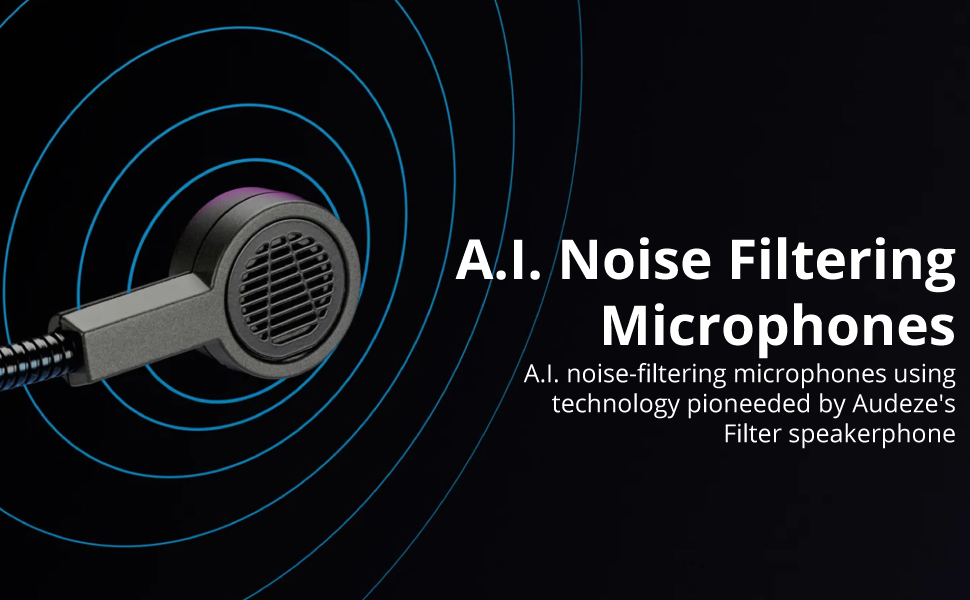
Image: Graphic illustrating the A.I. noise filtering technology used in the headset's microphones.
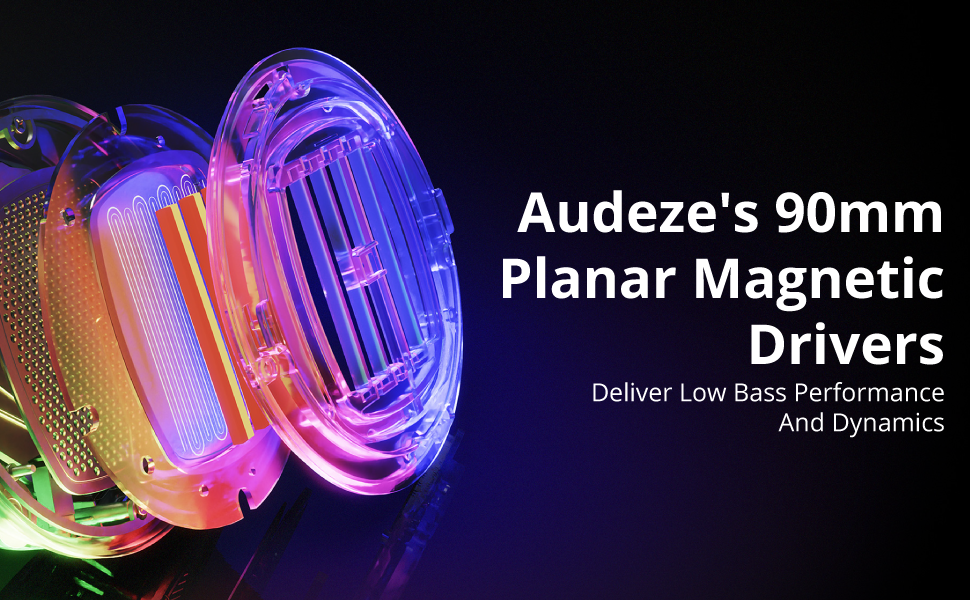
Image: Detailed graphic showcasing the internal structure of Audeze's 90mm Planar Magnetic Drivers.
ساتنه
Proper care and maintenance will extend the life of your Audeze Maxwell headset.
- پاکول: Use a soft, dry cloth to wipe down the earcups and headband. Avoid abrasive cleaners or solvents.
- د غوږ پیډونه: The earpads are replaceable. If they become worn or damaged, contact Audeze support for replacement options.
- ذخیره کول: هیډسیټ په یخ او وچ ځای کې د مستقیم لمر وړانګو او سختې تودوخې څخه لرې وساتئ.
د ستونزو حل کول
If you encounter issues with your Audeze Maxwell headset, refer to the following common solutions:
- هیڅ غږ نشته/د غږ کیفیت خراب دی:
- ډاډ ترلاسه کړئ چې هیډسیټ فعال دی او په بشپړ ډول چارج شوی دی.
- Verify the correct input/output device is selected on your computer or console.
- For PC users, significant audio improvement can often be achieved by adjusting EQ settings within the Audeze HQ app and considering software like Dolby Atmos.
- Check all cable connections if using a wired setup.
- د اتصال مسلې (بېسیم/بلوتوث):
- Ensure the USB-C dongle is securely plugged into a compatible port. Some Mac USB-C ports may require a USB hub for the dongle to function correctly.
- Re-pair the headset with your device if Bluetooth connection is unstable.
- Move closer to the dongle/device to reduce interference.
- Microphone Not Working/Poor Quality:
- Ensure the boom microphone is securely attached and the mic mute switch is disengaged.
- په خپل وسیله کې د مایکروفون ان پټ تنظیمات وګورئ.
- Verify that the A.I. noise filtering is enabled or configured correctly in the Audeze HQ app.
- Audio Crackling or Popping:
- This can sometimes occur with quiet audio or transitions between sound/no sound. Try updating headset firmware via the Audeze HQ app.
- Ensure there are no strong wireless interferences nearby.
- Audeze HQ App Issues:
- If the app shows the headset as disconnected or with 0% battery, try restarting the app and ensuring the headset is connected and powered on.
- ډاډ ترلاسه کړئ چې ایپ وروستي نسخه ته تازه شوی.
مشخصات
| فیچر | تفصیل |
|---|---|
| د ماډل نوم | Maxwell for Playstation, PC, Mac, and Switch |
| د ارتباط ټیکنالوژي | Wireless, Bluetooth, USB-C |
| د بې سیمه مخابراتو ټیکنالوژي | بلوتوث 5.1 |
| د آډیو ډرایور ډول | د پلانر مقناطیسي چلوونکی |
| د آډیو ډرایور اندازه | 90 ملی متره |
| د فریکونسی رینج | ۲۰ هرټز - ۴۰ کلو هرټز |
| د بیټرۍ ژوند | 80 ساعته |
| د چارج کولو وخت | 2.5 Hours (for a full charge) |
| د شور کنټرول | Active Noise Cancellation (via A.I. filtering) |
| هیډفون جیک | 3.5 ملی جیک |
| د توکي وزن | 490 ګرامه (1.08 پونډه) |
| مواد | پلاستیک |
| رنګ | تور خړ |
| مطابقت لرونکې وسیلې | Playstation, PC, Mac, Switch |
| خنډ | 70 اوم |
| UPC | 819343014793 |
تضمین او ملاتړ
For detailed warranty information, technical support, or service inquiries, please visit the official Audeze webسایټ ته مراجعه وکړئ یا مستقیم د دوی د پیرودونکي ملاتړ سره اړیکه ونیسئ. د تضمین ادعاوو لپاره د پیرود ثبوت وساتئ.
Audeze Official Webسایټ: www.audeze.com
اړوند اسناد - 208-MW-1120-01
 |
د آډیز میکسویل بې سیم گیمینګ هیډسیټ کارونکي لارښود Comprehensive user guide for the Audeze Maxwell Wireless Gaming Headset, covering setup, connections, features, controls, and troubleshooting. Learn about Bluetooth pairing, USB and AUX connections, PlayStation and Xbox setup, firmware updates, and audio settings. |
 |
د آډیز میکسویل بې سیم گیمینګ هیډسیټ - د کارونکي لارښود د آډیز میکسویل بېسیم لوبو هیډسیټ لپاره جامع لارښود، چې ځانګړتیاوې، تنظیم او عملیات پوښي. د دې پریمیم آډیو، آرامۍ، او ارتباطي انتخابونو په اړه زده کړه وکړئ. |
 |
د آډیز میکسویل بې سیم گیمینګ هیډسیټ کارونکي لارښود د آډیز میکسویل بې سیم گیمینګ هیډسیټ لپاره جامع کارونکي لارښود، چې د پلی سټیشن، کمپیوټر، میک، او ګرځنده وسیلو لپاره تنظیم، ځانګړتیاوې، ارتباط، او کنټرولونه پوښي. |
 |
Audeze Maxwell 2 ANC UI Instructions User interface instructions for the Audeze Maxwell 2 ANC headphones, detailing button functions, dial controls, and touch gestures for volume, EQ, and communication settings. |
 |
Audeze Maxwell 2 Uživatelská příručka Oficiální uživatelská příručka pro herní sluchátka Audeze Maxwell 2. Návod k nastavení, aktualizaci firmwaru, připojení a ovládání. |
 |
د آډیز میکسویل بې سیم گیمینګ هیډسیټ کارونکي لارښود Comprehensive user guide for the Audeze Maxwell Wireless Gaming Headset, detailing setup, connectivity options (USB-C, Bluetooth, Wireless Dongle), PlayStation and Xbox compatibility, audio settings, firmware updates, microphone features, AI noise suppression, EQ presets, and LED indicator meanings. |
Ask a question about this manual
Ask about setup, troubleshooting, compatibility, parts, safety, or missing instructions. Manuals+ will review the question and use this page’s manual context to help answer it.