
پیژندنه
Thank you for choosing the Xtrike Me GW-610 Gaming Mouse. This manual provides detailed instructions for setting up, operating, and maintaining your new gaming mouse. The GW-610 offers both wired and 2.4G wireless connectivity, customizable RGB lighting, and a high-precision optical sensor with adjustable DPI settings, designed for an enhanced gaming experience.
د بسته محتويات
- Xtrike Me GW-610 Gaming Mouse
- د USB ډول-C څخه USB-A کیبل (1.5m)
- 2.4G USB Receiver (usually stored inside the mouse)
- د کارونکي لارښود (دا لاسوند)
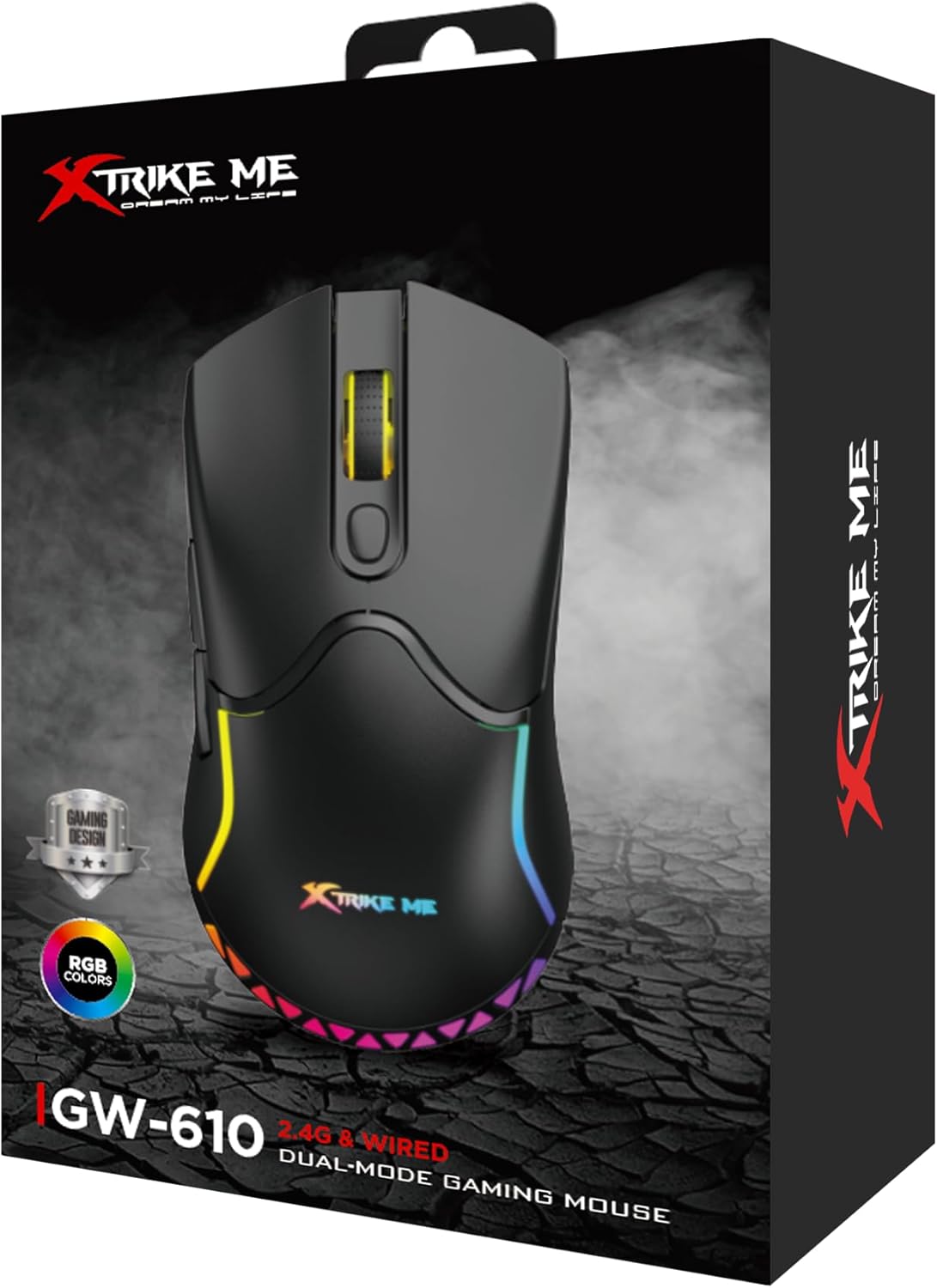
Image: The retail packaging box for the Xtrike Me GW-610 Gaming Mouse, showing the mouse and its key features.
د تنظیم کولو لارښوونې
1. د تار نښلول
- Connect the USB Type-C end of the provided cable to the mouse.
- د کیبل USB-A پای په خپل کمپیوټر کې موجود USB پورټ سره وصل کړئ.
- موږک به په اتوماتيک ډول کشف شي او د کارولو لپاره چمتو شي.
2. Wireless (2.4G) Connection
- Locate the 2.4G USB receiver, usually stored in a compartment on the underside of the mouse.
- ریسیور لرې کړئ او په خپل کمپیوټر کې موجود USB پورټ کې یې ولګوئ.
- د بریښنا سویچ په کارولو سره موږک چالان کړئ چې په لاندې برخه کې موقعیت لري.
- موږک به په اتوماتيک ډول د رسیدونکي سره وصل شي.
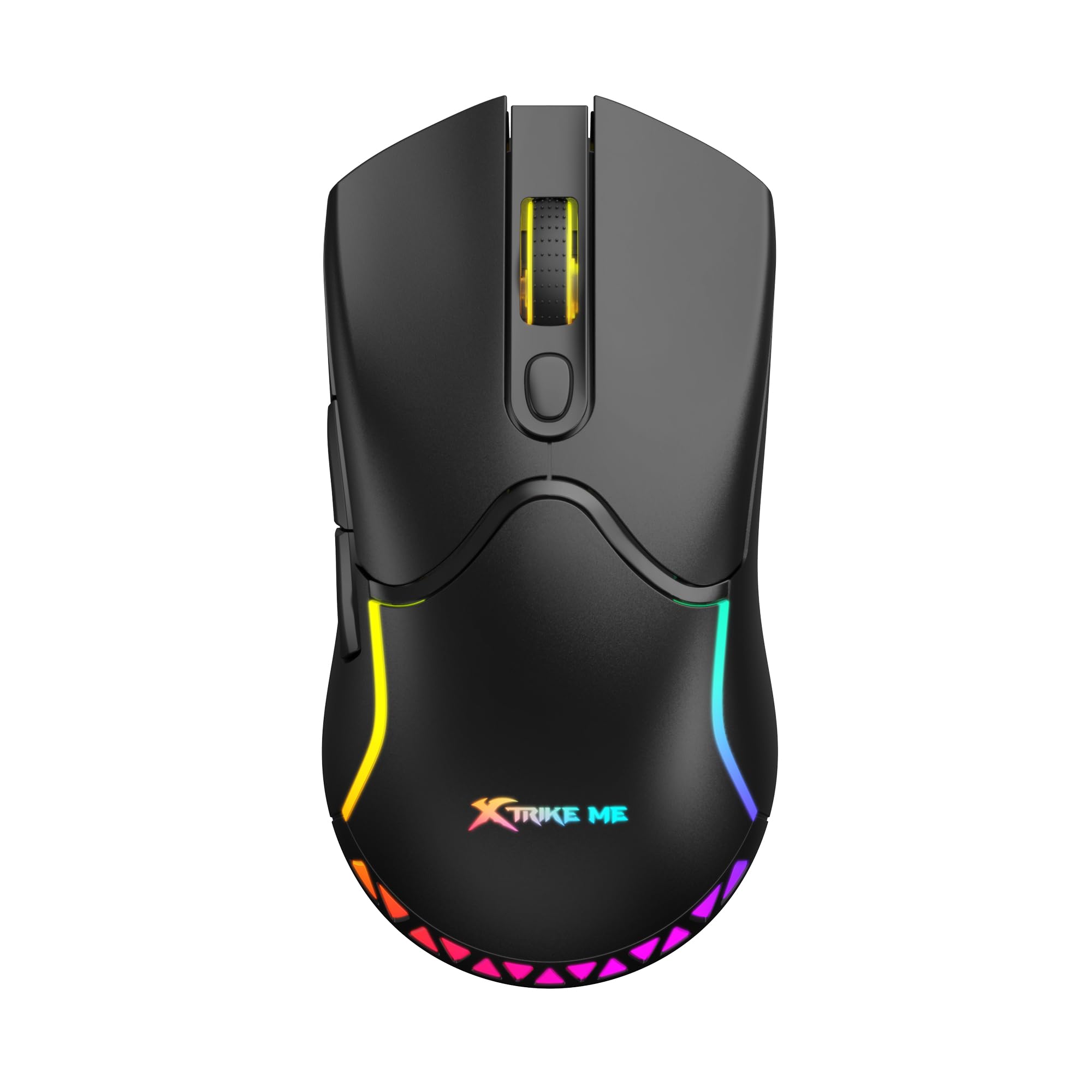
انځور: پورته view of the Xtrike Me GW-610 Gaming Mouse, showcasing its ergonomic design and RGB lighting.
عملیاتي لارښوونې
Button Functions (7 Buttons)
- د کیڼ کلیک تڼۍ: د معیاري لومړني کلیک فعالیت.
- د ښي کلیک تڼۍ: د معیاري ثانوي کلیک فعالیت.
- سکرول ویل: پورته/ښکته سکرول کوي، او د منځني کلیک تڼۍ په توګه کار کوي.
- د DPI سایکل تڼۍ: Changes the mouse sensitivity (DPI) through preset levels.
- د وړاندې کولو تڼۍ: مخ په وړاندې ځي web براوزرونه یا file سپړونکي
- شاته تڼۍ: شاته نیویګیټ کوي web براوزرونه یا file سپړونکي
- RGB Lighting Control Button: (Specific function may vary, often cycles through lighting modes or turns lights on/off. Refer to software if available for full customization.)

انځور: زاویه لرونکی view of the Xtrike Me GW-610 Gaming Mouse, highlighting the side buttons and ergonomic shape.
د DPI تعدیل
Press the DPI cycle button (usually located behind the scroll wheel) to switch between the following sensitivity levels:
- 800 DPI
- 1600 DPI (ډیفالټ)
- 2400 DPI
- 3200 DPI
- 4800 DPI
- 8000 DPI
Each DPI level may be indicated by a change in the mouse's LED color or a brief flash.
د RGB رingا کنټرول
The mouse features multi-color RGB lighting effects. Use the dedicated RGB lighting control button (if present, or a combination of buttons) to cycle through different lighting modes or to turn the lighting on/off. The lighting effects include a flowing light pattern.

انځور: اړخ view of the Xtrike Me GW-610 Gaming Mouse, showing the illuminated RGB strip along its body.
د موږک چارج کول
When using the mouse in wireless mode, it is powered by a built-in 500mAh lithium-ion battery. To charge the mouse:
- Connect the USB Type-C end of the provided cable to the mouse.
- Connect the USB-A end of the cable to a powered USB port on your computer or a USB wall adapter.
- The charging indicator (if present) will show the charging status.
- بشپړ چارج شاوخوا 3 ساعته وخت نیسي.
The mouse can be used in wired mode while charging. A full charge provides approximately 20 hours of use with RGB lighting on, or 100 hours with RGB lighting off.
ساتنه
- پاکول: د موږک د پاکولو لپاره نرم، وچ ټوکر وکاروئ. د سختې خاورې لپاره، یو څه damp cloth can be used, ensuring no liquid enters the mouse. Do not use harsh chemicals or abrasive cleaners.
- ذخیره کول: موږک په یخ او وچ ځای کې د مستقیم لمر وړانګو او سختې تودوخې څخه لرې وساتئ.
- د کیبل پاملرنه: د زیان څخه د مخنیوي لپاره د USB کیبل د ډیر تاوولو یا تاوولو څخه ډډه وکړئ.
د ستونزو حل کول
| مسله | احتمالي حل |
|---|---|
| موږک ځواب نه ورکوي (وایر شوی) |
|
| موږک ځواب نه ورکوي (بې سیم) |
|
| DPI نه بدلیږي |
|
| د RGB څراغ کار نه کوي |
|
مشخصات
| برانډ | ایکسټرایک می |
| د ماډل شمیره | XT-GW-610 |
| د سینسر ډول | نظري |
| د تڼیو شمیر | 7 |
| ارتباط | ۲.۴ جي بېسیم، تار لرونکی (ډول-سي) |
| Operating Distance (Wireless) | 10 متره |
| د DPI تنظیمات | 800-1600-2400-3200-4800-8000 (Default: 1600) |
| درجه بندي کړئ | 3 ملیون کلیکونه |
| د نظرپوښتنې کچه | 500Hz |
| د بیټرۍ ډول | لیتیم آیون |
| د بیټرۍ ظرفیت | 500mAh |
| Usage Time (Lights On) | ۸ ساعته |
| Usage Time (Lights Off) | ۸ ساعته |
| د چارج کولو وخت | ۸ ساعته |
| د عملیاتو Voltage (Wired) | 5V/300mA (with charging) |
| د عملیاتو Voltage (Wireless) | 3.7V/≤35mA |
| شاته څراغ | RGB |
| انٹرفیس | ټایپ-سي |
| د کیبل اوږدوالی | 1.5 متره |
| ابعاد | 127 x 66 x 39 mm |
| وزن | 90 ګرامه |
| د OS ملاتړ | وینډوز 7 یا نوي |
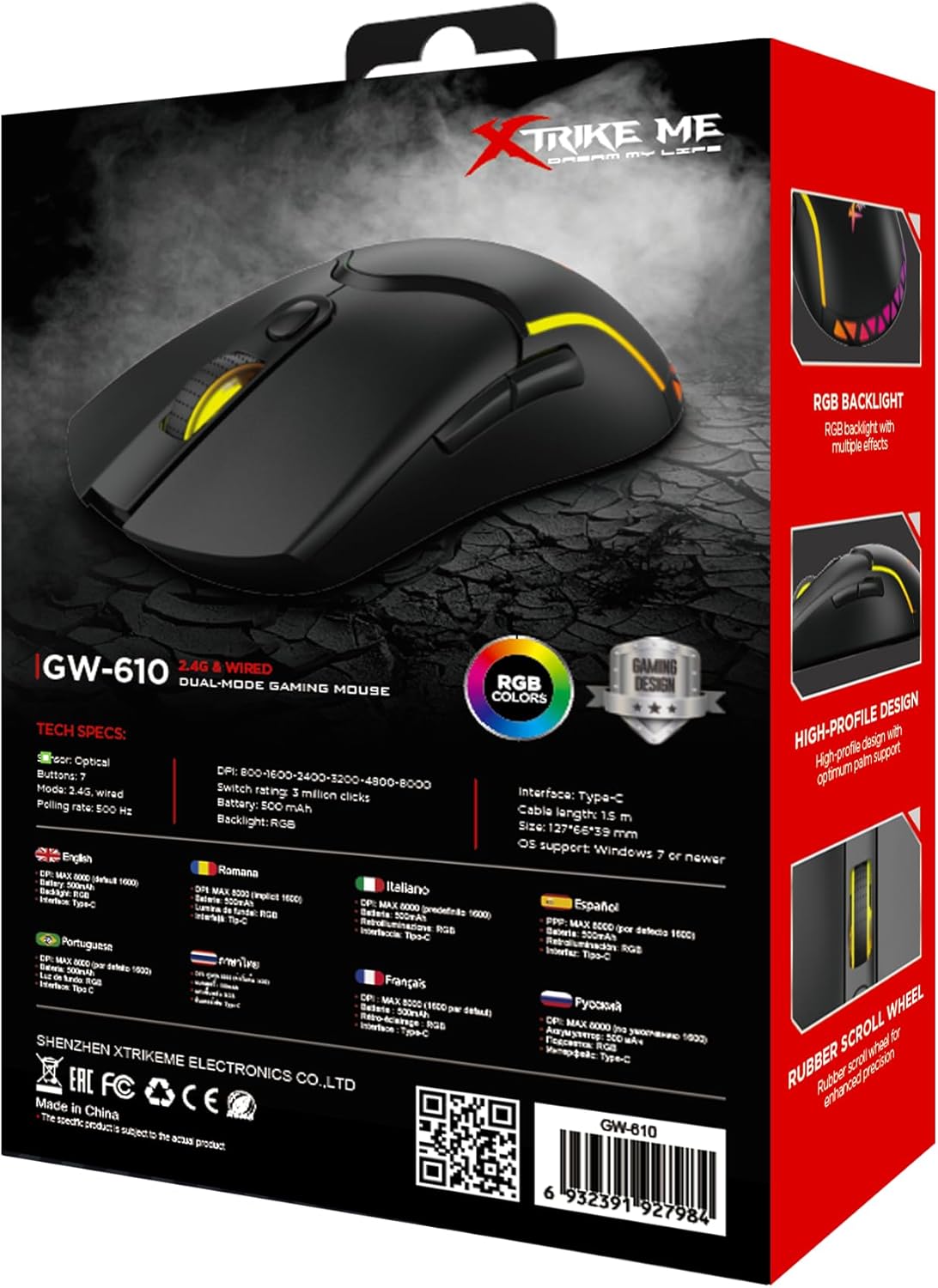
Image: The back of the Xtrike Me GW-610 Gaming Mouse box, displaying detailed technical specifications in multiple languages.
تضمین او ملاتړ
The Xtrike Me GW-610 Gaming Mouse comes with a standard manufacturer's warranty. For specific warranty terms and conditions, please refer to the warranty card included with your product or visit the official Xtrike Me webسایټ
For technical support, troubleshooting assistance, or to inquire about replacement parts, please contact Xtrike Me customer service or visit their official webسایټ: