
پیژندنه
Thank you for choosing the Vieta Pro Bone Bone Conduction Wireless Headphones. These headphones are designed to provide a unique audio experience, allowing you to enjoy music while remaining aware of your surroundings. This manual provides essential information for setting up, operating, and maintaining your headphones.

Image: Vieta Pro Bone bone conduction headphones in black, showcasinد دوی ایرګونومیک ډیزاین.
په بکس کې څه دي
Your Vieta Pro Bone package includes the following items:
- Vieta Pro Bone Bone Conduction Wireless Headphones
- د چارج کیبل
- د کارونکي لارښود (دا لاسوند)
- Earplugs (for enhanced audio experience in noisy environments)
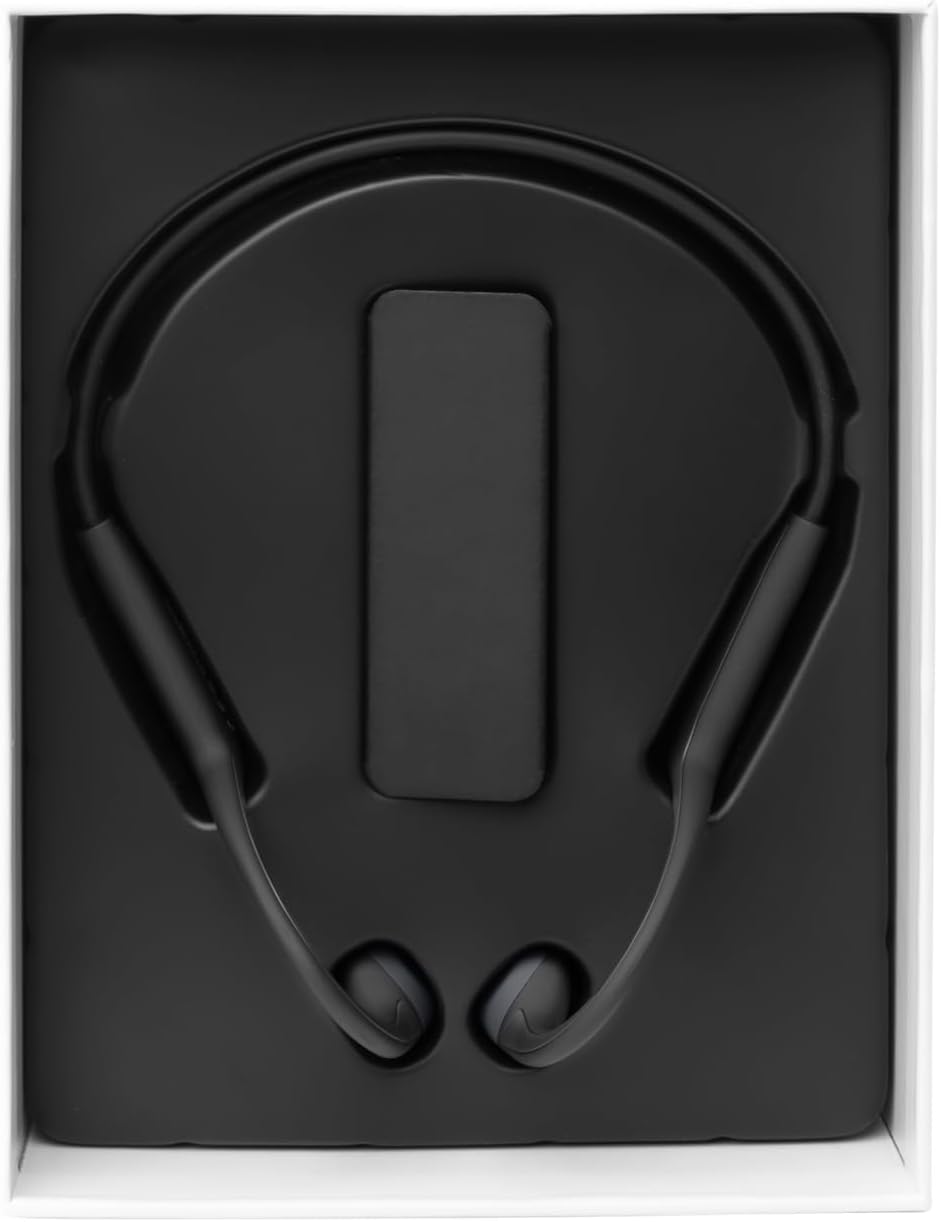
Image: The Vieta Pro Bone headphones neatly packaged in their box, alongside the charging cable and documentation.
Video: An unboxing and quick overview of the Vieta Pro Bone headphones, demonstrating the contents and initial handling.
محصول پای ته ورسیدview
د هیډفون اجزا
The Vieta Pro Bone headphones feature a lightweight, ergonomic design for comfortable wear during various activities.
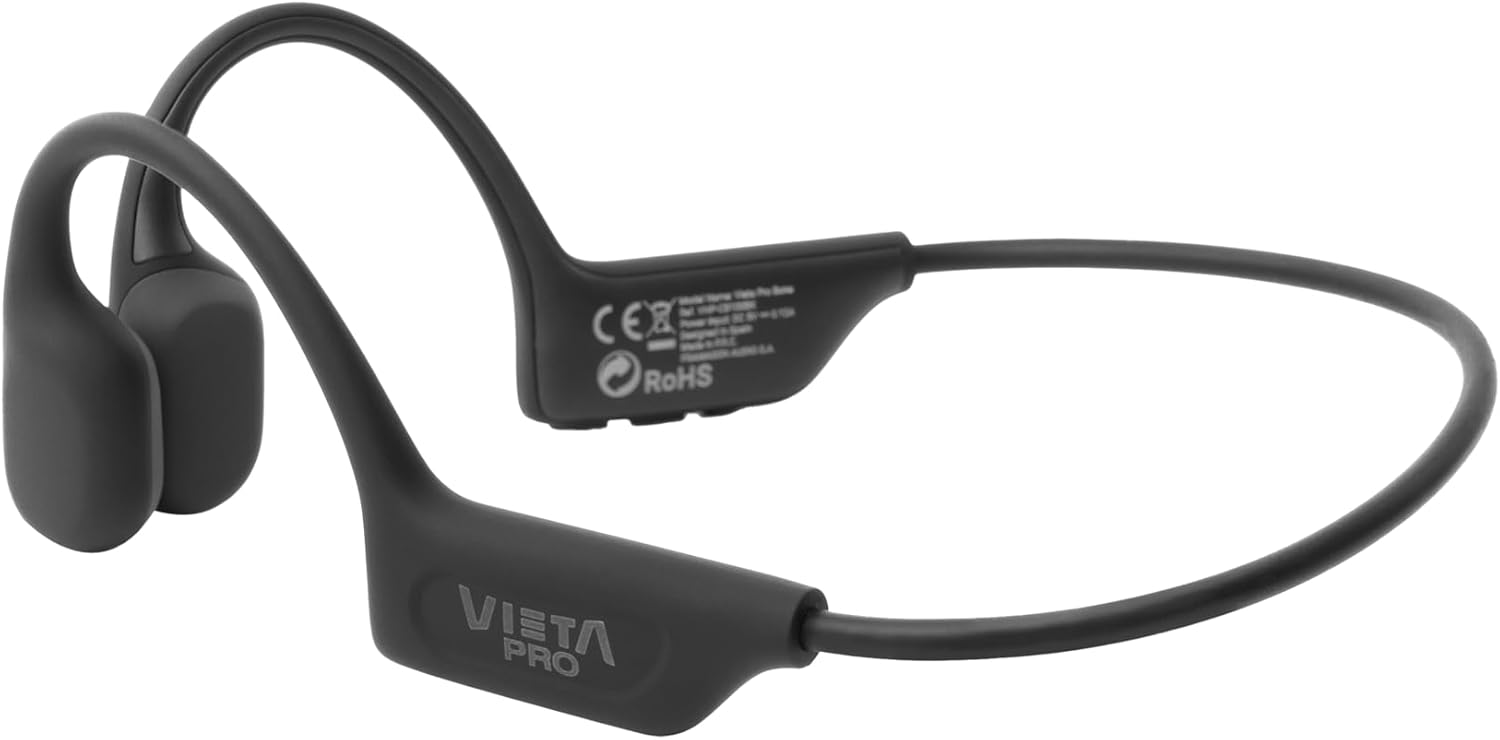
انځور: یو مفصل view of the Vieta Pro Bone headphones, highlighting the bone conduction pads that rest near the ears and the flexible band that connects them.
کنټرولونه
The control buttons are located on one side of the headphone band for easy access.

Image: A close-up of the control panel on the left side of the headphone band, featuring buttons for power/multifunction, volume up, and volume down.
- د بریښنا/ملټي فنکشن بټن: د بریښنا د فعالولو/بندولو، پلی کولو/بندولو، زنګونو ته ځواب ویلو/پای ورکولو لپاره کارول کیږي.
- د حجم پورته کولو تڼۍ: Increases volume, next track (long press).
- د حجم ښکته تڼۍ: Decreases volume, previous track (long press).
- مایکروفون: Integrated for clear calls.
چمتو کول
د هیډفون چارج کول
Before first use, fully charge your headphones. Connect the charging cable to the charging port on the headphones and to a USB power source. The LED indicator will show charging status.
- بشپړ چارج تر لسو ساعتونو پورې د پلې بیک وخت چمتو کوي.
د بلوتوټ وسیله سره جوړه کول
- ډاډ ترلاسه کړئ چې هیډفونونه بند شوي دي.
- Press and hold the Power/Multifunction button until the LED indicator flashes blue and red, indicating pairing mode.
- په خپل وسیله (سمارټ فون، ټابلیټ، او نور) کې، بلوتوټ فعال کړئ او د شته وسایلو لټون وکړئ.
- Select "Vieta Pro Bone" from the list of devices.
- یوځل وصل شو ، د LED شاخص به ورو ورو نیلي شيندي.
دوه ګونی پیوستون
The headphones support dual connection, allowing you to connect to two devices simultaneously (e.g., phone and tablet). After pairing with the first device:
- په لومړي وسیله کې بلوتوث غیر فعال کړئ.
- هیډفونونه بیرته د جوړه کولو حالت ته واچوئ او دوهم وسیله سره وصل کړئ.
- په لومړي وسیله کې بلوتوث بیا فعال کړئ. هیډفونونه باید په اتوماتيک ډول دواړو وسیلو سره وصل شي.

Image: An infographic illustrating the main features: Bluetooth 5.3, up to 8 hours battery, sport-optimized fit, bone conduction technology, non-isolating design, memory band, dual connection, and IPX6 water resistance.
عملیاتي لارښوونې
پاور آن/بند
- پاور آن: Press and hold the Power/Multifunction button for 3 seconds.
- بندول: Press and hold the Power/Multifunction button for 5 seconds.
د غږ غږ
- پلی کول / ودرول: Press the Power/Multifunction button once.
- بله لار: د حجم پورته کولو تڼۍ اوږد فشار ورکړئ.
- مخکینی لار د حجم کمولو تڼۍ اوږد فشار ورکړئ.
- د حجم کنټرول: د حجم پورته کولو یا د حجم کمولو تڼۍ فشار ورکړئ.
تلیفون زنګونه
- ځواب / پای کال: Press the Power/Multifunction button once.
- زنګ رد کړئ: Press and hold the Power/Multifunction button for 2 seconds.
- د غږ همکار: Triple press the Power/Multifunction button (if supported by your device).
ساتنه او پالنه
- پاکول: هیډفونونه په نرم او وچ ټوکر سره پاک کړئ. د کثافاتو پاکوونکي یا محلول مه کاروئ.
- د اوبو مقاومت: The headphones are IPX6 water-resistant, meaning they can withstand sweat and splashes. Do not submerge them in water. Dry thoroughly after exposure to moisture.
- ذخیره کول: په یخ او وچ ځای کې د مستقیم لمر وړانګو او خورا تودوخې څخه لرې وساتئ.
- بیټرۍ: To preserve battery life, charge the headphones regularly, even if not in use for extended periods.

Image: A user wearing the Vieta Pro Bone headphones during a run, demonstrating their secure fit and suitability for sports activities.
د ستونزو حل کول
| ستونزه | احتمالي حل |
|---|---|
| هیډفونونه نه چالانیږي. | ډاډ ترلاسه کړئ چې هیډفونونه چارج شوي دي. د بریښنا سرچینې سره وصل شئ او بیا هڅه وکړئ. |
| د وسیلې سره جوړه نشي کیدی. |
|
| غږ نشته یا ټیټ غږ. |
|
| د غږ کیفیت ټیټ دی. |
|
مشخصات
| فیچر | تفصیل |
|---|---|
| د ماډل شمیره | د VHP-CB100BK لپاره تفتیش وسپارئ، موږ به په XNUMX ساعتونو کې له تاسو سره اړیکه ونیسو. |
| د ارتباط ټیکنالوژي | بې سیم (بلوتوث) |
| بلوتوث نسخه | 5.3 |
| د بلوتوټ رینج | تر 10 مترو پورې |
| د بیټرۍ ژوند | تر ۴.۵ ساعتونو پورې (پلې بیک) |
| د اوبو د مقاومت درجه | IPX6 (د خولې او څاڅکو په وړاندې مقاومت لرونکی) |
| خنډ | 32 اوهم |
| د فریکونسی رینج | ۲۰ هرټز - ۲۰،۰۰۰ هرټز |
| مایکروفون | یوځای شوی |
| د کنټرول ډول | Volume control, App control |
| مواد | Silicone, plastic, fabric |
| وزن | Approximately 180g (from package dimensions) |
د خوندیتوب معلومات
- د اورېدو د زیان د مخنیوي لپاره د اوږدې مودې لپاره په ډیر لوړ غږ سره هیډفونونه مه کاروئ.
- Maintain awareness of your surroundings, especially when using headphones outdoors or in traffic, as bone conduction technology allows ambient sound to be heard.
- Keep the headphones away from extreme temperatures, direct sunlight, and moisture.
- Do not attempt to disassemble or repair the headphones yourself. Contact customer support for assistance.
- د محصول او بیټرۍ د ځایی مقرراتو سره سم په مسؤلیت سره تصفیه کړئ.
تضمین او ملاتړ
د تضمین معلوماتو او پیرودونکو ملاتړ لپاره، مهرباني وکړئ رسمي ویتا پرو ته مراجعه وکړئ webسایټ یا خپل محلي توزیع کونکي سره اړیکه ونیسئ. د تضمین ادعاوو لپاره د پیرود ثبوت وساتئ.
جوړونکی: د فریماسن آډیو SA