
1. پیژندنه
This manual provides detailed instructions for the MEETION MT-M915 USB Gaming Mouse with Backlight. Please read this guide thoroughly before using the product to ensure correct installation, optimal performance, and to understand its features. This mouse is designed for gaming and general computer use, offering reliable performance and a comfortable design.
2. د بسته محتويات
- MEETION MT-M915 USB Gaming Mouse
- د لارښود لارښود (دا سند)
3. د سیسټم اړتیاوې
- Operating System: Windows XP, Linux
- Compatible Devices: Personal Computer, Laptop
- د USB پورټ شتون لري
4. ترتیب کول
۳.۲ د موږک سره نښلول
- په خپل کمپیوټر یا لپ ټاپ کې یو موجود USB پورټ ومومئ.
- Plug the USB connector of the MEETION MT-M915 mouse into the USB port.
- The operating system will automatically detect and install the necessary drivers. This is a plug-and-play device, so no additional software installation is typically required.
- The mouse backlight will illuminate upon successful connection.
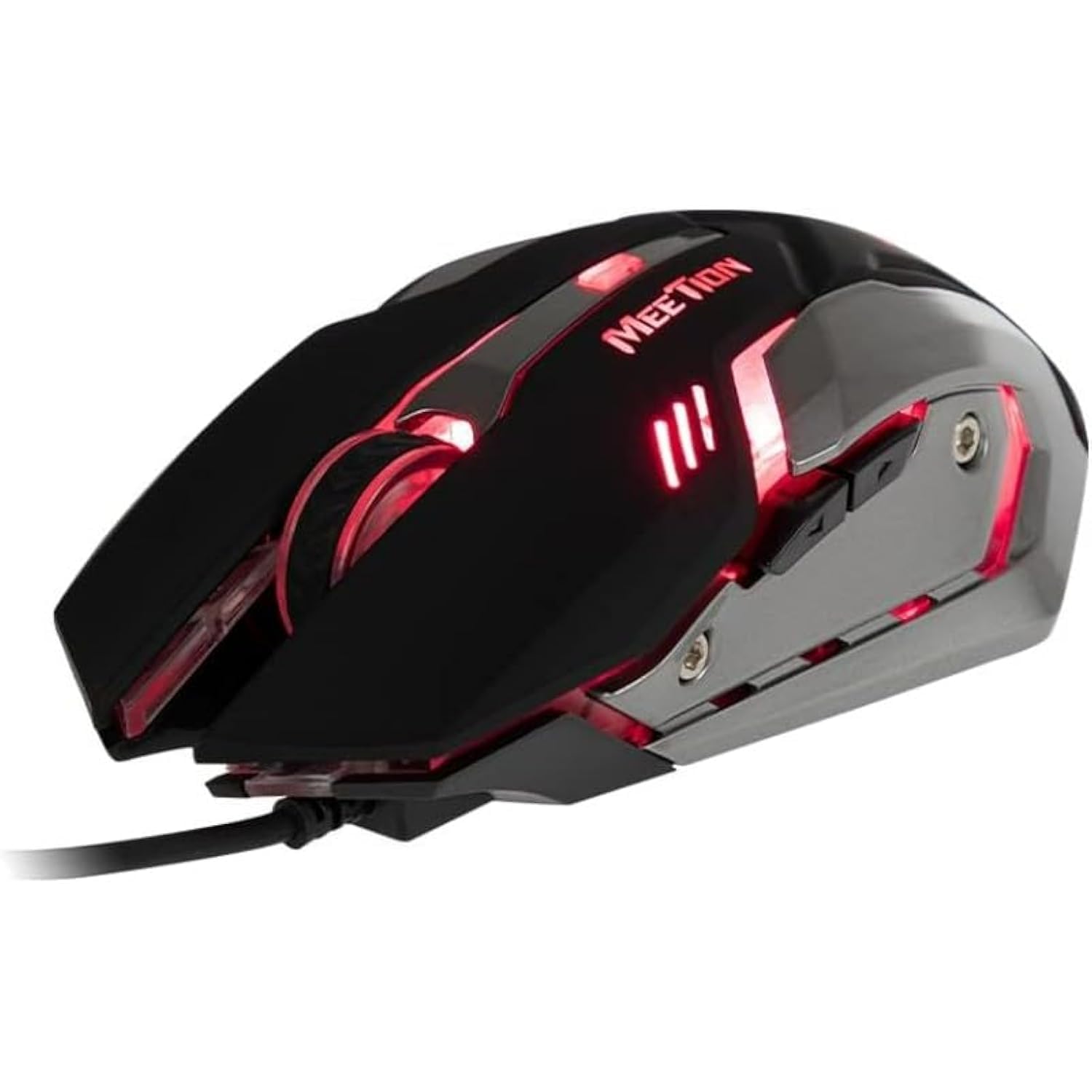
شکل 1: اړخ view of the MEETION MT-M915 mouse with red backlight.
۴. د موږک چلول
5.1 اساسي دندې
- کیڼ کلیک: Primary action button, typically used for selecting items, opening files, or interacting with software.
- ښي کلیک: Secondary action button, typically used for opening context menus or accessing additional options.
- سکرول ویل: د اسنادو له لارې سکرول کولو لپاره کارول کیږي او web پاڼې. دا د منځني کلیک تڼۍ په توګه هم کار کولی شي.
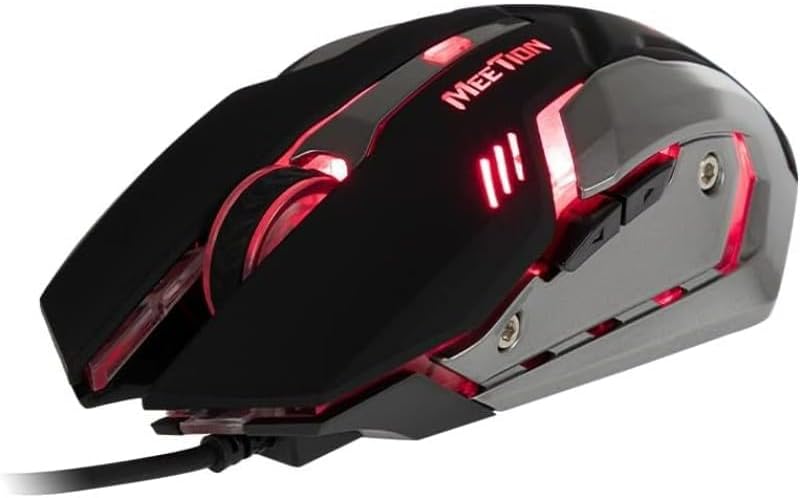
شکل ۱: پورته څخه ښکته view of the MEETION MT-M915 mouse, showing button layout.
5.2 د بیک لائټ عملیات
The MEETION MT-M915 mouse features an integrated backlight. The backlight activates automatically when the mouse is connected to a powered USB port. The color of the backlight may vary or cycle through different colors, as shown in Figure 3.

شکل 3: اړخ view of the MEETION MT-M915 mouse with purple backlight.
5.3 Ambidextrous Design
The mouse is designed for ambidextrous use, meaning it can be comfortably used by both left-handed and right-handed individuals.
6. ساتنه
6.1 پاکول
- د پاکولو دمخه موږک له خپل کمپیوټر څخه جلا کړئ.
- د موږک سطحه د پاکولو لپاره نرم، وچ ټوکر وکاروئ.
- د سختې خاورې لپاره، لږ څهampټوکر د اوبو یا نرم پاکولو محلول سره ومینځئ. د سختو کیمیاوي موادو څخه ډډه وکړئ.
- مایعاتو ته اجازه مه ورکوئ چې موږک ته ننوځي casing.
6.2 ذخیره کول
موږک په یخ او وچ ځای کې د مستقیم لمر وړانګو او سختې تودوخې څخه لرې وساتئ کله چې د اوږدې مودې لپاره نه کارول کیږي.
7. ستونزه حل کول
۶.۱ موږک ځواب نه ورکوي
- ډاډ ترلاسه کړئ چې USB کیبل ستاسو په کمپیوټر کې په یوه فعال USB پورټ کې په خوندي ډول ولګول شوی دی.
- هڅه وکړئ چې موږک په بل USB پورټ کې ولګوئ.
- خپل کمپیوټر بیا پیل کړئ.
- Test the mouse on another computer to determine if the issue is with the mouse or your computer's USB ports.
۶.۳ د شا څراغ کار نه کوي
- ډاډ ترلاسه کړئ چې موږک په سمه توګه د بریښنا شوي USB پورټ سره وصل دی.
- If the mouse functions but the backlight does not, there might be an internal issue. Contact customer support if the mouse is still under warranty.
۶.۲ د کرسر بې نظمه حرکت
- Ensure the optical sensor on the bottom of the mouse is clean and free from dust or debris.
- Use the mouse on a clean, uniform surface. Avoid highly reflective or transparent surfaces.
- خپل کمپیوټر بیا پیلولو هڅه وکړئ.
8. مشخصات
| فیچر | تفصیل |
|---|---|
| برانډ | غونډه |
| د ماډل نوم | د MT-M915 لپاره تفتیش وسپارئ، موږ به په 24 ساعتونو کې له تاسو سره اړیکه ونیسو. |
| د تولید کونکي ماډل شمیره | CE ELECTRON-559 |
| د ارتباط ټیکنالوژي | USB |
| د حرکت کشف ټیکنالوژي | نظري |
| د لاس لارښوونه | متضاد |
| ځانګړي ځانګړتیاوې | د رڼا وزن |
| د محصول لپاره وړاندیز شوي کارول | لوبې کول |
| مطابقت لرونکې وسیلې | شخصي کمپیوټر، لیپ ټاپ |
| عملیاتي سیسټم | Linux, Windows XP |
| د توکي وزن | 50 ګرامه |
| د کڅوړې ابعاد | 20.7 x 14.3 x 6.1 سانتي متره |
| بیټرۍ پکې شاملې دي | نه |
9. تضمین او ملاتړ
9.1 د تضمین معلومات
This product is covered by a standard manufacturer's warranty. Please refer to the warranty card included with your purchase or contact your retailer for specific warranty terms and conditions.
9.2 د پیرودونکي ملاتړ
For technical assistance, troubleshooting, or warranty claims, please contact the retailer where you purchased the product or visit the official MEETION webد ملاتړ سرچینو لپاره سایټ.