
پیژندنه
Thank you for choosing the TECURS WK013 Wireless Backlit Keyboard. This manual provides detailed instructions for setting up, operating, and maintaining your keyboard to ensure optimal performance and longevity. Please read this manual thoroughly before use.
د بسته محتويات
ډاډ ترلاسه کړئ چې ټول توکي ستاسو په کڅوړه کې شتون لري:
- TECURS WK013 Wireless Backlit Keyboard
- 2.4G USB رسیدونکی
- د USB-C چارج کیبل
- د کارن لارښود

انځور: مخکی view of the TECURS WK013 Wireless Keyboard packaging, showing the product name and brand.
محصول پای ته ورسیدview
The TECURS WK013 keyboard features an ergonomic design, integrated phone holder, and adjustable backlighting for enhanced user experience.

انځور: The TECURS WK013 Wireless Backlit Keyboard with a tablet placed in its integrated holder, showcasing the full FR layout and the 2.4G USB receiver.

انځور: تړل view illustrating the ergonomic 8-degree tilt of the keyboard and the integrated wrist rest for comfortable typing. Also highlights key durability.
چمتو کول
1. د کیبورډ چارج کول
Before first use, fully charge the keyboard. Connect the supplied USB-C charging cable to the keyboard's charging port (located on the front edge) and the other end to a USB power source (e.g., computer USB port, USB wall adapter).
- The keyboard has a 1000mAh Lithium Ion battery.
- A full charge provides approximately 15 days of use without backlight, or 10 hours with continuous backlight.

انځور: Illustration of the keyboard being charged via its USB-C port, highlighting its rechargeable nature and 1000mAh battery capacity.
۲. د ۲.۴G USB ریسیور له لارې نښلول
- Locate the 2.4G USB receiver, typically stored in a compartment on the underside of the keyboard.
- Plug the USB receiver into an available USB 2.0 port on your computer (PC, Mac, Laptop).
- Turn on the keyboard using the power switch, usually located on the right side.
- The keyboard should automatically connect to your device. No additional drivers are typically required.
3. مطابقت
The TECURS WK013 keyboard is compatible with a wide range of operating systems and devices:
- د وینډوز عملیاتي سیسټمونه
- Mac operating systems
- لپټاپ
- ډیسټاپ کمپیوټرونه
- Tablets (when connected via USB OTG adapter, if supported)
- Smartphones (when connected via USB OTG adapter, if supported)

انځور: Visual representation of the keyboard's broad compatibility with Windows, Mac, Laptops, and Macbooks.
عملیاتي لارښوونې
1. بریښنا فعال/بند
Use the power switch located on the right side of the keyboard to turn it on or off. Turning off the keyboard when not in use conserves battery life.
2. د backlight کنټرول
The keyboard features adjustable backlighting:
- To turn the backlight on/off or adjust brightness: Press Fn + پای. Repeated presses cycle through brightness levels and off.
- To keep the backlight continuously on: Press Fn + Esc.

انځور: Instructions on how to adjust the keyboard backlight brightness and toggle it using the Fn + End and Fn + Esc key combinations.

انځور: Comparison showing the keyboard with backlight off (up to 15 days battery life) and with backlight on (up to 10 hours battery life).
3. Integrated Phone Holder
The keyboard includes a convenient slot at the top to hold your smartphone or small tablet, allowing for easy viewد ټایپ کولو پر مهال.

انځور: A user typing on the keyboard with a smartphone securely placed in the integrated holder, demonstrating its practical use.
4. Silent Keys
The keyboard is designed with soft membrane keys for a quiet and smooth typing experience, minimizing noise in shared environments.
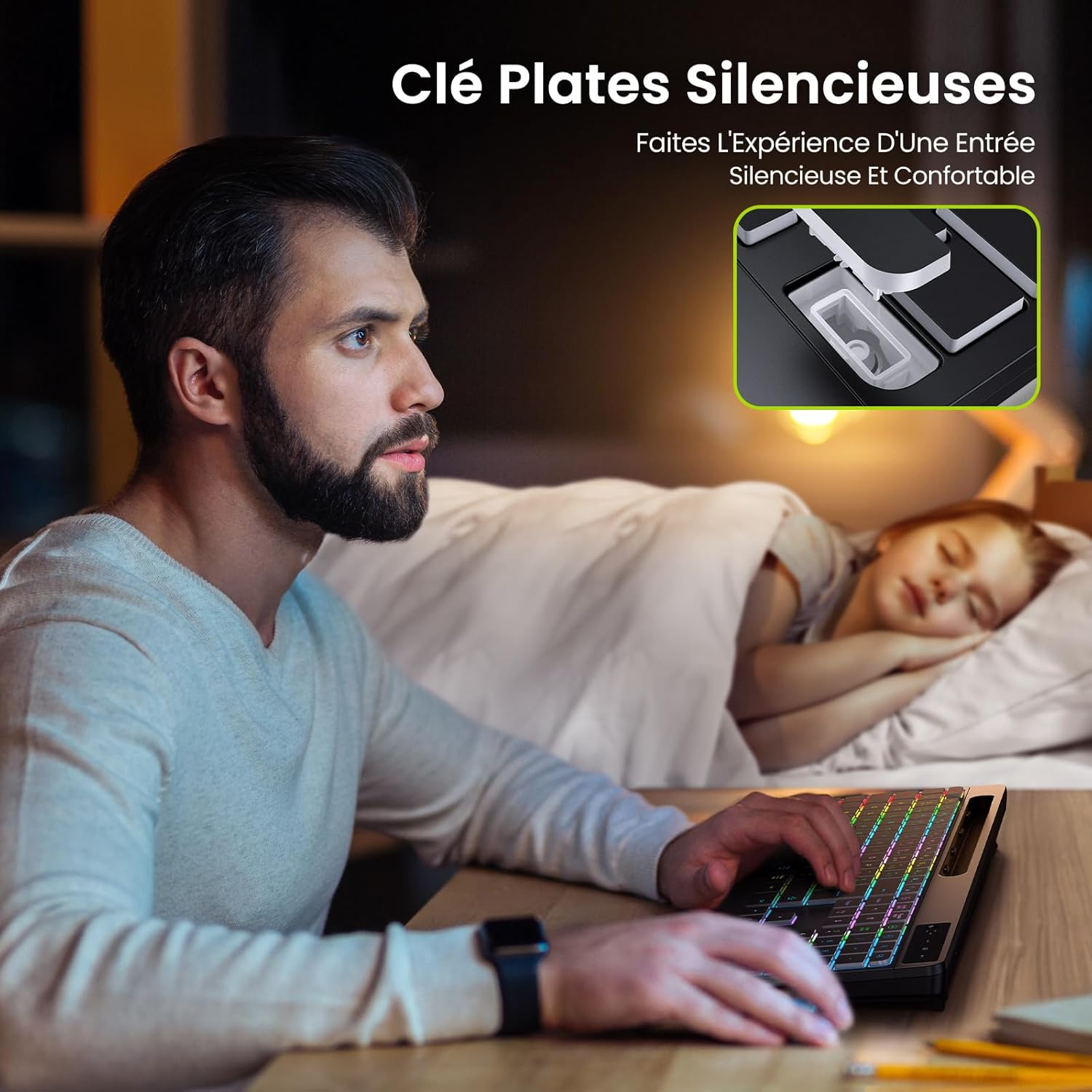
انځور: Illustrates the quiet operation of the keyboard, showing a user typing without disturbing a sleeping person nearby.
5. Wrist Rest
The integrated wrist rest provides ergonomic support, reducing strain during extended typing sessions.
ساتنه
- پاکول: د کیبورډ سطحې پاکولو لپاره نرم، وچ ټوکر وکاروئ. د سختې خاورې لپاره، یو څه لږampټوکر د اوبو یا نرم پاکولو محلول سره ومینځئ. د سختو کیمیاوي موادو څخه ډډه وکړئ.
- د بیټرۍ پاملرنه: To prolong battery life, avoid fully discharging the keyboard frequently. Charge it regularly, especially if it will be stored for an extended period.
- ذخیره کول: کیبورډ په یخ او وچ ځای کې د مستقیم لمر وړانګو او سختې تودوخې څخه لرې وساتئ.
د ستونزو حل کول
- کیبورډ ځواب نه ورکوي:
- ډاډ ترلاسه کړئ چې کیبورډ فعال دی.
- Check if the 2.4G USB receiver is securely plugged into a working USB port.
- که بیټرۍ ټیټه وي نو کیبورډ چارج کړئ.
- د USB ریسیور په بل USB پورټ کې د پلګ کولو هڅه وکړئ.
- د شا څراغ کار نه کوي:
- مطبوعاتي Fn + پای to cycle through brightness levels and turn the backlight on.
- ډاډ ترلاسه کړئ چې کیبورډ کافي بیټرۍ چارج لري.
- ځنډ یا وقفه ای اړیکه:
- ډاډ ترلاسه کړئ چې کیبورډ د USB ریسیور په حد کې دی (معمولا تر 10 مترو پورې).
- د قوي مداخلې سرچینو ته نږدې د ریسیور له ایښودلو څخه ډډه وکړئ (د بیلګې په توګه، وای فای روټرونه، نور بېسیم وسایل).
- کیبورډ چارج کړئ.
مشخصات
| برانډ | TECURS |
| ماډل | WK013 |
| د ارتباط ټیکنالوژي | 2.4 GHz بې سیم |
| د کلیدونو شمیر | 110 |
| ځانګړي ځانګړتیاوې | Backlit, Wrist Rest, Phone Holder |
| د بیټرۍ ډول | 1 Lithium Ion battery (contained in equipment) |
| د بیټرۍ ظرفیت | 1000 mAh |
| د بریښنا سرچینه | د بیټرۍ چلول شوی (د USB-C چارج وړ) |
| د محصول Voltage/اوسنی | DC 3.7V / 100mA |
| رنګ | تور |
| مواد | پلاستیک |
| د توکي وزن | 840 ګرامه |
| د کڅوړې ابعاد | 44 x 22.2 x 3.3 سانتي متره |
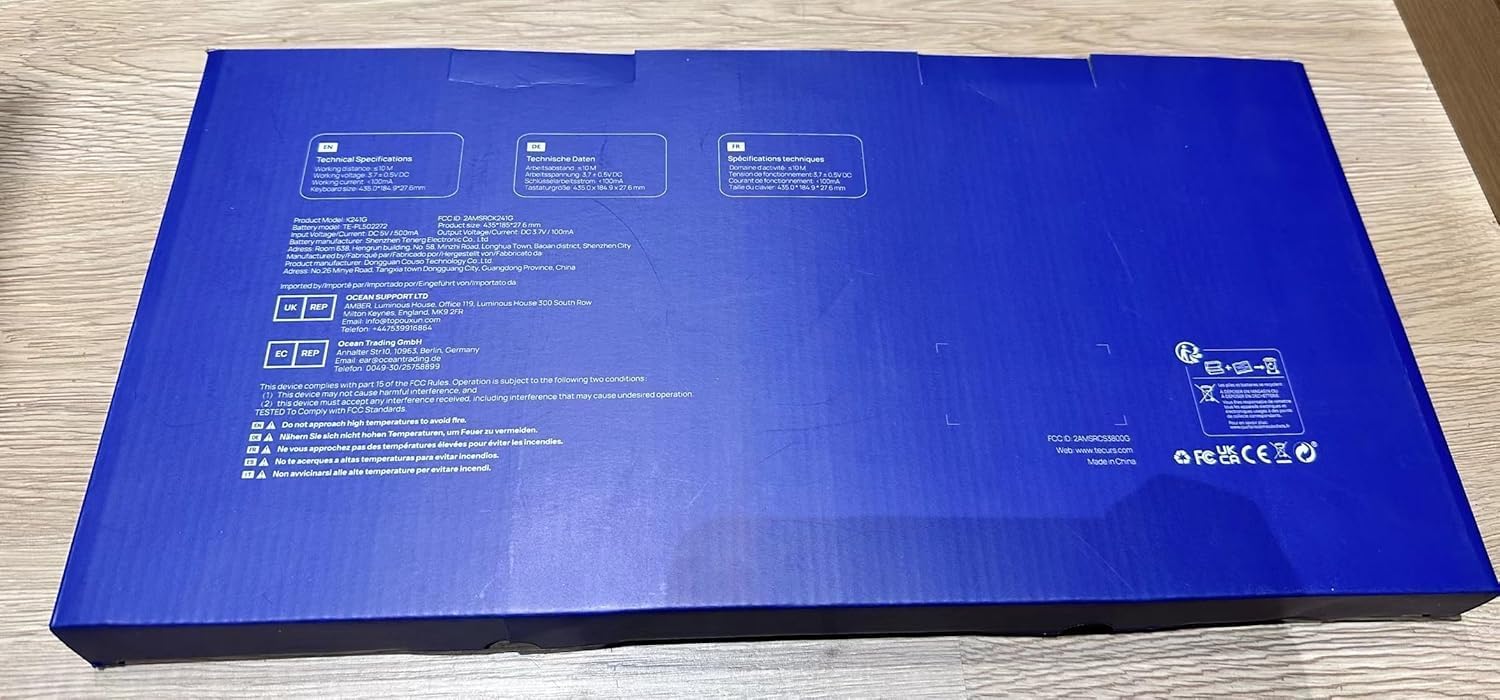
انځور: Close-up of the product label, confirming model WK013, FCC ID, and electrical specifications.
تضمین او ملاتړ
TECURS products are designed for reliability and performance. For warranty information or technical support, please refer to the warranty card included in your package or visit the official TECURS webسایټ. د پیرود ثبوت په توګه د پیرود رسید وساتئ.