
RAZEAK RK-X44
RAZEAK Compact 60% Mechanical Keyboard
Instruction Manual - Model: RK-X44
1. پیژندنه
د پیرودلو لپاره مننهasing the RAZEAK Compact 60% Mechanical Keyboard. This 61-key gaming keyboard is designed for efficiency and portability, featuring durable mechanical blue switches, vibrant colorful backlighting, and a wired USB-C connection. This manual provides detailed instructions for setup, operation, maintenance, and troubleshooting to ensure optimal performance and longevity of your device.

Image: The RAZEAK Compact 60% Mechanical Keyboard, highlighting its compact design, vibrant backlighting, and the included blue mechanical switch.
2. د خوندیتوب معلومات
- Do not expose the keyboard to liquids, humidity, or extreme temperatures.
- Avoid disassembling the keyboard. Unauthorized repairs may void the warranty and cause damage.
- کیبورډ د قوي مقناطیسي ساحو څخه لرې وساتئ.
- یوازې چمتو شوی USB کیبل یا یو مناسب بدیل وکاروئ.
- Handle the keyboard with care to prevent physical damage.
3. د بسته محتويات
مهرباني وکړئ د لاندې توکو لپاره په بسته کې وګورئ:
- RAZEAK Compact 60% Mechanical Keyboard (RK-X44)
- USB-C ته USB-A کیبل
4. ترتیب کول
Follow these steps to set up your RAZEAK Compact 60% Mechanical Keyboard:
- Unpack the keyboard and the USB-C cable from the packaging.
- د کیبل د USB-C پای د کیبورډ پورټ سره وصل کړئ.
- Connect the USB-A end of the cable to an available USB port on your computer (PC, Laptop, Mac) or compatible gaming console (PS4, XBOX).
- The keyboard is plug-and-play and should be automatically recognized by your operating system (Windows 10, macOS, etc.) without requiring additional drivers.
- The backlight will illuminate upon successful connection.

Image: The RAZEAK keyboard connected via its USB-C cable to a computer, demonstrating a typical setup.
5. عملیاتي لارښوونې
5.1 بنسټیز عملیات
The RAZEAK RK-X44 keyboard features a standard QWERTY layout with 61 keys. Simply type as you would on any standard keyboard. The blue mechanical switches provide a tactile and audible click feedback for each keystroke.
۵.۱ کلیدي ترکیبونه او دندې
Due to its compact 60% layout, many functions are accessed via key combinations using the Fn (Function) key or شفټ کلید
- Fn + [کلیدي]: فشار ورکړئ Fn key simultaneously with another key to activate the function indicated on the lower side of that keycap. This includes F1-F12 functions, multimedia controls, and other special commands.
- Shift + [Key]: فشار ورکړئ شفټ key simultaneously with another key to activate the sub-function indicated on the right side of that keycap.
- Fn + ↓: This combination is used to lock or unlock the arrow key functionality.
۶.۱ د شاليد حالتونه
The keyboard features 19 colorful backlight modes. Specific key combinations (often involving the Fn key and other designated keys) are used to cycle through these modes, adjust brightness, or change lighting speed. Refer to the keycap legends for specific backlight control functions.
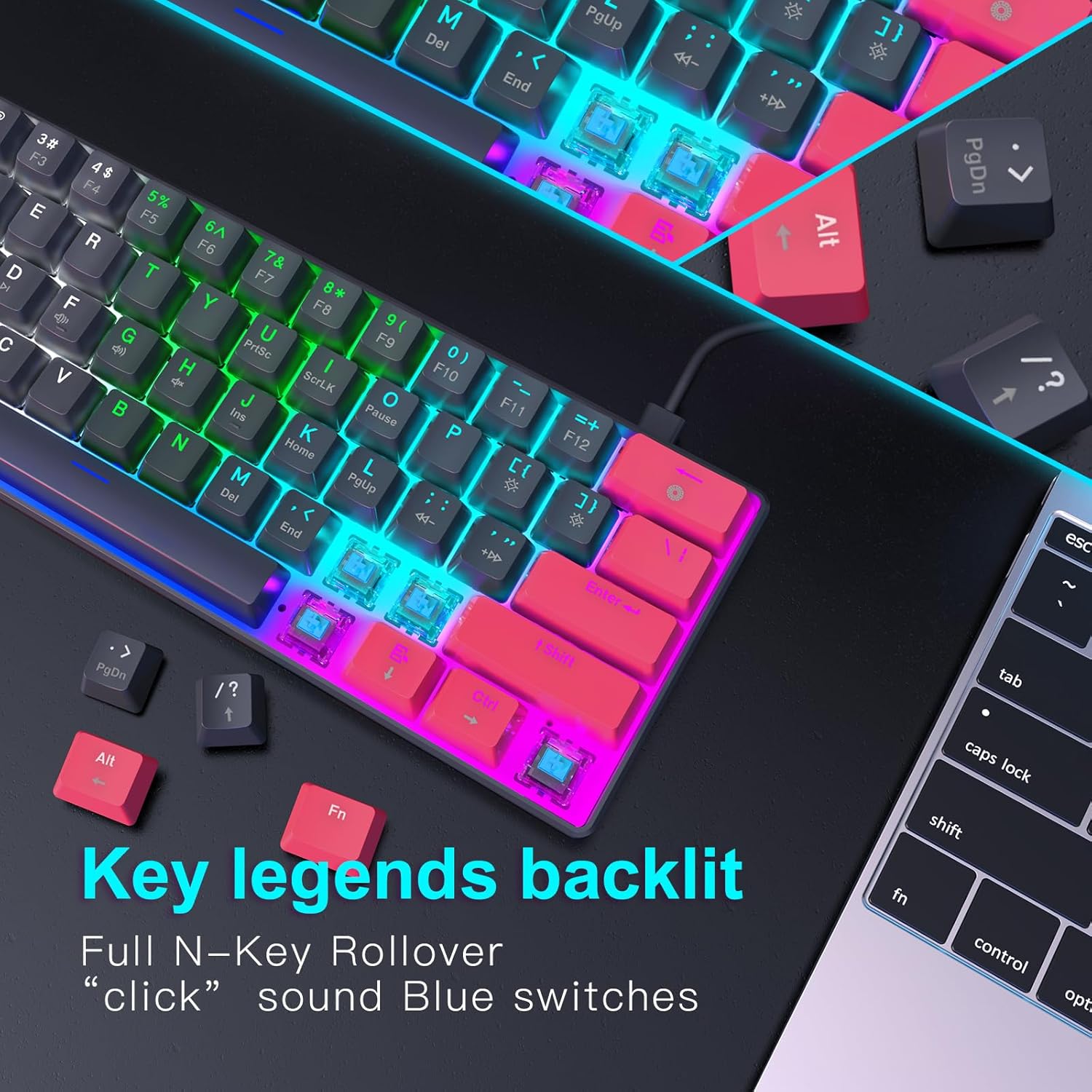
انځور: یو مفصل view of the keyboard's backlit key legends and the visible blue mechanical switches, illustrating the illumination.
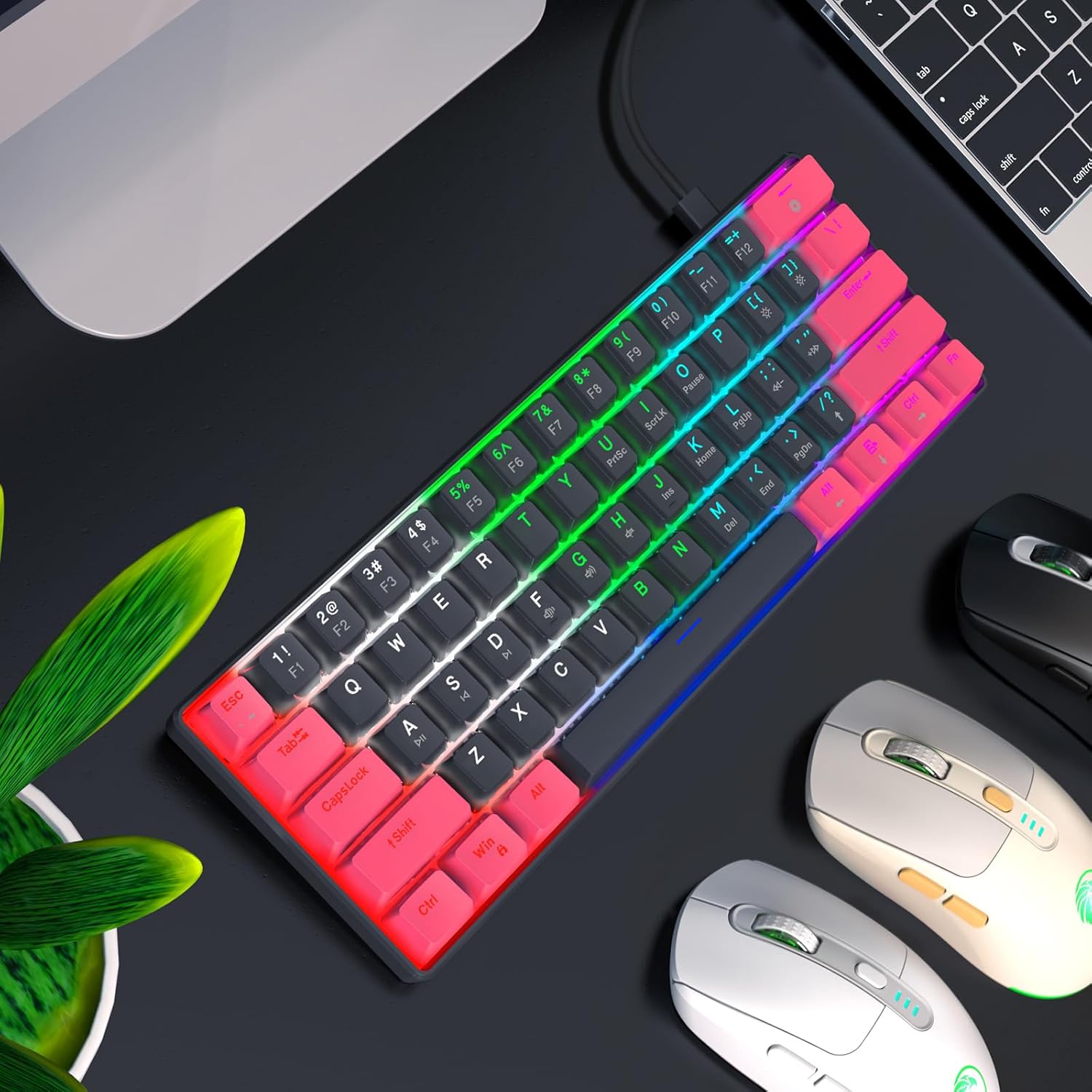
Image: The RAZEAK keyboard displaying its colorful backlight modes in a typical desktop environment.
۳.۳ ارګونومیک ډیزاین
The keyboard is designed with ergonomic high and low keys, featuring curved keycaps and smooth lines for a comfortable typing experience. This design aims to reduce strain during extended use.
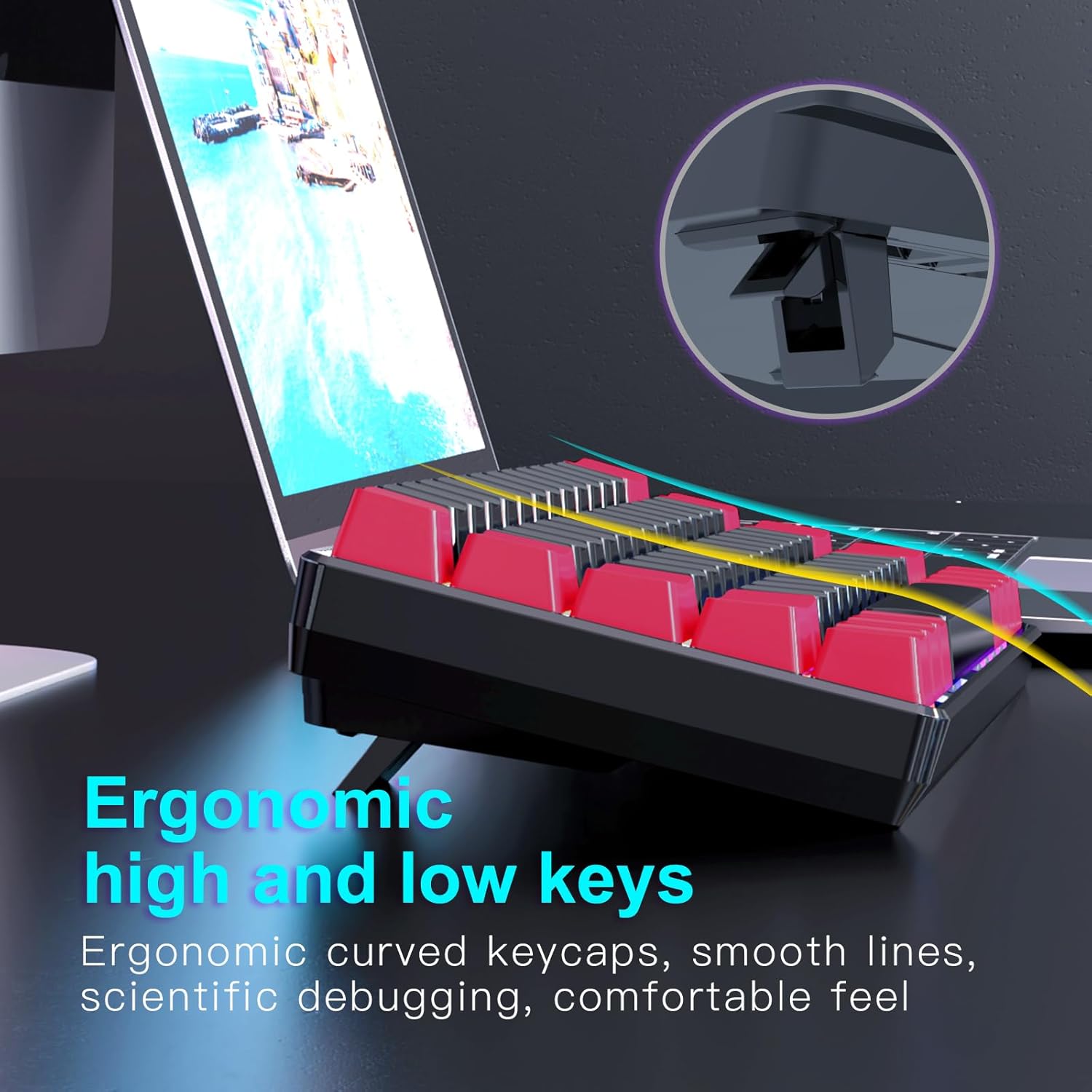
انځور: یوه خوا view of the keyboard illustrating its ergonomic keycap profile and the adjustable feet for varied typing angles.
6. ساتنه
Proper maintenance ensures the longevity of your keyboard:
- پاکول: Use a soft, dry cloth to wipe the surface of the keyboard. For deeper cleaning, use compressed air to remove dust and debris from between the keycaps. Do not use harsh chemicals or abrasive materials.
- ذخیره کول: When not in use, store the keyboard in a clean, dry environment away from direct sunlight and extreme temperatures. The detachable USB-C cable allows for easy storage and portability.
7. ستونزه حل کول
If you encounter issues with your RAZEAK keyboard, try the following solutions:
- کیبورډ ځواب نه ورکوي:
- ډاډ ترلاسه کړئ چې د USB-C کیبل په خوندي ډول د کیبورډ او کمپیوټر دواړو سره وصل دی.
- هڅه وکړئ چې کیبورډ په خپل کمپیوټر کې بل USB پورټ سره وصل کړئ.
- خپل کمپیوټر بیا پیل کړئ.
- د سیسټم پورې اړوند ستونزو د له منځه وړلو لپاره په بل کمپیوټر کې کیبورډ ازموینه وکړئ.
- د شا څراغ کار نه کوي/غلط:
- Check if the backlight is turned off using the designated key combination (refer to keycap legends).
- Cycle through different backlight modes to see if any mode works.
- ډاډ ترلاسه کړئ چې کیبورډ د USB پورټ څخه کافي بریښنا ترلاسه کوي.
- هغه کیلي چې راجستر نه کیږي:
- ډاډ ترلاسه کړئ چې کیبورډ پاک دی او د کثافاتو څخه پاک دی چې ممکن د کیلي فشارولو مخه ونیسي.
- For specific keys, check if any software remapping or gaming profiles are interfering.
8. مشخصات
Below are the technical specifications for the RAZEAK Compact 60% Mechanical Keyboard (RK-X44):
| فیچر | مشخصات |
|---|---|
| برانډ | RAZEAK |
| د ماډل نوم | RK-X44 |
| د ماډل شمیره | X44-RDBK-B_B1 |
| د کیبورډ ترتیب | ۷۵٪ کمپیکټ (۸۱ کیلي) |
| د سویچ ډول | Mechanical Blue Switches (20 million clicks) |
| ارتباط | وایر شوی USB-C |
| شاته څراغ | Colorful Backlit (19 modes) |
| کیکیپس | Dual color legend translucent keycaps |
| د غشی ضد | بشپړ N-Key رول اوور |
| مطابقت لرونکې وسیلې | Windows PC, Laptop, Mac, PS4, XBOX |
| د محصول ابعاد | 29.2 x 10.2 x 4 سانتي متره |
| د توکي وزن | 616.89 ګرامه |

Image: A diagram illustrating the compact dimensions of the RAZEAK keyboard.
9. تضمین او ملاتړ
For warranty information or technical support, please contact the seller or manufacturer directly through your purchase platform. Keep your proof of purchase for any warranty claims.
Ask a question about this manual
Ask about setup, troubleshooting, compatibility, parts, safety, or missing instructions. Manuals+ will review the question and use this page’s manual context to help answer it.