
1. د خوندیتوب معلومات
Before beginning installation, ensure the power supply is disconnected at the circuit breaker. All wiring must comply with national and local electrical codes. If you are unfamiliar with electrical wiring, consult a qualified electrician. Ensure the mounting structure can support the fan's weight. Maintain a minimum clearance of 7 feet from the floor to the fan blades and 18 inches from the wall to the blade tips. Do not connect the fan to a dimmer switch or fan speed switch, as this can cause operational malfunctions.
2. د بسته محتويات
د نصبولو پیل کولو دمخه ډاډ ترلاسه کړئ چې ټولې برخې شتون لري:
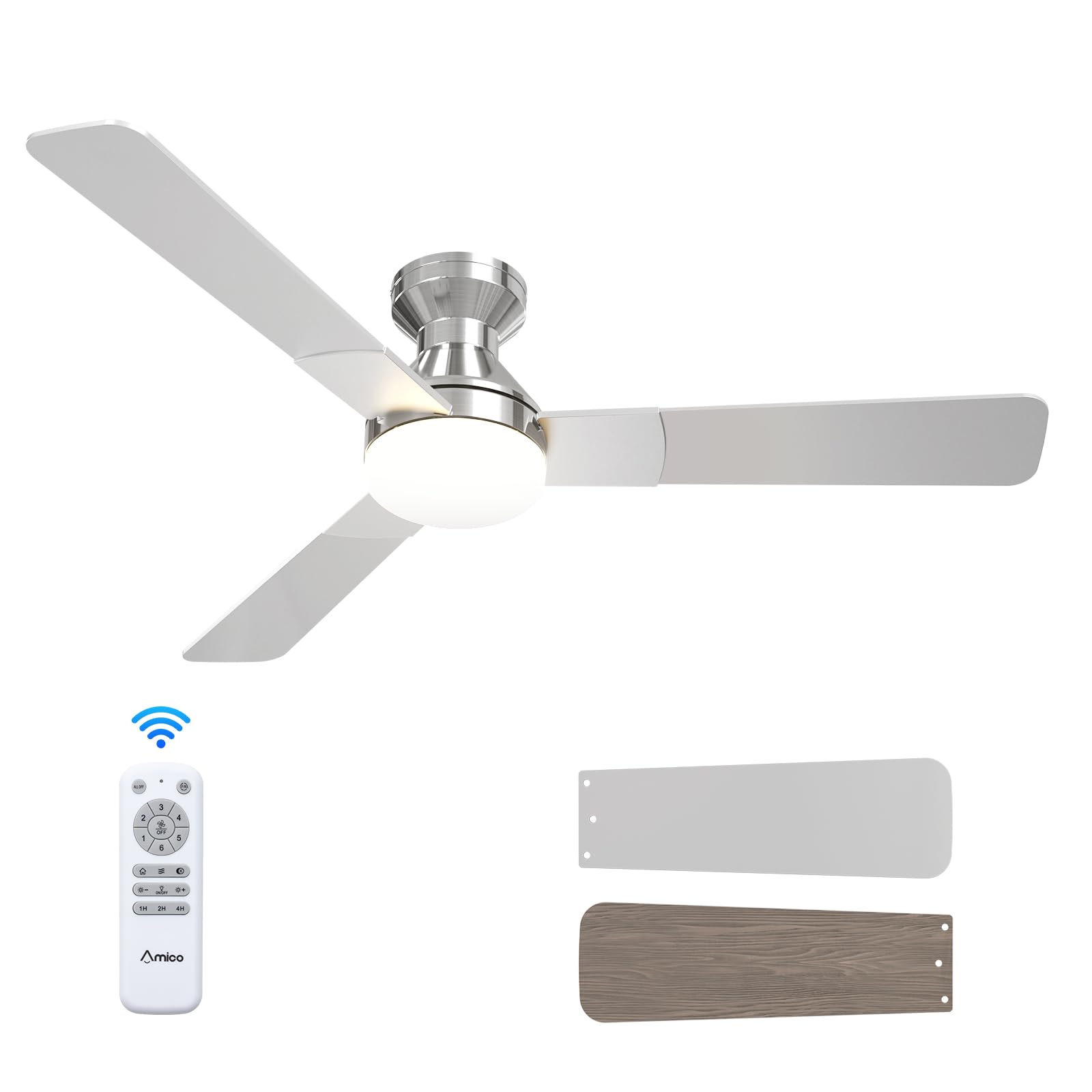
- د چت فین واحد
- ABS Lampسایه
- Light Kit (LED)
- د نصبولو هارډویر
- ریموټ کنټرول
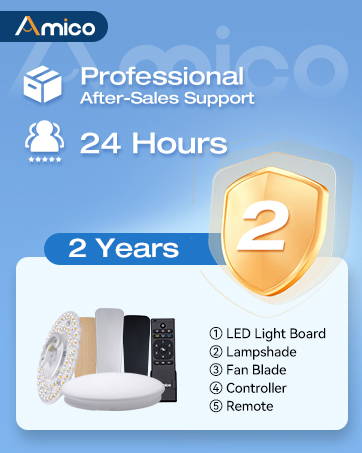
Illustration of various ceiling fan components included in the package.
Unboxing and Component Overview
دا ویډیو یو اوور وړاندې کويview of the Amico ceiling fan components as they are unboxed, highlighting the included parts and instructions for easy installation.
3. د محصول مشخصات
| برانډ | Amico |
| د ماډل شمیره | د KFM52PLY3B02R1 معرفي کول |
| اندازه | ۸۵ انچه |
| رنګ | نکل |
| د محصول ابعاد | ۱۶"د x ۲۶"وچ x ۴۷"ح |
| د بریښنا سرچینه | ۱۲۰ ولټ AC ان پټ، ډي سي موټور |
| د تیغونو شمیر | 3 |
| د تیغ مواد | انجنیري لرګي |
| د رڼا ډول | LED (د بدلولو وړ) |
| د سرعت شمیره | 6 |
| د شور کچه | ۴۵ ډیسیبلونه |
| د کنټرول طریقه | ریموټ کنټرول |
| د کور دننه / بهر کارول | دننه، بهر (D)amp درجه بندي شوې) |
4. نصب کول
Follow these steps for a safe and efficient installation of your Amico ceiling fan. It is recommended to have a second person assist during certain stagد نصبولو es.
4.1 د نصب کولو دمخه چکونه
- Ensure the power is OFF at the circuit breaker before starting.
- Confirm your ceiling junction box is securely mounted and capable of supporting the fan's weight (at least 35 lbs).
- اړین وسایل راټول کړئ: سکریو ډرایور، د تارونو پټولو ماشین، بریښنایی ټیپ، زینه.

Image illustrating the mounting bracket and electrical wiring connections for installation.
4.2 د بریکٹ ایښودل
Attach the mounting bracket to the ceiling junction box using the provided screws. Ensure it is firmly secured to prevent wobbling.

Diagram showing the ceiling fan mounting directly to a standard ceiling junction box for easy DIY installation.
4.3 تارونه
Connect the fan's electrical wires to the household wiring according to the color codes: Black (Live), White (Neutral), Yellow/Green (Earth). Use wire nuts to secure connections. Ensure all connections are tight and insulated. Important: Do not connect to dimmer switches or fan speed switches to prevent operational malfunctions.

Illustration showing compatible conventional wall switches and incompatible dimmer/fan speed switches.
4.4 Attaching Motor and Blades
Carefully lift the fan motor assembly and attach it to the mounting bracket. Secure it with the designated screws. Then, attach the three fan blades to the motor housing. The blades are reversible, with a nickel finish on one side and an oak grain on the other, allowing you to choose the aesthetic that best suits your decor.

تړل view of the fan motor assembly with reversible blades, showing the nickel and oak grain sides.
۵.۴ د رڼا کټ نصب کول
Connect the LED light kit to the fan's wiring. Secure the light kit to the fan motor assembly using the provided screws. Ensure the connections are firm.
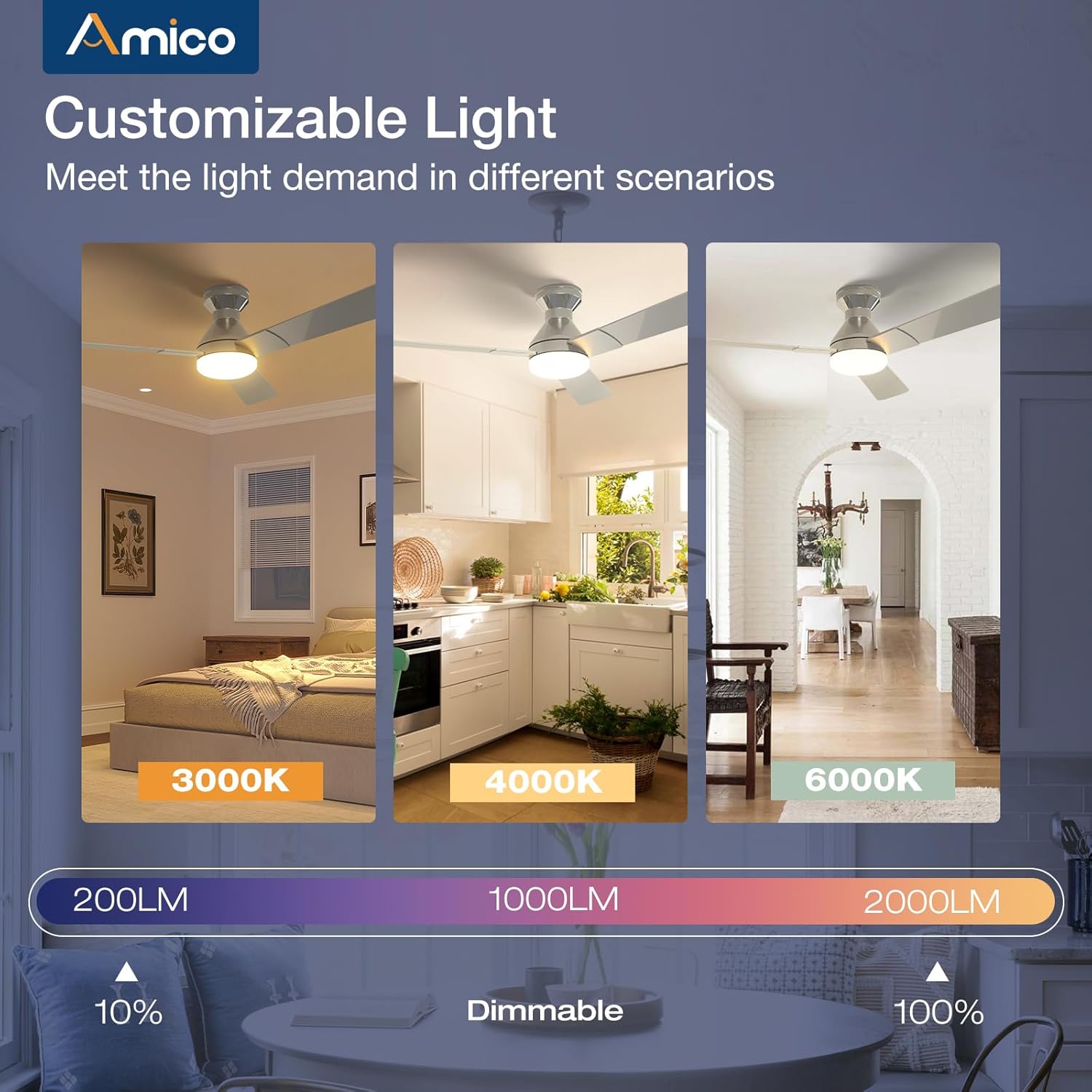
Image detailing the installation of the LED light kit onto the ceiling fan.
4.6 وروستۍ مجلس
l ضمیمه کړئampshade or light cover to the light kit, twisting or securing it into place as per the design. Restore power at the circuit breaker and test the fan and light functions using the remote control.

Image showing the final step of attaching the light cover to the ceiling fan.
د نصبولو ویډیو لارښود
This video demonstrates the installation process, highlighting how easy it is to set up the Amico ceiling fan, even for remodels.
5. عملیاتي لارښوونې
Your Amico ceiling fan is designed for ease of use with a comprehensive remote control.
5.1 د ریموټ کنټرول فعالیتونه

Image of the remote control with labeled buttons for various functions.
- د بریښنا تڼۍ: فین او څراغ بل/ګلوي.
- د فین سرعت (۱-۶): Adjusts fan speed from gentle breeze (1) to strong wind (6).
- د ریورس فعالیت: Changes the direction of blade rotation for summer (downward airflow) or winter (upward airflow) use.
- ر Lightا آن/آف: Toggles the light independently.
- Light Brightness (+/-): Dims or brightens the light (10%-100%).
- د رنګ حرارت: Cycles through 3000K (warm white), 4000K (natural white), and 6000K (cool white).
- Timer (1H, 2H, 4H): Sets the fan and/or light to turn off automatically after the selected duration.
Remote Control Demonstration
This video demonstrates the various functions of the remote control, including fan speed, light temperature, and dimming capabilities.
5.2 Fan Speed and Airflow
The fan offers 6 adjustable speeds to suit your comfort needs, from a gentle, comfortable breeze to a strong cooling wind. The DC motor ensures powerful yet quiet operation.

Diagram illustrating the 6 adjustable fan speeds and their corresponding wind levels.
5.3 Customizable Light
The integrated LED light is dimmable from 10% to 100% and offers three color temperature options: 3000K (warm), 4000K (natural), and 6000K (cool). Adjust the light to match your activity or mood.
Image showing the three color temperature options (3000K, 4000K, 6000K) and dimmable range of the fan light.
۵.۳ د بیرته راګرځیدونکي ډي سي موټور
The reversible DC motor allows you to change the direction of the fan blades. In summer, set the fan to rotate counter-clockwise for a downward airflow that creates a cooling effect. In winter, set it to rotate clockwise for an upward airflow that helps circulate warm air trapped near the ceiling.

Diagram illustrating the summer (cooling) and winter (warming) modes of the reversible DC motor.
5.5 د ټایمر ترتیب
Utilize the timer function to automatically turn off the fan and/or light after 1, 2, or 4 hours, promoting energy efficiency and convenience, especially during sleep.

Graphic showing the 1-hour, 2-hour, and 4-hour timer settings for the fan.
5.6 د حافظې فعالیت
The fan and light feature memory functions. Once you select your desired light brightness, color temperature, and fan speed, these settings will be retained even after turning the unit off and on via the wall switch. This avoids the need to reset your preferences each time.

Illustration demonstrating how the fan and light settings are remembered after being turned off and on.
۶.۶ خاموش عملیات
Engineered for minimal noise, the fan operates at a low 35dB, comparable to the sound of falling leaves, ensuring a quiet living environment suitable for bedrooms and nurseries.

Graphic comparing the fan's low noise level (35dB) to common ambient sounds.
6. ساتنه
منظم ساتنه ستاسو د چت د پنکې غوره فعالیت او اوږد عمر تضمینوي.
- پاکول: په دوره یي ډول د فین تیغونه او د موټرو کور د نرم، d سره پاک کړئamp ټوکر د کثافاتو پاکوونکي یا محلول مه کاروئ.
- د رڼا پوښ: The ABS lampshade can be removed and cleaned with mild soap and water. Ensure it is completely dry before reattaching.
- د تیغ پیچونه: Check all blade attachment screws periodically to ensure they are tight.
- د LED رڼا کټ: The LED light kit is replaceable. If replacement is needed, contact customer support for compatible parts.
7. ستونزه حل کول
If you encounter any issues with your Amico ceiling fan, refer to the following common troubleshooting steps:
- فین نه پیل کیږي:
- Check that power is supplied to the fan.
- ډاډ ترلاسه کړئ چې د تار ټولې اړیکې خوندي دي.
- ډاډ ترلاسه کړئ چې د ریموټ کنټرول بیټرۍ فعالې دي او په سمه توګه داخل شوي دي.
- رڼا کار نه کوي:
- Check the light kit's electrical connections.
- ډاډ ترلاسه کړئ چې په ریموټ کې د رڼا فعالیت فعال دی.
- د فین ټپونه:
- Ensure the mounting bracket is securely fastened to the ceiling junction box.
- وګورئ چې ټول تیغ پیچونه کلک شوي دي.
- Verify blades are not bent or damaged.
- ریموټ کنټرول ځواب نه ورکوي:
- د ریموټ کنټرول بیټرۍ بدل کړئ.
- ډاډ ترلاسه کړئ چې د ریموټ او د فین ریسیور ترمنځ هیڅ خنډ شتون نلري.
8. تضمین او ملاتړ
Amico is committed to customer satisfaction. Your ceiling fan comes with a د 24 میاشتنۍ اندیښنه پرته تضمینموږ هم چمتو کوو 24 ساعته تخنیکي ملاتړ to assist with any issues during use or installation.
د اړیکو معلومات:
- بریښنالیک: support@amicolight.com
- تلیفون: +1 (888) 676-1042 (Monday - Friday from 9:00 AM - 5:00 PM PT)

Graphic detailing Amico's after-sales support and warranty information.