
1. پیژندنه او وروستهview
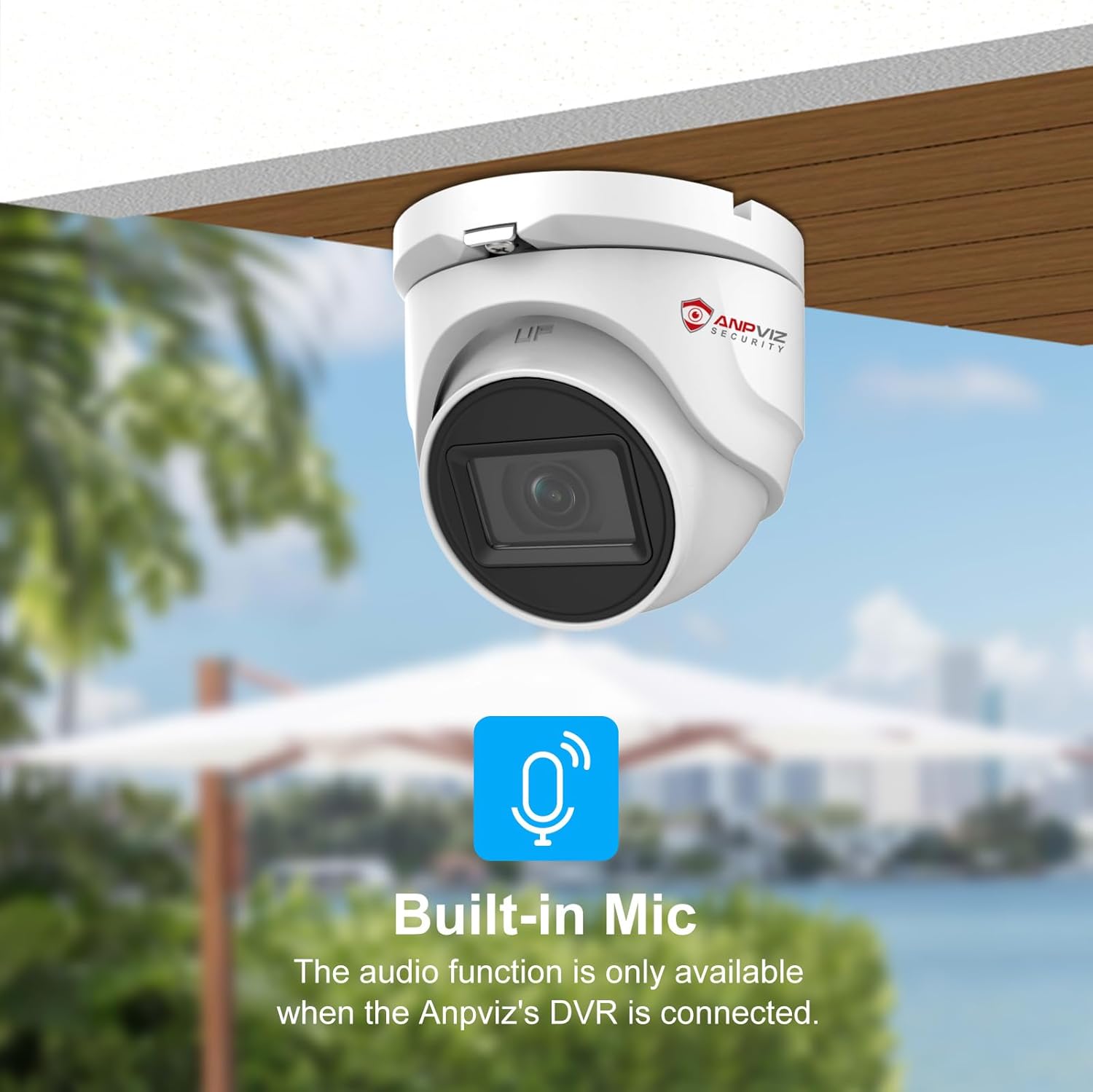
This manual provides essential information for the proper installation, operation, and maintenance of your Anpviz 5MP 4-in-1 Analog Security Turret Camera, model HD-D3150W. This high-resolution camera delivers clear 5MP (2560x1920) footage at 20 frames per second, ensuring detailed surveillance. It supports four video output modes: TVI, AHD, CVI, and CVBS, making it compatible with a wide range of DVR systems. Designed for both indoor and outdoor use, it features 100ft IR night vision and a durable IP67-rated metal housing for reliable performance in various weather conditions.
۲. په بکس کې څه دي؟
د کڅوړې د پرانیستلو پر مهال، ډاډ ترلاسه کړئ چې لاندې ټول توکي پکې شامل دي:
- 1x Anpviz 5MP 4-in-1 Analog Security Turret Camera (HD-D3150W)
- ۱x د لارښوونې لارښود (دا سند)
- 1x Screw Kit for mounting
- 1x After-sales Card
د ویډیو تفصیل: This video demonstrates the unboxing process for the Anpviz 5MP HD 4-in-1 TVI Camera (HD-3150W), showing all included components such as the camera, drill template, screw kit, and quick start guide.
3. د محصول ب Featuresې
The Anpviz HD-D3150W camera is equipped with advanced features for comprehensive surveillance:
- Crystal Clear 5MP Footage: High resolution of 2560x1920 provides excellent video quality and clarity.
- 4-in-1 Video Output: Supports AHD/TVI/CVI/CVBS video output (default TVI), ensuring compatibility with various DVR systems.
- ۳۲۰ فوټه IR نایټ ویژن: High-quality IR LEDs automatically activate in low-light conditions, capturing clear views at night.
- 2.8mm ثابت لینز: Offers a wide 110-degree field of view (FOV) to cover large areas.
- IP67 Waterproof Metal Housing: Built to withstand harsh weather conditions, operating reliably from -20°C to 60°C.
- Digital Wide Dynamic Range (WDR): د انځور کیفیت په هغو صحنو کې ښه کوي چې دواړه خورا روښانه او ډیر تیاره سیمې لري.
- H.265+ کمپریشن: Efficient video compression for reduced bandwidth and storage requirements.
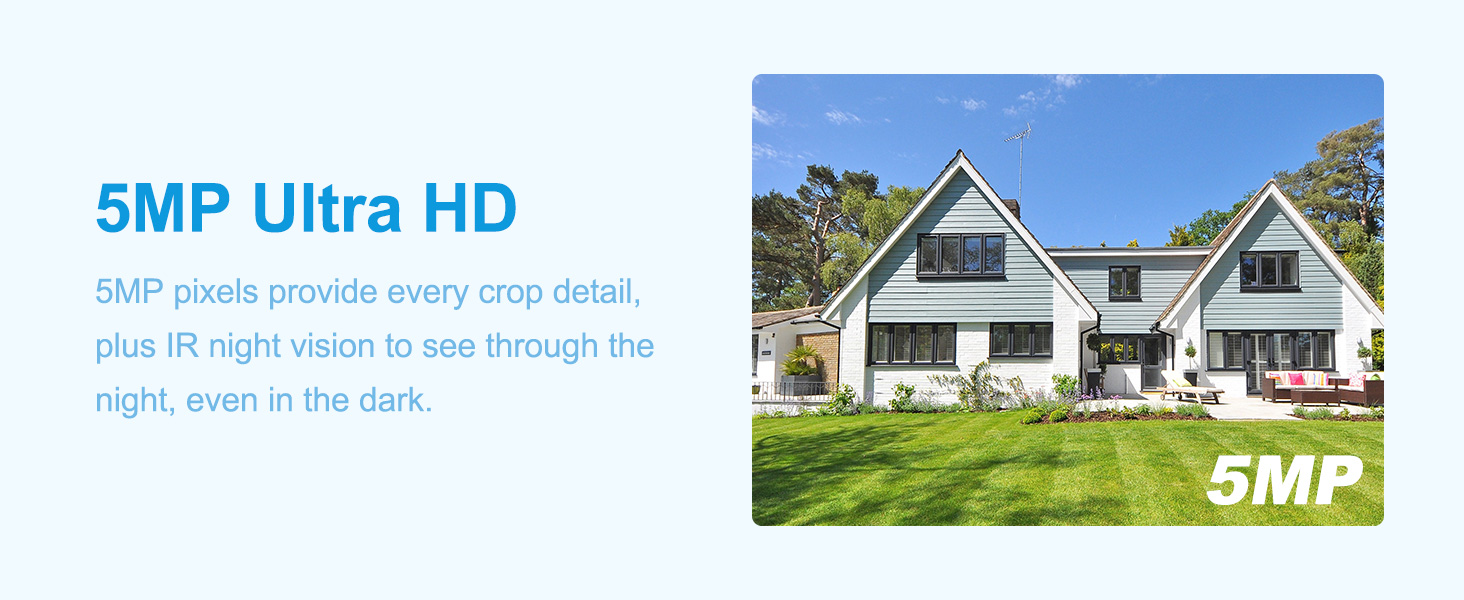
د انځور تفصیل: This image illustrates the superior clarity of 5MP Ultra HD resolution provided by the Anpviz camera, highlighting the detail captured compared to standard resolution.
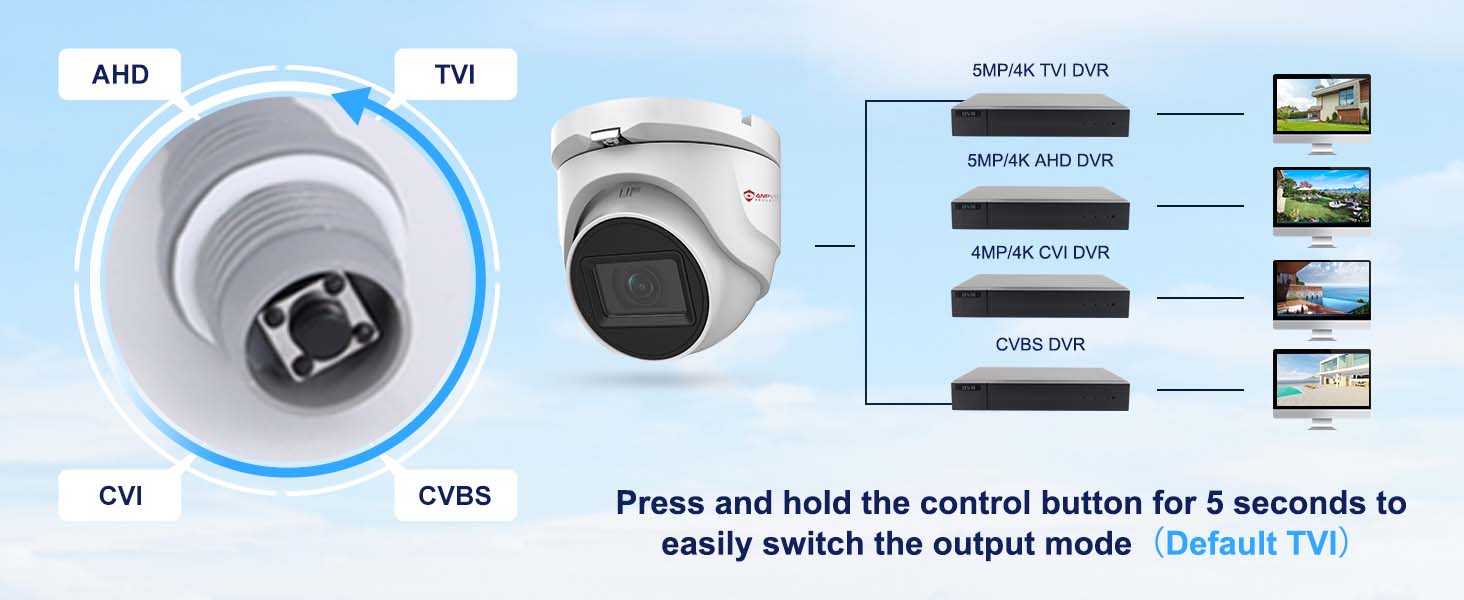
د انځور تفصیل: This image shows the 4-in-1 compatibility of the camera, allowing users to switch between TVI, AHD, CVI, and CVBS video output modes using a control button.
د ویډیو تفصیل: This video demonstrates the IP67 waterproof rating of the Anpviz camera, showing it enduring water exposure, highlighting its durability for outdoor use.
4. ترتیب او نصب کول
Follow these steps to set up and install your Anpviz 5MP 4-in-1 Analog Security Turret Camera:
4.1 د نصب کولو دمخه چک لیست
- Ensure you have a compatible DVR system that supports 5MP or above pixels for optimal performance. If your DVR does not support 5MP, you may need to switch the camera's video signal mode.
- Acquire a DC 12V power adapter (not included) and coaxial video cables (not included).
- Identify the desired mounting location (ceiling or wall) and ensure it provides a clear field of view.
4.2 فزیکي نصب کول
- Use the provided drill template to mark the screw holes on your chosen mounting surface.
- د پیلوټ سوري وکړئ او که اړتیا وي نو د دیوال لنگرونه دننه کړئ.
- د چمتو شوي پیچونو په کارولو سره د کیمرې اساس سطحې ته خوندي کړئ.
- Adjust the camera's angle and orientation for optimal coverage.
4.3 د تارونو نښلول
The camera features a power port, a video output port (BNC), and a signal switch on its cable pigtail.
د انځور تفصیل: This diagram labels the key connection points of the camera: the metal housing, 2.8mm HD lens, 100ft IR night vision, the signal switch for TVI/AHD/CVI/CVBS, the 12VDC power input port, and the high-definition video output.
- Connect the DC 12V power adapter to the camera's power port.
- Connect one end of the coaxial video cable to the camera's BNC video output port.
- Connect the other end of the coaxial video cable to an available BNC input port on your DVR.
- Ensure your DVR is connected to a monitor and a power source.
د ویډیو تفصیل: This video provides a step-by-step guide on how to connect an HD 4-in-1 camera to a DVR system, including power, video, and network connections.
د ویډیو تفصیل: This video demonstrates the connection process for the Anpviz 5MP 4-in-1 TVI Camera, showing how to link it to a DVR for live viewing.
5. عملیاتي لارښوونې
5.1 Switching Video Output Mode
The camera's 4-in-1 capability allows it to operate in TVI, AHD, CVI, or CVBS modes. The default mode is TVI. To switch between modes:
- Locate the joystick switch on the camera's cable pigtail.
- Press and hold the control button on the joystick for approximately 5 seconds to cycle through the available video output modes.
- Observe the video feed on your connected DVR monitor to confirm the desired mode is active.

د انځور تفصیل: This image displays the joystick switch on the camera's cable, used to easily switch between TVI, AHD, CVI, and CVBS video output modes.
5.2 ریموټ لاسرسی
If your DVR system supports remote access, you can view your camera's feed from anywhere using compatible software. Anpviz DVRs typically support applications like IVMS and Guarding Vision, and can be accessed via web browsers. Refer to your DVR's specific manual for detailed instructions on setting up remote access.
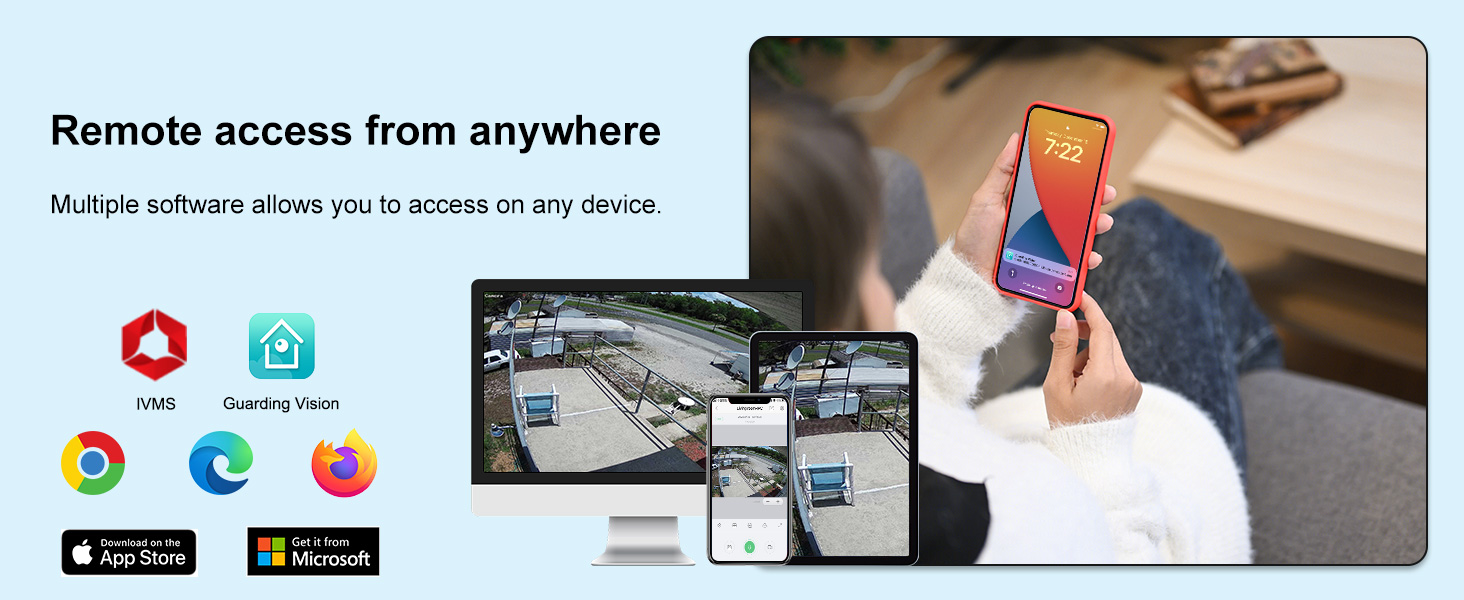
د انځور تفصیل: This image illustrates remote access capabilities, showing the camera feed being viewed on various devices such as a computer, tablet, and smartphone using different software applications.
6. ساتنه
منظم ساتنه ستاسو د امنیتي کیمرې غوره فعالیت او اوږد عمر تضمینوي.
6.1 پاکول
- Gently wipe the camera lens with a soft, clean cloth to remove dust or smudges. Avoid abrasive materials or harsh chemicals.
- Periodically clean the camera housing to prevent dirt buildup, especially in outdoor environments.
6.2 د چاپیریال په اړه نظرونه
The camera is IP67 waterproof and designed to operate in temperatures ranging from -20°C to 60°C. While robust, extreme conditions outside this range may affect performance. Ensure proper installation to prevent water accumulation around the camera base.
7. ستونزه حل کول
If you encounter issues with your Anpviz security camera, refer to the following common troubleshooting steps:
۶.۱ د ویډیو ښودنه نشته
- ځواک چیک کړئ: Ensure the camera is receiving power from a DC 12V power adapter. Verify the power adapter is functioning correctly.
- د کیبل پیوستون تایید کړئ: Confirm that the coaxial video cable is securely connected to both the camera's BNC port and the DVR's BNC input port.
- DVR Compatibility: The DVR must support camera access with 5MP or above pixels. If your DVR is older or lower resolution, you may need to switch the camera's video signal mode (TVI, AHD, CVI, CVBS) to match your DVR's capabilities. Use the joystick switch on the camera cable to change modes.
- د څارنې ننوت: Ensure your monitor is set to the correct input source (e.g., HDMI, VGA) connected to your DVR.
۶.۳ د انځور ضعیف کیفیت
- د لینز پاکول: Dust or smudges on the lens can degrade image quality. Clean the lens gently with a soft cloth.
- د رڼا شرایط: Ensure adequate lighting during the day. For night vision, confirm IR LEDs are active in low-light conditions.
- Cable Quality/Length: Long or low-quality coaxial cables can introduce signal degradation. Use appropriate cables for your installation distance.
- DVR Resolution Settings: Check your DVR's settings to ensure it is configured to record and display at the camera's 5MP resolution.
8. مشخصات
| فیچر | مشخصات |
|---|---|
| د ماډل نوم | Anpviz 5MP Analog CCTV Camera 4-in-1 (TVI/AHD/CVI/CVBS) Turret TVI Camera |
| د ماډل شمیره | HD-D3150W |
| اغیزمن لاهم حل | ۲۶ میګاپکسله (۶۲۴۸x۴۱۷۶) |
| د ویډیو نیول حل | 5 MP |
| د چوکاټ نرخ | په هره ثانیه کې ۲۰ چوکاټونه |
| د ارتباط ټیکنالوژي | Ethernet (for DVR connection) |
| د ویډیو د وتلو طریقې | TVI/AHD/CVI/CVBS (په ۱ کې ۴) |
| لینس | 2.8mm ثابت فوکس |
| Viewزاویه | 110 درجې |
| د شپې لید لړۍ | ۳۳ فوټه (IR نایټ ویژن) |
| د پنروک درجه | IP67 |
| د تړلو موادو | فلزي |
| د عملیاتي حرارت درجه | -20 Degrees Celsius to 60 Degrees Celsius |
| د بریښنا سرچینه | Corded Electric (DC 12V, not included) |
| ابعاد | 3.89 x 3.34 x 3.94 انچه |
| وړاندیز شوي استعمالونه | Indoor/Outdoor Surveillance |
9. تضمین او ملاتړ
For warranty information and technical support, please refer to the After-sales Card included in your product package or visit the official Anpviz website. You can also contact Anpviz customer service directly for assistance with product inquiries, troubleshooting, or warranty claims.