
IPRO IP-P-A21M-K
د IPRO A21 مینی ګرځنده تلیفون کارونکي لارښود
Model: IP-P-A21M-K | Brand: IPRO
1. پیژندنه
This user manual provides comprehensive instructions for the IPRO A21 Mini mobile phone. It covers setup, operation, maintenance, and troubleshooting to ensure you get the most out of your device. Designed for ease of use, this phone is ideal for seniors and anyone seeking a straightforward mobile communication experience.
2. د بسته محتويات
مهرباني وکړئ د لاندې توکو لپاره بکس وګورئ:
- 1 x IPRO A21 Mini Mobile Phone
- 1 ایکس مایکرو USB چارجر
- 1 x بیټرۍ
- 1 x د کارونکي لارښود
3. محصول ختم شوview

شکل ۱: مخ او شا view of the IPRO A21 Mini mobile phone, showcasing its compact design and physical keypad.
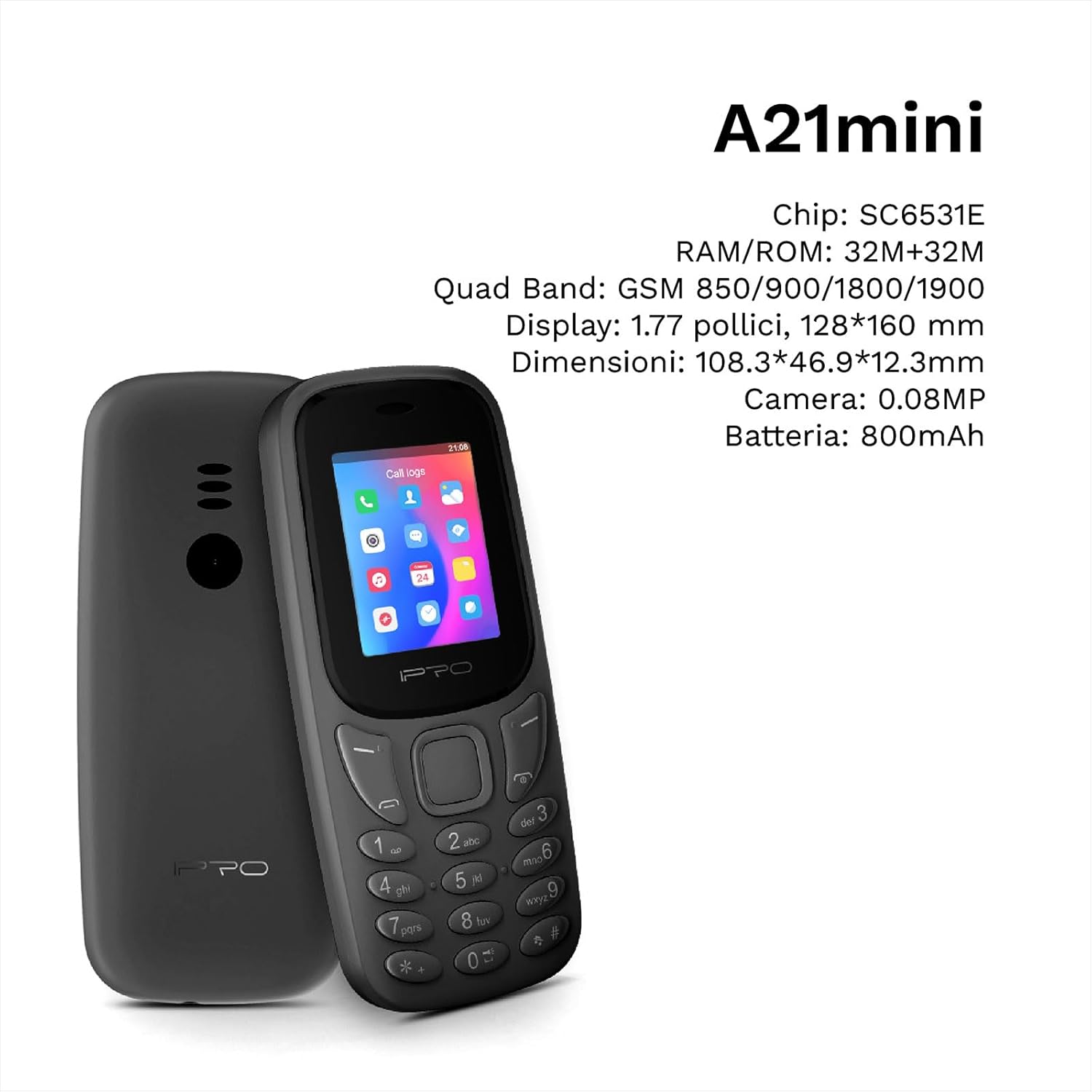
Figure 3.2: The IPRO A21 Mini highlighting its core specifications including the SC6531E chip, 32MB RAM/ROM, 1.77-inch display, and 800mAh battery.
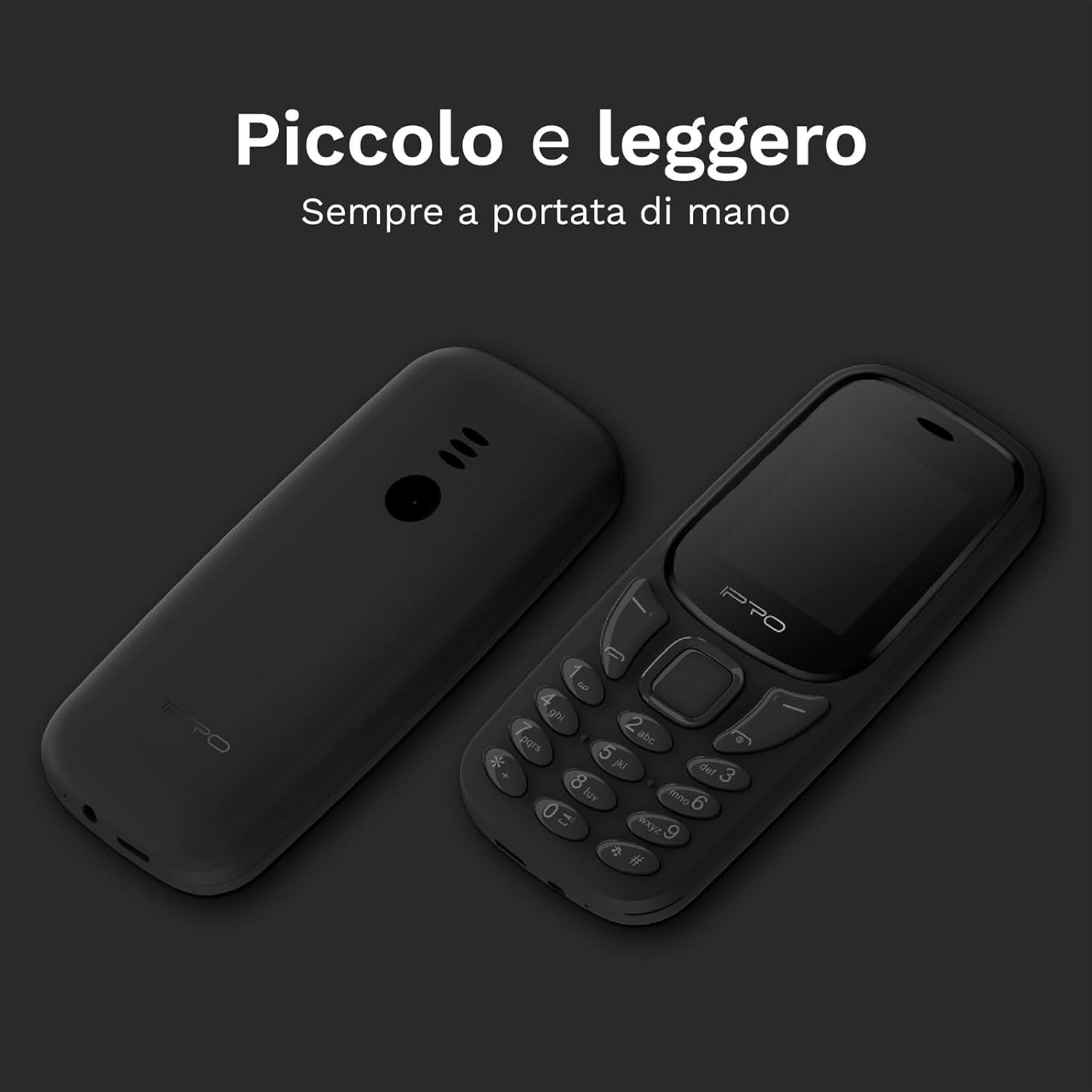
Figure 3.3: Two IPRO A21 Mini phones demonstrating their small and lightweight form factor, designed for easy portability.

Figure 3.4: The IPRO A21 Mini's 1.77-inch color screen, providing clear visibility for daily use.
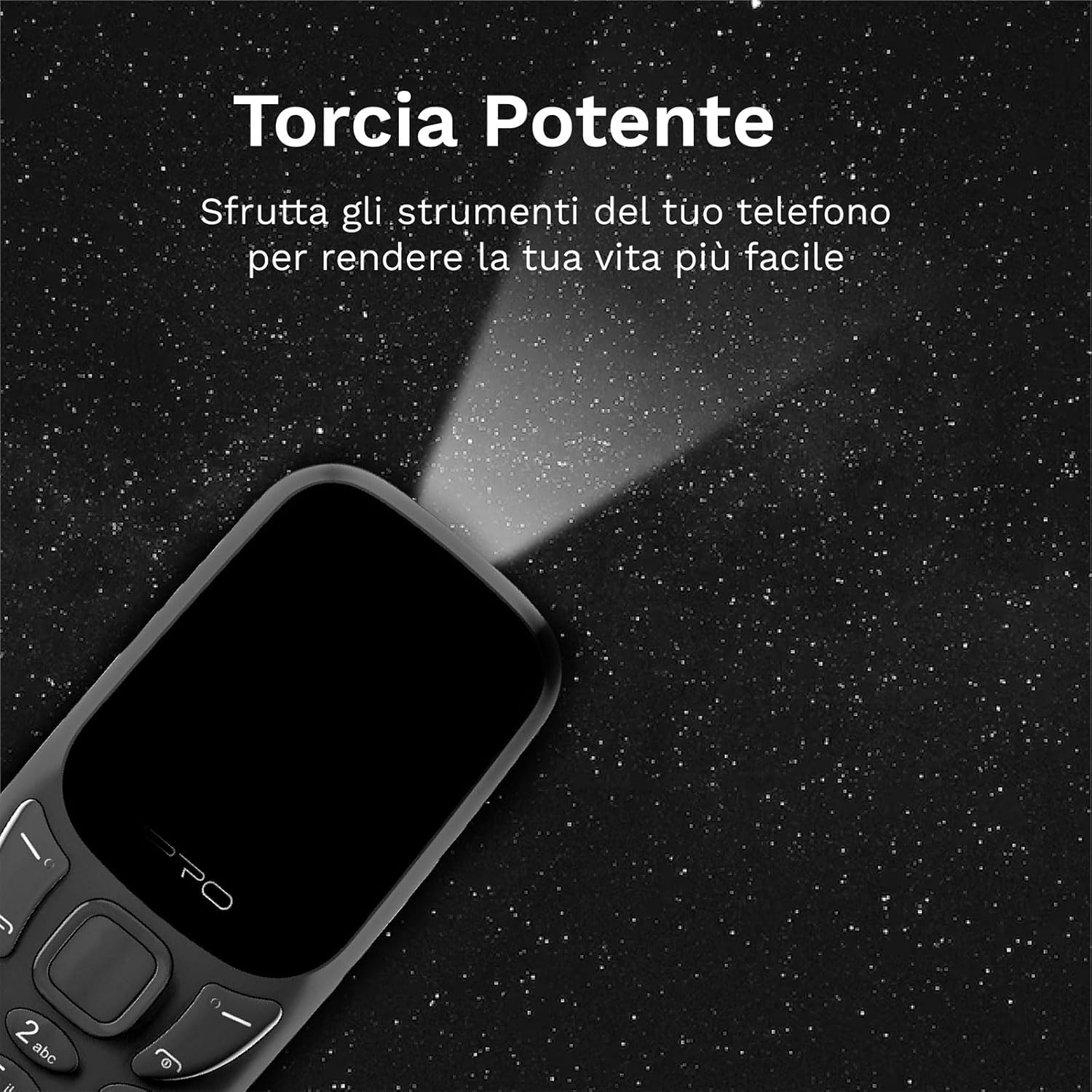
Figure 3.5: The IPRO A21 Mini's integrated powerful LED flashlight, useful for various situations.
The IPRO A21 Mini features a compact design with a 1.77-inch color display and large, easy-to-press buttons. It includes essential functions such as a camera, Bluetooth, FM radio, alarm clock, and a powerful LED flashlight.
4. ترتیب کول
۲.۱. د سیم کارت او بیټرۍ نصب کول
- د تلیفون شاته پوښ په نرمۍ سره د نوچ څخه خلاصولو سره لرې کړئ.
- که شتون ولري، بیټرۍ لرې کړئ.
- Insert the SIM card(s) into the designated slot(s) with the gold contacts facing down. This phone supports Dual SIM.
- بیټرۍ دننه کړئ، ډاډ ترلاسه کړئ چې اړیکې په سمه توګه سره سمون لري.
- د شا پوښ بدل کړئ تر هغه چې دا په خپل ځای کې راشي.
4.2. د تلیفون چارج کول
- Connect the micro USB charger to the charging port on the phone.
- چارجر د بریښنا په ځای کې ولګوئ.
- د لومړي ځل کارولو دمخه تلیفون ته اجازه ورکړئ چې په بشپړ ډول چارج شي. د بیټرۍ شاخص به د چارج کولو حالت وښيي.
5. عملیاتي لارښوونې
5.1. بریښنا فعال/بند
- د بریښنا د فعالولو لپاره: د بریښنا / پای کال تڼۍ فشار ورکړئ او ونیسئ تر هغه چې سکرین روښانه شي.
- د بریښنا بندولو لپاره: د بریښنا/پای زنګ تڼۍ کېکاږئ او ونیسئ، بیا د انتخابونو څخه "د بریښنا بند" غوره کړئ.
5.2. تلیفونونه کول او ترلاسه کول
- To make a call: Enter the phone number using the keypad and press the Call button (green).
- To receive a call: Press the Call button (green) when the phone rings.
- To end a call: Press the End Call button (red).
۴. د ایس ایم ایس لیږل او ترلاسه کول
- د "پیغامونو" مینو ته لاړ شئ.
- Select "Write message" to compose a new SMS.
- Enter the recipient's number and your message, then send.
۳. د ایف ایم راډیو کارول
- Access the "FM Radio" application from the main menu.
- Ensure headphones are connected as they act as an antenna.
- د سټیشنونو سکین کولو یا په لاسي ډول ټون کولو لپاره د نیویګیشن کیلي وکاروئ.
5.5. Activating the LED Flashlight
The IPRO A21 Mini features a dedicated LED flashlight. Refer to your phone's specific key mapping for direct activation, or access it via the tools menu.
6. ساتنه
- د بیټرۍ پاملرنه: To prolong battery life, avoid extreme temperatures and do not leave the phone charging for extended periods after it is fully charged.
- پاکول: د تلیفون سکرین او بدن پاکولو لپاره نرم، وچ ټوکر وکاروئ. د مایع پاکوونکو یا د کثافاتو موادو کارولو څخه ډډه وکړئ.
- ذخیره کول: Store the phone in a cool, dry place when not in use for long periods.
7. ستونزه حل کول
| ستونزه | احتمالي لامل | د حل لاره |
|---|---|---|
| تلیفون نه چالانیږي | د بیټرۍ ټیټوالی؛ بیټرۍ په سمه توګه نه ده نصب شوې | Charge the phone; Reinstall the battery |
| زنګونه نشي وهلی/ترلاسه کولی | سیم کارت نشته؛ سیم کارت فعال شوی نه دی؛ د شبکې پوښښ څخه بهر دی | سیم کارت دننه کړئ؛ د خپل خدمت چمتو کونکي سره اړیکه ونیسئ؛ هغه سیمې ته لاړ شئ چې ښه سیګنال ولري |
| ضعیف غږ کیفیت | Low signal; Speaker/microphone obstructed | Move to an area with better signal; Clean speaker/microphone openings |
| بیټرۍ په چټکۍ سره وچیږي | Excessive usage; Old battery | Reduce usage; Replace battery if necessary |
8. مشخصات
| فیچر | تفصیل |
|---|---|
| برانډ | IPRO |
| ماډل | IP-P-A21M-K |
| شبکه ټیکنالوژي | 2G GSM Quad Band (850/900/1800/1900MHz) |
| چپسیټ | SC6531E |
| ښودل | د 1.77 انچ رنګ سکرین |
| RAM | 4 MB |
| ROM | 4 MB |
| د پراختیا وړ حافظه | تر 16 GB پورې (MicroSD) |
| د سیم ملاتړ | دوه ګونی سیم |
| ارتباط | بلوتوث |
| کیمره | 2 MP |
| د آډیو بڼه | MP3، MP4 |
| بیټرۍ | 800 mAh لیتیم ایون |
| د خبرو وخت | تر 240 دقیقو پورې |
| ولاړ وخت | تر 150 ساعتونو پورې |
| ابعاد (L x W x H) | 11.18 x 4.9 x 1.39 سانتي متره |
| وزن | 200 ګرامه |
| ژبې | انګلیسي، هسپانوي، فرانسوي، ایټالوی، پرتګالي |
| اضافي ځانګړتیاوې | FM Radio, Alarm Clock, Calendar, Calculator, LED Flashlight, Games |
9. تضمین او ملاتړ
IPRO offers comprehensive technical and customer service support for two years from the date of purchase. Please note that this warranty does not cover artificial damage.
For any inquiries or support needs, please refer to the contact information provided with your purchase documentation or visit the official IPRO webسایټ
Ask a question about this manual
Ask about setup, troubleshooting, compatibility, parts, safety, or missing instructions. Manuals+ will review the question and use this page’s manual context to help answer it.