
1. پیژندنه
Thank you for choosing the Claiks Electric Standing Desk. This manual provides essential information for the safe and efficient use of your new desk. Please read it thoroughly before assembly and operation, and keep it for future reference.
Electric standing desks are increasingly adopted in modern workplaces for their ergonomic benefits. They allow users to alternate between sitting and standing positions, which can help alleviate discomfort in the back and hips often associated with prolonged sitting, and improve focus and productivity. Experience a healthier and more efficient work style with your Claiks standing desk.

Image: Claiks Electric Standing Desk in a modern office setting, showcasinد هغې ښکلی ډیزاین او فعالیت.
2. د محصول ب Featuresې
- د تنظیم وړ لوړوالی: The desk offers a height adjustment range from 72cm to 118cm, with a lifting speed of 20mm/s. This allows for flexible use as a gaming desk, office desk, or study table, adapting to various user needs.
- د حافظې دنده: Store up to 3 preferred height settings for quick and easy one-touch adjustments between sitting and standing positions.
- High Performance & Load Capacity: Equipped with reinforced steel legs and a high-performance motor, ensuring excellent load-bearing capacity and durability. The maximum load capacity is 80kg, accommodating multiple monitors and gaming equipment.
- Safe and Durable Tabletop: The tabletop is made from environmentally friendly materials with low indoor air pollutant emissions. It features melamine resin, making it resistant to water, heat, and stains, and easy to clean.
- خاموش عملیات: Designed for extremely quiet operation, allowing you to enjoy a peaceful working environment.

Image: The Claiks Electric Standing Desk illustrating its adjustable height range from 72cm to 118cm.
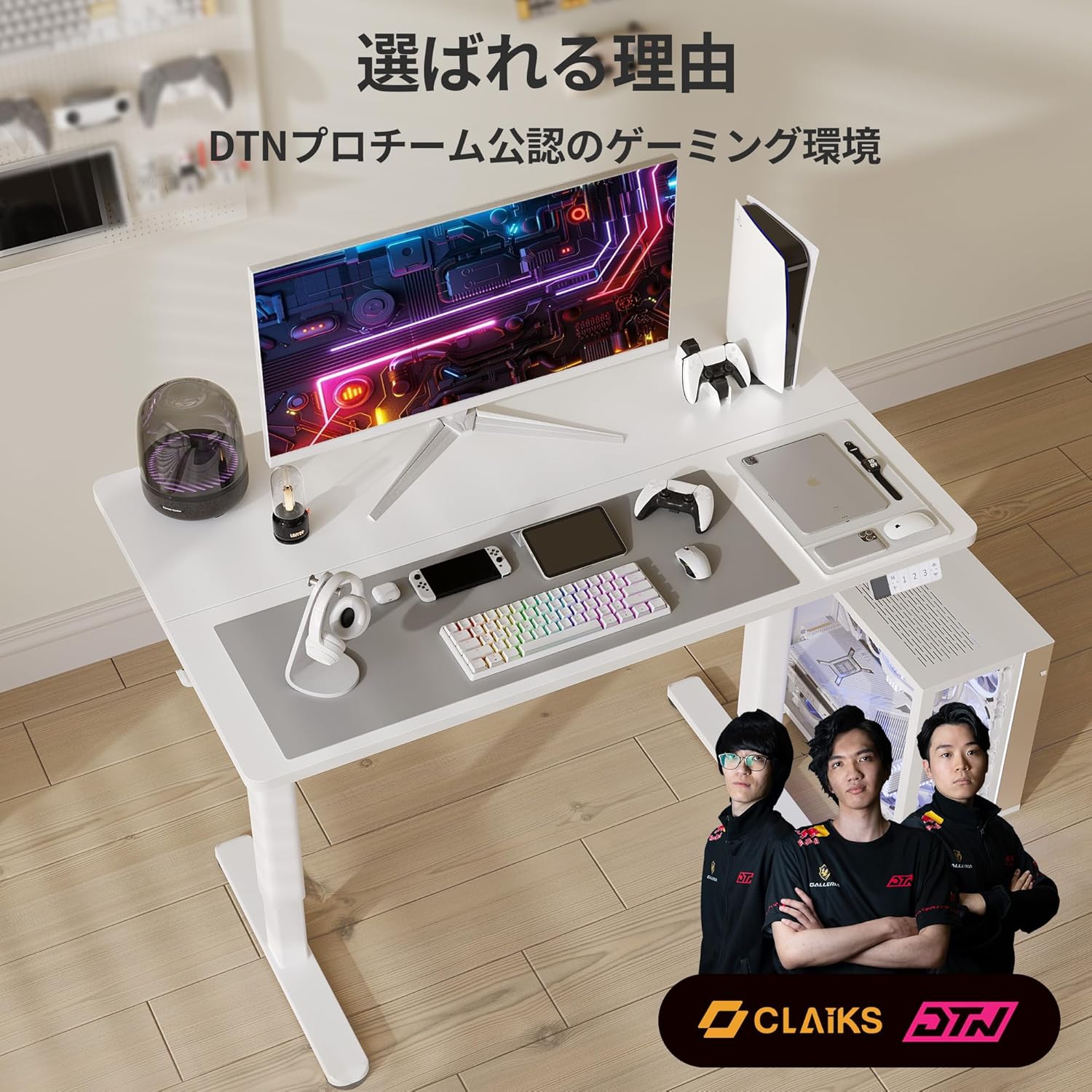
Image: A person sitting on the Claiks Electric Standing Desk, demonstrating its robust 80kg load capacity.

Image: Visual representation of the Claiks Electric Standing Desk's quiet operation, indicating a noise level of approximately 45dB.
3. تنظیم او مجلس
Before starting assembly, please ensure all parts are present and undamaged. Refer to the parts list below and the assembly videos for detailed instructions.

انځور: یوه چاودنه شوې view showing all components included with the Claiks Electric Standing Desk for assembly.
د غونډې ویډیوګانې:
ErGear Electric Standing Desk Assembly Guide
Video: A comprehensive assembly guide for the ErGear Electric Standing Desk, demonstrating step-by-step installation of components.
Anovara Standing Desk Assembly Video
Video: An assembly video for the Anovara Standing Desk, providing visual instructions for putting the desk together.
Dripex Electric Standing Desk Assembly and Usage
Video: This video demonstrates the assembly process and various usage scenarios for the Dripex Electric Standing Desk.
4. عملیاتي لارښوونې
The Claiks Electric Standing Desk features an intuitive control panel for easy height adjustment and memory settings.

Image: The multi-functional control panel of the Claiks Electric Standing Desk, featuring an LED display, memory buttons (1, 2, 3), and up/down adjustment buttons.
4.1. د لوړوالی تنظیم کول
- د کارولو پورته (▲) او ښکته (▼) د کنټرول پینل کې د تیر تڼۍ د میز د مطلوب لوړوالي لوړولو یا ښکته کولو لپاره.
- اوسنی لوړوالی به د LED سکرین کې ښکاره شي.
4.2. د حافظې پریسیټونه تنظیم کول
The desk allows you to save up to three preferred height settings:
- د پورته/ښکته تڼیو په کارولو سره میز د خپلې خوښې لوړوالي سره سم تنظیم کړئ.
- فشار ورکړئ M تڼۍ. د LED ښودنه به "S-" وښيي.
- د 3 ثانیو دننه، د شمیرې تڼۍ څخه یو فشار ورکړئ (1, 2، یا 3) to save the current height to that preset. The display will show "S-1", "S-2", or "S-3" to confirm.
۵.۲. د حافظې د مخکینیو سیټونو کارول
- په ساده ډول د اړونده شمېرې تڼۍ فشار ورکړئ (1, 2، یا 3) ترڅو میز په اتوماتيک ډول خوندي شوي لوړوالي ته واړوي.
4.4. فعالیت بیا تنظیم کړئ
- If the desk encounters an issue or needs to be recalibrated, press and hold the ښکته (▼) button until the desk reaches its lowest position and then slightly rises. This performs a full reset.
5. ساتنه
- پاکول: د میز سر او چوکاټ د نرم، d سره پاک کړئamp cloth. Avoid abrasive cleaners or harsh chemicals that could damage the surface.
- منظم چکونه: په دوره یي ډول ټول پیچونه او اړیکې وګورئ ترڅو ډاډ ترلاسه شي چې دوی کلک دي. که اړتیا وي نو د ثبات ساتلو لپاره یې بیا ټینګ کړئ.
- د کیبل مدیریت: Utilize the integrated cable clips and hooks to keep cables tidy and prevent them from interfering with the desk's movement.
6. ستونزه حل کول
| ستونزه | احتمالي لامل | د حل لاره |
|---|---|---|
| مېز نه حرکت کوي. | Power cable disconnected, overload, or motor error. | Check power connection. Reduce load on the desk. Perform a reset (see 4.4). |
| Uneven height adjustment. | Synchronization issue between legs. | Perform a reset (see 4.4). Ensure all screws are tightened. |
| د تېروتنې کوډ ښودل شوی. | د ځانګړي سیسټم تېروتنه. | Perform a reset (see 4.4). If the error persists, contact customer support. |
7. مشخصات

Image: A diagram illustrating the dimensions of the Claiks Electric Standing Desk, including width, depth, and height range.
| فیچر | تفصیل |
|---|---|
| برانډ | کلایکس |
| د ماډل شمیره | P1.01.001.0009.JP |
| د میز ډول | د بریښنا سټینډینګ میز |
| رنګ | سپین |
| ابعاد (D x W x H) | 60cm x 140cm x 70cm (initial height) |
| د لوړوالی تنظیم کولو سلسله | له 72cm څخه تر 118cm پورې |
| د پورته کولو سرعت | 20mm/s |
| د اعظمي بار ظرفیت | ۶.۴ کیلو ګرامه |
| اساسی مواد | د کاربن فولاد |
| Tabletop Finish | Laminate (Melamine Resin) |
| ځانګړي ځانګړتیاوې | Compact, Scratch Resistant, Memory Function |
8. تضمین او ملاتړ
Claiks is committed to providing high-quality products and excellent customer service. All Claiks electric standing desks come with a د جوړونکي دوه کلن تضمین.
During the warranty period, we offer free repair or replacement services for any manufacturing defects. Our customer support team is available to assist you in multiple languages, including Japanese and English. Please feel free to contact us anytime for assistance.