
TruVoice BT75
د TruVoice BT75 پریمیم بې سیم هیډسیټ کارونکي لارښود
موډل: BT75
1. پیژندنه
The TruVoice BT75 Premium Wireless Headset is designed for clear communication and comfort in various working environments. Featuring Bluetooth V5.2 connectivity, noise suppression, and extended battery life, it offers a reliable audio solution for professionals.
۲. په بکس کې څه دي؟
- TruVoice BT75 Wireless Headset
- USB Dongle
- د USB چارج کیبل
- د کارن لارښود
- محافظتي قضیه
- د غوږ کشنونه

The image above displays the TruVoice BT75 headset along with its accompanying USB dongle, which is essential for wireless connectivity with computers.
3. محصول ختم شوview
The BT75 headset is engineered for optimal performance and user comfort. Key features include a multi-functional key for easy operation, a Qualcomm Triple-Core Processor for enhanced performance, and cVc Technology for clear voice communication.
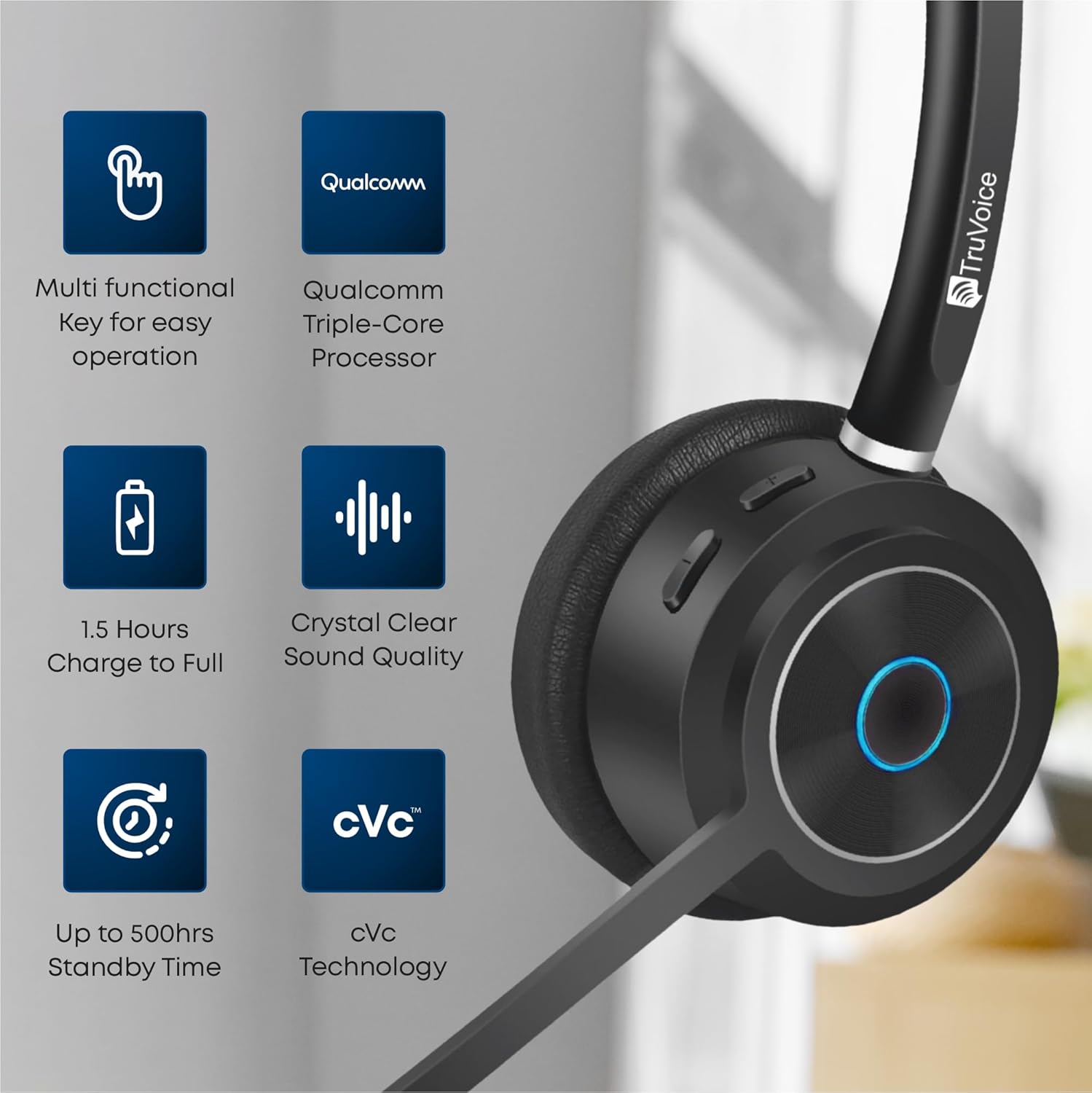
This image highlights the main features of the BT75 headset, including its multi-functional key, Qualcomm processor, fast charging capability, crystal clear sound quality, long standby time, and cVc technology.
آرامۍ او ډیزاین
Designed for all-day wear, the BT75 features premium leather plush ear cushions, a soft and wide silicone headband, and a 270° rotatable and flexible microphone for personalized fit and comfort.
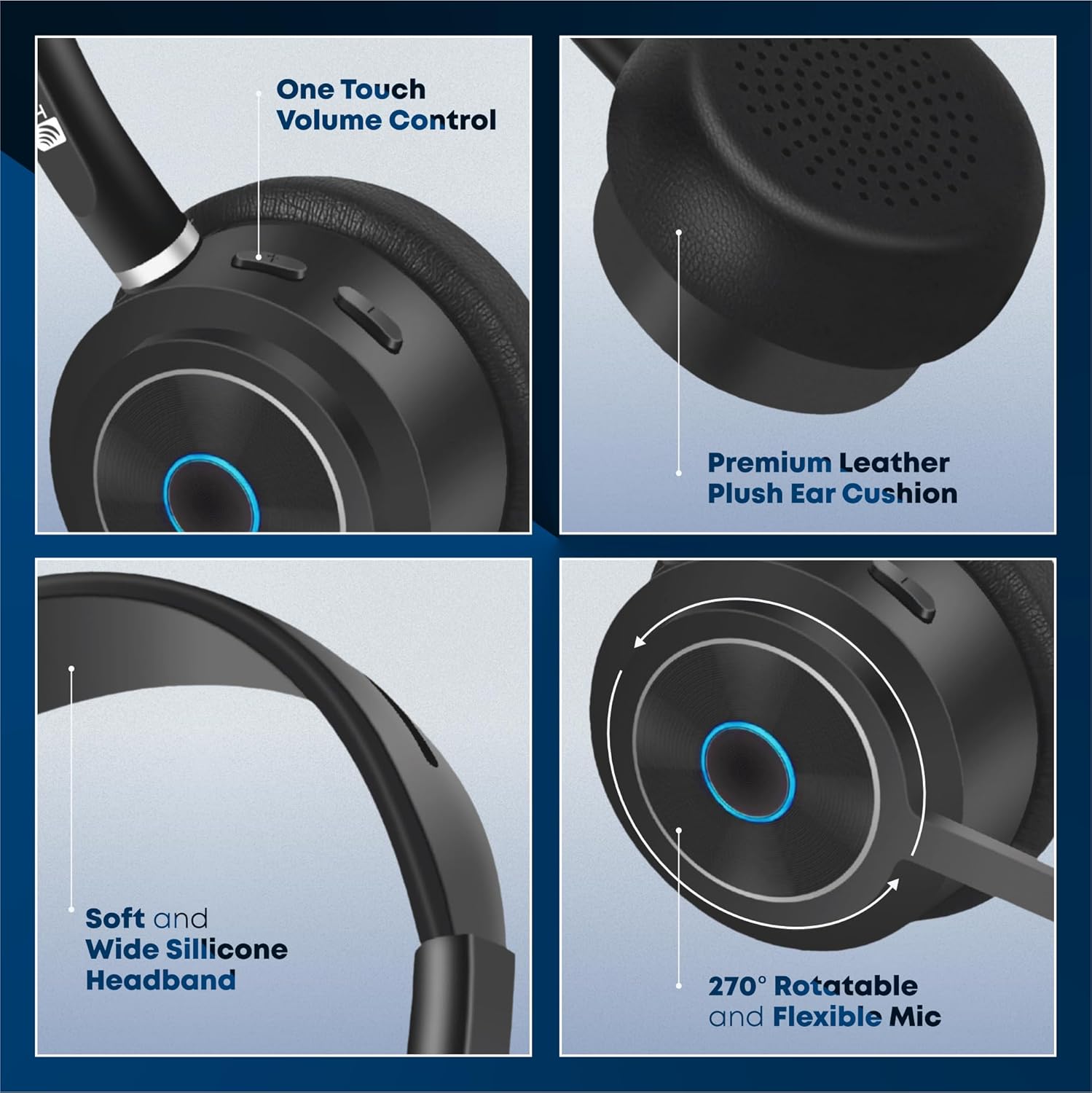
The image illustrates the ergonomic design elements of the headset, such as the one-touch volume control, premium leather ear cushion, soft silicone headband, and the highly adjustable microphone.
فیچر ویډیو
دا ویډیو یو بصري کتنه وړاندې کويview of the key features and benefits of the TruVoice BT75 Wireless Headset, demonstrating its design and functionality.
4. تنظیم او ارتباط
۹. لومړنۍ جوړه کول
To pair your BT75 headset with a device, ensure the headset is in pairing mode (refer to the LED indicator for status). For computer connectivity, insert the included USB dongle into an available USB port. The headset will automatically connect to the dongle, providing a Bluetooth wireless range of up to 50 feet.
۳. څو نقطې اتصال
The BT75 headset supports multi-point connectivity, allowing it to connect and work with two Bluetooth devices simultaneously. This feature is ideal for seamless switching between a computer and a mobile phone or desk phone with Bluetooth capabilities.
4.3. نړیوال مطابقت
The BT75 headset is compatible with all major UC (Unified Communications) Computer Voice Platforms, including Microsoft Teams, Skype, Zoom, Avaya, Cisco, Ring Central, Vonage, Nextiva, and 3CX.

This image demonstrates the broad compatibility of the BT75 headset with leading communication platforms, ensuring versatile use across different software environments.
5. عملیاتي لارښوونې
5.1. بریښنا فعال/بند
- To power on: Press and hold the Multi-functional Key until the LED indicator lights up.
- To power off: Press and hold the Multi-functional Key until the LED indicator turns off.
5.2. د کال مدیریت
- Answer/End Call: Short press the Multi-functional Key.
- Reject Call: Press and hold the Multi-functional Key for 2 seconds.
- Redial Last Number: Double-press the Multi-functional Key.
5.3. د حجم کنټرول
- Increase Volume: Press the Volume Up button.
- Decrease Volume: Press the Volume Down button.
5.4. د مایکروفون خاموش
- To mute/unmute the microphone: Press the Mute button on the microphone boom.
۱. د شور لغوه کول
The BT75 utilizes Qualcomm cVc Echo Canceling Noise Suppression Technology and a Uni-Directional Noise Cancellation Microphone. This technology works to reduce background noise, ensuring crystal clear voice quality during calls.
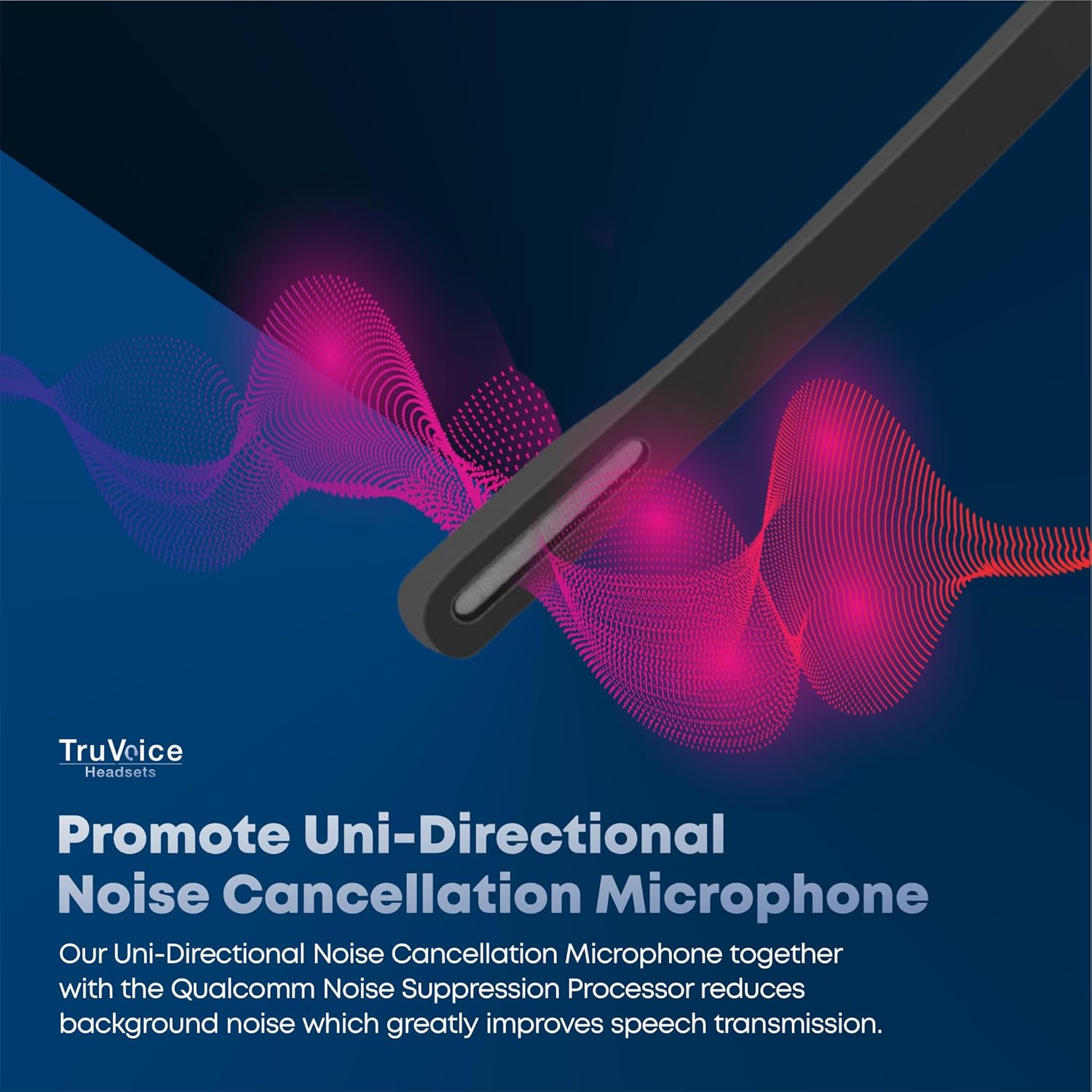
This image visually represents how the headset's uni-directional microphone and Qualcomm noise suppression processor work to minimize ambient noise for clearer conversations.
۲. بیټرۍ او چارج کول
The BT75 headset is equipped with a powerful battery offering up to 500 hours of standby time, 22 hours of talk time, and 19 hours of media playing time. A full charge is achieved in approximately 90 minutes using the provided USB charging cable, which can be connected to a PC or a standard wall charger.
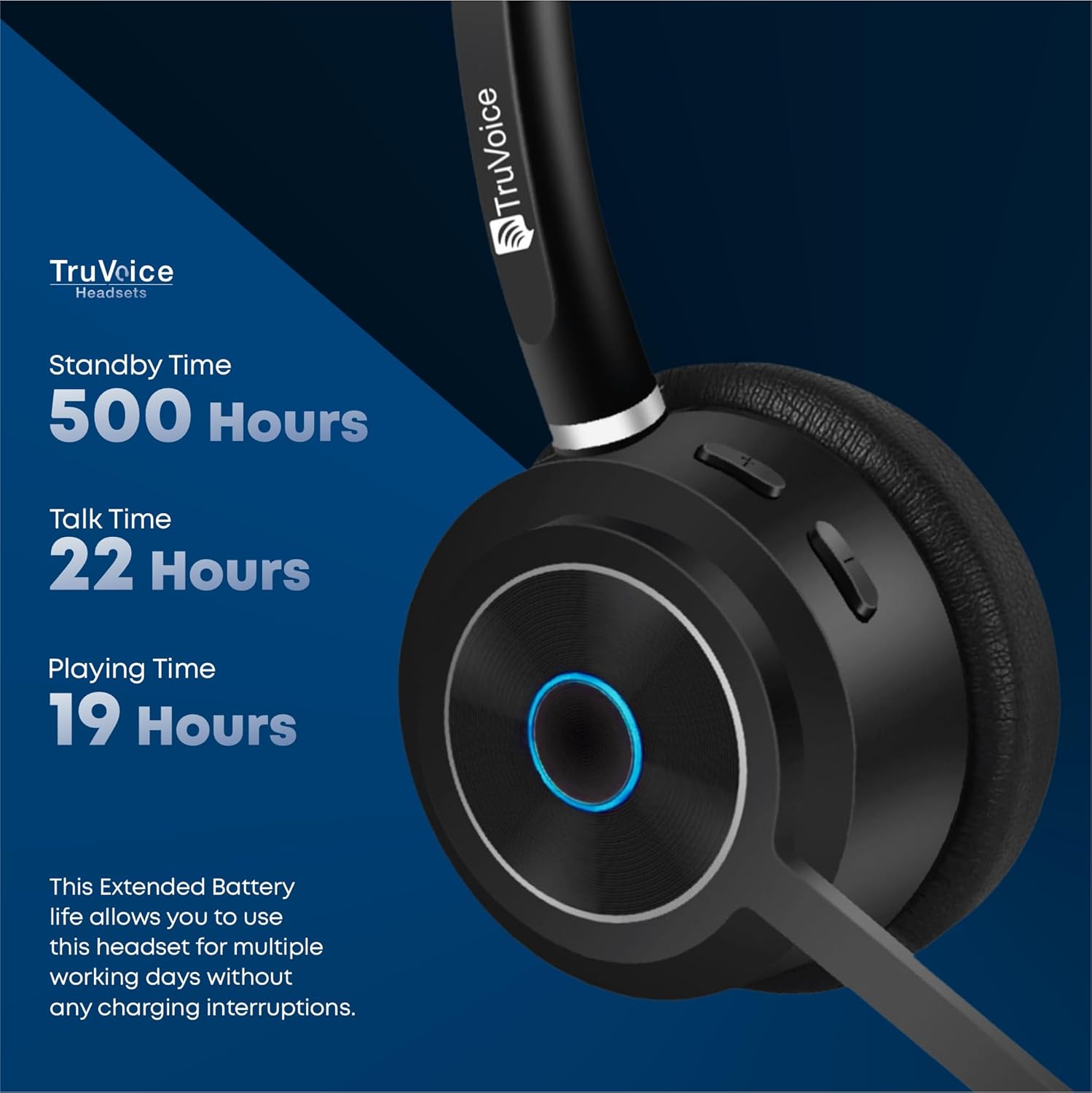
The image highlights the impressive battery life of the BT75 headset, detailing its standby, talk, and media playback durations, ensuring extended use without frequent recharging.
7. ساتنه
- هیډسیټ په منظم ډول د نرم او وچ ټوکر سره پاک کړئ. د سختو کیمیاوي موادو یا کثافاتو موادو کارولو څخه ډډه وکړئ.
- Store the headset in its protective case when not in use to prevent damage.
- د هیډسیټ د سختې تودوخې، رطوبت، یا مستقیم لمر وړانګو سره د مخ کیدو څخه ډډه وکړئ.
- Do not attempt to disassemble or modify the headset, as this will void the warranty.
8. ستونزه حل کول
| ستونزه | احتمالي لامل | د حل لاره |
|---|---|---|
| نه غږ یا ټیټ حجم | Headset not connected, volume too low, incorrect audio output selected. | Ensure headset is paired. Increase volume on headset and device. Check device's audio settings to select BT75 as output. |
| Cannot connect to device | Headset not in pairing mode, device's Bluetooth off, out of range. | Put headset in pairing mode. Enable Bluetooth on device. Move headset closer to device (within 50 ft). Restart both devices. |
| مایکروفون کار نه کوي | Microphone muted, incorrect input device selected. | Unmute microphone. Check device's audio input settings to select BT75 microphone. |
| د بیټرۍ لنډ ژوند | بیټرۍ په بشپړه توګه چارج شوې نه ده، بیټرۍ زړېږي. | Ensure full 90-minute charge. If issue persists, contact customer support. |
9. مشخصات
| فیچر | تفصیل |
|---|---|
| د ماډل نوم | بلوتوث بې سیم هیډسیټ |
| د ارتباط ټیکنالوژي | بېسیم (بلوتوث V5.2) |
| د بلوتوټ رینج | تر 50 فوټو پورې |
| د بیټرۍ ژوند (د خبرو اترو وخت) | 22 ساعته |
| د بیټرۍ ژوند (د موسیقۍ وخت) | 19 ساعته |
| ولاړ وخت | تر 500 ساعتونو پورې |
| د چارج وخت | 90 Minutes (Full Charge) |
| مایکروفون | Uni-Directional Noise Cancellation |
| د شور کنټرول | Qualcomm cVc Echo Canceling Noise Suppression Technology |
| وزن | 85 grams (headset only) |
| مطابقت لرونکې وسیلې | Communication Platforms (PC, Cell, Desk Phones with Bluetooth) |
| شاملې برخې | Cable, User Manual, Ear Cushions, Protective Case, Headband |
10. تضمین او ملاتړ
For warranty information and technical support, please refer to the official TruVoice webسایټ ته لاړ شئ یا مستقیم د دوی د پیرودونکو خدماتو سره اړیکه ونیسئ. د هر ډول تضمین ادعا لپاره خپل د پیرود رسید وساتئ.
د اړیکو معلومات:
- لیدنه وکړئ TruVoice Store on Amazon د نورو معلوماتو او ملاتړ سرچینو لپاره.
Ask a question about this manual
Ask about setup, troubleshooting, compatibility, parts, safety, or missing instructions. Manuals+ will review the question and use this page’s manual context to help answer it.