
1. پیژندنه
Thank you for choosing the BINNUNE 2.4GHz Wireless Gaming Headset. This manual provides detailed instructions to help you set up, operate, and maintain your headset for an optimal gaming and audio experience across various platforms including PS5, PS4, PC, Mac, and mobile devices via Bluetooth.
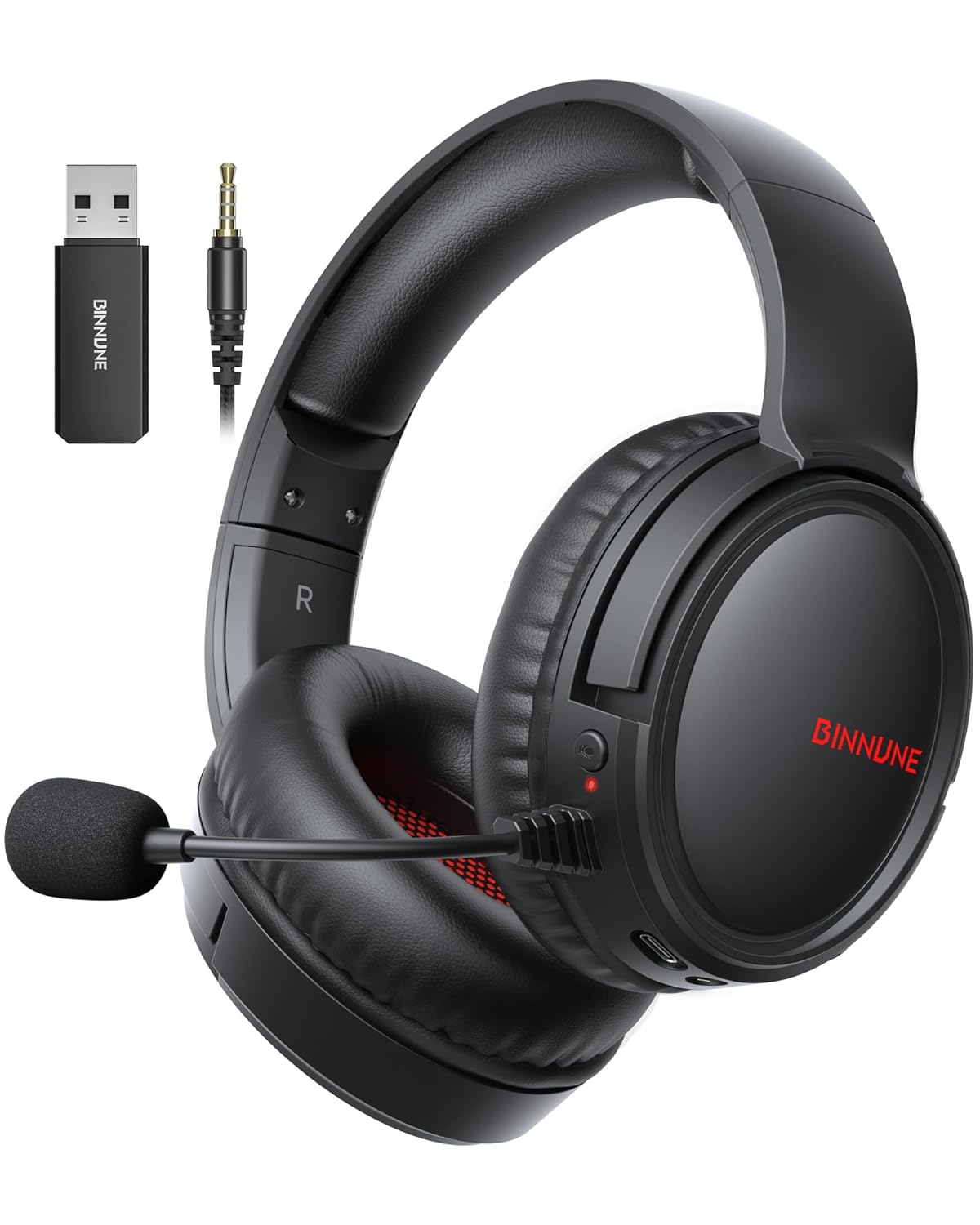
Figure 1: BINNUNE Wireless Gaming Headset (Model BW02-BT) with included accessories.
۲. په بکس کې څه دي؟
- BINNUNE Wireless Gaming Headset (BW02-BT)
- 2.4GHz USB Dongle
- 3.5mm آډیو کیبل
- د USB-C چارج کیبل
- د کارن لارښود

Figure 2: All components included with your BINNUNE Gaming Headset.
3. محصول ختم شوview او کنټرولونه
Familiarize yourself with the headset's controls and ports for seamless operation.
- مایکروفون: Dual beamforming microphones with rotatable design for clear communication. Features ENC noise-canceling technology.
- د USB-C پورټ: د هیډسیټ چارج کولو لپاره.
- 3.5mm آډیو جیک: د مطابقت لرونکو وسیلو سره د تار لرونکي اتصال لپاره.
- د LED شاخص: Displays power status, charging status, and connection mode.
- د بریښنا تڼۍ: د بریښنا آن/بند کولو لپاره فشار ورکړئ او ونیسئ.
- حجم ویل: د غږ حجم تنظیموي.
- تteۍ غږول: مایکروفون خاموش / غیر خاموش کوي.
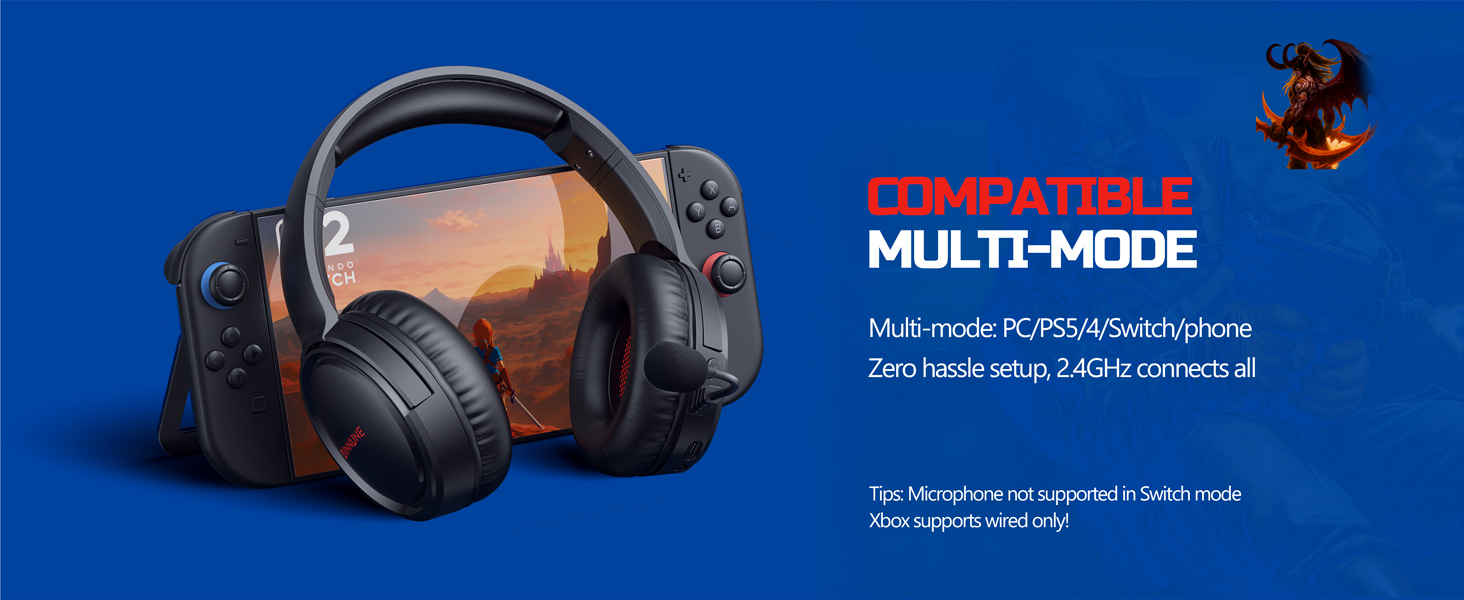
Figure 3: Key controls and ports on the BINNUNE Wireless Gaming Headset.
ویډیو ۱: یو چټک اوورview of the BINNUNE Gaming Headset's features and controls.
4. تنظیم او پیوستون
4.1 ابتدايي چارج کول
Before first use, fully charge your headset. Connect the USB-C charging cable to the headset's USB-C port and the other end to a USB power source. The LED indicator will show charging status and turn off when fully charged. A full charge takes approximately 6 hours.

Figure 4: The headset offers up to 40 hours of battery life on a single charge.
۴.۱ ۲.۴GHz بېسیم اتصال (USB ډونګل)
This mode provides ultra-low latency audio (≤38ms) for gaming on PS5, PS4, PC, and Mac.
- Plug the 2.4GHz USB dongle into an available USB port on your PS5/4, PC, or Mac.
- Power on your BINNUNE headset by pressing and holding the power button.
- The headset will automatically connect to the dongle. The LED indicator will show a stable light when connected.
یادونه: The microphone is not available when connected to Nintendo Switch in 2.4GHz mode. Not compatible with XBOX.

Figure 5: The 2.4GHz USB dongle ensures a fast and stable connection.
4.3 د بلوتوث اتصال
Use Bluetooth mode for mobile phones, tablets, iPads, and other smart devices.
- ډاډ ترلاسه کړئ چې سرۍ چلیږي.
- په خپل وسیله کې، د بلوتوټ ترتیباتو ته لاړ شئ او بلوتوټ فعال کړئ.
- Select "BINNUNE BW02-BT" from the list of available devices to pair.
- The LED indicator will flash during pairing and show a stable light once connected.
یادونه: Bluetooth mode is not compatible with PS5/4. The microphone is not available when connected to Nintendo Switch in Bluetooth mode.
۵.۴ تار لرونکی اتصال (۳.۵ ملي میتر آډیو کیبل)
For devices that do not support wireless connectivity or when battery is low.
- د ۳.۵ ملي میتر آډیو کیبل یوه پای د هیډسیټ ۳.۵ ملي میتر آډیو جیک سره وصل کړئ.
- Connect the other end to the 3.5mm audio port on your gaming device (e.g., PS5/4 controller, PC, phone).
یادونه: The microphone may not be available on some devices when using the wired connection.

Figure 6: Multiplatform compatibility of the BINNUNE headset across 2.4G, Bluetooth, and Wired modes.
Video 2: Demonstrating the multi-mode connectivity of BINNUNE Gaming Headsets for PS4/PS5/PC.
5. عملیاتي لارښوونې
۸ پاور آن/بند
Press and hold the Power Button for 3 seconds to turn the headset on or off. The LED indicator will light up or turn off accordingly.
5.2 د حجم کنټرول
Rotate the Volume Wheel up (+) to increase volume or down (-) to decrease volume.
۶.۴ د مایکروفون کارول
The headset features a rotatable microphone. Flip the microphone down to use it. Press the Mute Button to toggle microphone mute on or off. The ENC noise-canceling technology helps ensure clear voice transmission.
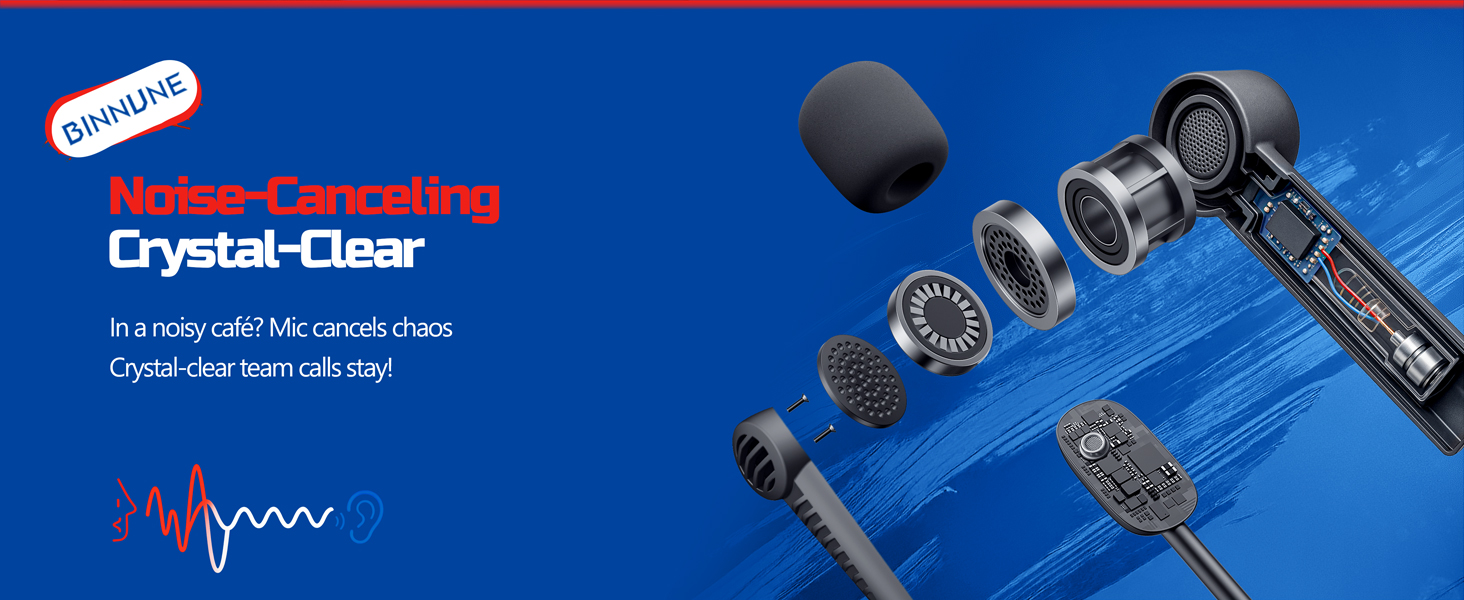
Figure 7: The noise-canceling microphone ensures crystal-clear voice calls by reducing background noise.
۴.۲ د حالتونو ترمنځ بدلول
The headset supports seamless switching between 2.4GHz and Bluetooth modes. Refer to section 4 for specific connection steps for each mode. The headset prioritizes the 2.4GHz connection when the dongle is active.
6. ساتنه
- پاکول: د هیډسیټ پاکولو لپاره نرم، وچ ټوکر وکاروئ. د کثافاتو پاکوونکو یا محلولونو کارولو څخه ډډه وکړئ.
- ذخیره کول: هیډسیټ په یخ او وچ ځای کې د مستقیم لمر وړانګو او سختې تودوخې څخه لرې وساتئ.
- د بیټرۍ پاملرنه: د بیټرۍ د ژوند اوږدولو لپاره، د هیډسیټ په مکرر ډول په بشپړ ډول چارج کولو څخه ډډه وکړئ. په منظم ډول یې چارج کړئ، حتی که د اوږدې مودې لپاره نه کارول کیږي.
7. ستونزه حل کول
| ستونزه | احتمالي لامل | د حل لاره |
|---|---|---|
| د هیډسیټ څخه هیڅ غږ نشته. | Headset not powered on, low battery, incorrect connection mode, volume too low. | Ensure headset is on and charged. Check connection mode (2.4GHz/Bluetooth/Wired). Increase volume. |
| مایکروفون کار نه کوي. | Microphone muted, incorrect input device selected on computer/console, compatibility issue in certain modes. | Unmute microphone. Check audio settings on your device to ensure BINNUNE headset is selected as input. Note mode limitations (e.g., Switch, some wired connections). |
| Cannot connect via 2.4GHz dongle. | Dongle not properly inserted, interference, headset too far from dongle. | Ensure dongle is fully inserted. Move closer to the dongle. Try a different USB port. |
| د بلوتوث له لارې نشي وصل کېدای. | Headset not in pairing mode, device Bluetooth off, already connected to another device. | Ensure headset is discoverable. Turn Bluetooth on your device. Disconnect from other devices. |
8. مشخصات
| فیچر | تفصیل |
|---|---|
| د ماډل نوم | BW02-BT |
| د ارتباط ټیکنالوژي | بېسیم (2.4GHz، بلوتوث 5.3)، تار لرونکی (3.5 ملي میتر جیک) |
| د آډیو ډرایور اندازه | 50 ملي متره |
| د تعدد ځواب | ۲۰ هرټز - ۲۰،۰۰۰ هرټز |
| حساسیت | 96 dB |
| د غږ ځنډ (2.4GHz) | 32 Milliseconds (≤38ms advertised) |
| د بیټرۍ ژوند | تر 40 ساعتونو پورې |
| د چارج کولو وخت | 6 ساعته |
| مایکروفون | Dual Beamforming with ENC Noise-Canceling |
| مواد | Plastic (Headset), Leather (Ear Cushions) |
| وزن | 13.4 اونس |
| مطابقت لرونکې وسیلې | Gaming Consoles (PS4, PS5), PC, Mac, Telephones, Laptops, Desktops |
9. تضمین او ملاتړ
BINNUNE products are manufactured with high-quality standards. For any product-related inquiries, technical support, or warranty claims, please refer to the official BINNUNE store or contact their customer service directly.
لیدنه وکړئ BINNUNE Store on Amazon د نورو معلوماتو او ملاتړ لپاره.