
Novzix S1 Black 2Pack
Novzix Key Tracker User Manual
Model: S1 Black 2Pack
پیژندنه
The Novzix Key Tracker is a smart item locator designed to help you find your valuable belongings. This device works seamlessly with Apple's Find My network, allowing you to track keys, bags, wallets, luggage, and more. Please note that this device is specifically designed for use with Apple devices and is not compatible with Android systems.
This manual provides comprehensive instructions for setting up, operating, and maintaining your Novzix Key Tracker to ensure optimal performance.
چمتو کول
To begin using your Novzix Key Tracker, follow these steps to pair it with your Apple device:
- پاور آن: Ensure your Novzix Key Tracker has a working battery. The device comes with a pre-installed battery and a spare.
- زما اپلیکیشن ومومئ خلاص کړئ: On your iPhone, iPad, or Mac, open the "Find My" application.
- توکي اضافه کړئ: Navigate to the "Items" tab within the Find My app. Tap the "+" icon and select "Add Other Item".
- جوړه جوړه: Follow the on-screen instructions in the Find My app. You may need to press and hold the button on your Novzix Key Tracker to put it into pairing mode. The device will emit a sound or light indicator when ready.
- پیوستون تایید کړئ: Once detected, confirm the connection in the app. You can then name your tracker and assign an emoji for easy identification.
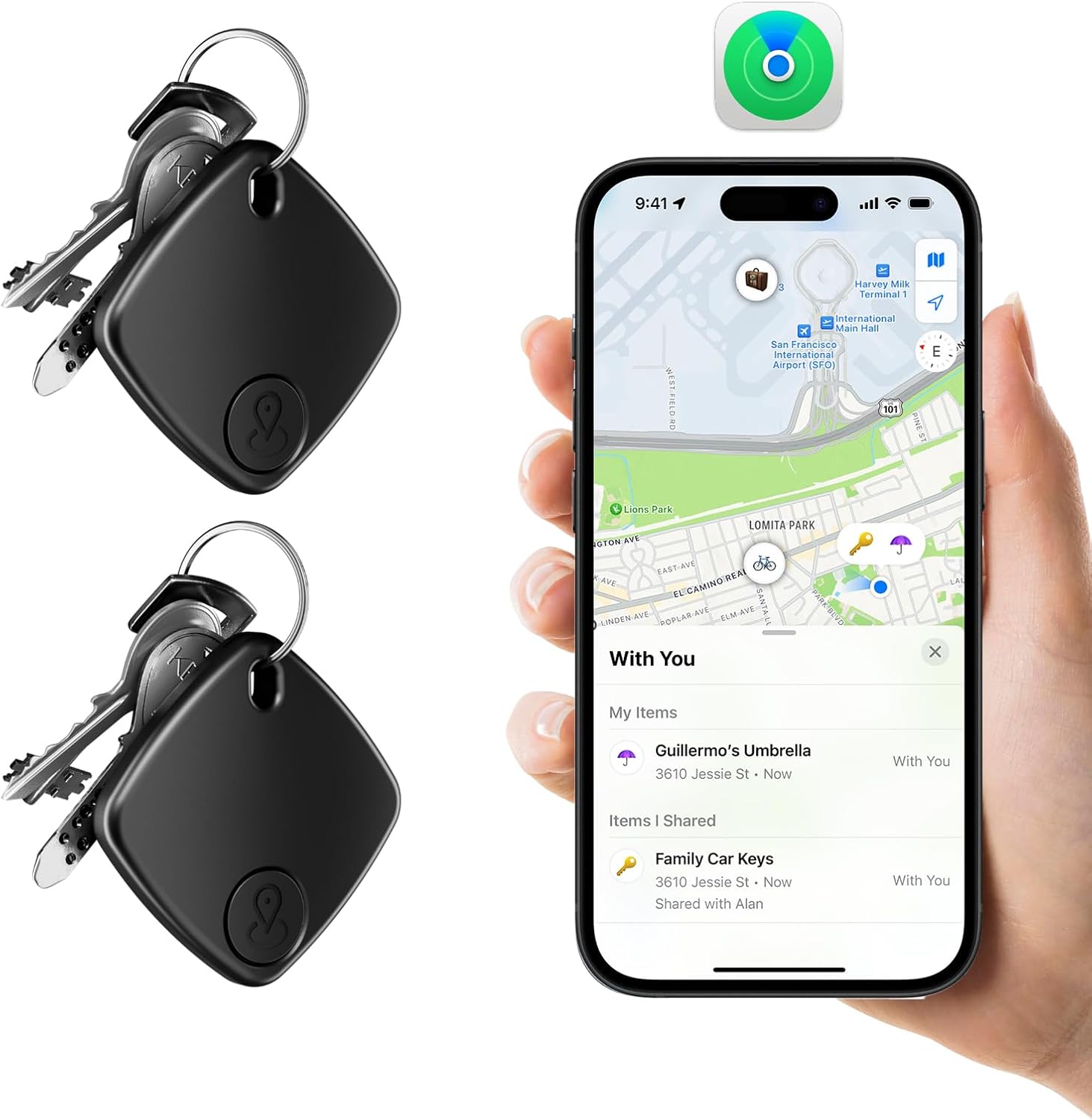
Image: Novzix Key Trackers ready for use with the Apple Find My app.

Image: The Novzix Key Tracker is designed to work exclusively with Apple's Find My network.
عملیاتي لارښوونې
Once your Novzix Key Tracker is paired, you can utilize its features through the Apple Find My app:
Global Tracking
Leverage the vast Apple Find My network to locate your items worldwide. If your item is out of Bluetooth range, the Find My network, composed of millions of Apple devices, can help pinpoint its location and report it back to you privately and securely.

Image: Global tracking using Apple's Find My network.
Find Near By (Play Sound)
When your Novzix Key Tracker is within Bluetooth range, you can make it play a sound to help you locate it. Open the Find My app, select your item, and tap "Play Sound". The tracker will emit an audible alert, guiding you to its exact location.

Image: Using the 'Play Sound' feature to locate nearby items.
Loss Prevention Notifications
The Novzix Key Tracker can alert you if you leave an item behind or if it moves away from you. Enable "Notify When Left Behind" in the Find My app settings for your tracker. You will receive a notification on your Apple device when the tracker is no longer detected near you, helping prevent loss.
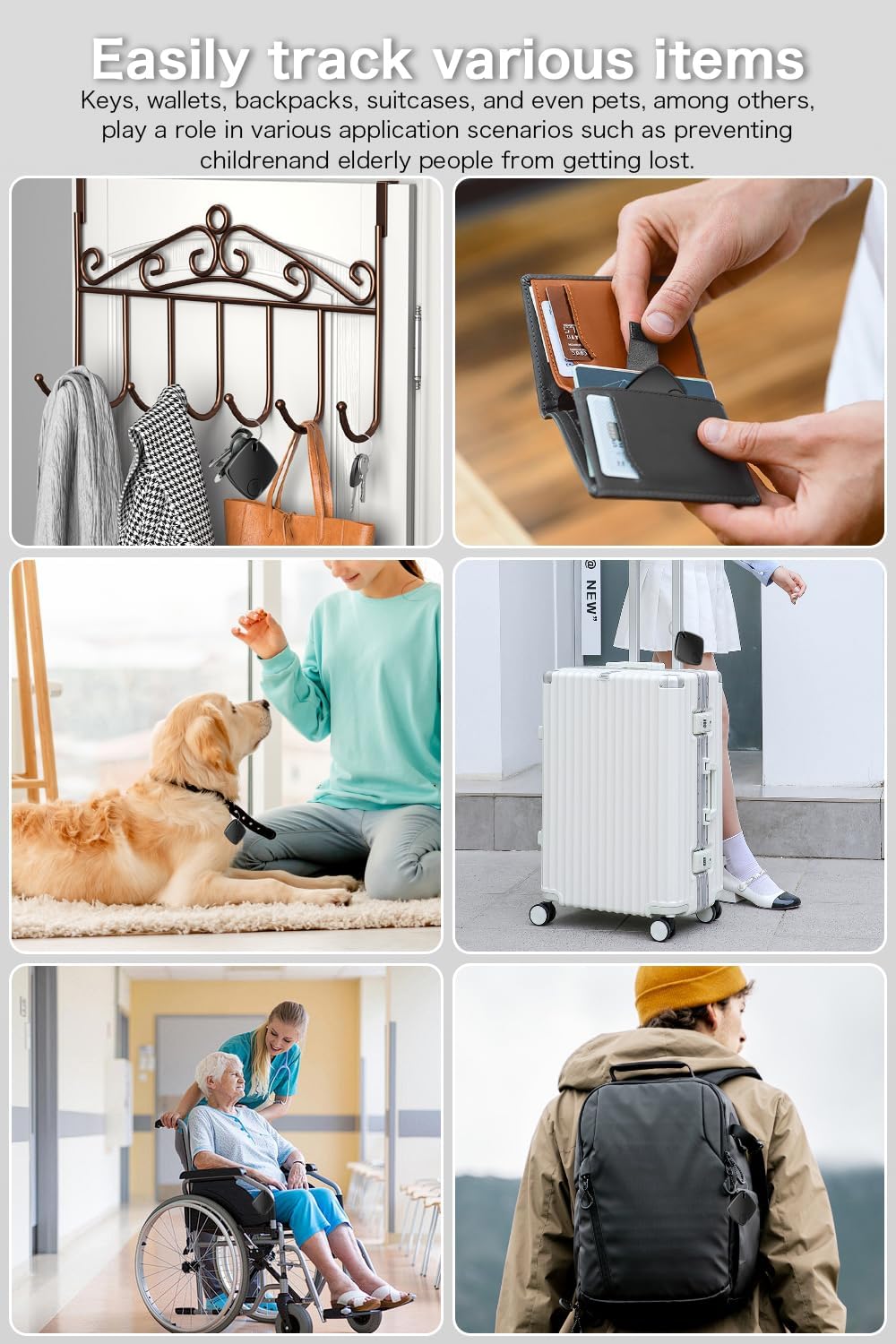
Image: Notification for items left behind, aiding in loss prevention.
Versatile Tracking Applications
The Novzix Key Tracker is suitable for a wide range of items, including keys, wallets, backpacks, suitcases, and can even assist in tracking pets or preventing elderly individuals from getting lost.

انځور: Examples of various items that can be tracked with the Novzix Key Tracker.
ساتنه
د بیټرۍ بدلول
The Novzix Key Tracker features a replaceable battery designed for long-lasting use, typically up to one year. When the battery is low, the device will indicate this, and you will receive a notification in the Find My app. To replace the battery:
- د ټریکر په شا کې د بیټرۍ کڅوړه ومومئ.
- Carefully open the cover using a small tool if necessary.
- د زاړه CR2032 سکې سیل بیټرۍ لرې کړئ.
- یو نوی CR2032 بیټرۍ دننه کړئ چې مثبت (+) اړخ یې پورته وي.
- د بیټرۍ کمپارټ پوښ په خوندي ډول وتړئ.

انځور: چاودنه وشوه view of the Novzix Key Tracker showing the replaceable battery.
د ستونزو حل کول
| ستونزه | احتمالي لامل | د حل لاره |
|---|---|---|
| Device won't connect to Find My app. | Battery low or dead; not in pairing mode; out of range; interference; incompatible device. |
|
| بیټرۍ په چټکۍ سره وچیږي. | Frequent use of "Play Sound" feature; old or faulty battery; environmental factors. |
|
| Cannot hear the sound from the tracker. | Tracker is too far away; sound is muffled; battery low. |
|
مشخصات
- نښه: نوزکس
- ماډل: S1 Black 2Pack
- ارتباط: Apple Find My Network (Bluetooth LE)
- د بیټرۍ ډول: CR2032 Coin Cell (Replaceable)
- د بیټرۍ ژوند: Up to 1 year (typical use)
- مواد: پلاستیک
- ابعاد: نږدې ۹.۶۵ x ۸.۵۸ x ۳.۳۱ انچه (د بستې ابعاد)
- د توکي وزن: نږدې 1.44 اونس
- مطابقت: iOS devices (iPhone, iPad, Mac) with Find My app. Android devices are NOT supported.
تضمین او ملاتړ
For warranty information or technical support regarding your Novzix Key Tracker, please refer to the product packaging or contact Novzix customer service directly. You can often find support contact details on the manufacturer's official webسایټ یا د پرچون پلورونکي له لارې چیرې چې محصول اخیستل شوی و.
مهرباني وکړئ د تضمین ادعاګانو لپاره د پیرود ثبوت وساتئ.
Ask a question about this manual
Ask about setup, troubleshooting, compatibility, parts, safety, or missing instructions. Manuals+ will review the question and use this page’s manual context to help answer it.