
پیژندنه
This manual provides comprehensive instructions for the setup, operation, and maintenance of your Diyeeni WH TA11PE Air Conditioner Remote Controller. Please read this manual carefully before using the remote control to ensure proper functionality and longevity.
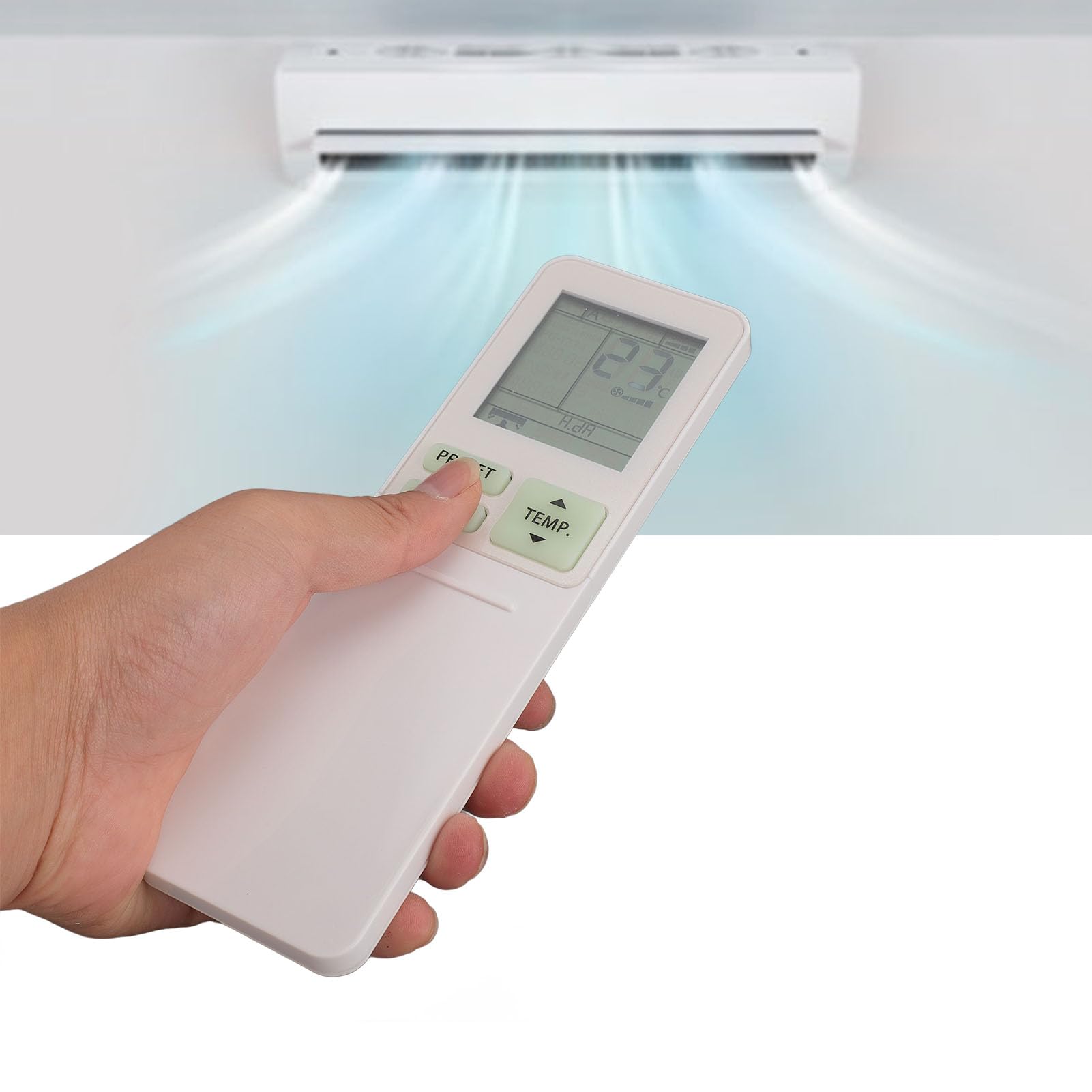
Image: The Diyeeni WH TA11PE remote control in use, with an air conditioner in the background.
مطابقت لرونکي ماډلونه
The Diyeeni WH TA11PE remote controller is designed as a replacement for the following Toshiba Air Conditioner series:
- RAS-10G2KVP Series
- RAS-13G2KVP Series
- RAS-16G2KVP Series
- RAS-18E2KVSG A Series
- RAS-22E2KVSG A Series
- RAS-24E2KVSG A Series
This remote control offers full functionality for these specified models, replicating the original remote's features.
تنظیم: د بیټرۍ نصب کول
To begin using your remote control, you must first install the batteries.
- د بیټرۍ کڅوړه خلاص کړئ: Locate the battery compartment cover on the back of the remote control. Gently slide or press the latch to open the cover.
- بیټرۍ داخل کړئ: Insert two (2) AAA batteries (not included) into the compartment. Ensure the positive (+) and negative (-) terminals of the batteries match the indicators inside the compartment.
- د بیټرۍ کمپارټ بند کړئ: د بیټرۍ د برخې پوښ بیرته خپل ځای ته د سلایډ کولو سره بدل کړئ تر هغه چې په خوندي ډول کلیک وکړي.

Image: Remote control with the battery compartment open, illustrating correct battery placement.

انځور: تفصیلي view of the battery compartment, highlighting the terminals.
Once batteries are installed, the remote control is ready for use. No programming is required for compatible Toshiba air conditioner models.
عملیاتي لارښوونې
The Diyeeni WH TA11PE remote control provides access to all standard functions of your Toshiba air conditioner. Point the remote control directly at the air conditioner's receiver when operating.

انځور: مخکینۍ برخه view د ریموټ کنټرول، ټولې تڼۍ ښیې.
کلیدي دندې:
- د چالانېدو تڼۍ (🏻): د هوا کنډیشنر چالان یا بندوي.
- TEMP. Buttons (▲/▼): د تودوخې تنظیم پورته یا ښکته کوي.
- د پریس بټن: Activates a pre-set operating mode or setting.
- د موډ تڼۍ: د عملیاتي حالتونو له لارې تیریږي (د بیلګې په توګه، یخ، تودوخه، فین، وچ، اتومات).
- د سوینګ بټن: د هوا د مخنیوي عمودی حرکت کنټرولوي.
- د FAN تڼۍ: د فین سرعت تنظیموي (د مثال په توګه، ټیټ، منځنی، لوړ، اتومات).
- AIR FLOW Button: Controls horizontal airflow direction.
- 8°C Button: Activates an 8°C heating mode for frost protection (if supported by AC).
- د ECO تڼۍ: د انرژۍ سپمولو حالت فعالوي.
- Hi POWER Button: Activates maximum power operation for rapid cooling/heating.
- PURE Button: Activates air purification function (if supported by AC).
- COMFORT SLEEP Button: Sets the air conditioner to a comfortable sleep mode.
- P-SEL (Program Select) Button: Selects programmed settings.
- WEEKLY ON/OFF, DAY/EDIT, PROGRAM P1-P4 Buttons: Used for setting and managing weekly timers and programs.
- TIMER ON/OFF, SET, CLR Buttons: Used for setting and clearing basic timers.
- CLOCK, CHECK, FILTER, RESET Buttons: For setting the clock, checking status, filter reset, and general reset functions.

Image: Close-up of the remote's display and primary control buttons.
Refer to your Toshiba air conditioner's original manual for specific details on how each function interacts with your unit.
ساتنه
- پاکول: ریموټ کنټرول په نرم، وچ ټوکر سره پاک کړئ. مایع پاکوونکي، سپرې، یا خړوبونکي مواد مه کاروئ، ځکه چې دا کولی شي سطح یا داخلي برخو ته زیان ورسوي.
- د بیټرۍ بدلول: Replace batteries when the remote's range decreases or the display becomes dim. Always replace both batteries at the same time with new ones of the same type (AAA).
- ذخیره کول: If the remote control will not be used for an extended period, remove the batteries to prevent leakage and potential damage. Store in a cool, dry place.
- په معرض کې له مخامخ کېدو مخنیوی: ریموټ کنټرول مستقیم لمر، لوړې تودوخې، یا لوړې رطوبت ته مه ښکاره کوئ.
د ستونزو حل کول
| ستونزه | احتمالي لامل | د حل لاره |
|---|---|---|
| Remote control does not operate the AC unit. |
|
|
| ښودنه تیاره یا خالي ده. |
|
|
| ځینې دندې کار نه کوي. |
|
|
مشخصات
- ماډل: WH TA11PE
- مواد: ABS
- د بیټرۍ ډول: 2 x AAA بیټرۍ (شامل ندي)
- مطابقت: Toshiba RAS-10G2KVP, RAS-13G2KVP, RAS-16G2KVP Series, RAS-18E2KVSG A, RAS-22E2KVSG A, RAS-24E2KVSG A
- وزن: تقریبا ۷۹۹.۹۹ ګرامه

Image: Back of the remote control, displaying the model identifier.