
پیژندنه
This manual provides detailed instructions for setting up and operating your YNF Smart Plug. Please read this manual carefully before use to ensure proper functionality and safety. The YNF Smart Plug allows you to control your home appliances remotely, via voice commands, and through scheduled timers.

Image: The YNF Smart Plug, a compact white device designed for smart home integration.
د خوندیتوب معلومات
- وسیله مه جلا کوئ یا ترمیم مه کوئ.
- د اوبو او لوړ رطوبت چاپیریال څخه لرې وساتئ.
- Do not exceed the maximum load rating of the smart plug. Refer to specifications.
- ډاډ ترلاسه کړئ چې پلګ په بشپړ ډول د دیوال په ځای کې داخل شوی.
- یوازې د داخلي کارونې لپاره.
د بسته محتويات
- 1 x YNF Smart Plug
- ۱ x د کارونکي لارښود (دا سند)
چمتو کول
1. د سمارټ ژوند اپلیکیشن ډاونلوډ کړئ
لټون "Smart Life" in the Apple App Store or Google Play Store and download the application. Alternatively, scan the QR code provided in the product packaging (if available) to download.
2. Register and Log In
Open the Smart Life App. If you are a new user, register for an account. If you already have an account, log in.
3. وسیله اضافه کړئ
- Plug the YNF Smart Plug into a wall outlet.
- Open the Smart Life App and tap the "+" icon in the top right corner to add a device.
- د وسیلو له لیست څخه "برقی آوټ لیټ" یا "سمارټ پلګ" غوره کړئ.
- Confirm that the indicator light on the smart plug is blinking rapidly. If not, press and hold the power button on the plug for 5-10 seconds until it blinks rapidly.
- Enter your 2.4GHz Wi-Fi network password. The YNF Smart Plug supports 2.4GHz Wi-Fi and Bluetooth for stable connection.
- Wait for the app to connect to the device. Once connected, you can rename the smart plug.

Image: A comparison chart highlighting YNF Smart Plug's superior connectivity (Wi-Fi & Bluetooth), faster response time, higher stability, and broader compatibility (Alexa, Google, SmartThings) compared to other smart plugs.
عملیاتي لارښوونې
Remote Control via Smart Life App
Once the smart plug is successfully added to the Smart Life App, you can control connected appliances from anywhere with an internet connection.
- Open the Smart Life App.
- Tap on the smart plug's name to access its control interface.
- Toggle the power button within the app to turn the connected appliance on or off.

Image: A user demonstrating remote control of a smart plug via the Smart Life app on a smartphone, showing a bedroom light being controlled.
Voice Control (Alexa & Google Home)
The YNF Smart Plug is compatible with Amazon Alexa and Google Home for hands-free voice control.
- Link Smart Life to Voice Assistant:
- خپل الیکسا یا ګوګل کور ایپ خلاص کړئ.
- Go to "Skills & Games" (Alexa) or "Works with Google" (Google Home).
- لټون "Smart Life" and enable the skill/service.
- Link your Smart Life account using your credentials.
- وسایل کشف کړئ.
- غږیز حکمونه:
- "الیکسا، [د وسیلې نوم] چالان کړه."
- "هي ګوګل، [د وسیلې نوم] بند کړه."
- "Alexa, set [device name] to 50%." (If applicable for dimmable devices connected to the plug)
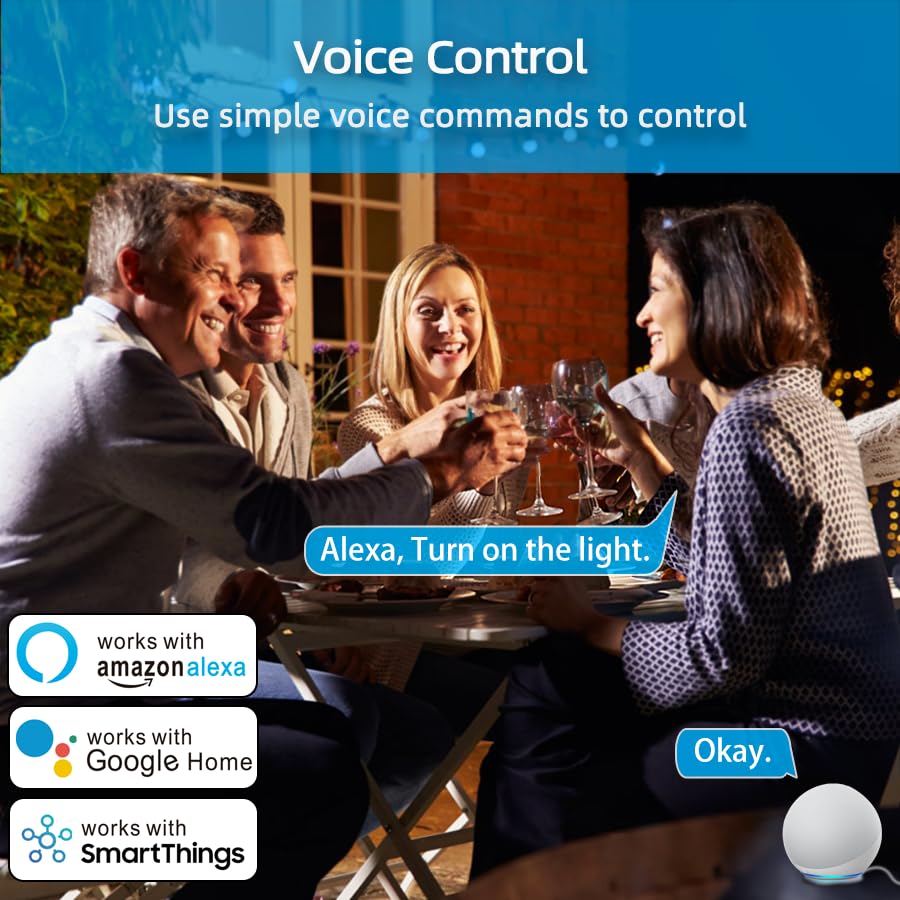
Image: An illustration of voice control in action, with people at a dinner table and a voice command "Alexa, Turn on the light." being processed, indicating compatibility with Amazon Alexa, Google Home, and SmartThings.
Timer Function and Schedules
Set schedules and timers to automate your appliances.
- In the Smart Life App, select your smart plug.
- Tap on "Timer" or "Schedule" to create new automation rules.
- You can set specific times for the plug to turn on or off daily, weekly, or on custom days.

Image: A visual representation of setting a schedule, with a sunrise icon at 7:00 AM and a sunset icon at 6:00 PM, demonstrating how to automate device operation based on time.
د هوا حالت
Utilize the Weather Mode feature to automate actions based on local weather conditions.
- In the Smart Life App, navigate to the smart plug's settings or automation section.
- Look for "Weather Mode" or "Scene" creation.
- Configure rules, for example, "If weather is Rainy, turn on the light."

Image: A diagram illustrating the "Weather Mode" feature, where actions like "Turn on the light" are scheduled based on daily weather forecasts (e.g., Cloudy, Rainy, Snowy, Hazy).
د ګروپ کنټرول او د وسیلو شریکول
Manage multiple smart plugs simultaneously and share control with family members.
- د ګروپ کنټرول: In the Smart Life App, select multiple smart plugs and create a group to control them all with a single command.
- د وسیلې شریکول: Share access to your smart plugs with other Smart Life account users in your household.
ساتنه
- سمارټ پلګ پاک او وچ وساتئ.
- Wipe with a soft, dry cloth. Do not use liquid cleaners.
- Ensure the firmware of the smart plug and the Smart Life App are updated to the latest versions for optimal performance and security.
د ستونزو حل کول
| ستونزه | احتمالي حل |
|---|---|
| سمارټ پلګ د وای فای سره نه وصل کیږي. |
|
| د غږ کنټرول کار نه کوي. |
|
| پلګ غیر ځواب ورکوونکی دی. |
|
مشخصات
| فیچر | تفصیل |
|---|---|
| برانډ | YNF |
| ماډل | B0D6ZDR4KD |
| رنګ | سپین |
| مواد | اکریلونایتریل بوټاډین سټیرین (ABS) |
| د نښلونکي ډول | بریښنایی پلګ |
| د تارونو شمیر | 3 |
| د پلګ ډول | د B ډول |
| بې سیم ارتباط | ۲.۴GHz وای فای، بلوتوث |
| مطابقت | Amazon Alexa, Google Home, SmartThings, Smart Life App |
| تصدیقونه | ETL, UL, cUL |
تضمین او ملاتړ
For warranty information and technical support, please refer to the contact details provided on the product packaging or visit the official YNF webسایټ د تضمین ادعاګانو لپاره خپل د پیرود رسید وساتئ.
د نورو مرستو لپاره، تاسو کولی شئ د هغه پلیټ فارم له لارې له پلورونکي سره اړیکه ونیسئ چیرې چې محصول اخیستل شوی و.