
Novzix S11
Novzix Slim Wallet Tracker Card S11 User Manual
موډل: S11
پیژندنه
The Novzix Slim Wallet Tracker Card S11 is designed to help you locate your valuable items using Apple's built-in Find My function. Its ultra-thin design allows it to fit seamlessly into wallets, bags, or attached to keys, providing peace of mind without adding bulk. This manual provides detailed instructions for setup, operation, maintenance, and troubleshooting.

Image: The Novzix Slim Wallet Tracker Card S11, highlighting its wireless functionality and compatibility with Apple Find My.
د محصول ځانګړتیاوې
- الټرا پتلی ډیزاین: Measures only 0.12 inches (3mm) thick, designed to fit easily into wallet card slots without adding significant bulk.
- Apple Find My Compatibility: Utilizes the Apple Find My network for real-time location tracking without requiring additional applications.
- دوامدار ساختمان: Crafted from high-quality materials for long-term reliability.
- د بیټرۍ اوږد ژوند: Features a built-in battery designed to last up to 2 years, reducing the need for frequent replacements.
- څو اړخیز استعمال: Suitable for tracking various items such as wallets, backpacks, keys, and suitcases.
- Concealed Tracking: Its discreet design makes it difficult to detect, enhancing security for your belongings.

Image: The Novzix S11 tracker card held to demonstrate its thin and lightweight profile.
د تنظیم کولو لارښوونې
Follow these steps to connect your Novzix S11 Tracker Card to your Apple Find My app:
- ډاډ ترلاسه کړئ چې ستاسو آی فون د iOS وروستي نسخې ته تازه شوی دی.
- خلاص کړئ زما موندل ستاسو په ایپل وسیله کې اپلیکیشن.
- ته لاړشئ توکي ټب
- ټایپ کړئ + icon او انتخاب کړئ نور توکي اضافه کړئ.
- Turn on your Novzix S11 Tracker Card by pressing the button. You will hear a startup sound.
- Your device will begin searching for the tracker. Once detected, tap نښلول.
- د خپل توکي نومولو او ایموجي ټاکلو لپاره په سکرین کې لارښوونې تعقیب کړئ.
- Confirm the connection. Your Novzix S11 Tracker Card is now paired and ready to use.
Video: Quick Start Guide for Novzix S11, demonstrating the pairing process with the Apple Find My app.
عملیاتي لارښوونې
ستاسو د توکي موندل
To find your item, open the زما موندل app on your Apple device. Select the Novzix S11 Tracker Card from your list of items. The app will display its last known location on a map. If the item is nearby, you can use the غږ غږ کړئ feature to emit an audible alert from the tracker, helping you pinpoint its exact location.
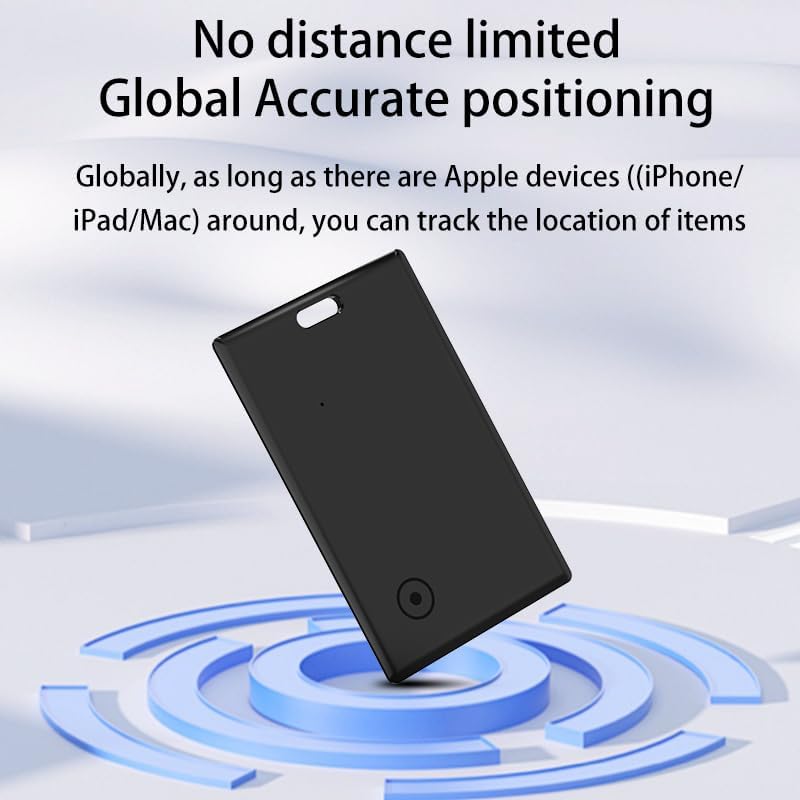
Image: The Novzix S11 tracker card demonstrating its global accurate positioning capability within the Find My app.
څو اړخیز ځای پرځای کول
د دې سلم پرو څخه مننهfile, the Novzix S11 can be discreetly placed in various items you wish to track:
- بټوې: Fits into standard card slots without adding bulk.
- Backpacks & Bags: Slip it into an internal pocket.
- کلیدونه: Attach it to your keychain using the integrated loop.
- Suitcases & Travel Items: Ideal for tracking luggage during travel.

انځور: بصري سابقهamples of the tracker card's versatile use in wallets, with keys, and in bags.
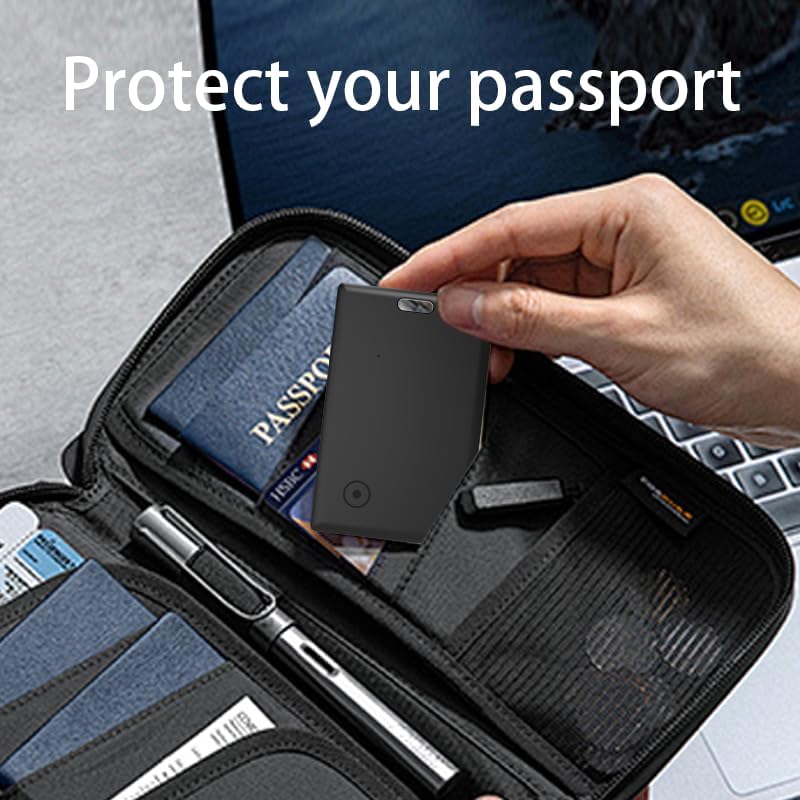
Image: The tracker card securely placed within a passport holder for travel security.

Image: The slim tracker card being inserted into a phone wallet attachment.
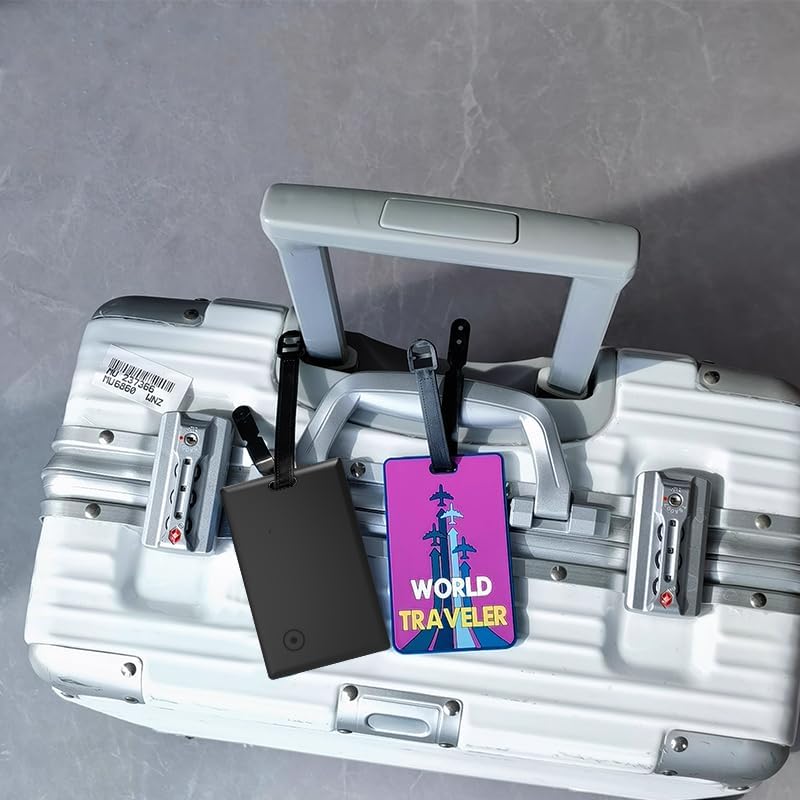
Image: The tracker card attached to a suitcase, demonstrating its use for travel items.
ساتنه
د بیټرۍ معلومات
The Novzix S11 Tracker Card features a built-in battery designed to last up to 2 years under normal usage conditions. This device is designed with a non-replaceable battery to maintain its slim profile and water resistance. Once the battery life is depleted, the unit is intended for replacement.
د فابریکې ری سیٹ
If you need to reset your Novzix S11 Tracker Card to its factory settings, follow these steps:
- ډاډ ترلاسه کړئ چې وسیله فعاله ده.
- Double-click the button on the tracker. After hearing a beep, confirm the device is powered on.
- Press the button 4 times consecutively.
- On the fifth press, press and hold the button until you hear a distinct sound. This sound indicates a successful factory reset.
Video: Instructions for performing a factory reset on the Novzix S11 Tracker Card.
د ستونزو حل کول
- Device Not Connecting to Find My:
Ensure your iPhone's Bluetooth is enabled and the Find My app has location permissions. Perform a factory reset on the tracker card and attempt the pairing process again. Verify your iOS version is compatible with Apple Find My accessories.
- د ځای ناسم تعقیب:
The accuracy of location tracking depends on the density of Apple devices in the vicinity. In areas with fewer Apple devices, location updates may be less frequent or precise. Ensure the tracker is not obstructed by thick materials that could interfere with its signal.
- د ټریکر څخه هیڅ غږ نشته:
If the "Play Sound" feature does not work, ensure the tracker card is within Bluetooth range of your Apple device or another device on the Find My network. If the issue persists, a factory reset may resolve it. If the speaker is damaged, contact customer support.
- د بیټرۍ لنډ ژوند:
The built-in battery is designed for up to 2 years of use. Factors such as frequent "Play Sound" activations or being constantly out of range of Apple devices can slightly reduce battery life. The battery is non-replaceable, and the unit is designed for replacement after its battery life is depleted.
مشخصات
| برانډ | نوزکس |
| ماډل | S11 |
| مواد | پلاستیک |
| د محصول ضخامت | 0.12 انچه (3mm) |
| د بیټرۍ ډول | Built-in (non-replaceable) |
| د بیټرۍ ژوند | تر 2 کلونو پورې |
| ارتباط | Bluetooth (via Apple Find My network) |
| مطابقت لرونکې وسیلې | iPhone (and other Apple devices with Find My app) |
تضمین او ملاتړ
Novzix offers a one-year free replacement service for any quality issues that arise under normal use within the first year of purchase. This warranty covers manufacturing defects and ensures your rights as a consumer.
For technical support, warranty claims, or any inquiries regarding your Novzix Slim Wallet Tracker Card S11, please contact Novzix customer service through the retailer where you purchased the product or visit the official Novzix webد اړیکو معلوماتو لپاره سایټ.
Ask a question about this manual
Ask about setup, troubleshooting, compatibility, parts, safety, or missing instructions. Manuals+ will review the question and use this page’s manual context to help answer it.