
Novzix S9 White And Black 2Pack
Novzix Android Compatible Tracker Tag د کارن لارښود
Model: S9 White And Black 2Pack
Brand: Novzix
پیژندنه
This manual provides comprehensive instructions for the Novzix Android Compatible Tracker Tag, Model S9. This 2025 new model tracker tag is designed for Android 9 and above, seamlessly integrating with the Google Find My Device network to help you locate your items. Its compact design allows for easy attachment to various personal belongings.
The device is built with high-quality, water- and dust-resistant materials, ensuring durability in various environments. Location updates are provided every 3-30 minutes through the Google Find My Device network.

Figure 1: Novzix Android Compatible Tracker Tag (تور)
د تنظیم کولو لارښود
۴.۱. د وسیلې لومړنۍ چمتووالی
The Novzix Tracker Tag comes with a pre-installed CR2032 battery. Ensure the battery is properly seated. If the device does not power on, you may need to replace the battery (see Maintenance section).
2. Android Device Compatibility
This tracker tag is compatible with Android devices running Android 9 and above. Some devices may require additional system updates for optimal compatibility. Ensure your Android device's Google Play Services are up to date.
Figure 2: Compatible with Android Devices (Android 9.0+)
3. Pairing with Google Find My Device
The setup process is straightforward via the Google Find My Device app. Follow these steps:
- Update Google Services:
- خپل تلیفون ته لاړ شئ ترتیبات.
- لاندې سکرول کړئ او کلیک وکړئ د تلیفون په اړه.
- ومومئ او ټایپ یې کړئ د Android نسخه.
- ټایپ کړئ د ګوګل پلی سیسټم تازه کول and check for updates. Restart your phone if prompted.
- د فابریکې بیا تنظیم (که اړتیا وي): If you encounter pairing issues, perform a factory reset on the tracker tag.
- Quickly press the button on the tracker tag څلور ځله.
- Then, long press the fifth time until you hear a sound. This indicates a successful reset.
- لاسي جوړه کول:
- خپل تلیفون ته لاړ شئ ترتیبات.
- لاندې سکرول کړئ او کلیک وکړئ Google.
- ټایپ کړئ All services.
- وټاکئ وسایل.
- Ensure "Scan for nearby devices" is enabled.
- Tap on "Wireless tag" (or similar name) when it appears to connect.
- Location Update Settings: To get faster location updates, configure the Find Hub App settings.
- خلاص کړئ Find Hub App.
- ورتګ د اپلیکیشن ترتیب.
- ته لاړشئ مرکز ومومئ.
- وټاکئ خپل آفلاین وسایل ومومئ.
- Choose "With network in all areas" for comprehensive tracking.
Video 1: Google Tracker Connection Issue Fix - This video demonstrates how to update Google services, factory reset the tracker, manually pair it, and configure location update settings for optimal performance.
عملیاتي لارښوونې
ستاسو د توکو تعقیب
Once paired, your Novzix Tracker Tag will leverage the Google Find My Device network to provide location updates. You can view your item's location through the Google Find My Device app on your Android phone.
- په ریښتیني وخت کې تعقیب: Location updates occur every 3-30 minutes, depending on network conditions and device activity.
- د غږ غږول: Use the app to make the tracker tag play a sound, helping you locate items nearby.
- ورک شوی حالت: If an item is lost, you can mark it as lost in the app. The Google Find My Device network will then help locate it, and you may receive notifications when it's found by another Android device.
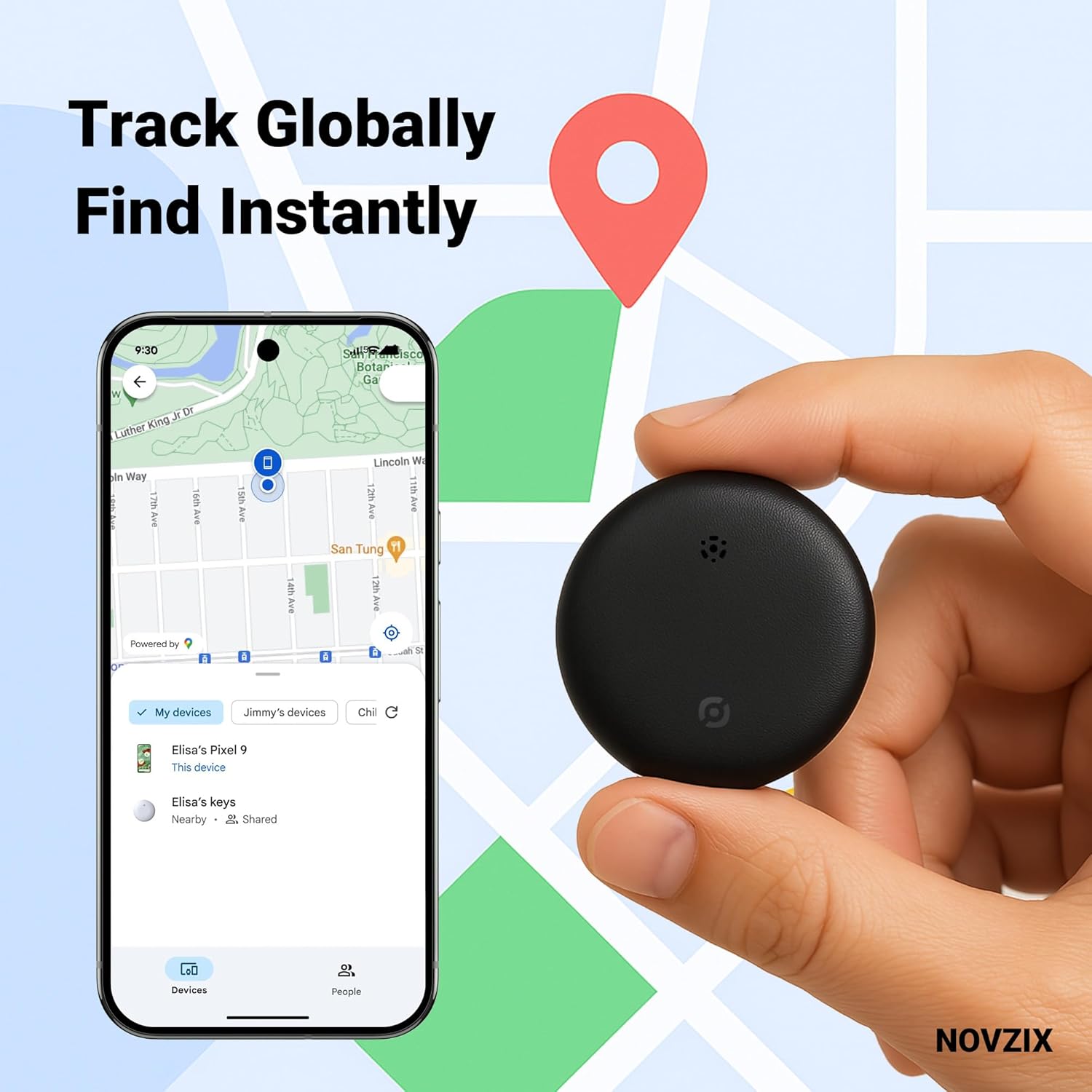
Figure 3: Track Globally, Find Instantly with the Google Find My Device app.
د ټریکر ضمیمه کول Tag
The compact design of the Novzix Tracker Tag allows it to be easily attached to various items. Use the included strap or lanyard for convenience.
- کلیدونه: Attach to your keyring.
- Wallets/Bags: Slip into a wallet compartment or attach to a bag strap.
- سامان: Securely attach to luggage handles or zippers for travel.
- Other Valuables: Can be used for backpacks, pet collars, or even hidden in vehicles.

Figure 4: Never lose your luggage again.

Figure 5: Protect your keys, bags, and other valuables.
ساتنه
د بیټرۍ بدلول
The Novzix Tracker Tag uses a standard CR2032 coin cell battery. A spare battery is included in some packages. To replace the battery:
- Locate the battery compartment on the back of the tracker tag.
- Use a small tool (like a coin) to twist open the battery cover counter-clockwise.
- زوړ CR2032 بیټرۍ لرې کړئ.
- Insert the new CR2032 battery with the positive (+) side facing up.
- د بیټرۍ پوښ سره سمون ورکړئ او د ساعت په لور یې وګرځوئ ترڅو یې خوندي کړئ.
پاملرنه او پاکول
تعقیبونکی tag is built with water and dust-resistant materials. To ensure longevity:
- وسیله د نرم ، وچ ټوکر سره مسح کړئ.
- د سختو کیمیاوي موادو یا خړوبولو پاکونکو کارولو څخه ډډه وکړئ.
- While water-resistant, avoid prolonged submersion in water.
د ستونزو حل کول
| ستونزه | احتمالي لامل | د حل لاره |
|---|---|---|
| Tracker not connecting to phone. | Outdated Google Play Services, pairing issue, low battery. |
|
| Inaccurate or infrequent location updates. | Network settings, limited network coverage. |
|
| Tracker not making sound. | Low battery, speaker obstruction, device malfunction. |
|
مشخصات
- ماډل: S9 White And Black 2Pack
- نښه: نوزکس
- د محصول ابعاد: 1.26 x 0.31 x 1.26 انچه (32mm x 8mm x 32mm)
- د توکي وزن: 0.81 اونس
- ارتباط: NFC, Bluetooth (for Google Find My Device network)
- بیټرۍ: 1 x CR2032 (پکې شامل دی)
- مطابقت: Android 9.0+ devices
- مواد: پلاستیک
- د اوبو او دوړو مقاومت: Yes (designed to withstand rain and outdoor conditions)
- جوړونکی: NOVZIX
- د اصلي هیواد: چین
- لومړی شتون لري: د اګست ۷، ۲۰۲۴

Figure 6: Product Dimensions and Packing List.
تضمین او ملاتړ
For warranty information and customer support, please refer to the contact details provided with your product packaging or visit the official Novzix website. Ensure you have your product model number (S9 White And Black 2Pack) and purchase details ready when contacting support.
تاسو هم کولی شئ لیدنه وکړئ Novzix Store on Amazon د اضافي سرچینو او محصول معلوماتو لپاره.
Ask a question about this manual
Ask about setup, troubleshooting, compatibility, parts, safety, or missing instructions. Manuals+ will review the question and use this page’s manual context to help answer it.