
پیژندنه
This manual provides instructions for the Xtrike Me 12800 DPI Gaming Mouse. It covers setup, operation, maintenance, troubleshooting, and product specifications. Please read this manual thoroughly before using the device to ensure proper function and longevity.
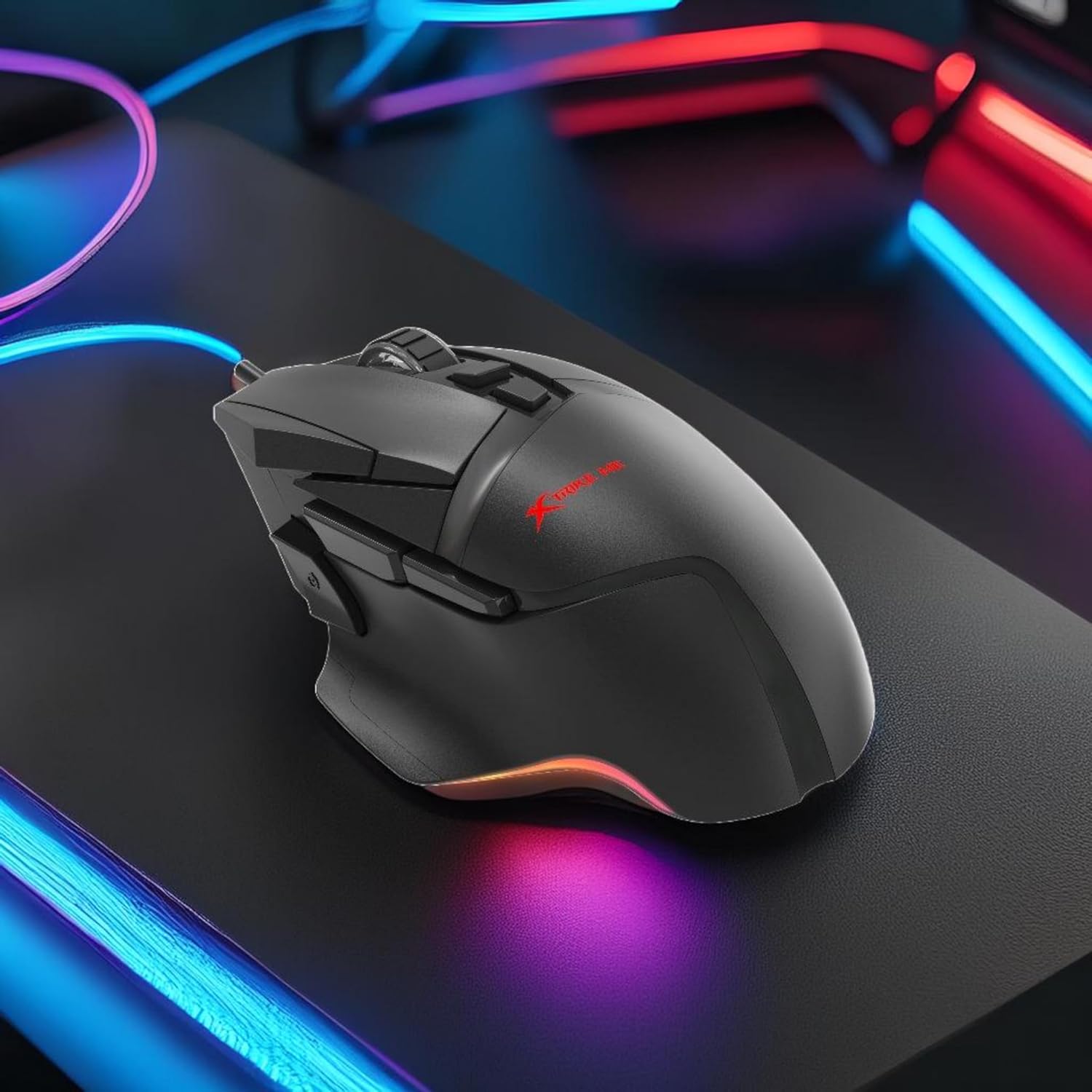
شکل 1: Xtrike Me 12800 DPI Gaming Mouse. This image shows the gaming mouse from a side angle, highlighting its ergonomic shape and dynamic RGB lighting along the base, set against a dark, illuminated gaming setup.
محصول پای ته ورسیدview
The Xtrike Me 12800 DPI Gaming Mouse is designed for precision and customization. It features an advanced optical sensor, 8 programmable buttons, and dynamic RGB backlighting.
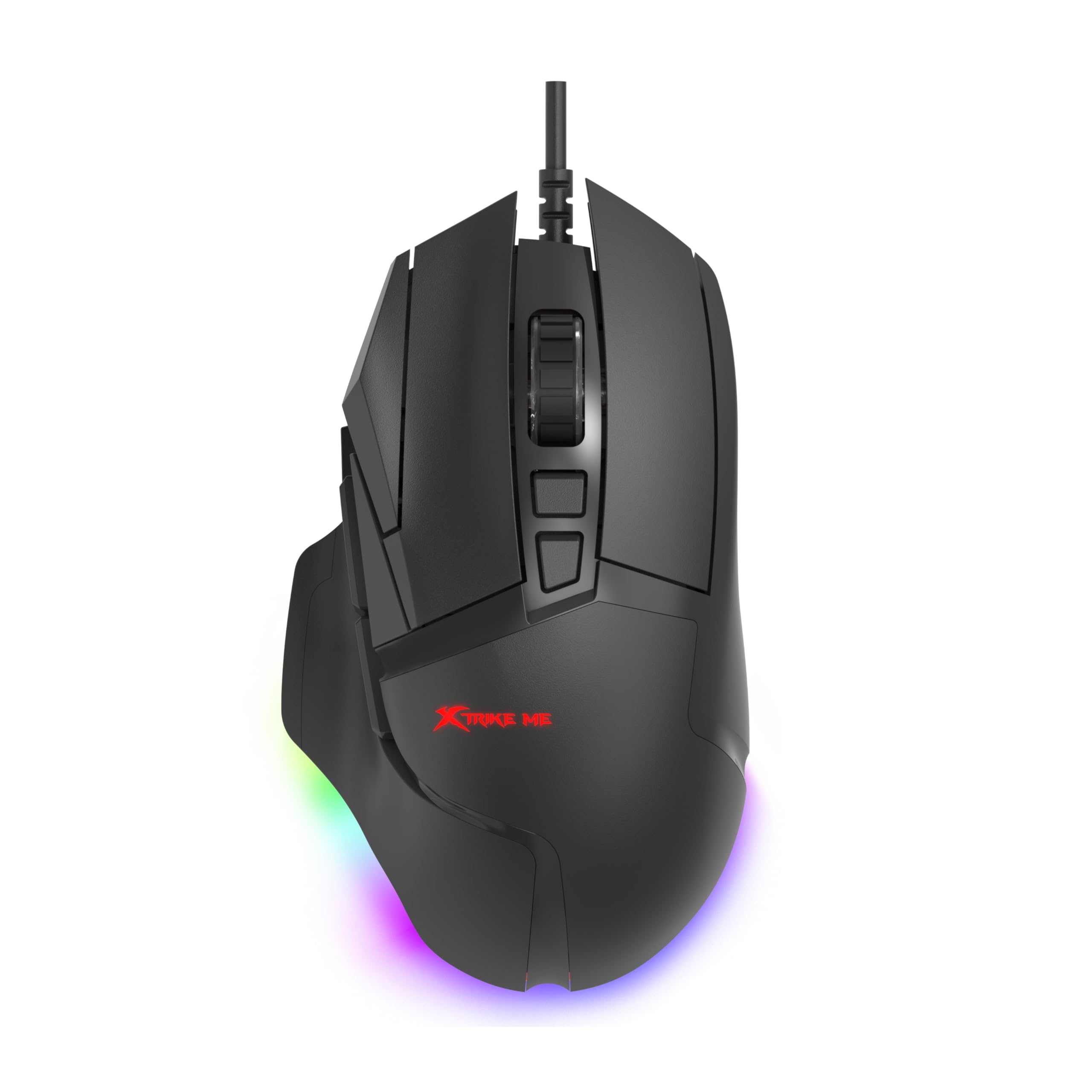
شکل 2: پورته زاویه لرونکی view of the mouse. This image provides a clear view of the mouse's top surface, showcasing the scroll wheel, main click buttons, and several programmable side buttons, along with the Xtrike Me logo.

شکل 3: پورته- ښکته view of the mouse. This image presents the mouse from directly above, emphasizing its symmetrical design and the layout of its primary buttons and scroll wheel.
کلیدي ځانګړتیاوې:
- ۶۲۰۰ DPI آپټیکل سینسر: Adjustable sensitivity for precise control.
- 8D Programmable Buttons: Customizable commands and shortcuts.
- د RGB رڼا ۵ اغیزې: Personalize lighting to match your setup.
- 5 Million Click Rating: د اوږدې مودې کارونې لپاره دوامدار سویچونه.
- ۱۰۰۰ هرټز د رایې ورکولو کچه: Ultra-smooth and responsive tracking.
- ارګونومیک ډیزاین: Comfortable for prolonged gaming sessions.
- 1.6m Braided Cable: Durable and tangle-free connectivity.
چمتو کول
- موږک سره وصل کړئ: Plug the USB connector of the Xtrike Me Gaming Mouse into an available USB port on your computer (PC or Mac).
- د موټر چلوونکي اتومات نصب کول: Your operating system (Windows XP and newer, or Mac) should automatically detect and install the necessary drivers.
- د سافټویر نصب کول (اختیاري): For advanced customization, including button programming and RGB lighting effects, download the dedicated software from the Xtrike Me official webسایټ. د نصبولو بشپړولو لپاره په سکرین کې لارښوونې تعقیب کړئ.

شکل 4: Mouse connected via USB. This image shows the Xtrike Me gaming mouse positioned on a desk, with its braided USB cable clearly visible, indicating its wired connectivity.
عملیاتي لارښوونې
د DPI تعدیل:
The mouse features an adjustable DPI (Dots Per Inch) sensor, allowing you to change sensitivity on the fly. Use the dedicated DPI buttons (usually located near the scroll wheel) to cycle through preset DPI levels (800, 1600, 2400, 3200, 4800, 6400, 12800 DPI). The current DPI setting may be indicated by a change in the mouse's RGB lighting color or pattern.
د پروګرام وړ بټنونه:
The 8D programmable buttons can be assigned various functions, macros, or shortcuts. To customize these buttons:
- Ensure the optional software is installed.
- Open the Xtrike Me Gaming Mouse software.
- Navigate to the "Button Assignment" or "Macro" section.
- Select the button you wish to program and assign your desired function.
- خپل بدلونونه خوندي کړئ.
د RGB شاته رڼا کنټرول:
The mouse features 13 dynamic RGB lighting effects. These can typically be controlled via the optional software. Within the software, you can select different lighting modes, adjust brightness, speed, and choose specific colors or turn the lighting off entirely.

شکل 5: اړخ view with RGB. This image captures the side profile of the Xtrike Me gaming mouse, highlighting its ergonomic curve and the vibrant RGB lighting emanating from its base, creating an ambient glow.
ساتنه
- پاکول: د موږک سطحه پاکولو لپاره نرم، وچ ټوکر وکاروئ. د سختې خاورې لپاره، یو څه وچampټوکر د اوبو سره ومینځئ. د سختو کیمیاوي موادو یا د کثافاتو پاکوونکو څخه ډډه وکړئ.
- د سینسر پاملرنه: د موږک په لاندې برخه کې نظري سینسر پاک او د دوړو یا کثافاتو څخه پاک وساتئ ترڅو دقیق تعقیب ډاډمن شي.
- د کیبل مدیریت: د زیان څخه د مخنیوي لپاره په تړل شوي کیبل کې د تیزو کږو یا ډیر کشولو څخه ډډه وکړئ.
- ذخیره کول: کله چې په کارولو کې نه وي، موږک په پاک او وچ چاپیریال کې د سختې تودوخې څخه لرې وساتئ.
د ستونزو حل کول
- موږک ځواب نه ورکوي:
- - Ensure the USB cable is securely plugged into a working USB port.
- - Try plugging the mouse into a different USB port or another computer to rule out port issues.
- - خپل کمپیوټر بیا پیل کړئ.
- ناسم تعقیب یا د کرسر ځنډ:
- - Clean the optical sensor on the underside of the mouse.
- - Ensure you are using the mouse on a suitable surface (e.g., a mouse pad). Avoid highly reflective or transparent surfaces.
- - Adjust the DPI settings to a lower value if the cursor is too sensitive.
- د RGB رڼا کار نه کوي:
- - Check the optional software settings to ensure lighting is enabled and configured correctly.
- - Ensure the mouse is properly connected to your computer.
- د پروګرام وړ تڼۍ کار نه کوي:
- - Verify that the Xtrike Me software is installed and running.
- - Check the button assignments within the software and ensure they are saved.
- - ډاډ ترلاسه کړئ چې سافټویر تازه دی.
مشخصات
| فیچر | تفصیل |
|---|---|
| برانډ | ایکسټرایک می |
| ماډل | 12800 DPI لوبو موږک |
| د ارتباط ټیکنالوژي | د USB تار |
| د حرکت کشف ټیکنالوژي | نظري |
| Mouse Maximum Sensitivity | 12800 DPI (Adjustable: 800-12800 DPI) |
| د رای ورکولو کچه | 1000Hz |
| د تڼۍ مقدار | ۴ (پروګرام وړ) |
| Click Rating | 5 ملیونه کلیکونه |
| د کیبل اوږدوالی | 1.6 meters (Braided) |
| شاته رڼا کول | RGB (۱۸ اغیزې) |
| د لاس لارښوونه | متضاد |
| مطابقت لرونکې وسیلې | د لوبو کنسول، شخصي کمپیوټر |
| عملیاتي سیسټم | Windows XP and newer, Mac |
| د توکي وزن | 180 ګرامه |
| مواد | پلاستیک |
| رنګ | تور |
| جوړونکی | ایکسټرایک می |
تضمین او ملاتړ
د تضمین معلومات:
The product warranty is provided "As Per Amazon" policy. Please refer to your purchase documentation or Amazon's customer service for detailed warranty terms and conditions.
جوړونکي اړیکه:
For technical support or further inquiries, please contact the manufacturer:
جوړونکی: ایکسټرایک می
د اړیکو معلومات: White Cloud Ventures Canada
For the most up-to-date support information, please visit the official Xtrike Me webسایټ یا خپل پرچون پلورونکي سره اړیکه ونیسئ.