پیژندنه
This manual provides instructions for the installation and use of the Generic Wall Mount for remote controls. This holder is specifically designed to fit remote controls for Home Decorators Collection and Hampton Bay ceiling fans, including models TX029-RS and TR227A, as well as certain universal remote upgrades. Its purpose is to keep your remote control securely stored and easily accessible, preventing misplacement.
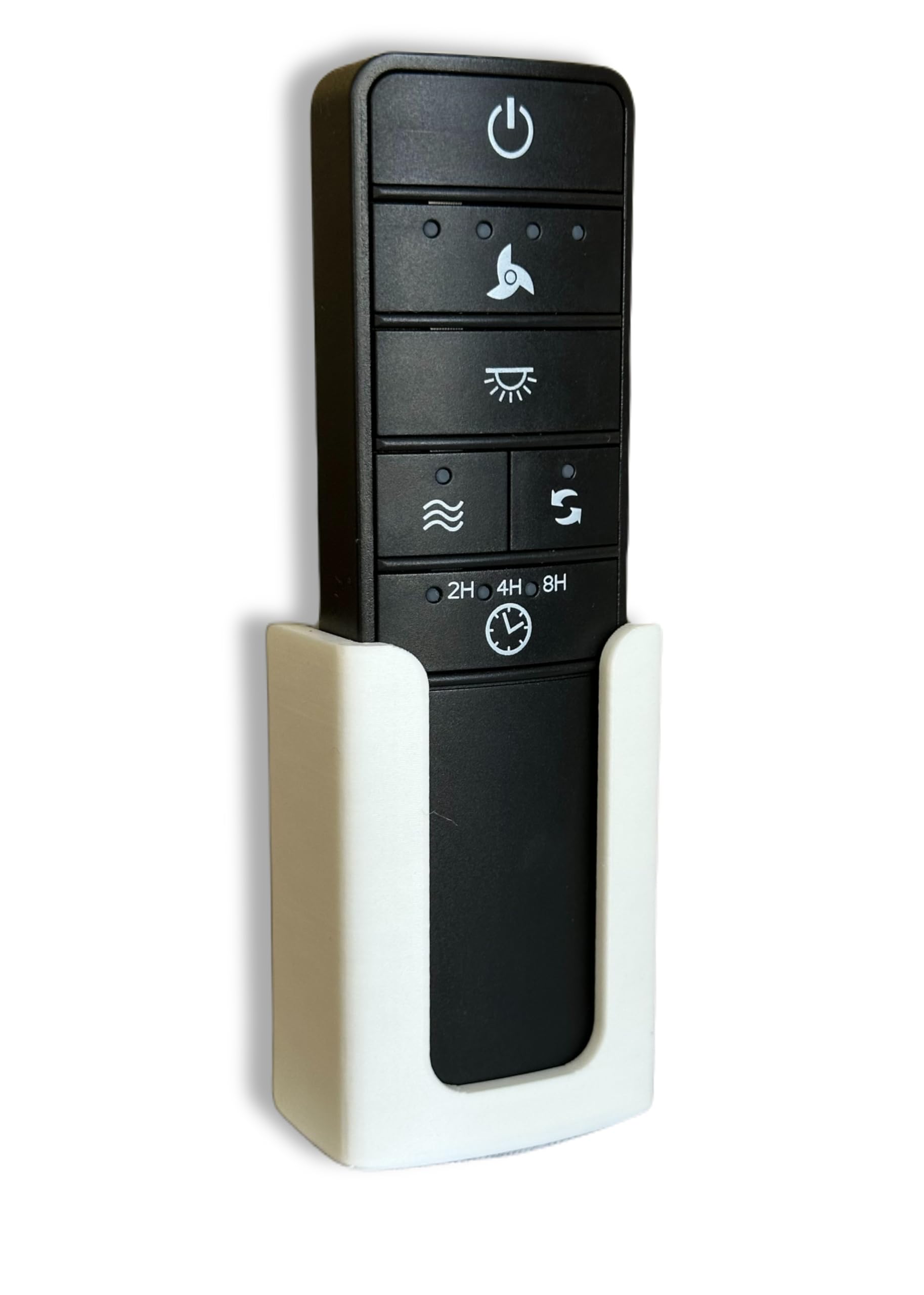
شکل 1: Generic Wall Mount Remote Holder (White)
د بسته محتويات
مهرباني وکړئ تصدیق کړئ چې لاندې ټول توکي ستاسو په کڅوړه کې شامل دي:
- 1 x Generic Wall Mount Remote Holder
- 1 x 3D Command Adhesive Strip
- 2 x Mounting Screws (optional installation method)

شکل 2: Wall Mount Remote Holder and Adhesive Strip
تنظیم او نصب کول
The wall mount offers two installation methods: using the included 3D Command Adhesive Strip for a drill-free setup, or using screws for a more permanent fixture.
Method 1: Adhesive Strip Installation (Recommended for easy removal)
- د سطحې پاکول: Ensure the desired wall surface is clean, dry, and smooth.
- چپکونکي تطبیق کړئ: Peel the protective backing from one side of the 3D Command Adhesive Strip and firmly press it onto the back of the remote holder.
- هولډر نصب کړئ: Peel the remaining protective backing from the adhesive strip. Position the holder on the wall and press firmly for 30 seconds to ensure a strong bond.
- انتظار: Allow the adhesive to set for at least 1 hour before placing the remote control into the holder.
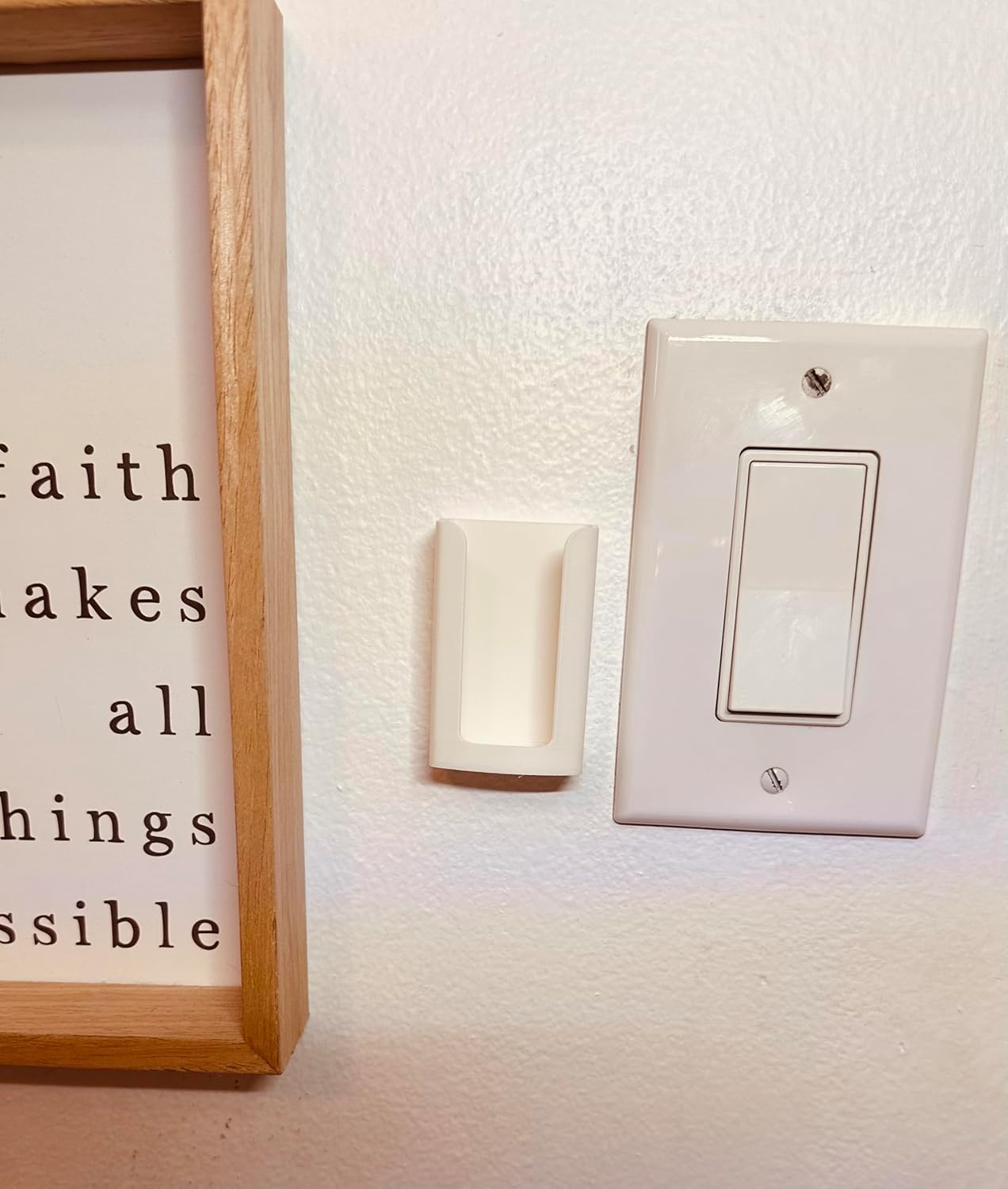
شکل 3: Wall Mount installed using adhesive strip
Method 2: Screw Installation (For permanent mounting)
- د تمرین ټکي په نښه کړئ: Hold the remote holder against the wall at the desired location. Use a pencil to mark the positions for the two screw holes.
- د پیلوټ سوراخ ډرل: Using an appropriate drill bit for your wall type, drill pilot holes at the marked positions.
- هولډر خوندي کړئ: Align the remote holder with the pilot holes and insert the provided screws. Tighten the screws until the holder is firmly secured to the wall. Do not overtighten.
د نصبولو ویډیو لارښود
ویډیو 1: This video demonstrates the screw installation process for a similar remote control wall mount holder. While the holder shown is black, the installation steps are applicable to this product.
عملیاتي لارښوونې
Once installed, the remote holder is ready for use.
- د ریموټ داخلول: Gently slide your compatible remote control into the holder. Ensure it sits snugly.
- د ریموټ لرې کول: To use the remote, simply pull it upwards from the holder.
- Operating in Holder: For convenience, many users find it possible to operate the remote control's functions (e.g., turning on/off, adjusting fan speed or light) while it remains in the wall mount.

شکل 4: Remote control securely placed in the holder
ساتنه
To maintain the appearance and functionality of your remote holder:
- پاکول: هولډر په نرم، دamp ټوکر. د سختو کیمیاوي موادو یا د کثافاتو پاکوونکو کارولو څخه ډډه وکړئ، ځکه چې دا ممکن مواد زیانمن کړي.
- د چپکونکي اوږدوالی: If using the adhesive strip, ensure the surface remains clean and dry. Extreme temperature fluctuations may affect adhesive performance over time.
د ستونزو حل کول
| ستونزه | د حل لاره |
|---|---|
| Holder is not sticking to the wall. | Ensure the wall surface is clean, dry, and smooth before applying the adhesive strip. For best results, apply pressure for 30 seconds and allow 1 hour for the adhesive to cure before placing the remote. If the issue persists, consider using a new 3D Command Adhesive Strip or the screw installation method. |
| Remote does not fit in the holder. | This holder is custom-fit for specific remote models (Home Decorators Collection, Hampton Bay TX029-RS, TR227A, and similar universal remotes). Verify your remote's compatibility. |
مشخصات
- د محصول ابعاد: 1 x 1 x 3 انچه
- د توکي وزن: 0.317 اونس
- مواد: High-quality PLA plastic
- رنګ: سپین
- مطابقت لرونکي وسایل: Remote controls for Home Decorators Collection, Hampton Bay ceiling fans (e.g., TX029-RS, TR227A), and some universal remote upgrades.
- لګول: 3D Command Adhesive Strip (included) or screws (included)
- جوړونکی: عمومي
- د ماډل شمیره: x01
تضمین او ملاتړ
Specific warranty information is not provided in the product details. For any product-related inquiries or support, please contact the seller directly through the platform where the purchase was made.