
SABLUTE B0DHG83QYC
SABLUTE Large Print Backlit Wired USB Keyboard Instruction Manual
Model: B0DHG83QYC
1. پیژندنه
Thank you for choosing the SABLUTE Large Print Backlit Wired USB Keyboard. This keyboard is designed to provide a comfortable and efficient typing experience with its oversized characters, 7-color backlighting, integrated wrist rest, and convenient phone holder. This manual will guide you through the setup, operation, and maintenance of your new keyboard.
۲. په بکس کې څه دي؟
- SABLUTE Large Print Backlit Wired USB Keyboard
۴. د تنظیم لارښوونې
- کیبورډ خلاص کړئ: کیبورډ په احتیاط سره د هغې له بسته بندۍ څخه لرې کړئ.
- خپل کمپیوټر سره وصل کړئ: Locate an available USB-A port on your computer (desktop, laptop, or compatible device). Insert the USB connector of the keyboard firmly into the USB-A port.
- د ډرایور نصب کول: The keyboard is plug-and-play. Your operating system (Windows, macOS, Linux) will automatically detect and install the necessary drivers. No additional software is required.
- پیوستون تایید کړئ: Once connected, the keyboard should be ready for use. Test by typing in a text editor or browser.
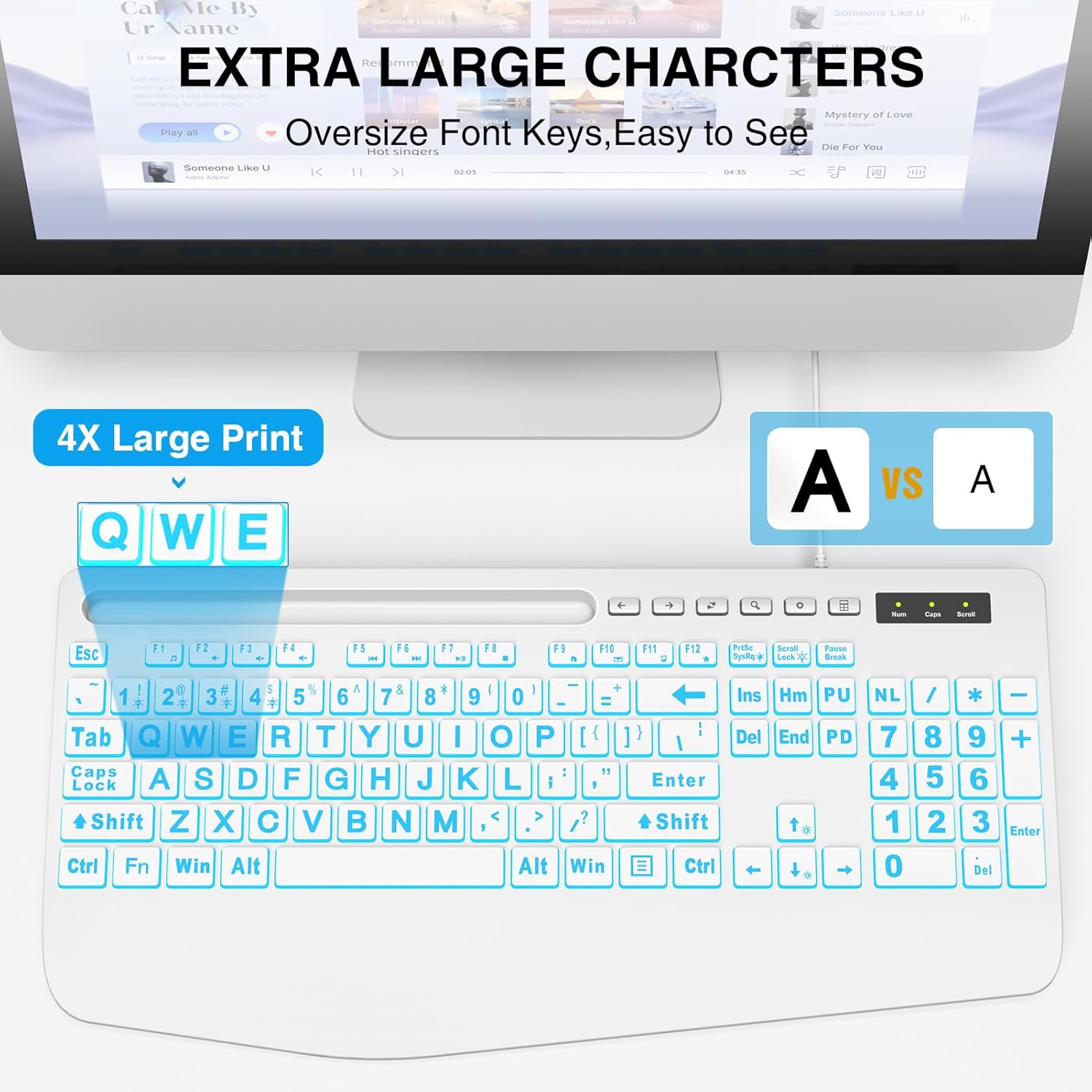
This image illustrates the large print keys on the SABLUTE keyboard, designed for enhanced visibility and reduced eye strain. A comparison highlights the increased character size compared to standard keyboards.
4. عملیاتي لارښوونې
د 4.1 شاته څراغ کنټرول
The keyboard features a 7-color backlight with adjustable brightness and multiple modes. Use the following key combinations to control the backlighting:
- روښانتیا تنظیم کړئ: مطبوعاتي Fn + پاڼه پورته د روښانتیا زیاتولو لپاره. فشار ورکړئ Fn + مخ ښکته to decrease brightness. There are 7 levels of brightness.
- د شا څراغ فعال/بند کړئ: مطبوعاتي Fn + سکرول لاک د بیک لایټ فعال یا بندولو لپاره.
- Toggle Backlight Color: مطبوعاتي Fn + 1 د 7 شته بیک لایټ رنګونو له لارې تیرولو لپاره.
- Keep One Backlight Color: مطبوعاتي Fn + 2 to select and maintain a single backlight color.
- Backlighting While Typing Mode: مطبوعاتي Fn + 3 to activate a reactive mode where keys illuminate upon typing.
- Backlight Color Changes Back and Forth Mode: مطبوعاتي Fn + 4 to activate a dynamic mode where colors transition back and forth.
This image displays the keyboard with its keys illuminated in various colors, demonstrating the 7-color backlight feature.

This diagram illustrates how to adjust the backlight brightness of the keyboard using the 'Fn' key combined with the brightness up/down keys.

This diagram demonstrates how to cycle through the available backlight colors by pressing the 'Fn' key simultaneously with the '1' key.

This diagram explains how to select and maintain a single backlight color by pressing the 'Fn' key along with the '2' key.

This diagram illustrates the reactive backlighting mode, where keys illuminate upon typing, activated by pressing 'Fn' + '3'.

This diagram demonstrates the dynamic backlight mode where colors transition back and forth, activated by pressing 'Fn' + '4'.
4.2 Integrated Phone/Tablet Holder
The keyboard features a built-in slot at the top, designed to hold your smartphone or tablet. This allows for convenient viewing of videos, video conferencing, or reading materials while using your computer. Please note that this holder does not provide charging functionality.

This image shows a smartphone securely placed in the keyboard's built-in holder, illustrating its convenience for multitasking.
۵.۳ ارګونومیک لاس آرام
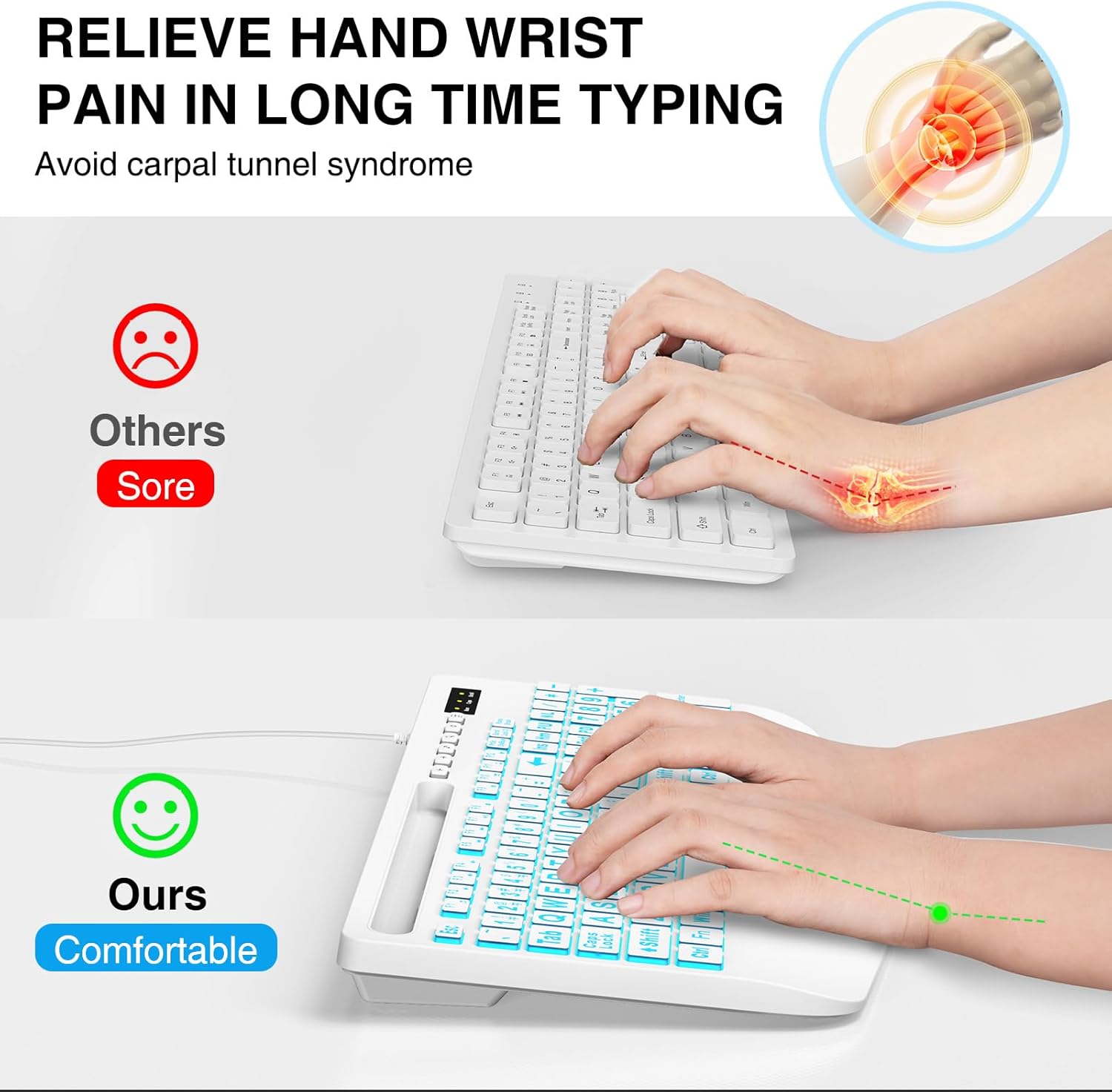
The keyboard is designed with an integrated palm rest to provide ergonomic support. This feature helps reduce wrist fatigue and discomfort during prolonged typing sessions, promoting a more natural hand position.
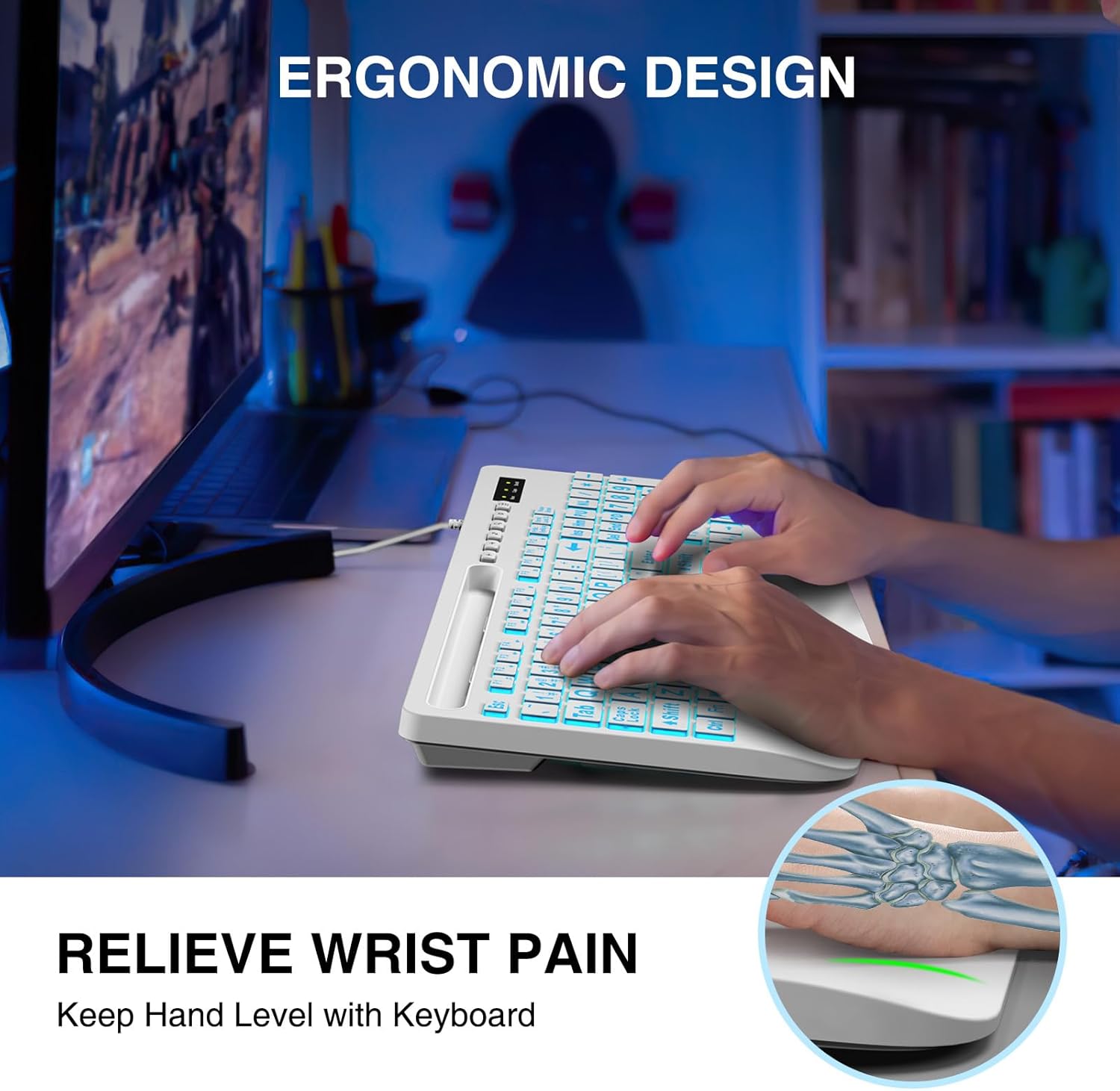
This image shows a user typing on the keyboard, emphasizing the integrated wrist rest designed to provide support and reduce discomfort during extended use.
۴.۳ ملټي میډیا فنکشن کیلي
The keyboard includes dedicated function keys (F1-F12) that, when pressed with the Fn key, provide quick access to multimedia controls and other system functions. Refer to the key legends for specific functions such as volume control, media playback, and launching applications.
5. ساتنه
- پاکول: د کیبورډ پاکولو لپاره، دا له خپل کمپیوټر څخه جلا کړئ. نرم، d وکاروئamp cloth to wipe the surface. For stubborn dirt, a mild cleaning solution can be applied to the cloth (not directly to the keyboard). Avoid excessive moisture.
- د دوړو لرې کول: د کیلي ګانو ترمنځ د دوړو او کثافاتو د لرې کولو لپاره د فشار شوي هوا څخه کار واخلئ.
- ذخیره کول: کیبورډ په وچ او یخ ځای کې د مستقیم لمر وړانګو او سختې تودوخې څخه لرې وساتئ.
6. ستونزه حل کول
- کیبورډ ځواب نه ورکوي:
- ډاډ ترلاسه کړئ چې USB کیبل په خوندي ډول د کیبورډ او کمپیوټر دواړو سره وصل دی.
- هڅه وکړئ چې کیبورډ په خپل کمپیوټر کې بل USB پورټ سره وصل کړئ.
- خپل کمپیوټر بیا پیل کړئ.
- په بل کمپیوټر کې کیبورډ ازموینه وکړئ ترڅو معلومه کړئ چې ستونزه په کیبورډ کې ده یا په کمپیوټر کې.
- شاته څراغ کار نه کوي:
- ډاډ ترلاسه کړئ چې بیک لایټ د فشارولو سره فعال شوی دی Fn + سکرول لاک.
- د روښانتیا تنظیم کول د کارولو سره Fn + پاڼه پورته / مخ ښکته.
- Keys Are Sticky or Unresponsive:
- Clean the keyboard as described in the Maintenance section to remove any debris that might be affecting key presses.
7. مشخصات
| برانډ | SABLUTE |
| ماډل | B0DHG83QYC |
| د ارتباط ټیکنالوژي | USB-A (وایر شوی) |
| مطابقت لرونکې وسیلې | Mac, PC, Windows |
| د کیبورډ توضیحات | Backlit, Wired, Large print keyboard with wrist rest |
| ځانګړي ځانګړتیاوې | Large print keys, Phone/Tablet Holder, Wrist Rest, 7-Color Backlight |
| د کیبورډ بیک لائیټینګ رنګ ملاتړ | RGB (7 رنګونه) |
| د محصول ابعاد | ۹.۷۴"L x ۵.۹۱"W x ۰.۲۶"H (۲۴.۷۴ سانتي متره x ۱۵.۰۱ سانتي متره x ۰.۶۶ سانتي متره) |
| د توکي وزن | ۶ پونډه (۳ کیلو ګرامه) |
8. د تضمین معلومات
SABLUTE products are manufactured to high-quality standards. For specific warranty details, please refer to the warranty card included with your purchase or contact SABLUTE customer support. Keep your proof of purchase for warranty claims.
9. ملاتړ
If you encounter any issues or have questions not covered in this manual, please contact SABLUTE customer support. Contact information can typically be found on the product packaging or the official SABLUTE webسایټ
Ask a question about this manual
Ask about setup, troubleshooting, compatibility, parts, safety, or missing instructions. Manuals+ will review the question and use this page’s manual context to help answer it.