
پیژندنه
This manual provides instructions for the setup, operation, and maintenance of your Incase Wireless Mobile Mouse 1850. This compact and comfortable mouse is designed for both left and right-handed users and offers reliable wireless connectivity for various computing environments.
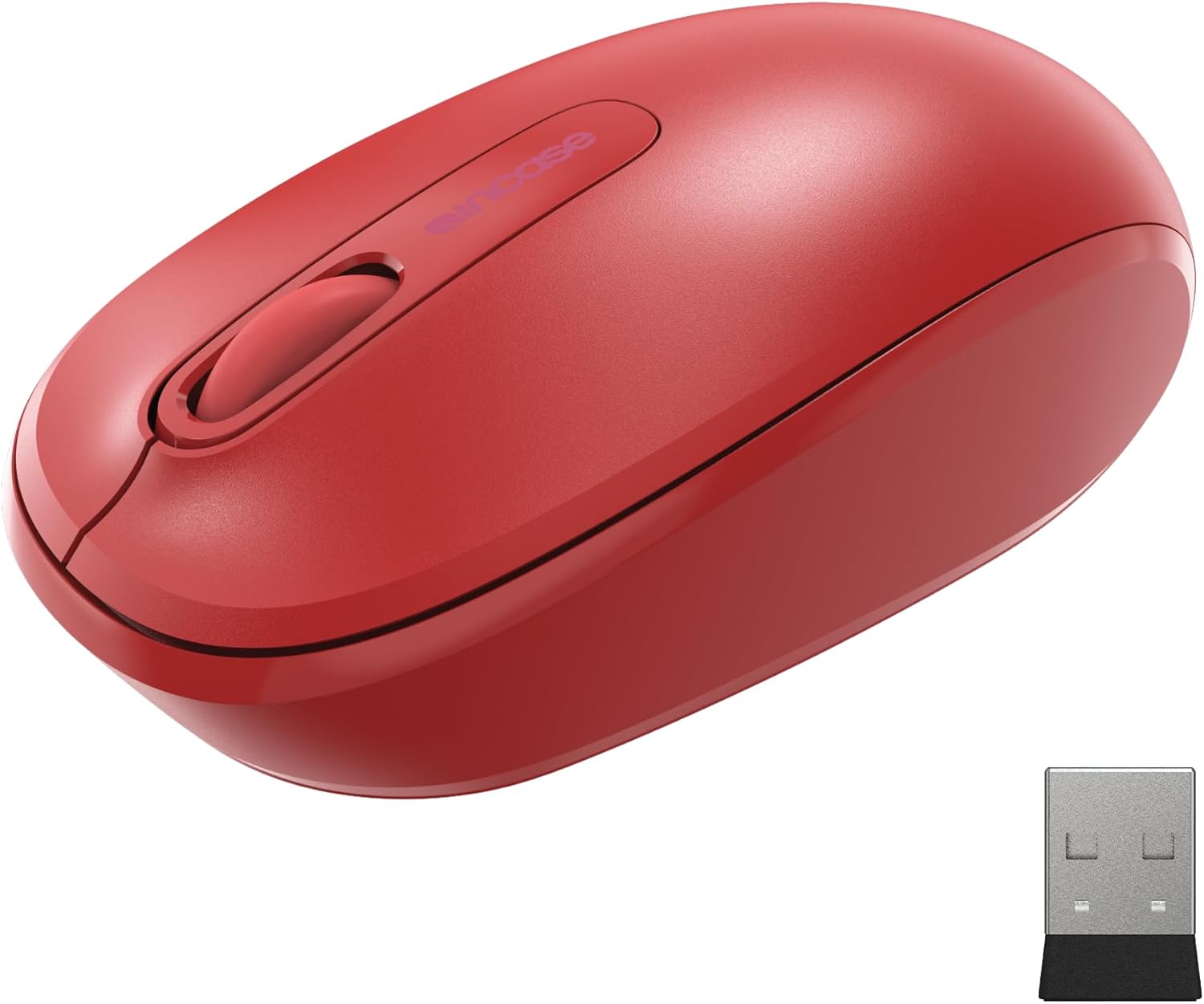
Image: The Incase Wireless Mobile Mouse 1850 in Flame Red, shown alongside its compact USB nano transceiver.
د بسته محتويات
ډاډ ترلاسه کړئ چې ټول توکي په کڅوړه کې شتون لري:
- Incase Wireless Mobile Mouse 1850
- USB Nano Transceiver
- 1 AA بیټرۍ
چمتو کول
1. د بیټرۍ نصب کول
- د موږک لاندې برخه کې د بیټرۍ کڅوړه ومومئ.
- د بیټرۍ کمپارټ پوښ خلاص کړئ.
- شامل شوي AA بیټرۍ دننه کړئ، د سم قطبیت ډاډ ترلاسه کړئ (+/-).
- د بیټرۍ کمپارټ پوښ په خوندي ډول وتړئ.

Image: The underside of the mouse, illustrating the battery compartment and the slot for storing the USB nano transceiver.
2. Connecting the USB Nano Transceiver
- Remove the USB nano transceiver from its storage slot on the underside of the mouse (if stored).
- Plug the USB nano transceiver into an available USB port on your computer (Mac or Windows 8/10/11).
- ستاسو کمپیوټر باید په اتوماتيک ډول اړین چلوونکي ومومي او نصب کړي. دا ممکن یو څو شیبې وخت ونیسي.
The nano transceiver is designed for "plug-and-go" convenience and can be left plugged into your computer or stored in the mouse when not in use.
عملیات
پاور آن/بند
Locate the On/Off power switch on the underside of the mouse. Slide the switch to the "On" position to activate the mouse. Slide it to "Off" when not in use to conserve battery life.
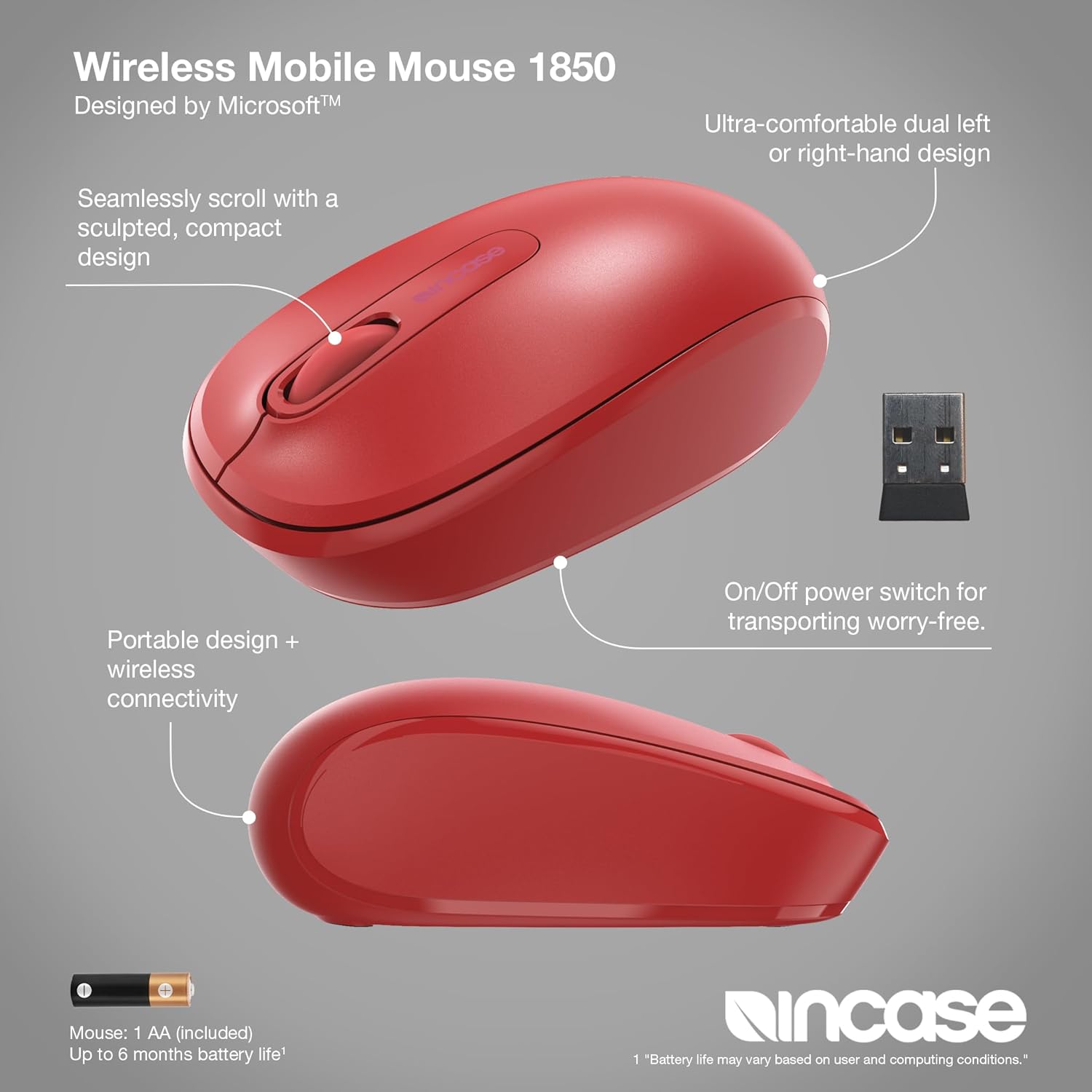
انځور: یو مفصل view of the mouse, pointing out its ambidextrous design, scroll wheel, and the location of the On/Off power switch.
بنسټیز کارونه
- کیڼ کلیک: Press the left button to select items or activate functions.
- ښي کلیک: Press the right button to access context menus.
- سکرول ویل: د اسنادو له لارې د تګ راتګ لپاره د سکرول څرخ پورته یا ښکته وګرځوئ او web pages. The scroll wheel can also be pressed for middle-click functionality, depending on your operating system settings.
په زړه پوری ډیزاین
The Incase Wireless Mobile Mouse 1850 features a symmetrical design, making it comfortable for both left-handed and right-handed users. No special configuration is required for ambidextrous use, though you may adjust primary button settings in your operating system's mouse preferences.
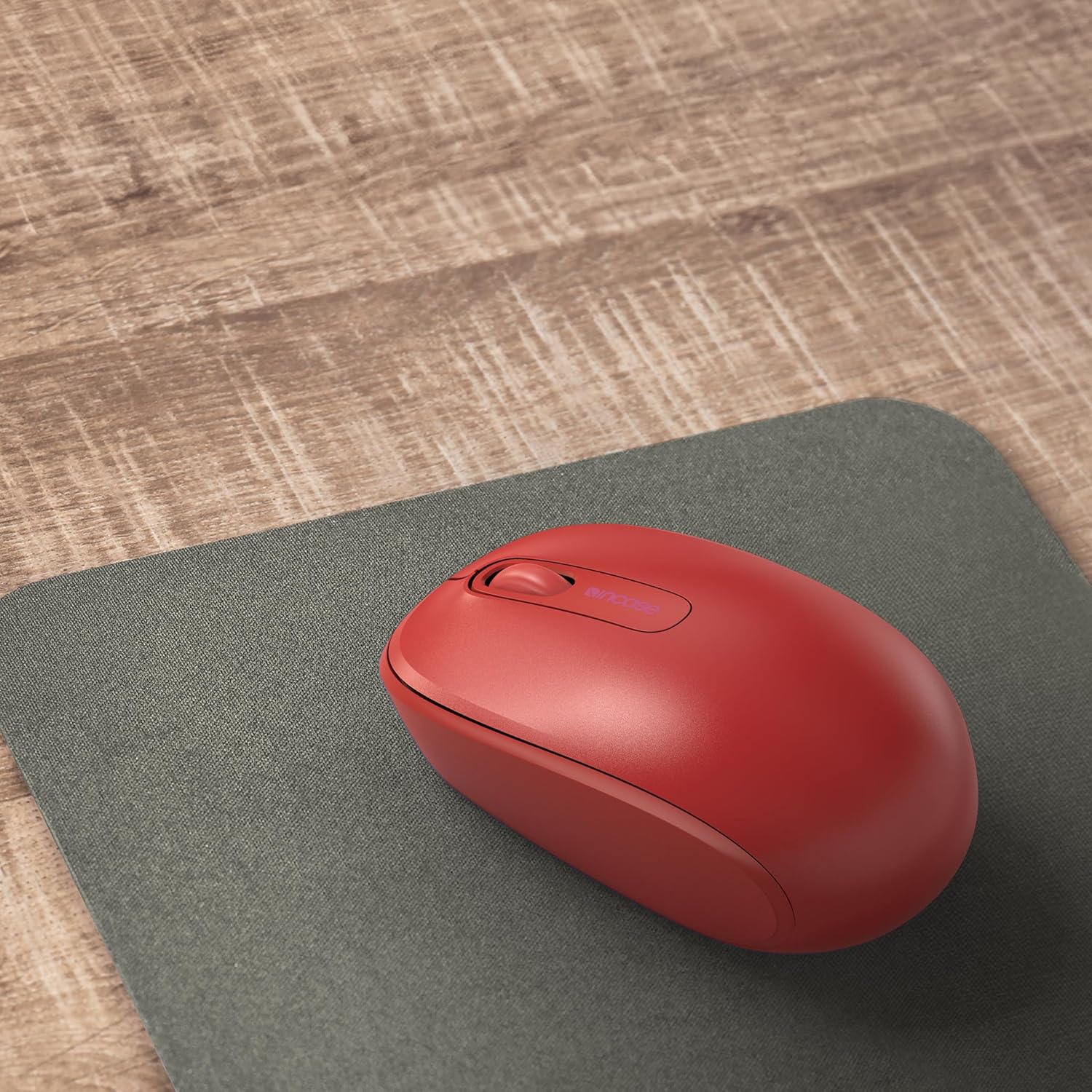
Image: The mouse positioned on a mousepad, demonstrating its ergonomic shape suitable for general use.
ساتنه
پاکول
- د موږک سطحه د پاکولو لپاره نرم، لینټ نه پاک ټوکر وکاروئ.
- د سختې خاورې لپاره، لږ څهampټوکر د اوبو یا نرم پاکولو محلول سره ومینځئ. د ډیر رطوبت څخه ډډه وکړئ.
- سخت کیمیاوي مواد، د کثافاتو پاکوونکي، یا محلولونه مه کاروئ.
د بیټرۍ بدلول
The mouse is designed for up to six months of battery life. When the mouse performance degrades or stops responding, replace the AA battery by following the "Installing the Battery" steps in the Setup section.
د ستونزو حل کول
| ستونزه | د حل لاره |
|---|---|
| موږک ځواب نه ورکوي |
|
| د کرسر ناڅاپي حرکت |
|
| د بې سیم اتصال مسلې |
|
مشخصات
- د ماډل شمیره: U7Z-00001
- ارتباط: 2.4 GHz Wireless (USB Nano Transceiver)
- د حرکت کشف: نظري
- د بیټرۍ ډول: 1 x AA (شامل شوی)
- د بیټرۍ ژوند: تر 6 میاشتو پورې (عام استعمال)
- ابعاد (L x W x H): نږدې 4.0 x 2.3 x 1.5 انچه
- وزن: ۳.۵۲ اونس (د بیټرۍ سره)
- مطابقت: وینډوز ۷، وینډوز ۸، وینډوز ۱۰، میک او ایس
- ځانګړي ځانګړتیاوې: Ambidextrous design, Portable, Lightweight, Nano Transceiver storage

Image: A visual representation of the mouse with its approximate length (4.0 in), width (2.3 in), and height (1.5 in) indicated.
تضمین او ملاتړ
د تضمین معلومات
The Incase Wireless Mobile Mouse 1850 is backed by a د 1 کلن محدود تضمین from the date of purchase. This warranty covers defects in materials and workmanship under normal use. It does not cover damage caused by accident, abuse, misuse, or unauthorized modification.
مهرباني وکړئ د تضمین ادعاګانو لپاره د پیرود ثبوت وساتئ.
د پیرودونکي ملاتړ
For technical assistance, warranty claims, or further information, please visit the official Incase support website or contact their customer service department. Refer to the product packaging or the Incase webد اړیکو د تازه جزیاتو لپاره سایټ.
تاسو هم کولی شئ لیدنه وکړئ Incase Store on Amazon د اضافي محصول معلوماتو لپاره.