
پیژندنه
The Lamzu Maya X is an ultra-lightweight wireless gaming mouse designed for high-performance gaming. It features advanced optical switches, a high-precision sensor, and a symmetrical design for comfortable use across various grip styles. This manual provides essential information for setting up, operating, maintaining, and troubleshooting your Lamzu Maya X mouse.

انځور: پورته-ښکته view of the Lamzu Maya X Wireless Gaming Mouse in pink, showcasing its symmetrical design and main buttons.
چمتو کول
د بسته محتويات
- Lamzu Maya X Wireless Gaming Mouse
- USB Wireless Dongle (8K Polling compatible)
- USB Type-C Paracord Cable (for wired mode and charging)
- PTFE Feet (extra set)
- مخمل کڅوړه
- MAYA X Mouse Grip Tape
Initial Connection and Charging
- بې سیم حالت: Insert the USB wireless dongle into an available USB port on your computer. The mouse should automatically connect.
- د بریښنا حالت: Connect the USB Type-C paracord cable to the front port of the mouse and the other end to a USB port on your computer. The mouse will operate in wired mode and charge simultaneously.
- چارج کول: For optimal performance, ensure the mouse is fully charged before first use. Connect the mouse via the USB Type-C cable to a powered USB port. The LED indicator on the mouse will show charging status.
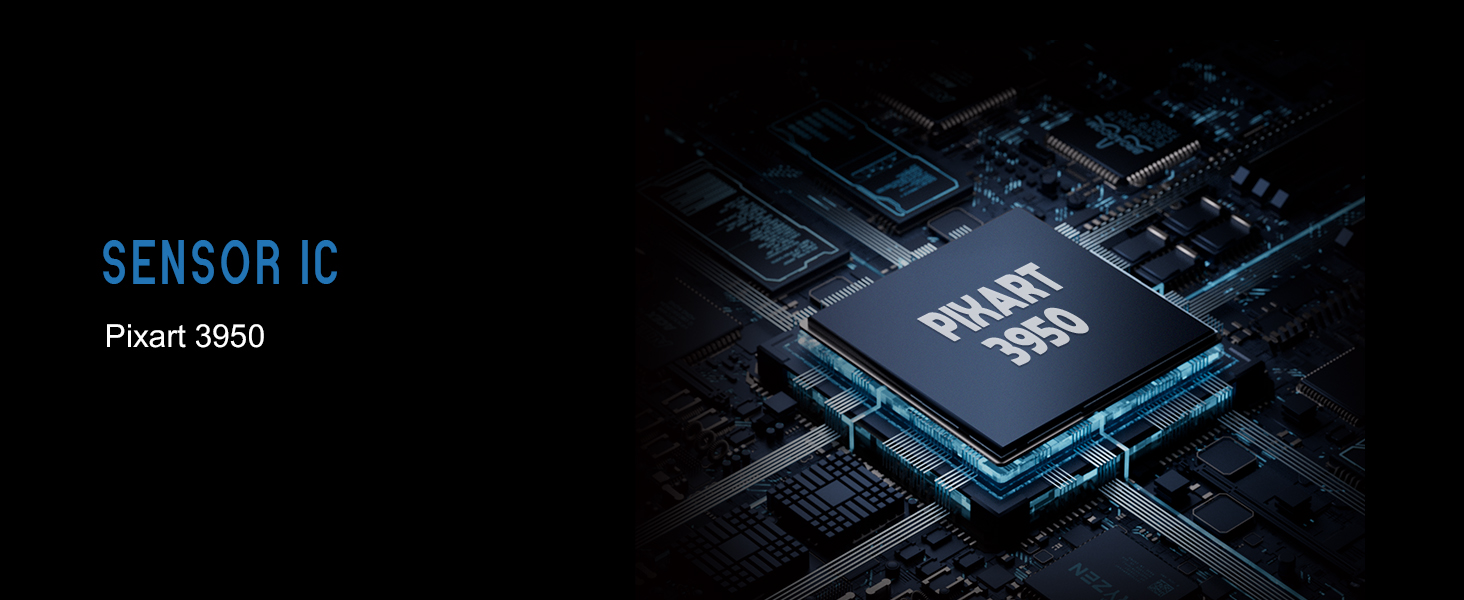
Image: Illustration showing the Lamzu Maya X mouse with its USB-C port for wired connection and the wireless dongle, highlighting its dual 2.4G wireless and wired modes.
عملیاتي لارښوونې
د تڼۍ دندې

Image: Diagram illustrating the button layout of the Lamzu Maya X mouse, including Left, Right, Wheel, DPI, Forward, Back, and On/Off switch.
- کیڼ/ښي کلیک: Standard mouse clicks, utilizing durable optical switches.
- سکرول ویل: For vertical scrolling and middle-click function. Features a dust-proof encoder for precise movement.
- د DPI تڼۍ: Located on the top, allows cycling through preset DPI levels.
- Side Buttons (Forward/Back): Programmable buttons for navigation or in-game actions.
- آن/بند سویچ: Located on the underside of the mouse.
د DPI تعدیل
The Lamzu Maya X supports up to 30,000 DPI. You can adjust DPI settings using the dedicated DPI button on the mouse. For custom DPI settings and other advanced configurations, download the official driver software from the Lamzu webسایټ
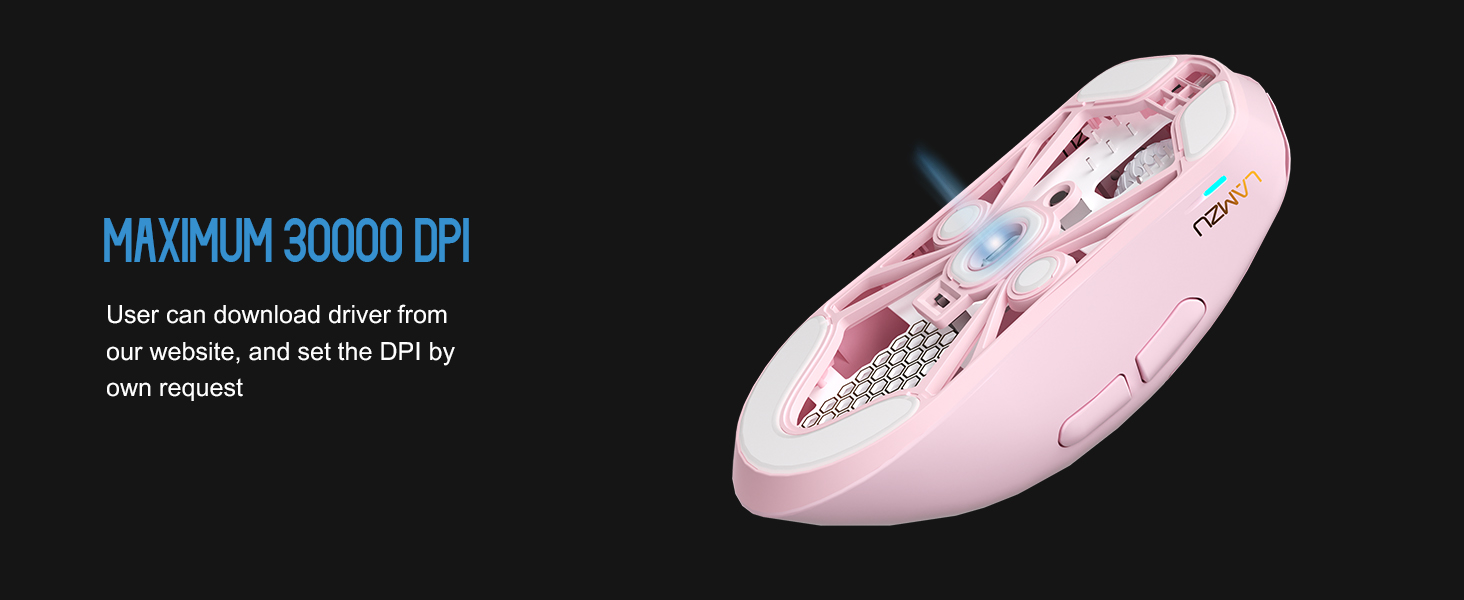
انځور: شفاف view of the Lamzu Maya X mouse highlighting the internal optical switches, designed for optimized click feeling and to prevent double clicks.
د رای ورکولو کچه
The mouse supports a maximum polling rate of 8,000 Hz when using the included 8K dongle. This high polling rate ensures extremely smooth and responsive cursor movement, minimizing input lag. Ensure the 8K dongle is properly connected for this feature to function.

Image: Illustration of the Lamzu Maya X mouse with its 8K polling dongle, emphasizing how an 8K dongle enhances cursor movement smoothness and eliminates stuttering delays.
Grip Styles
The symmetrical shape of the Lamzu Maya X is designed to accommodate various grip styles, including palm, claw, and fingertip grips, providing flexibility and comfort for different users.
ساتنه
پاکول
- د موږک سطحه د پاکولو لپاره نرم، وچ ټوکر وکاروئ.
- د سختې خاورې لپاره، لږ څهampټوکر د اوبو یا نرم پاکولو محلول سره ومینځئ. د سختو کیمیاوي موادو څخه ډډه وکړئ.
- موږک په اوبو یا کوم مایع کې مه ډوبوئ.
- Regularly clean the sensor area on the underside of the mouse with a cotton swab to ensure optimal tracking performance.
د بیټرۍ پاملرنه
- د بیټرۍ په مکرر ډول د بشپړ چارج کولو څخه ډډه وکړئ.
- موږک په یخ او وچ ځای کې وساتئ کله چې د اوږدې مودې لپاره نه کارول کیږي.
- د چارج کولو لپاره یوازې چمتو شوي USB ډول-C کیبل وکاروئ.
د ستونزو حل کول
عام مسایل او حل لارې
| مسله | احتمالي حل |
|---|---|
| موږک ځواب نه ورکوي (بې سیم) | Ensure the mouse is turned ON. Check battery level. Re-insert the USB dongle. Try a different USB port. |
| موږک ځواب نه ورکوي (وایر شوی) | Ensure the USB Type-C cable is securely connected to both the mouse and the computer. Try a different USB port. |
| Inaccurate tracking or cursor jumpiness | Clean the optical sensor on the underside of the mouse. Use the mouse on a clean, uniform surface or a mouse pad. |
| DPI changes not registering | Ensure the DPI button is functioning correctly. If using custom settings, verify them in the software. |
| Poor wireless range or interference | Move the USB dongle closer to the mouse. Avoid placing the dongle near other wireless devices or large metal objects. |
مشخصات
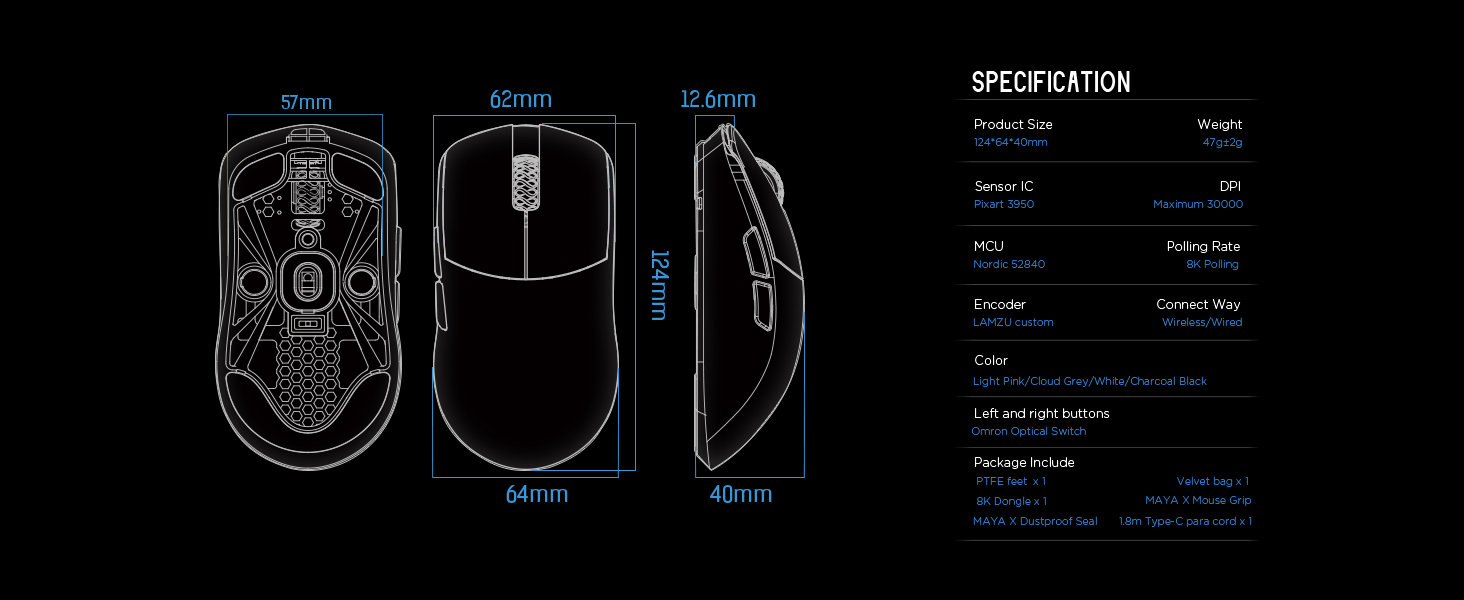
Image: Detailed diagram showing the dimensions and key specifications of the Lamzu Maya X mouse.
| فیچر | تفصیل |
|---|---|
| د محصول ابعاد | 4.88 x 2.52 x 0.04 انچه (124 x 64 x 40 mm) |
| د توکي وزن | 1.66 اونس (47 ګرامه) |
| سینسر IC | Pixart PAW3950 |
| اعظمي DPI | 30,000 DPI |
| MCU | نورډیک 52840 |
| د رای ورکولو کچه | Up to 8,000 Hz (with 8K dongle) |
| د ارتباط ټیکنالوژي | 2.4G بې سیم، USB وائرډ |
| سویچونه | OMRON Optical Switches (70 million click lifespan) |
| کوډ کوونکی | Dust-Proof Encoder (30-grid roller) |
| بیټرۍ | 1 لیتیم آئن بیټرۍ (شامل ده) |
تضمین او ملاتړ
For detailed warranty information and technical support, please refer to the official Lamzu webسایټ ته مراجعه وکړئ یا مستقیم د دوی د پیرودونکو خدماتو سره اړیکه ونیسئ. د تضمین ادعاوو لپاره د پیرود ثبوت وساتئ.