
پیژندنه
This manual provides essential information for setting up, operating, maintaining, and troubleshooting your iBUYPOWER Slate White Gaming PC, model SWI9N5702. Please read this manual thoroughly before using your new computer to ensure proper function and longevity.
د بسته محتويات
ډاډ ترلاسه کړئ چې ټول توکي په کڅوړه کې شتون لري:
- iBUYPOWER Slate White Gaming PC (SWI9N5702)
- د بریښنا کیبل
- iBUYPOWER Gaming Keyboard
- iBUYPOWER RGB Gaming Mouse
- اسناد (دا لارښود، د تضمین معلومات)
چمتو کول
۱. خلاصول او ځای پر ځای کول
Carefully remove the PC and all accessories from the packaging. Place the PC on a stable, flat surface with adequate ventilation. Ensure there is clear space around the air intakes and exhausts (front, top, rear) to prevent overheating.
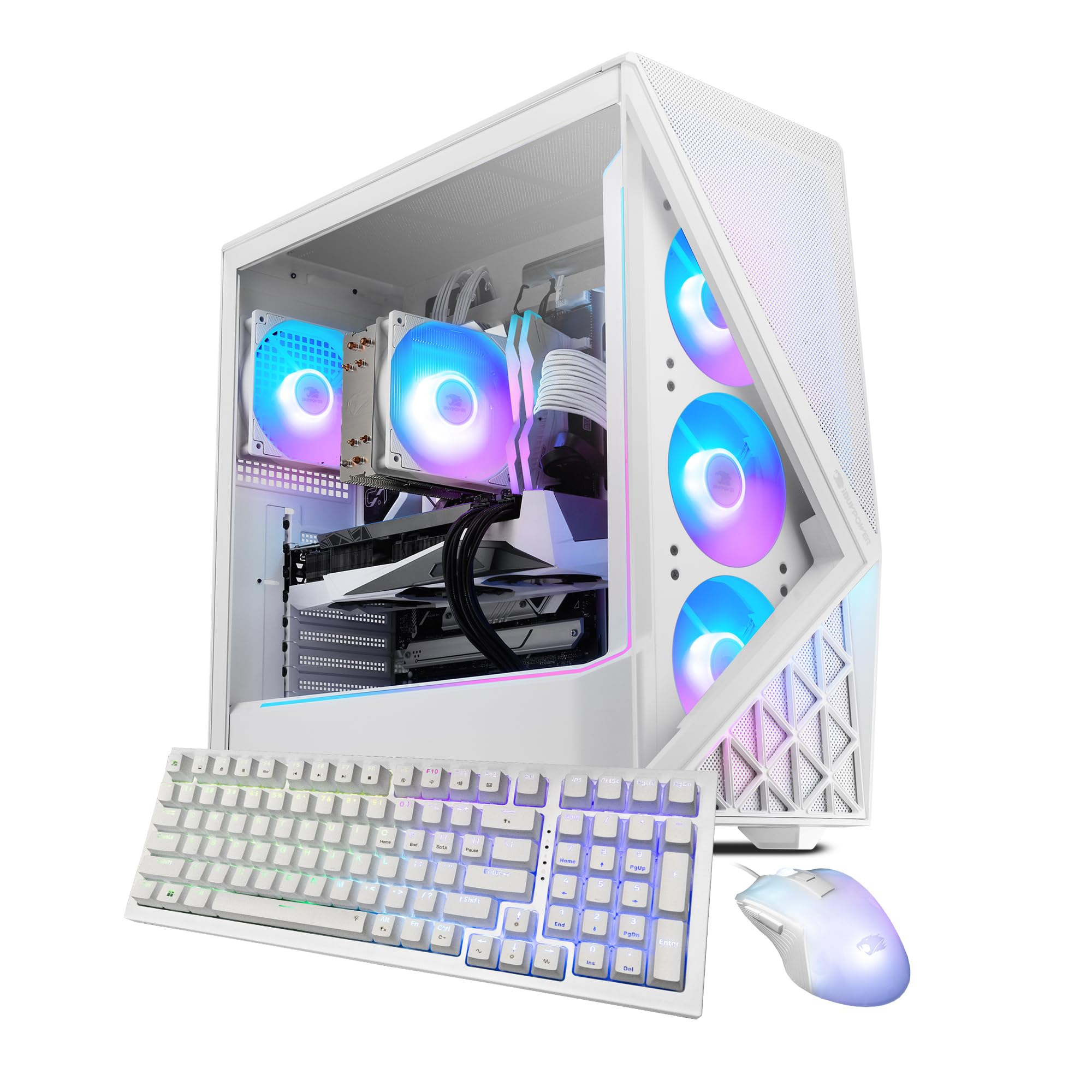
Image: The iBUYPOWER Slate White Gaming PC, showcasinد هغې روښانه شوي RGB فینونه او د تودوخې شیشې اړخ پینل.
2. د پردیو نښلول
- څارنه: Connect your monitor to the graphics card's display output (HDMI or DisplayPort) located at the rear of the PC. Avoid connecting to the motherboard's video outputs if a dedicated graphics card is installed.
- کیبورډ او موږک: Connect the included iBUYPOWER keyboard and mouse to available USB ports on the rear or front of the PC.
- ځواک: Connect the power cable to the power supply unit (PSU) at the rear of the PC, then plug the other end into a grounded electrical outlet.
- شبکه (اختیاري): For a wired connection, connect an Ethernet cable from your router/modem to the RJ-45 network port on the PC. For wireless, the PC is Wi-Fi ready and will prompt for network setup during Windows installation.
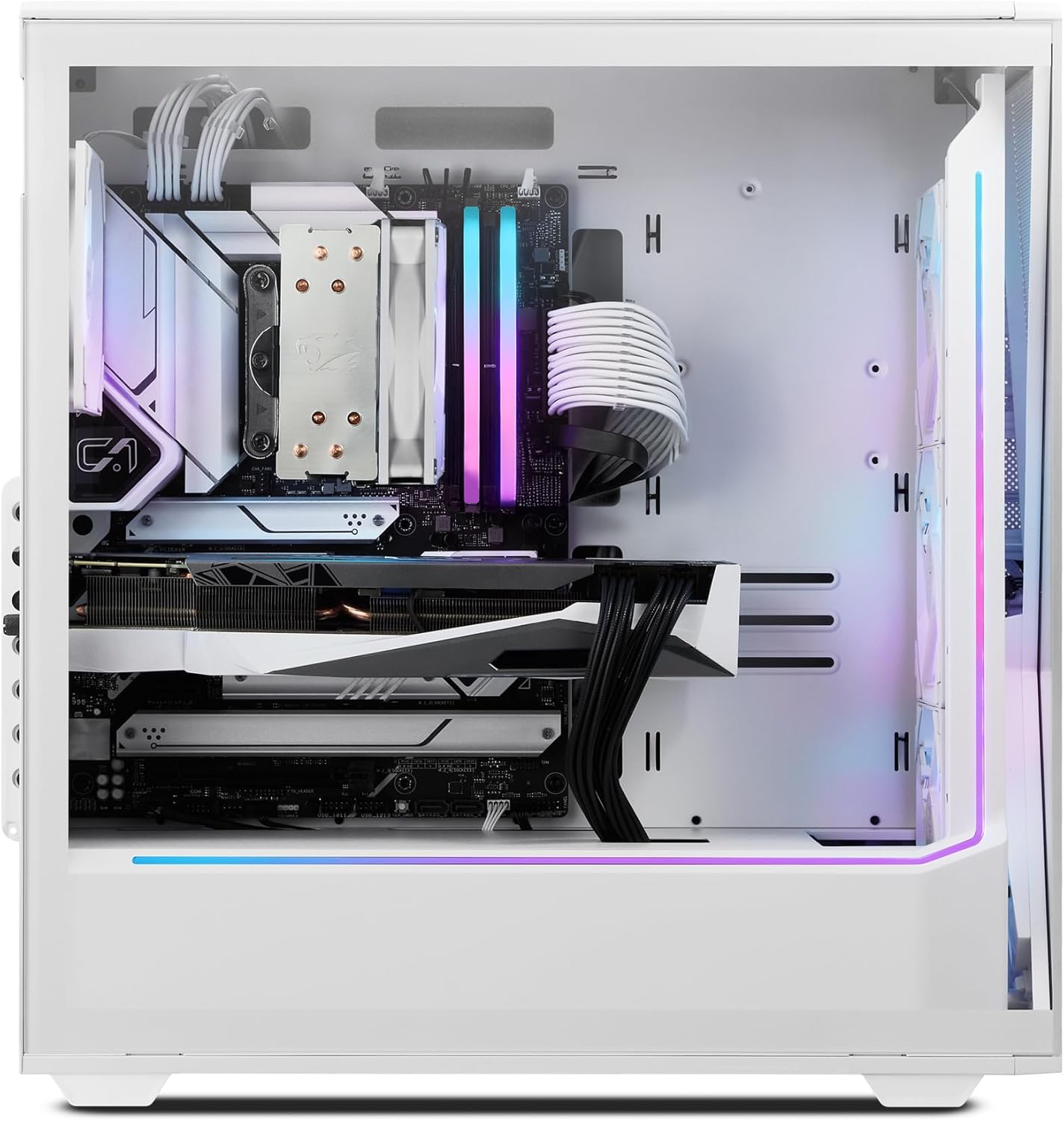
انځور: شاته view of the iBUYPOWER Slate White Gaming PC, highlighting the various connectivity ports including USB, Ethernet, and video outputs.
۳. لومړنی بریښنا فعالول
Press the power button located on the top or front of the PC. The system will boot up, and you will be guided through the Windows 11 Home setup process. Follow the on-screen instructions to complete the initial configuration.
عملیات
پاور آن/بند
- د فعالولو لپاره: یو ځل د بریښنا تڼۍ فشار ورکړئ.
- د بندولو لپاره: په وینډوز کې د سټارټ تڼۍ کلیک وکړئ، بیا پاور > بندول غوره کړئ.
- د بیا پیلولو لپاره: په وینډوز کې د سټارټ تڼۍ کلیک وکړئ، بیا پاور> بیا پیل غوره کړئ.
د وینډوز 11 کور
Your PC comes pre-installed with Windows 11 Home. For detailed instructions on using Windows 11, refer to Microsoft's official documentation and support resources.
لوبې او فعالیت
The iBUYPOWER SWI9N5702 is equipped with an Intel Core Ultra 9 285 CPU and NVIDIA GeForce RTX 5070 12GB GPU for high-performance gaming and content creation. Ensure your graphics drivers are up to date for optimal performance. Monitor system temperatures during extended gaming sessions to maintain stability.
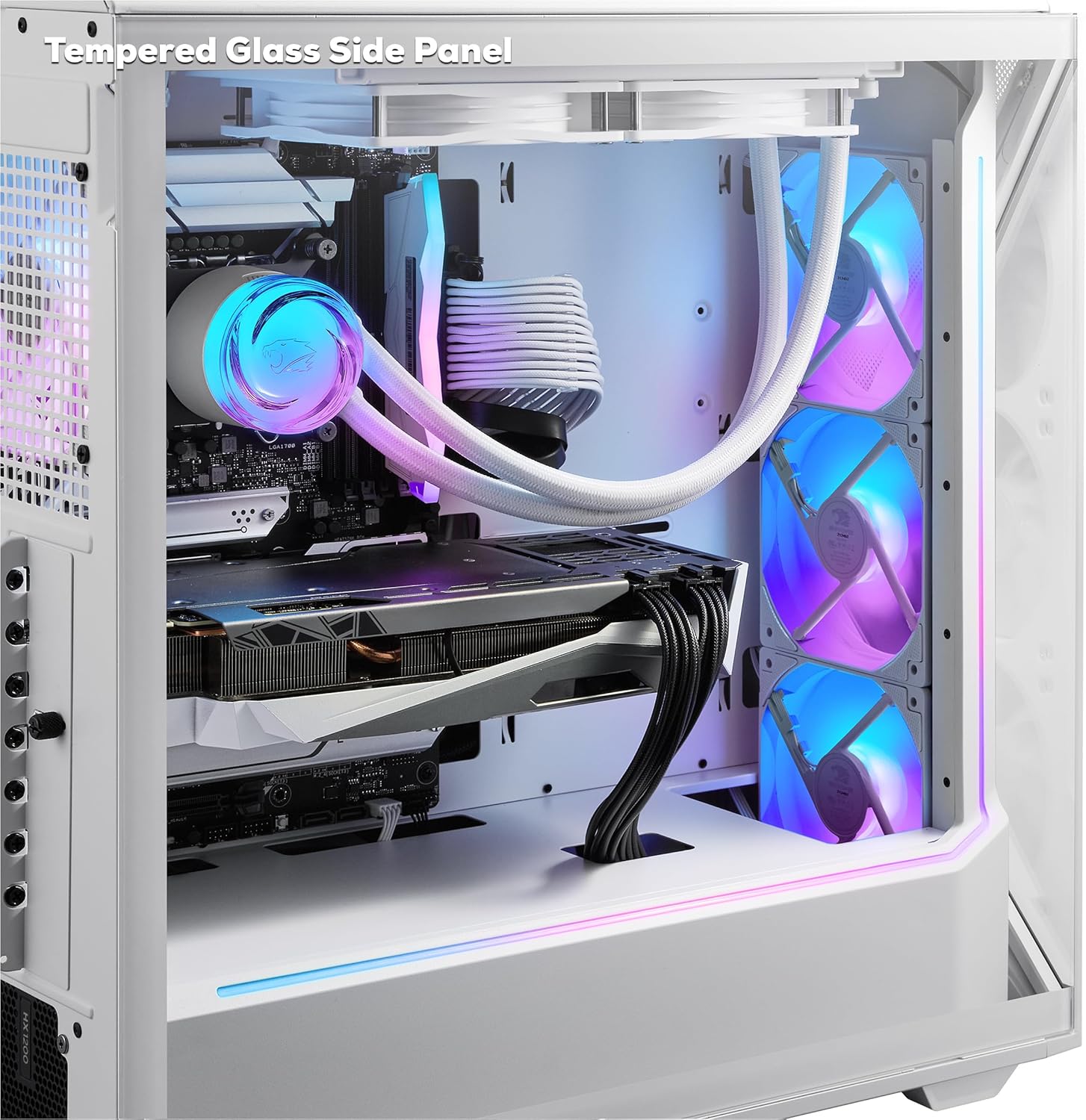
انځور: داخلي view of the iBUYPOWER Slate White Gaming PC, highlighting the tempered glass side panel and internal components.
د RGB رingا کنټرول
The PC features 16-color RGB lighting and aRGB fans. Control and customize the lighting effects using the pre-installed software provided by iBUYPOWER or the motherboard manufacturer. Refer to the specific software's documentation for detailed instructions.
ساتنه
پاکول
- بهر: Use a soft, dry cloth to wipe down the exterior surfaces. For stubborn marks, slightly dampټوکر د اوبو سره ومینځئ. د سختو کیمیاوي موادو څخه ډډه وکړئ.
- د دوړو فلټرونه: Periodically clean the dust filters (if present) to maintain optimal airflow. These are typically located on the front, top, or bottom of the case.
- داخلي برخې: With the PC powered off and unplugged, use compressed air to gently clear dust from fans (CPU cooler, GPU, case fans) and heatsinks. Hold fan blades to prevent them from spinning rapidly during cleaning.

Image: The iBUYPOWER Slate White Gaming PC, showcasing its perforated mesh panel designed to improve airflow and cooling.
د سافټویر تازه معلومات
Regularly update your operating system (Windows Update) and graphics drivers (NVIDIA GeForce Experience) to ensure system stability, security, and optimal performance for games and applications.
د سیسټم بیک اپ
سپارښتنه کیږي چې په منظم ډول خپل مهم معلومات په بهرني ډرایو یا کلاوډ ذخیره کې بیک اپ کړئ ترڅو د معلوماتو له لاسه ورکولو مخه ونیسئ.
د ستونزو حل کول
This section addresses common issues you might encounter. For more complex problems, contact iBUYPOWER support.
- ځواک نشته:
- ډاډ ترلاسه کړئ چې د بریښنا کیبل په خوندي ډول د کمپیوټر او دیوال آوټ لیټ دواړو سره وصل دی.
- ډاډ ترلاسه کړئ چې د PSU بریښنا سویچ (د کمپیوټر شاته) په 'آن' حالت کې دی.
- د بریښنا یو بل ځای هڅه وکړئ.
- په مانیټر کې هیڅ نندارتون نشته:
- Check that the monitor is powered on and the video cable is securely connected to the graphics card output on the PC and the monitor input.
- ډاډ ترلاسه کړئ چې د مانیټر د ننوتلو سرچینه په سمه توګه غوره شوې ده (د مثال په توګه، HDMI 1، DisplayPort).
- If multiple video outputs are available, try a different port on the graphics card.
- System is Slow or Unresponsive:
- هغه غیر ضروري غوښتنلیکونه بند کړئ چې په شاليد کې روان دي.
- د لوړ CPU، RAM، یا ډیسک کارولو لپاره د ټاسک مینیجر (Ctrl+Shift+Esc) وګورئ.
- ډاډ ترلاسه کړئ چې وینډوز او ډرایورونه تازه دي.
- د ویروس/مالویر سکین چل کړئ.
- ډیر ګرمول:
- Ensure the PC has adequate ventilation and is not placed in an enclosed space.
- Clean dust from fans and heatsinks as described in the Maintenance section.
- Verify all case fans are spinning.
مشخصات
| فیچر | تفصیل |
|---|---|
| برانډ | iBUYPOWER |
| د ماډل شمیره | SWI9N5702 |
| عملیاتي سیسټم | د وینډوز 11 کور |
| د CPU ماډل | Intel Core Ultra 9 285 |
| د CPU سرعت | 2.5 GHz (up to 5.5 GHz Max) |
| د ګرافیک کاپروسیسر | NVIDIA GeForce RTX 5070 |
| Graphics Card RAM | 12 GB GDDR6 |
| د RAM حافظې نصب شوې اندازه | ۱۶ جي بي ډي ډي آر ۴ ۳۲۰۰ ميګاهيرتزه |
| د حافظې د ذخیره کولو ظرفیت | ۲ ټې بي NVMe SSD |
| د یخولو طریقه | Air (Tower Air Cooler, RGB Fans) |
| ارتباط | Wi-Fi (802.11ac), Bluetooth, Ethernet, HDMI, USB |
| USB بندرونه | 10 Total (6 x USB 3.1) |
| د ویډیو تولید | HDMI (1 Total) |
| د ښودلو اعظمي ریزولوشن | 3840x2160 |
| د قضیې ځانګړتیاوې | Tempered Glass RGB Gaming Case, Perforated Mesh Panel, 16 Color RGB Lighting |
| شامل شوي وسایل | iBUYPOWER Gaming Keyboard, RGB Gaming Mouse |
| د توکي ابعاد (LxWxH) | 19.5 x 8.7 x 19.3 انچه |
| د توکي وزن | 36 پونډه |
تضمین
This iBUYPOWER product is covered by a manufacturer's warranty. The warranty description is applicable to the United States. For specific terms, conditions, and duration of your warranty, please refer to the warranty card included with your product or visit the official iBUYPOWER support webسایټ
ملاتړ
For technical assistance, troubleshooting beyond this manual, or warranty claims, please contact iBUYPOWER customer support.
- آنلاین ملاتړ: Visit the official iBUYPOWER webد FAQs، چلوونکو، او ملاتړ سرچینو لپاره سایټ.
- د اړیکو معلومات: Refer to the documentation included with your PC for phone numbers or email addresses for direct support.
- د محصول پا Pageه: تاسو کولی شئ په دې اړه نور معلومات او ملاتړ سرچینې هم ومومئ iBUYPOWER Store on Amazon.