
ARCCTV P2
ARCCTV 2K Security Camera Outdoor P2 User Manual
ماډل: P2
1. پیژندنه
This manual provides detailed instructions for the installation, operation, and maintenance of your ARCCTV 2K Security Camera Outdoor P2. Please read this manual thoroughly before using the product to ensure correct usage and optimal performance. Keep this manual for future reference.

انځور 1.1: مخکی view of the ARCCTV 2K Security Camera Outdoor P2.
۲. په بکس کې څه دي؟
ډاډ ترلاسه کړئ چې ټولې برخې په بسته کې شتون لري:
- د کیمرې بدن
- د 5V1A بریښنا اډاپټر
- د نصبولو پیچونه (سیټ)
- Screw Positioning Sticker
- د خبرتیا سټیکر
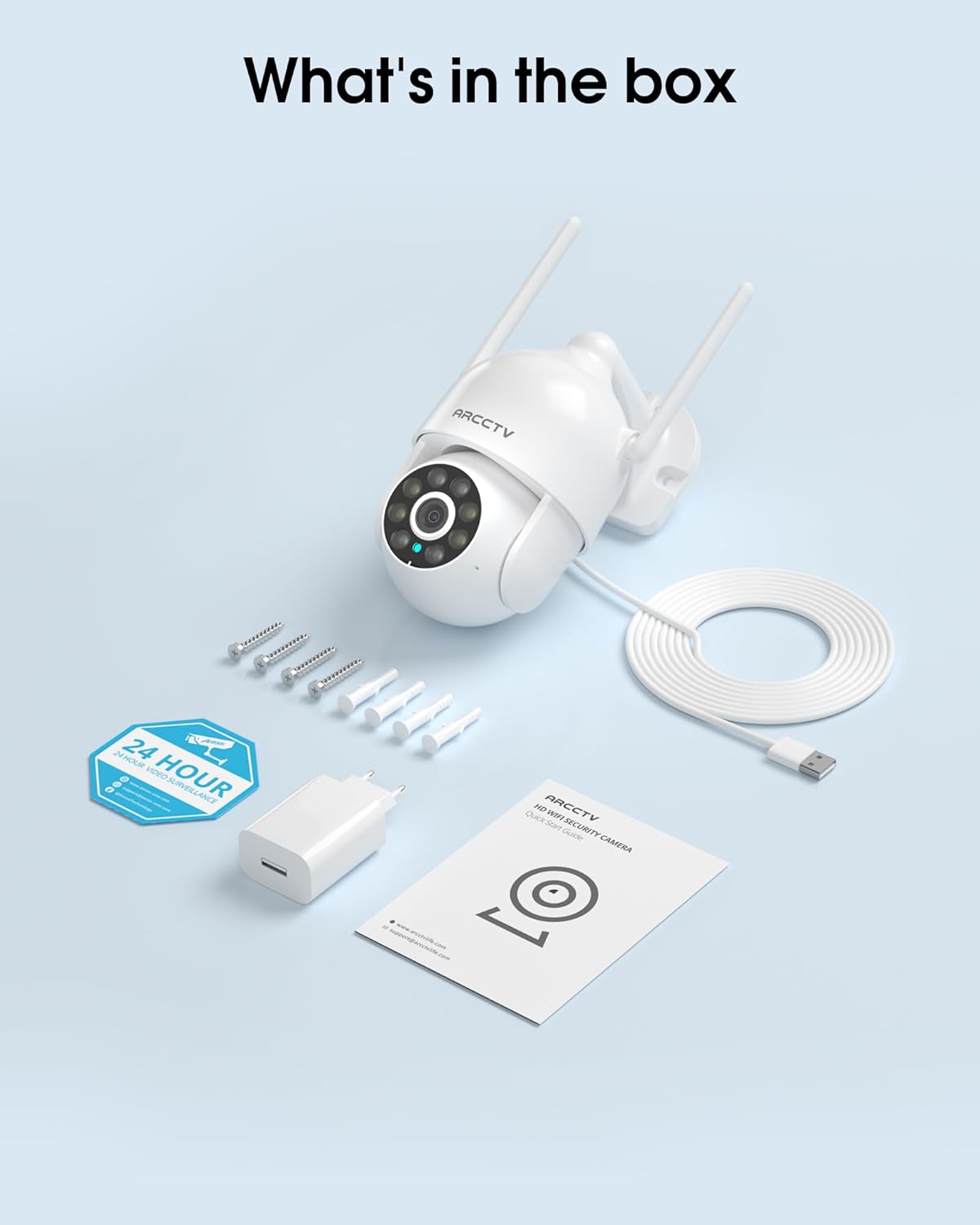
Image 2.1: All items included in the ARCCTV 2K Security Camera package.
3. د محصول ب Featuresې
- د 2K الټرا HD ریزولوشن: Provides clear 2304x1296p video.
- بشپړ رنګین د شپې لید: Built-in spotlight enables vivid color monitoring in low light.
- 360° Pan-Tilt-Zoom (PTZ): Remotely control 355° horizontal and 90° vertical rotation.
- Auto Motion Tracking: Smart AI automatically follows and records detected movement.
- دوه اړخیز وائی فای: Supports both 2.4G and 5G WiFi for stable connectivity.
- دوه طرفه آډیو: د اړیکو لپاره جوړ شوی مایکروفون او سپیکر.
- IP66 د هوا ضد: Durable design for outdoor use in various weather conditions (-4°F ~ 122°F).
- انعطاف وړ ذخیره: Supports local microSD card storage (up to 128GB, not included) and optional cloud storage.
- ۲۴/۷ ثبت کول: Continuous recording capability with stable power supply.
4. ترتیب کول
4.1 نصب کول
- یو ځای غوره کړئ: یو بهرنی ځای غوره کړئ چې روښانه وي view of the area you wish to monitor. Ensure it is within range of your Wi-Fi network and a power outlet.
- کیمره نصب کړئ: Use the provided screw positioning sticker to mark drill holes. Drill holes, insert wall anchors, and secure the camera body to the wall using the mounting screws.
- بریښنا وصل کړئ: Plug the 5V1A power adapter into the camera and then into a power outlet. The camera will power on and begin its startup sequence.
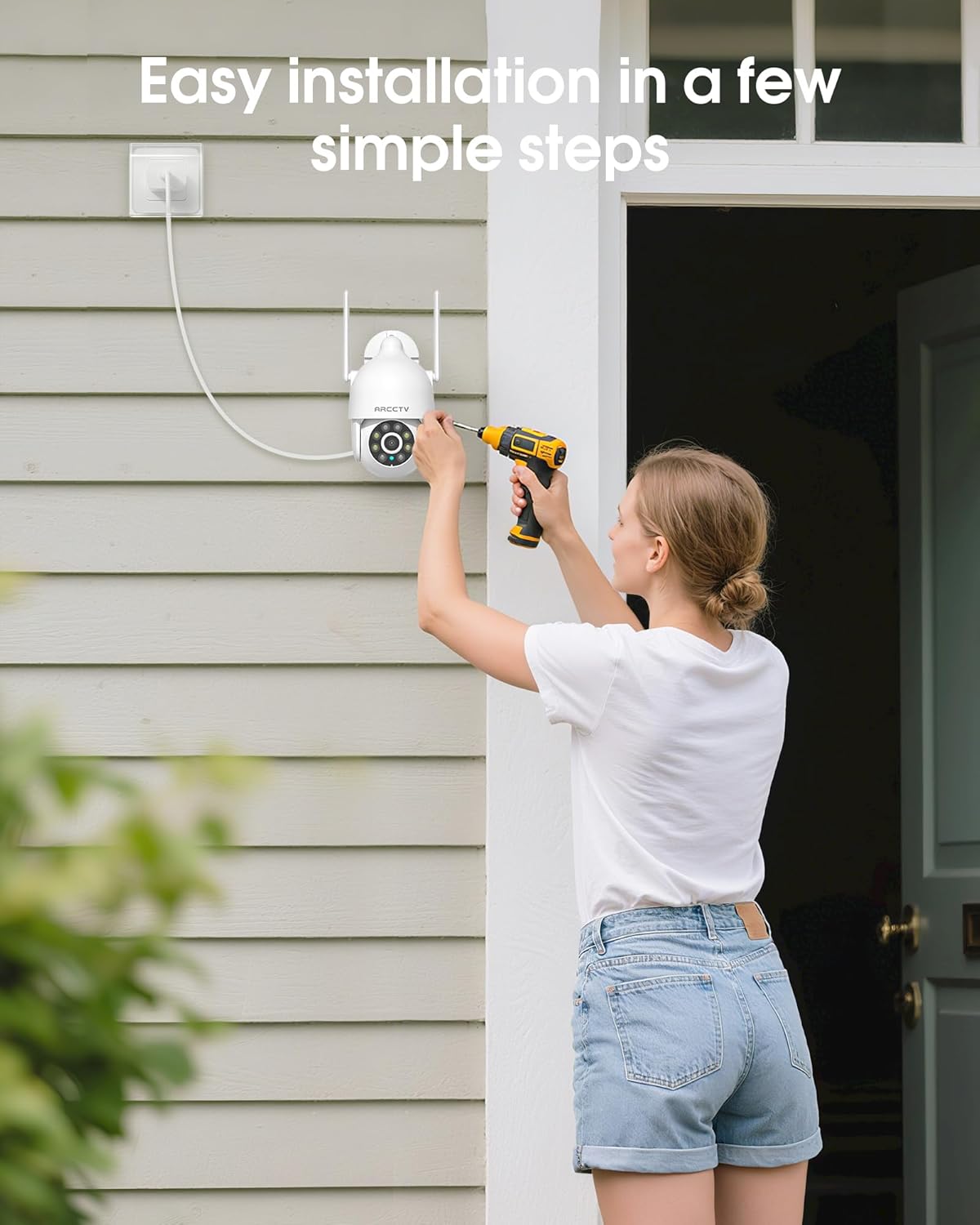
Image 4.1: Illustration of easy camera installation steps.
۳.۲ د اپلیکیشن ډاونلوډ او د حساب جوړول
- Download the official ARCCTV app from your smartphone's app store (iOS or Android).
- اپلیکیشن پرانیزئ او د سکرین لارښوونې تعقیب کړئ ترڅو یو نوی حساب جوړ کړئ یا که تاسو دمخه یو حساب لرئ نو ننوځئ.
4.3 د وای فای اتصال
- In the app, tap the "Add Device" or "+" icon.
- Select your camera model and follow the prompts to connect it to your Wi-Fi network. The camera supports both 2.4GHz and 5GHz bands for stable connectivity.
- ډاډ ترلاسه کړئ چې ستاسو سمارټ فون د تنظیم کولو پروسې په جریان کې ورته وای فای شبکې سره وصل دی.
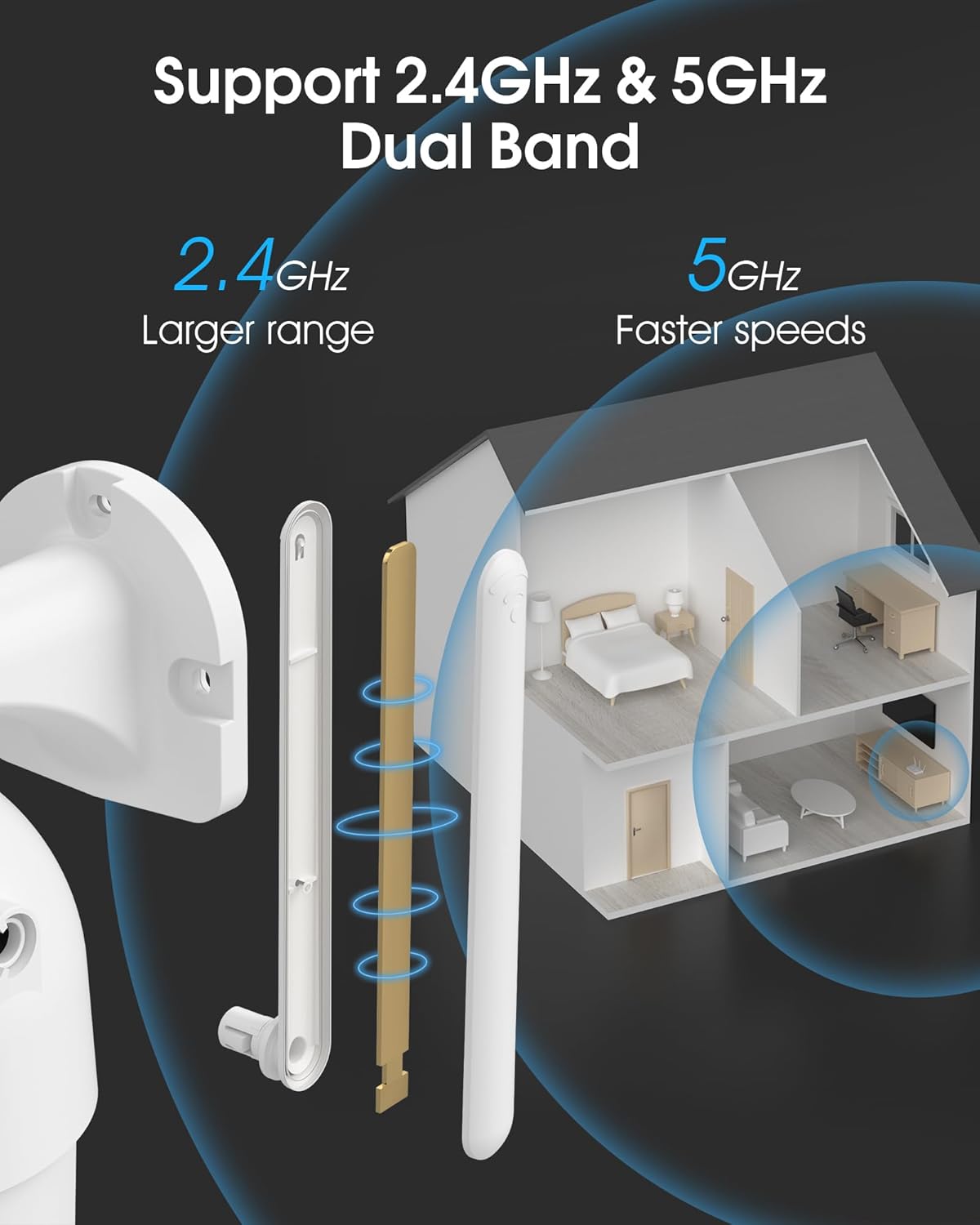
Image 4.2: The camera supports both 2.4GHz (larger range) and 5GHz (faster speeds) Wi-Fi bands.
۵.۳ د مایکرو ایس ډی کارت نصب کول (اختیاري)
For local storage, install a microSD card (up to 128GB, not included) into the designated slot on the camera. Ensure the camera is powered off before inserting or removing the card.
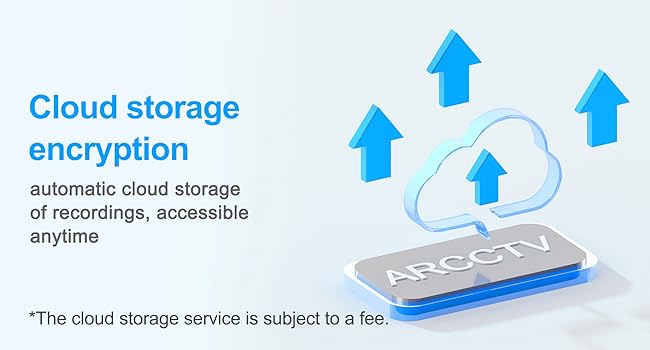
Image 4.3: Location of the microSD card slot on the camera.
۳. د کیمرې چلول
5.1 ژوندی View
Open the ARCCTV app and select your camera to view the live feed. You can monitor your property in real-time.
۵.۱ د پان-ټیلټ-زوم (PTZ) کنټرول
په ژوندۍ به view screen, use the directional controls to rotate the camera horizontally (Pan: 355°) and vertically (Tilt: 90°) to adjust the viewing angle. You can also set preset points for quick navigation.
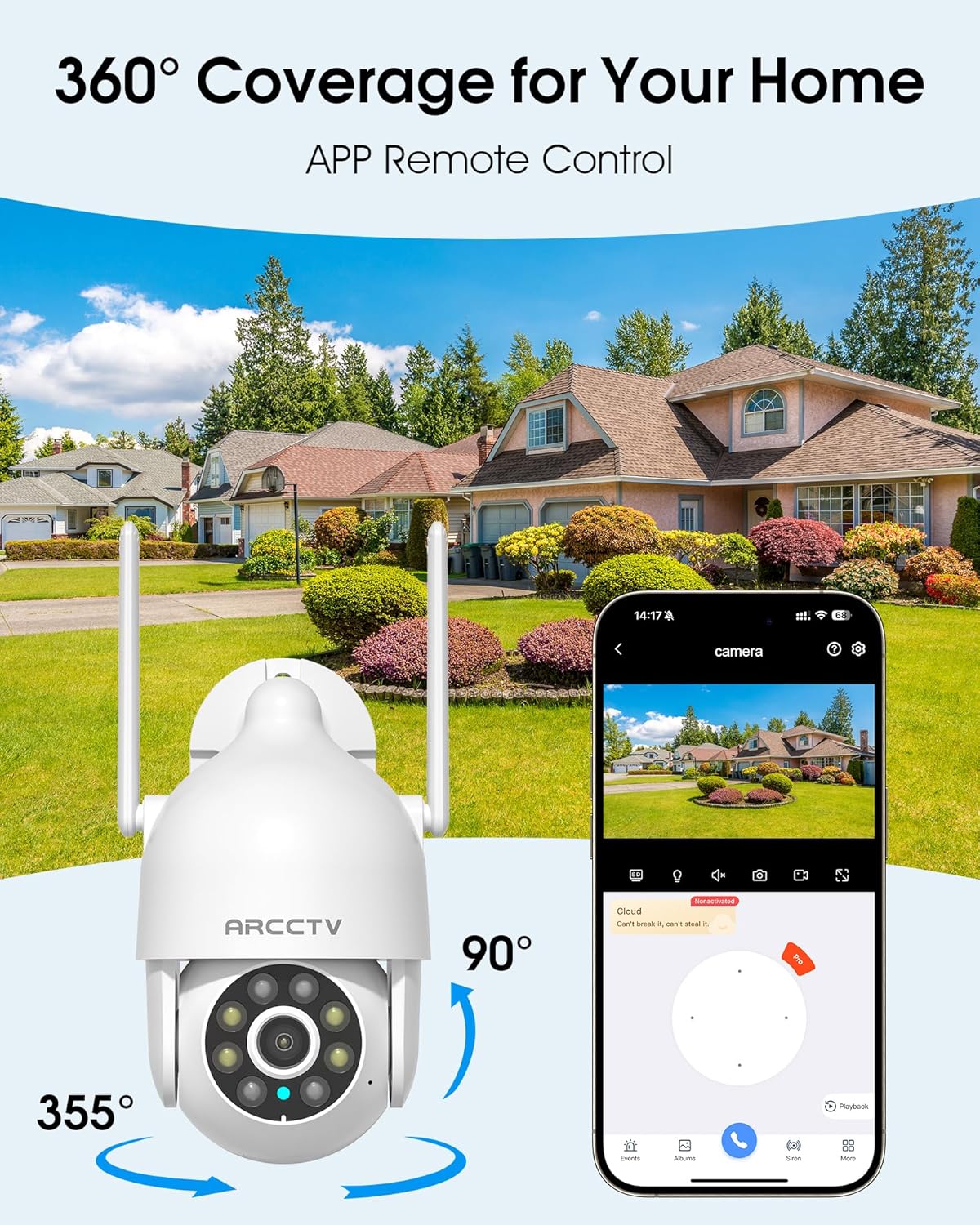
Image 5.1: The camera offers 360° coverage through remote pan and tilt controls.
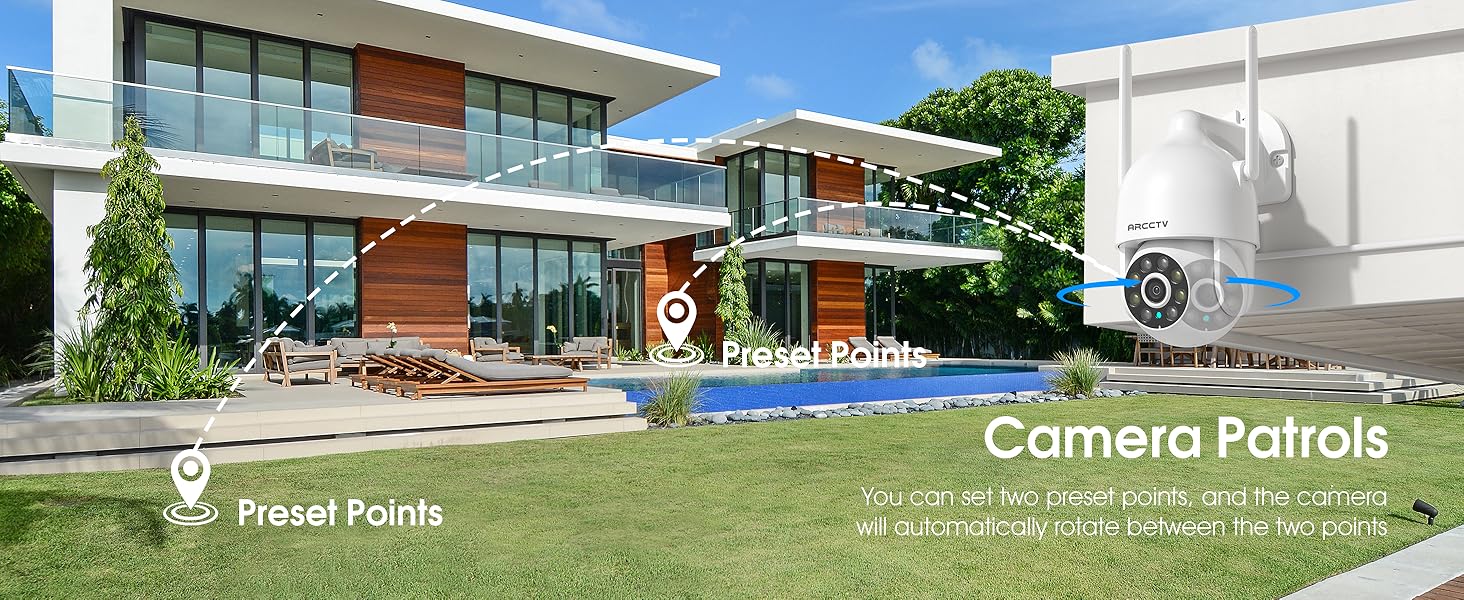
Image 5.2: Setting up camera patrol routes between preset points.
۳.۲ د حرکت تعقیب او خبرتیاوې
The camera features smart AI motion tracking that automatically follows detected movement. You can customize alert zones and receive instant notifications on your smartphone when motion is detected.

Image 5.3: The camera's smart motion tracking feature in action.

Image 5.4: Instant alerts with customizable settings, including spotlight, siren, and two-way audio.
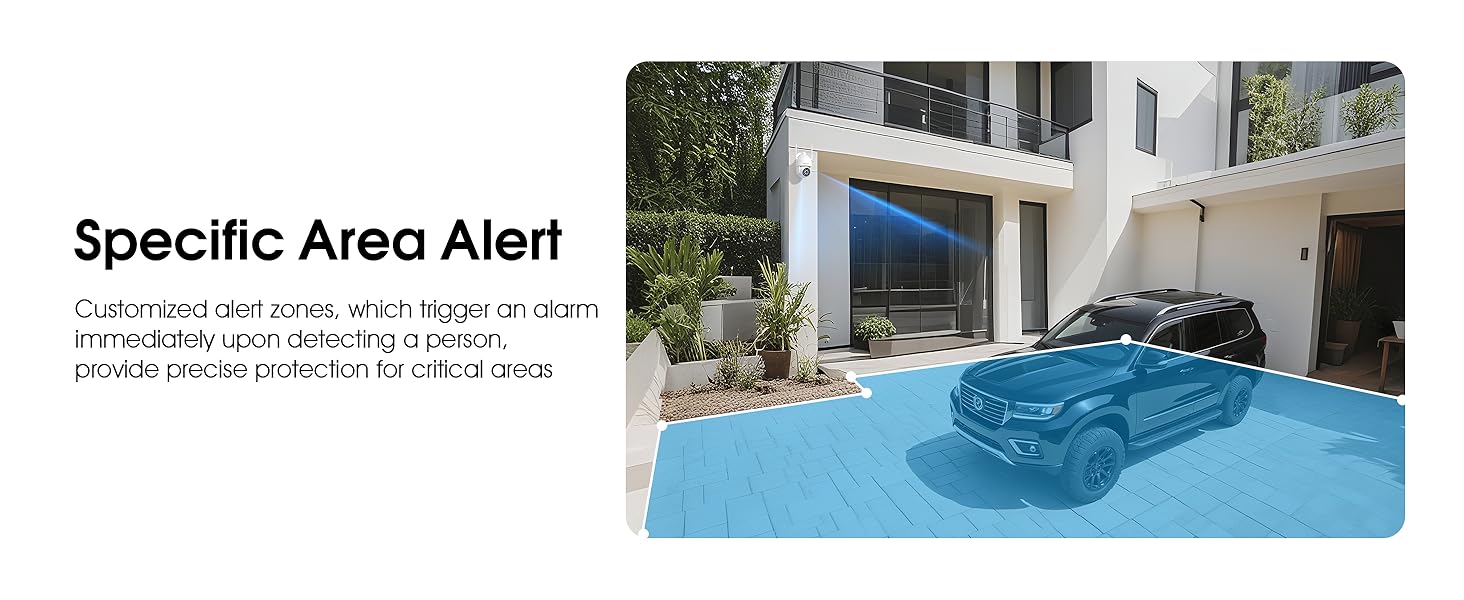
Image 5.5: Setting up specific area alerts for precise protection.
۵.۳ د شپې لید حالتونه
The camera offers both full-color night vision (activated by the built-in spotlight) and infrared night vision for clear monitoring in various low-light conditions.

Image 5.6: Comparison of Color Night Vision and Infrared Night Vision.
۴.۴ دوه اړخیزه آډیو
Use the two-way audio feature to communicate with visitors or deter unwanted guests directly through the camera's built-in microphone and speaker.
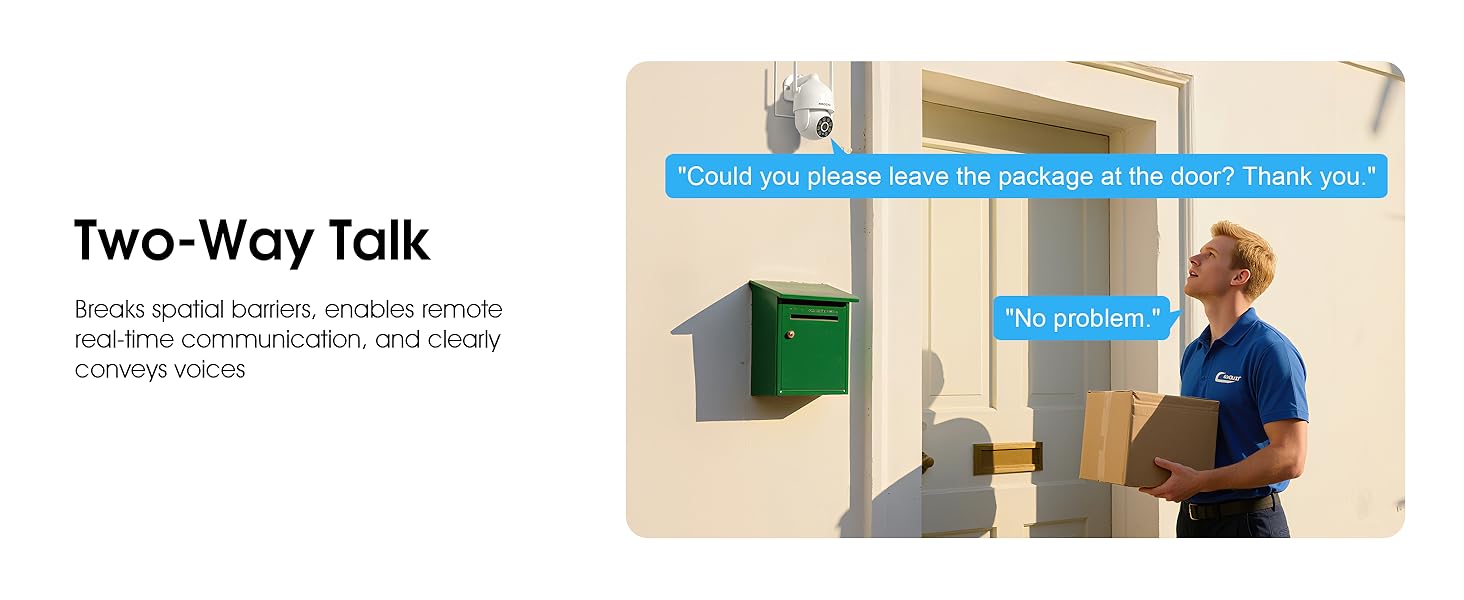
Image 5.7: Utilizing two-way talk for remote communication.
5.6 ریکارډ کول او پلے بیک
The camera supports 24/7 continuous recording. Footage can be saved to a local microSD card (up to 128GB) or to optional cloud storage. Access recorded videos through the app's playback function.

Image 5.8: The camera provides 24/7 recording capabilities.
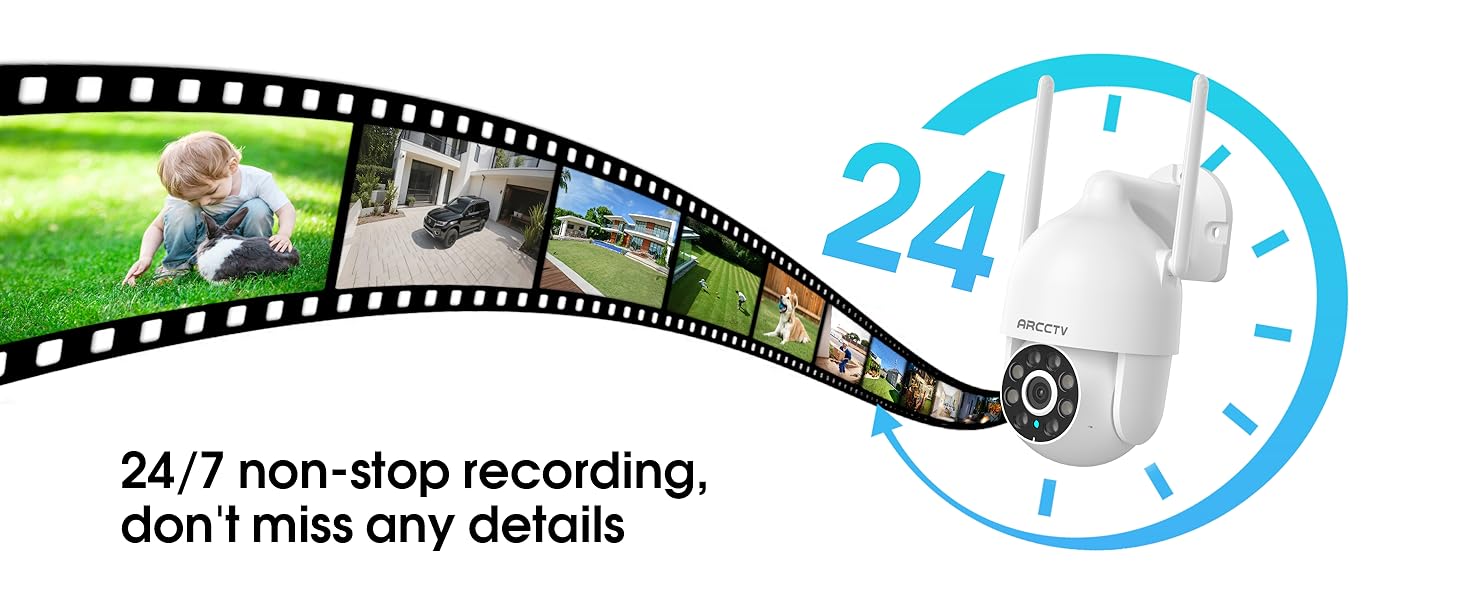
Image 5.9: Continuous 24/7 recording ensures no details are missed.
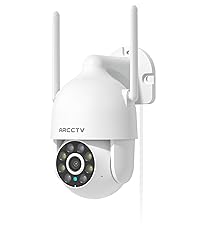
Image 5.10: Cloud storage encryption for secure and accessible recordings (subscription may apply).
۷.۵ د کورنۍ شریکول
The app supports multi-member sharing, allowing family members to view the camera feed and collaborate on security monitoring.
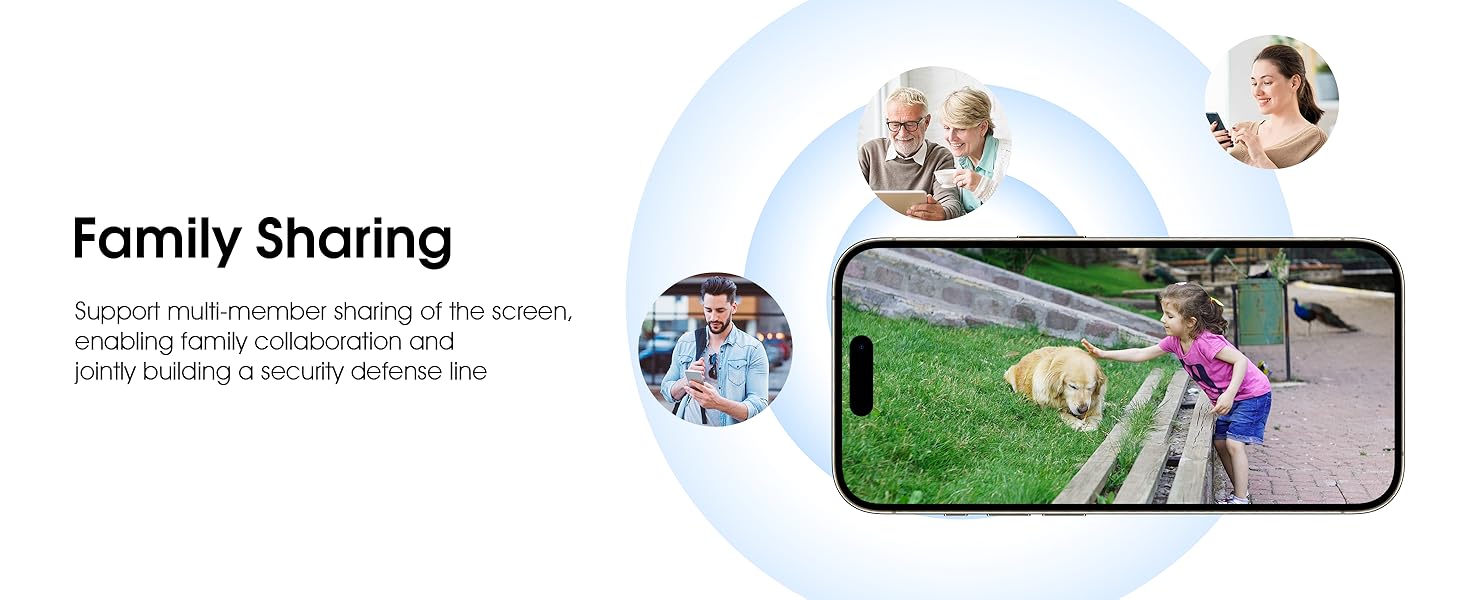
Image 5.11: The family sharing feature allows multiple users to access the camera feed.
۵.۹ د الیکسا مطابقت
The camera is compatible with Alexa, allowing you to check the monitoring screen using voice commands.
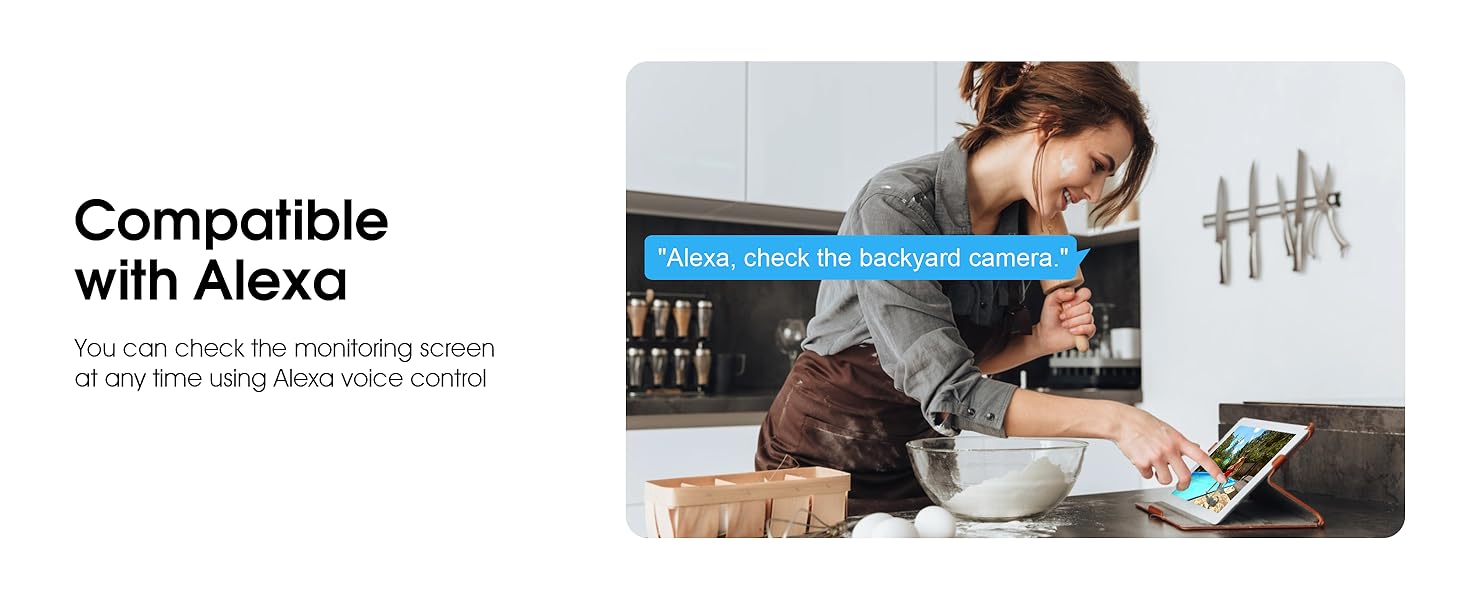
Image 5.12: Voice control via Alexa for convenient monitoring.
6. ساتنه
۵.۱ د کیمرې پاکول
په دوره یي ډول د کیمرې لینز او کور د نرم، ډ سره پاک کړئamp د دوړو او کثافاتو د لرې کولو لپاره ټوکر. سخت کیمیاوي توکي یا د کثافاتو پاکوونکي مه کاروئ.
6.2 د فرم ویئر تازه معلومات
Ensure your camera's firmware is up to date for optimal performance and security. Check for updates within the ARCCTV app and follow the instructions to install them.
6.3 د ذخیرې مدیریت
If using a microSD card, regularly check its status in the app. Format the card periodically to maintain performance. For cloud storage, manage your subscription and storage space through the app.
7. ستونزه حل کول
- کیمره د وای فای سره نه نښلول کیږي:
- Ensure your Wi-Fi network is 2.4GHz or 5GHz and has a strong signal at the camera's location.
- تایید کړئ چې د وای فای پټنوم په سمه توګه داخل شوی دی.
- خپل روټر او کیمره بیا پیل کړئ.
- د عکس ضعیف کیفیت:
- د کیمرې لینز پاک کړئ.
- د شپې د لید د غوره فعالیت لپاره کافي رڼا ډاډمن کړئ.
- د خپل انټرنیټ اتصال سرعت وګورئ.
- د حرکت کشف کار نه کوي:
- تایید کړئ چې د ایپ ترتیباتو کې د حرکت کشف فعال شوی دی.
- د حساسیت ترتیبات تنظیم کړئ.
- ډاډ ترلاسه کړئ چې د کیمرې په ساحه کې هیڅ خنډ شتون نلري view.
- په مایکرو ایس ډی کارت کې هیڅ ثبت نشته:
- Ensure a microSD card is properly inserted and formatted in the app.
- Check if the card is full; consider formatting or replacing it.
- په اپلیکیشن کې د ثبت تنظیمات تایید کړئ.
8. مشخصات
| فیچر | مشخصات |
|---|---|
| د ماډل نوم | P2 |
| د کور دننه / بهر کارول | بهر |
| د ویډیو نیول حل | 2K (2304x1296p) |
| د ارتباط ټیکنالوژي | بې سیم (وائی فای) |
| د بې سیمه مخابراتو ټیکنالوژي | Wi-Fi (2.4G/5G Dual-Band) |
| Viewزاویه | ۳۶۰ درجې (۳۵۵ درجې پین، ۹۰ درجې خښته) |
| د شپې لید لړۍ | 50 پښه |
| د اوبو د مقاومت کچه | IP66 پنروک |
| د بریښنا سرچینه | د 5V1A بریښنا اډاپټر |
| د فلش حافظې ملاتړ شوی اندازه اعظمي | ۵۱۲ جي بي (مایکرو ایس ډي) |
| د آډیو بصري ثبتولو وړتیاوې | ویډیو او آډیو |
| ځانګړی ځانګړنه | 2-Way Audio, Motion Tracking, Full Color Night Vision |
| د توکو ابعاد L x W x H | 7.8 x 6.6 x 5.3 انچه |
| د توکي وزن | ۲.۴۵ پونډه |
9. تضمین او ملاتړ
For warranty information and technical support, please refer to the official ARCCTV website or contact their customer service directly. Contact details are typically provided on the product packaging or within the mobile application.
Ask a question about this manual
Ask about setup, troubleshooting, compatibility, parts, safety, or missing instructions. Manuals+ will review the question and use this page’s manual context to help answer it.