
FANGOR 158KZ
FANGOR 15.6-inch WiFi Digital Picture Frame User Manual
ماډل: ۱۰۲ کیلو ګرامه
پیژندنه
This manual provides instructions for the setup, operation, and maintenance of your FANGOR 15.6-inch WiFi Digital Picture Frame. Please read this manual thoroughly before using the device to ensure proper functionality and to maximize your user experience.
د بسته محتويات
ډاډ ترلاسه کړئ چې لاندې ټول لیست شوي توکي ستاسو په کڅوړه کې شتون لري:
- 15.6-inch WiFi Digital Picture Frame
- د بریښنا اډاپټر
- د میز موقف
- د دیوال د نصبولو پیچونه (x2)
- د کارن لارښود

Image: All components included in the FANGOR 15.6-inch WiFi Digital Picture Frame package.
د تنظیم کولو لارښود
۱. فزیکي ځای پر ځای کول
The digital picture frame can be placed on a flat surface using the included table stand or mounted on a wall.
- د ټابلیټ کارولو لپاره: Attach the table stand to the back of the frame. The stand allows for both horizontal and vertical orientation.
- د دیوال نصبولو لپاره: Use the provided screws to securely mount the frame to a wall. The frame supports automatic rotation of photos based on its orientation.

Image: The digital picture frame configured for both tabletop and wall-mounted display.
2. د بریښنا پیوستون
Connect the power adapter to the frame and then plug it into a power outlet. The frame will automatically power on.
۱. لومړنی تنظیم او د وای فای اتصال
- Upon first power-on, follow the on-screen prompts to select your preferred language and connect to a Wi-Fi network.
- Ensure a stable Wi-Fi connection for seamless photo and video sharing.
4. Uhale App Download and Connection
To share photos and videos, download the free "Uhale" app from the iOS App Store or Google Play Store.
- Install the "Uhale" app on your smartphone or tablet.
- Register an account using your email address.
- Connect the app to your digital frame by scanning the QR code displayed on the frame or by entering the pairing code.

Image: Step-by-step guide for connecting the Uhale app to the digital picture frame.
5. Adding Friends/Users
You can invite multiple users to share photos and videos to your frame. Share the frame's QR code or pairing code with family and friends, allowing them to upload content via the Uhale app.

Image: Multiple users can connect to and share photos with the digital picture frame.
عملیاتي لارښوونې
۱. د عکسونو او ویډیوګانو پورته کول
There are several methods to transfer your media to the frame:
- د اوهل اپلیکیشن له لارې: Select photos/videos from your phone's gallery, choose the recipient frame(s), add a caption, and send. The app allows uploading up to 100 pictures at a time and videos up to 2 minutes long.
- د PC له لارې Web لیږدول: Log in to the "Uhale" website on your computer, add your frame(s), select photos to upload, and they will appear on the frame. This method supports uploading up to 500 photos at once.
- Via SD Card or USB Flash Drive: Insert an SD card or USB flash drive (formatted to FAT32) into the designated slots on the frame. You can play, import, or back up photos/videos directly. There is no time limit for videos uploaded this way. For best compatibility, 32GB SD cards or USB drives are recommended, as larger capacities (64GB, 128GB) may not function correctly.

انځور: اوورview of media transfer options for the FANGOR digital picture frame.
۴. د ښودلو ځانګړتیاوې
- FHD 1080P IPS Touch Screen: The 15.6-inch screen offers a 1920 x 1080 resolution for clear and vivid display. The IPS panel ensures wide viewزاویې او دقیق رنګونه.
- په اتوماتيک ډول ګرځول: The frame automatically adjusts photo orientation (horizontal or vertical) based on its physical placement.
- Video Playback with Sound: The frame supports video playback with audio through its built-in speaker.
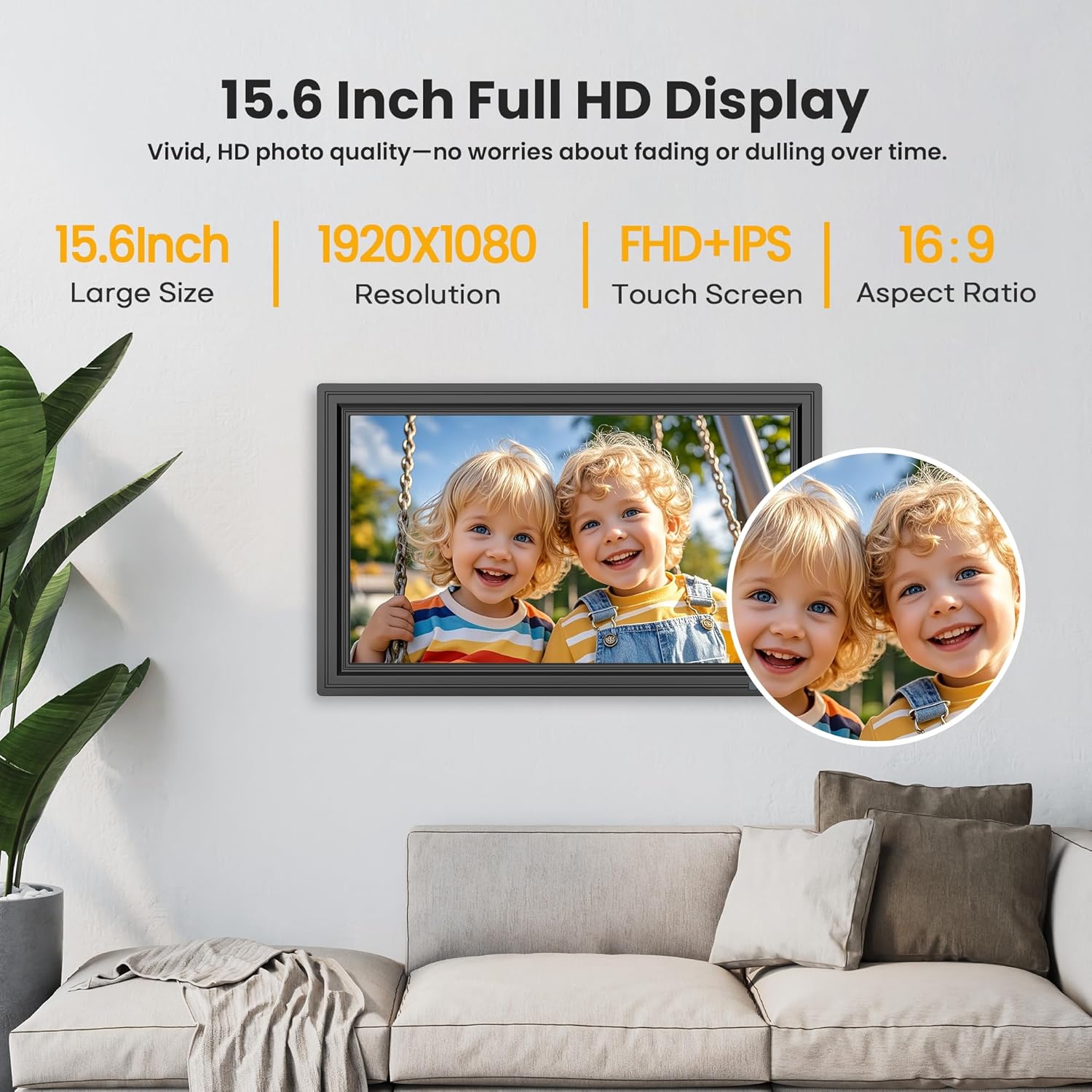
Image: The 15.6-inch Full HD IPS touch screen displaying a vibrant image.
3. Customization and Additional Functions
Access settings on the frame or through the Uhale app to customize your experience:
- د سلاید شو حالت: Adjust playback order, transition effects, and display duration for photos.
- روښانتیا او حجم: Control screen brightness and video volume.
- د خوب حالت: Set a schedule for the frame to enter and exit sleep mode. Photos and videos can still be received during sleep mode.
- Weather and Clock: Display current weather information and time on the screen.
- Send Blessings: Utilize built-in blessing templates via the Uhale app to send personalized messages with photos.

Image: The digital picture frame demonstrating its customizable sleep mode and information display.
ذخیره کول
The FANGOR digital picture frame comes with 64GB of built-in storage, capable of holding over 160,000 photos.
Storage can be expanded using an SD card or USB flash drive. Ensure external storage devices are formatted to FAT32 for optimal compatibility. For best results, 32GB SD cards or USB drives are recommended, as larger capacities (64GB, 128GB) may not function correctly.

Image: The digital picture frame's storage capabilities, including built-in memory and external card/USB support.
مشخصات
| فیچر | تفصیل |
|---|---|
| د سکرین اندازه | ۷۸۷ انچه |
| قرارداد | ۱۹۲۰x۱۰۸۰ (FHD) |
| د ښودلو ډول | د IPS ټچ سکرین |
| داخلي ذخیره | 64GB |
| د بهرنۍ ذخیره کولو ملاتړ | SD Card, USB Flash Drive (FAT32 format recommended) |
| ارتباط | وای فای |
| د اپلیکیشن مطابقت | د يوهل اپليکېشن (iOS او Android) |
| د محصول ابعاد | 9.68 x 15.59 x 0.99 انچه |
| د توکي وزن | ۲.۴۵ پونډه |
| د ماډل شمیره | 158KZ |
| جوړونکی | خطر |
د ستونزو حل کول
If you encounter issues with your digital picture frame, consider the following common solutions:
- ځواک نشته: ډاډ ترلاسه کړئ چې د بریښنا اډاپټر په خوندي ډول د چوکاټ او کاري بریښنا سایټ دواړو سره وصل دی.
- د وای فای اتصال مسلې: Verify your Wi-Fi network is active and the password is correct. Try restarting your router and the picture frame.
- عکسونه نه ښکاري: Check if the Uhale app is correctly connected to the frame. Ensure photos/videos are successfully uploaded through the app or that SD cards/USB drives are properly formatted (FAT32) and inserted.
- سکرین بې ځوابه: د وسیلې بیا پیلولو هڅه وکړئ. که ستونزه دوام ومومي، د پیرودونکو ملاتړ سره اړیکه ونیسئ.
- External Storage Not Recognized: Confirm the SD card or USB drive is formatted to FAT32. Try a different card/drive, especially if using capacities larger than 32GB.
تضمین او ملاتړ
Your FANGOR digital picture frame is covered by a 365-day warranty for quality issues, ensuring replacements if necessary. Lifetime technical support is also provided.
For any concerns or technical assistance, please contact our dedicated after-sales team via Amazon Message or email. Our team aims to respond within 24 hours.
Ask a question about this manual
Ask about setup, troubleshooting, compatibility, parts, safety, or missing instructions. Manuals+ will review the question and use this page’s manual context to help answer it.