
1. محصول ختم شوview
The Xiaomi Portable Photo Printer Pro is a compact and lightweight device designed for printing photos directly from your smartphone or other compatible devices. It utilizes advanced printing technology to produce high-quality, vibrant prints.
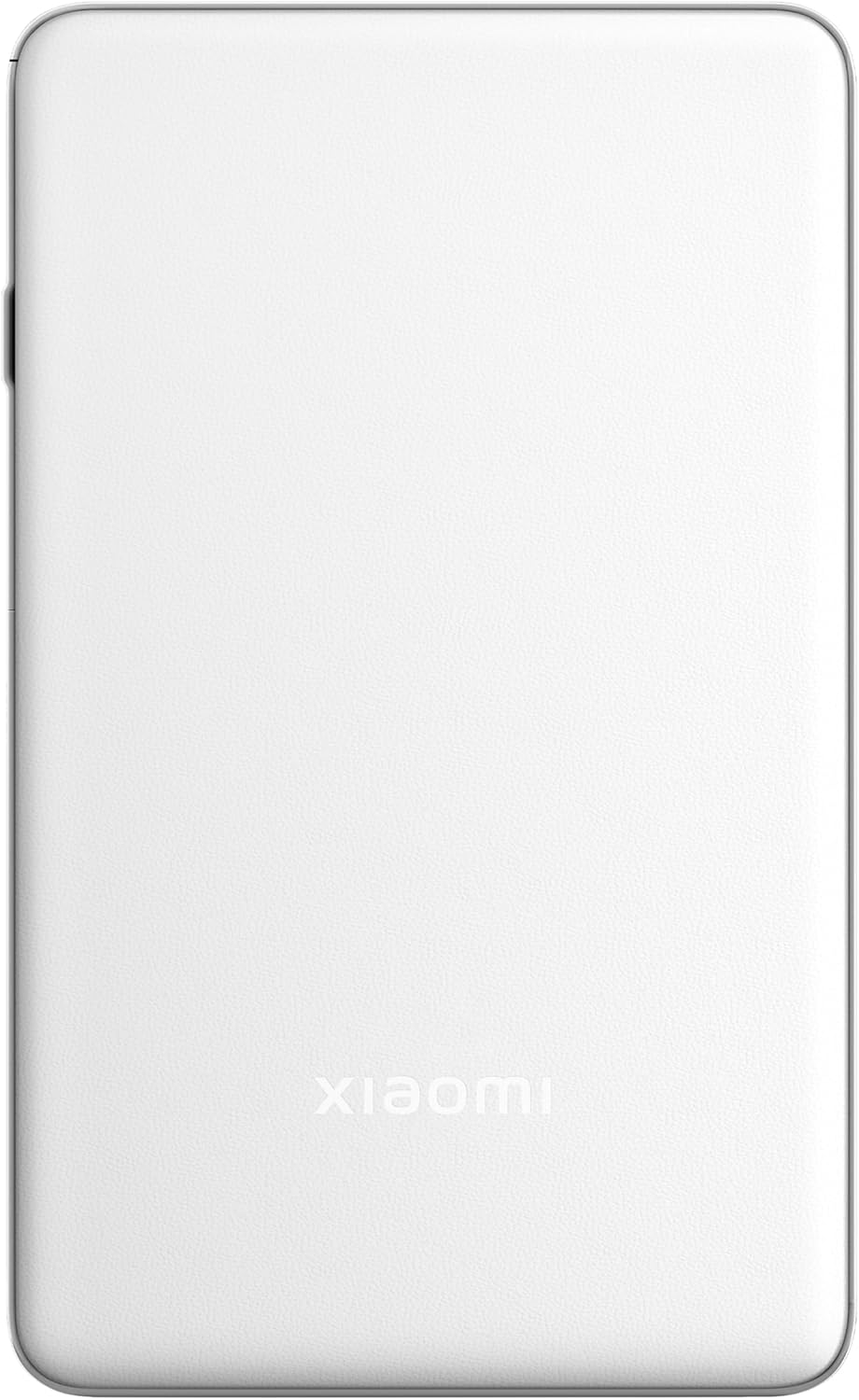
انځور ۴.۱: پورته view of the Xiaomi Portable Photo Printer Pro, showcasing its minimalist design and compact form factor.

انځور ۵.۱: اړخ view of the Xiaomi Portable Photo Printer Pro, highlighting its slim profile and power button location.
2. ترتیب کول
۴.۱ د پرنټر چارج کول
Before initial use, fully charge the printer. Connect the provided USB charging cable to the printer's charging port and a compatible power adapter. The indicator light will show charging status.
۳.۲ د عکس کاغذ بارول
- په پرنټر کې د کاغذ ټری پوښ خلاص کړئ.
- Insert the photo paper stack into the tray with the glossy side facing up. Ensure the paper is aligned correctly.
- د کاغذ ټرې پوښ په خوندي ډول وتړئ.

Image 2.1: The Xiaomi Portable Photo Printer Pro with photo paper being inserted into the paper tray, demonstrating the correct orientation.
۴.۲ د کمپینین اپلیکیشن نصب کول
Download and install the official Xiaomi Home app (or designated printer app) from your device's app store. This app is required for connecting to the printer and managing print jobs.
2.4 د بلوتوث له لارې نښلول
- ډاډ ترلاسه کړئ چې پرنټر فعال دی.
- په خپل سمارټ فون یا ټابلیټ کې بلوتوث فعال کړئ.
- Open the Xiaomi Home app and follow the on-screen instructions to add a new device. Select the Xiaomi Portable Photo Printer Pro from the list of available devices.
- Confirm the pairing request on both your device and the printer if prompted.
3. عملیاتي لارښوونې
3.1 بریښنا کول / بندول
- د فعالولو لپاره: د بریښنا تڼۍ د نږدې 3 ثانیو لپاره فشار ورکړئ او ونیسئ تر هغه چې د شاخص رڼا روښانه شي.
- د بریښنا بندولو لپاره: د بریښنا تڼۍ د نږدې 3 ثانیو لپاره فشار ورکړئ او ونیسئ تر هغه چې د شاخص څراغ بند نشي.
۵.۲ د عکسونو چاپول
- Ensure the printer is powered on and connected to your device via Bluetooth.
- Open the Xiaomi Home app and select the photo you wish to print.
- Adjust any print settings (e.g., size, filters) within the app.
- Tap the 'Print' button. The printer will feed the paper and begin printing.

Image 3.1: The Xiaomi Portable Photo Printer Pro positioned on a wooden table, actively printing a photo, with the printed image emerging from the top slot.

Image 3.2: The Xiaomi Portable Photo Printer Pro being held in a hand, illustrating its portability and ease of handling for on-the-go printing.
4. ساتنه
4.1 د پرنټر پاکول
- Ensure the printer is powered off before cleaning.
- Use a soft, dry, lint-free cloth to wipe the exterior of the printer.
- د مایع پاکوونکو یا کثافاتو موادو څخه کار مه اخلئ، ځکه چې دا کولی شي وسیله ته زیان ورسوي.
4.2 Replacing Photo Paper
When the printer runs out of paper, follow the steps in Section 2.2 to load a new stack of photo paper. Use only genuine Xiaomi photo paper for optimal print quality and to prevent damage to the printer.
4.3 د بیټرۍ پاملرنه
- Avoid exposing the printer to extreme temperatures.
- If storing the printer for an extended period, ensure it is partially charged (around 50%) to prolong battery life.
- Recharge the battery regularly, even if not in frequent use.
5. ستونزه حل کول
- پرنټر فعال نه دی: Ensure the battery is charged. Connect the printer to a power source and try again.
- د بلوتوث له لارې نشي نښلول کیدی:
- Ensure Bluetooth is enabled on your device and the printer.
- پرنټر او خپل وسیله دواړه بیا پیل کړئ.
- Forget the device in your phone's Bluetooth settings and attempt to pair again through the app.
- د چاپ خراب کیفیت:
- Check if the photo paper is loaded correctly with the glossy side up.
- Ensure you are using genuine Xiaomi photo paper.
- The image resolution might be too low. Try printing a higher-resolution image.
- د کاغذ جام:
- سمدلاسه پرنټر بند کړئ.
- Carefully open the paper tray cover and gently remove any jammed paper. Avoid tearing the paper inside the mechanism.
- Close the cover and power on the printer.
- چاپګر ځواب نه ورکوي: Try performing a soft reset by pressing and holding the power button for 10-15 seconds until the printer restarts.
6. مشخصات
| فیچر | مشخصات |
|---|---|
| ماډل | د KDRSHDY03HT معرفي کول |
| د محصول ابعاد | 14.25 x 8.68 x 2.68 سانتي متره |
| د توکي وزن | 308 ګرامه |
| د اعظمي داخل شیټ ظرفیت | 20 پاڼې |
| چاپي رسنۍ | Glossy photo paper, Plain paper |
| د چاپګر محصول | رنګ |
| ځانګړي ځانګړتیاوې | د پورټ وړ |
| بیټرۍ | د 1 x 12V بیټرۍ (شامل) |
| ارتباط | بلوتوث |
7. تضمین او ملاتړ
7.1 د تضمین معلومات
The Xiaomi Portable Photo Printer Pro comes with a standard manufacturer's warranty. Please refer to the warranty card included in the product packaging for specific terms, conditions, and duration. Keep your proof of purchase for warranty claims.
7.2 د پیرودونکي ملاتړ
For technical assistance, troubleshooting beyond this manual, or warranty inquiries, please contact Xiaomi customer support. Visit the official Xiaomi webد اړیکو توضیحاتو او ملاتړ سرچینو لپاره سایټ.
تاسو کولی شئ نور معلومات او ملاتړ په رسمي ویب پاڼه کې ومومئ د XIAOMI پلورنځی.