
1. پیژندنه
This manual provides detailed instructions for the setup, operation, and maintenance of your THINKYA Mini DVD Player, Model B0FMRRN8M4. Please read this manual thoroughly before using the device to ensure proper functionality and to prevent damage.
The THINKYA Mini DVD Player is a compact, all-region free device designed for versatile media playback. It supports various disc formats and offers both HDMI and AV outputs for broad compatibility with televisions and projectors. Key features include 1080P HD output, a last memory function, and USB playback capability.
2. د بسته محتويات
ډاډ ترلاسه کړئ چې لاندې ټول توکي ستاسو په بسته کې شامل دي:
- 1 x THINKYA Mini DVD Player
- 1 x ریموټ کنټرول
- 1 x HDMI کیبل
- ۱ x AV کیبل (RCA)
- 1 x DC اډاپټر
- ۱ x چارج کیبل (USB)
- ۱ x د کارونکي لارښود (دا سند)

Image: The THINKYA Mini DVD Player shown with its remote control, HDMI cable, AV cable, USB charging cable, and power adapter.
3. د خوندیتوب معلومات
- وسیله د باران، رطوبت، یا ډیرې تودوخې سره مه مخ کوئ.
- Ensure proper ventilation around the player to prevent overheating.
- یوازې چمتو شوي بریښنا اډاپټر او کیبلونه وکاروئ.
- د وسیلې د خلاصولو یا ترمیم کولو هڅه مه کوئ. ټولې خدمتونه وړ پرسونل ته راجع کړئ.
- وسیله د قوي مقناطیسي ساحو څخه لرې وساتئ.
4. محصول ختم شوview
4.1 وسیله وسیله
The THINKYA Mini DVD Player features a compact design with essential controls and ports for ease of use.
انځور: نږدې انځور view of the DVD player, highlighting its compact size and top-loading disc mechanism.
4.2 ابعاد
- اوږدوالی: تقریبا 8.7 انچه
- عرض: تقریبا 5.9 انچه
- لوړوالی: تقریبا 1.2 انچه
- وزن: تقریبا 1.79 پونډه

Image: The compact DVD player positioned on a media console, demonstrating its small footprint next to a television.
5. ترتیب کول
5.1 Connecting to a Display Device
The DVD player offers two primary connection methods: HDMI and AV (RCA).
5.1.1 HDMI Connection (Recommended for Smart TVs, 4K TVs, Projectors)
- Connect one end of the provided HDMI cable to the HDMI OUT port on the DVD player.
- Connect the other end of the HDMI cable to an available HDMI input port on your TV, projector, or monitor.
- Select the corresponding HDMI input on your display device using its remote control.
5.1.2 AV (RCA) Connection (For older TVs or alternative connections)
- Connect the red, white, and yellow plugs of the provided AV cable to the corresponding color-coded AV OUT ports on the DVD player.
- Connect the other end of the AV cable to the matching color-coded AV IN ports on your TV.
- Select the AV input on your display device using its remote control.

Image: Visual guide demonstrating how to connect the DVD player to a display using either HDMI or AV cables.
5.2 وسیلې ته ځواک ورکول
- Connect the USB charging cable to the DC IN port on the DVD player.
- Connect the other end of the USB charging cable to the provided DC adapter.
- Plug the DC adapter into a standard wall outlet.
The player can also be powered via a power bank or car charger using the USB charging cable (not included).

Image: The DVD player connected to various power sources, including a wall outlet, a power bank, and a car charger.
د ریموټ کنټرول تنظیم
The remote control requires two AAA batteries (not included). Insert them according to the polarity markings inside the battery compartment.
6. عملیاتي لارښوونې
۵.۱ ډیسک پلے بیک
- فشار ورکړئ پاور button on the player or remote to turn on the device.
- Gently lift the disc cover.
- Place a compatible disc (CD, DVD, DVD-R/+R, DVD-/+RW, CD-R/-RW, VCD, SVCD, Discs recorded by DVD Recorder) onto the spindle, ensuring it is seated correctly.
- د ډیسک پوښ وتړئ. پلیر به په اتوماتيک ډول د ډیسک لوستل پیل کړي.
- Use the remote control for playback functions such as پلی/پاز, ودروئ, ګړندی مخکی / شاته، او راتلونکی/پخوانی ټریک.
Important: Blu-ray discs are NOT supported by this player.
This player is All Region Free, allowing playback of DVDs from any region worldwide.

Image: The DVD player with a disc inserted, showing text indicating its 'All Region Free' capability and a list of supported formats including CD, DVD, VCD, SVCD, and MP3.
۱۴ USB پلے بیک
- Insert a USB flash drive (up to 32GB, formatted as FAT) into the USB port on the side of the DVD player.
- فشار ورکړئ DVD / USB button on the player or remote to switch to USB input.
- Use the remote control's navigation buttons to browse and select media files (e.g., .MP3, .WAV, .AVI) from the USB drive.
- مطبوعاتي پلی/پاز د لوبو پیل کول.
۵.۵ د حافظې وروستۍ دنده
The player features a 'Last Memory' function. If the player is powered off or playback is stopped, it will resume from the exact point where it left off when powered on again. This applies to both disc and USB playback.

Image: A visual representation of the 'Last Memory Function', depicting a scene playing, then the device powering off, and finally resuming playback from the same point when powered back on.
6.4 Audio/Video Settings
The player outputs video in 1080P HD resolution via HDMI. It supports both PAL and NTSC video systems, automatically adjusting to the disc's format.
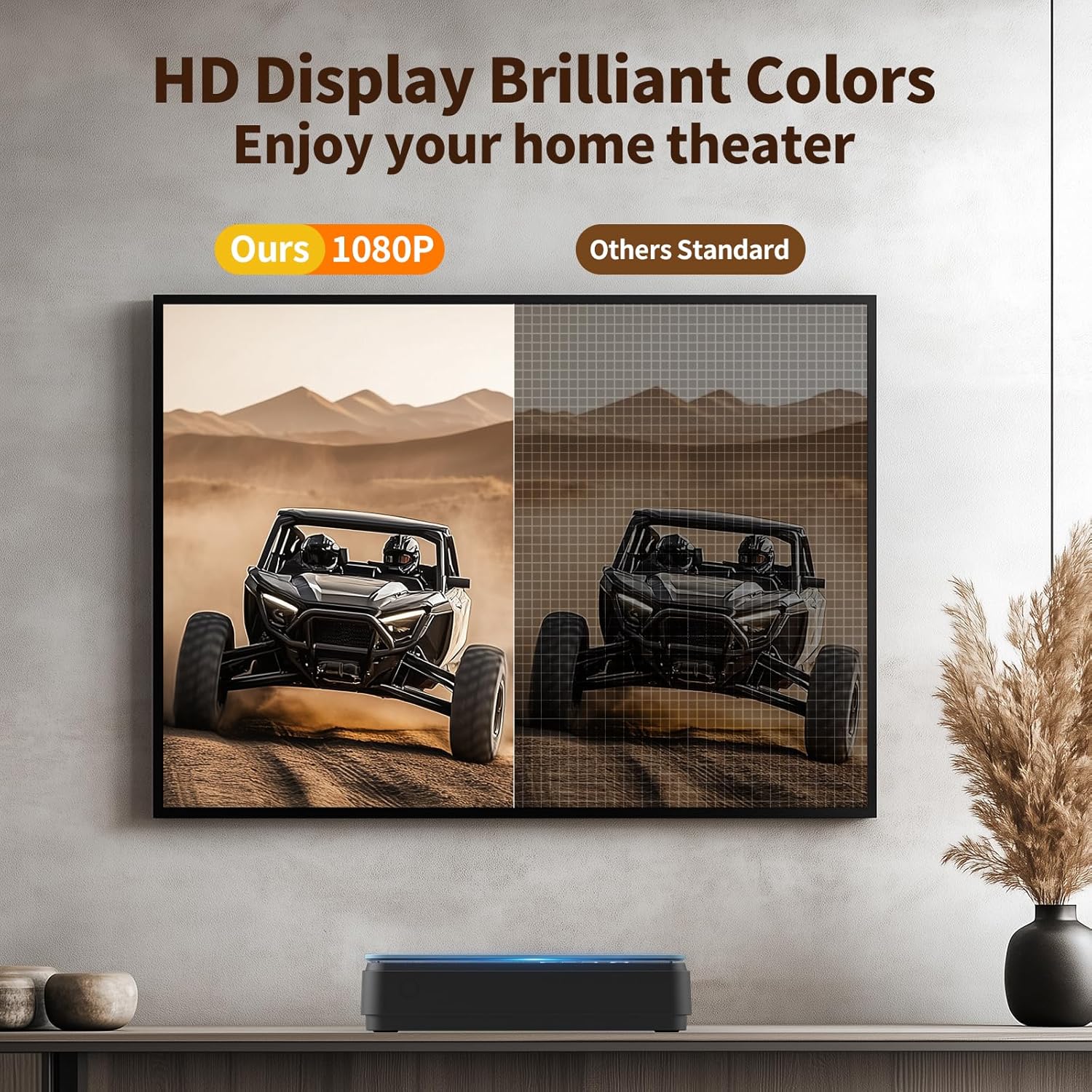
Image: A side-by-side comparison showing the enhanced clarity and vibrant colors of a 1080P HD display compared to a standard definition display.
7. ساتنه
۶.۱ د لوبغاړي پاکول
- د لوبغاړي بهرنۍ برخه د نرم او وچ ټوکر سره پاک کړئ.
- Do not use liquid cleaners or abrasive materials, as they may damage the surface.
- For the disc lens, use a specialized DVD/CD lens cleaning disc if necessary.
۶.۲ د ډیسک پاملرنه
- د ګوتو د نښو او سکریچونو څخه د مخنیوي لپاره ډیسکونه د دوی د څنډو سره ونیسئ.
- ډیسکونه په خپلو قضیو کې ذخیره کړئ کله چې نه کارول کیږي.
- ډیسکونه د نرم، لینټ نه پاک ټوکر سره پاک کړئ، له مرکز څخه بهر ته یې پاک کړئ.
8. ستونزه حل کول
که تاسو د خپل DVD پلیر سره ستونزې سره مخ شئ، لاندې عامې ستونزې او حل لارې وګورئ:
| ستونزه | احتمالي لامل | د حل لاره |
|---|---|---|
| هیڅ ځواک نشته | د برېښنا کیبل نه دی وصل شوی؛ د برېښنا رسۍ خرابه ده | Ensure power cable is securely connected; try a different outlet. |
| هیڅ عکس / غږ نشته | Incorrect input selected on TV; loose HDMI/AV cables | Select correct input on TV; check cable connections. |
| ډیسک نه پلی کیږي | Disc is dirty/scratched; unsupported disc format; disc inserted incorrectly | Clean disc; ensure disc is compatible (no Blu-ray); reinsert disc correctly. The player features د تېروتنې سمون for minor disc imperfections. |
| ریموټ کنټرول کار نه کوي | Batteries low/incorrectly inserted; obstruction between remote and player | Replace batteries (AAA); ensure clear line of sight to the player's front panel. |
| Playback skipping/freezing | Disc is damaged; player is unstable | Try a different disc; ensure player is on a stable surface. The player has د شاک ضد محافظت. |
The player's د شور لغوه کول feature helps ensure quiet operation during disc loading.
9. مشخصات
| فیچر | مشخصات |
|---|---|
| برانډ | تینکیا |
| د ماډل شمیره | B0FMRRN8M4 |
| د رسنیو ډول ملاتړ شوی | CD, DVD, DVD-R/+R, DVD-/+RW, CD-R/-RW, VCD, SVCD, Discs recorded by DVD Recorder (Blu-ray NOT supported) |
| قرارداد | ۱۹۲۰x۱۰۸۰ (۱۰۸۰P HD) |
| د نښلونکي ډول | HDMI, RCA (AV) |
| د ارتباط ټیکنالوژي | HDMI |
| ځانګړي ځانګړتیاوې | Compact, All Region Free, Last Memory Function, USB Playback, Anti-shock, Error Correction, Noise Cancellation |
| د توکي وزن | ۲.۴۵ پونډه |
| د کڅوړې ابعاد | 11.97 x 11.22 x 4.53 انچه |
| UPC | 653998773199 |
| جوړونکی | تینکیا |
10. تضمین او ملاتړ
For information regarding the product warranty, please refer to the warranty card included with your purchase or contact the seller directly. Specific warranty terms and conditions may vary.
If you require further assistance or have questions not covered in this manual, please contact THINKYA customer support through the retailer's platform or the official THINKYA website, if available.