
1. محصول ختم شوview
The AJAZZ AJ139 V2 MC is a versatile tri-mode gaming mouse designed for precision and responsiveness. It features a PAW3311 sensor for accurate tracking, a 1000Hz return rate for smooth performance, and a long-lasting 500mAh battery. Its compact and lightweight design makes it suitable for extended use and portability.
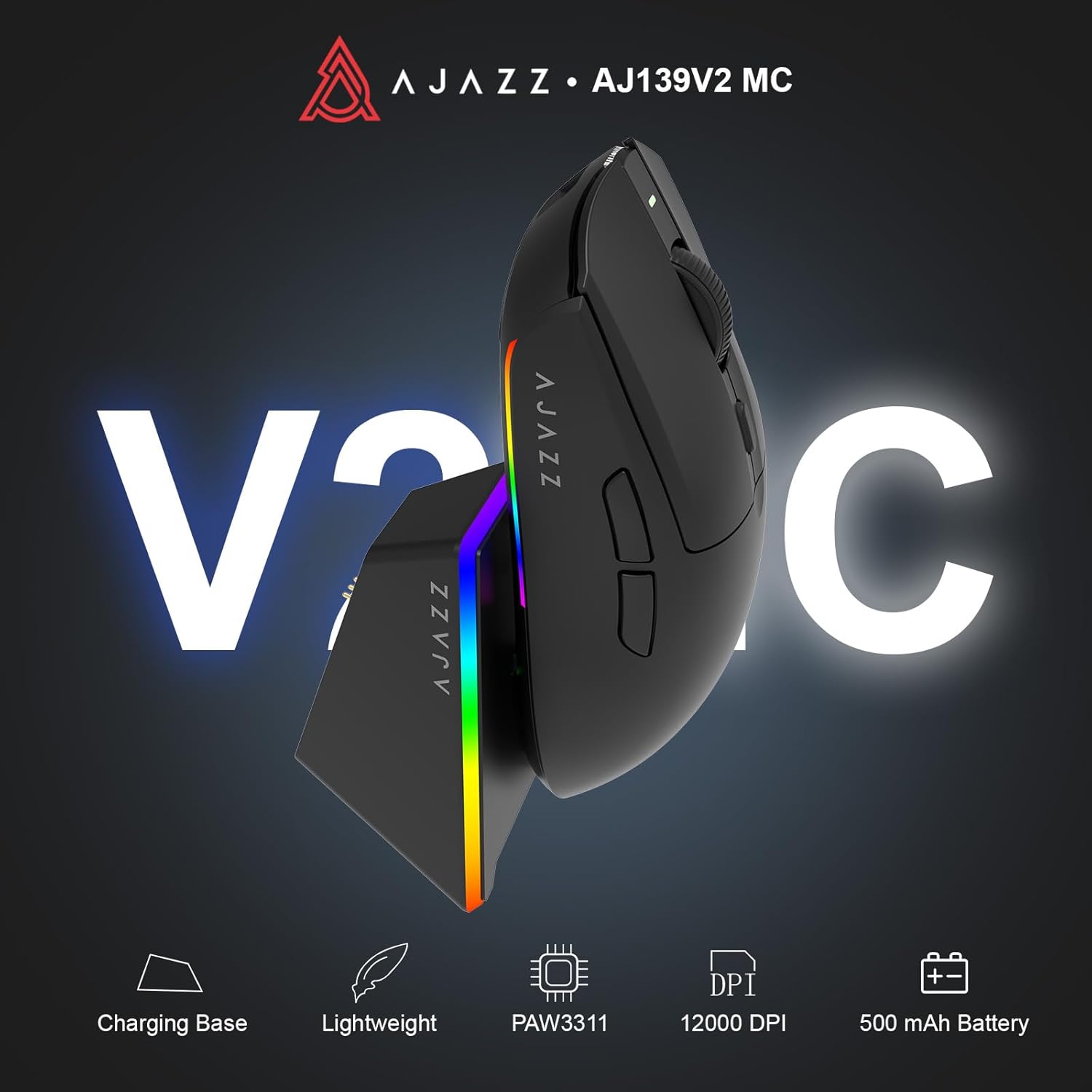
Figure 1.1: AJAZZ AJ139 V2 MC Gaming Mouse and Charging Dock.
ویډیو ۳.۱: یو اوورview of the AJAZZ AJ139 V2 MC Gaming Mouse, highlighting its features and design.
2. د بسته محتويات
ډاډ ترلاسه کړئ چې ټول توکي په کڅوړه کې شتون لري:
- AJAZZ AJ139 V2 MC د لوبو موږک
- د چارج کولو ډاک
- د USB-C چارج کیبل
- 2.4G USB Receiver (Dongle)
- د کارن لارښود
3. کلیدي ځانګړتیاوې
- PAW3311 Sensor Technology: Equipped with the PAW3311 sensor, this mouse ensures precise tracking and accurate cursor control for optimal performance.
- High 1000Hz Return Rate: Experience smooth and responsive performance with a 1000Hz return rate, enhancing your gaming or work experience.
- د اوږدې مودې لپاره ۱۰،۰۰۰mAh بیټرۍ: The integrated 500mAh battery provides extended power, ensuring uninterrupted use for prolonged periods.
- درې اړخیزه اړیکه: Supports versatile connectivity options including Wired, 2.4G Wireless, and Bluetooth, adapting to various devices and setups.
- کمپیکٹ او لږ وزن ډیزاین: Weighing approximately 66 grams, the mouse features a compact design for easy portability and comfortable use during long sessions.
- د اصلاح وړ RGB رڼا: Features integrated RGB lighting for personalized aesthetics.
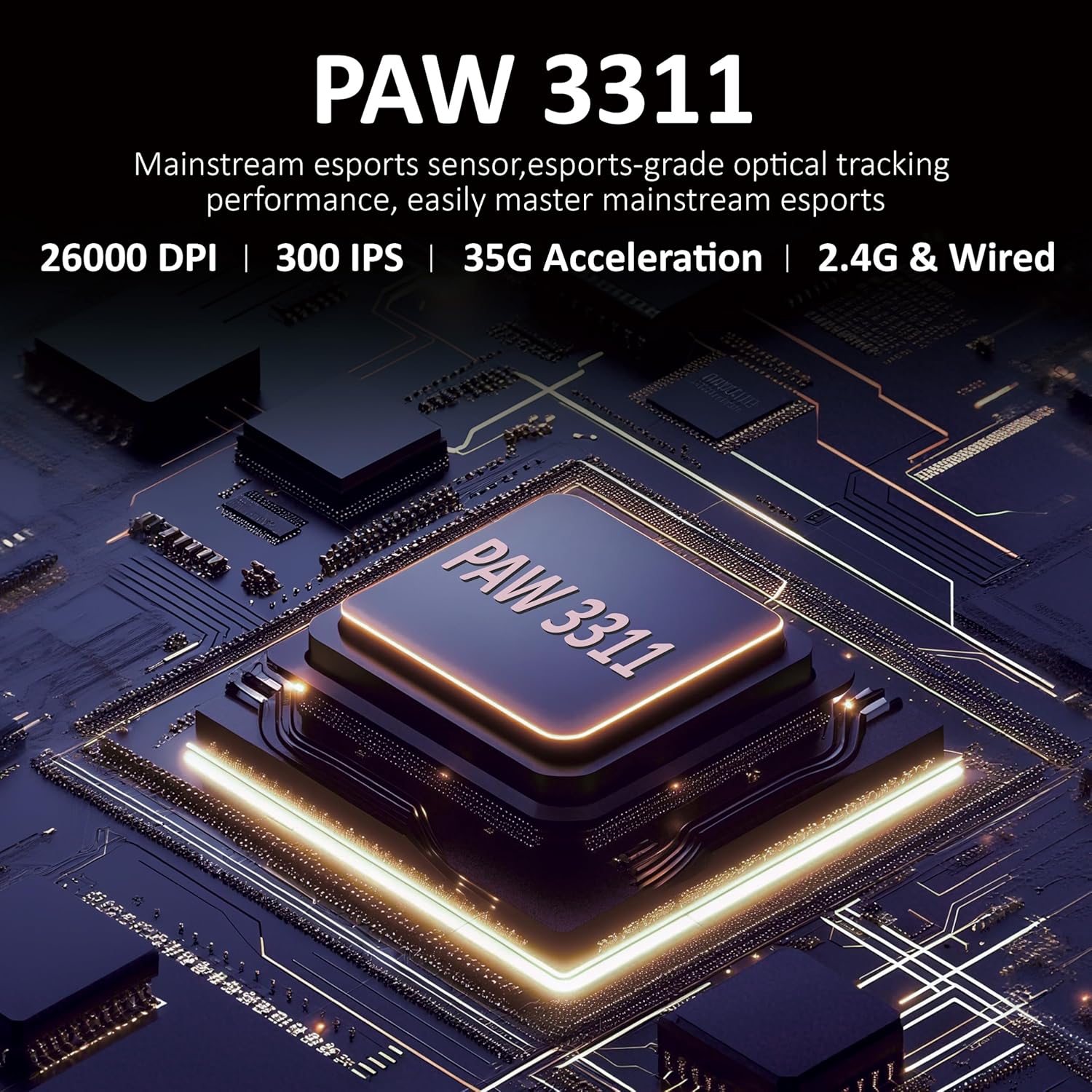
شکل 3.1: مفصل view of the PAW3311 sensor technology.
Video 3.1: Demonstration of the mouse's 500mAh battery life.

Figure 3.2: The lightweight design of the AJAZZ AJ139 V2 MC mouse.
4. د تنظیم کولو لارښود
4.1. موږک سره نښلول
The AJAZZ AJ139 V2 MC offers three connection modes:
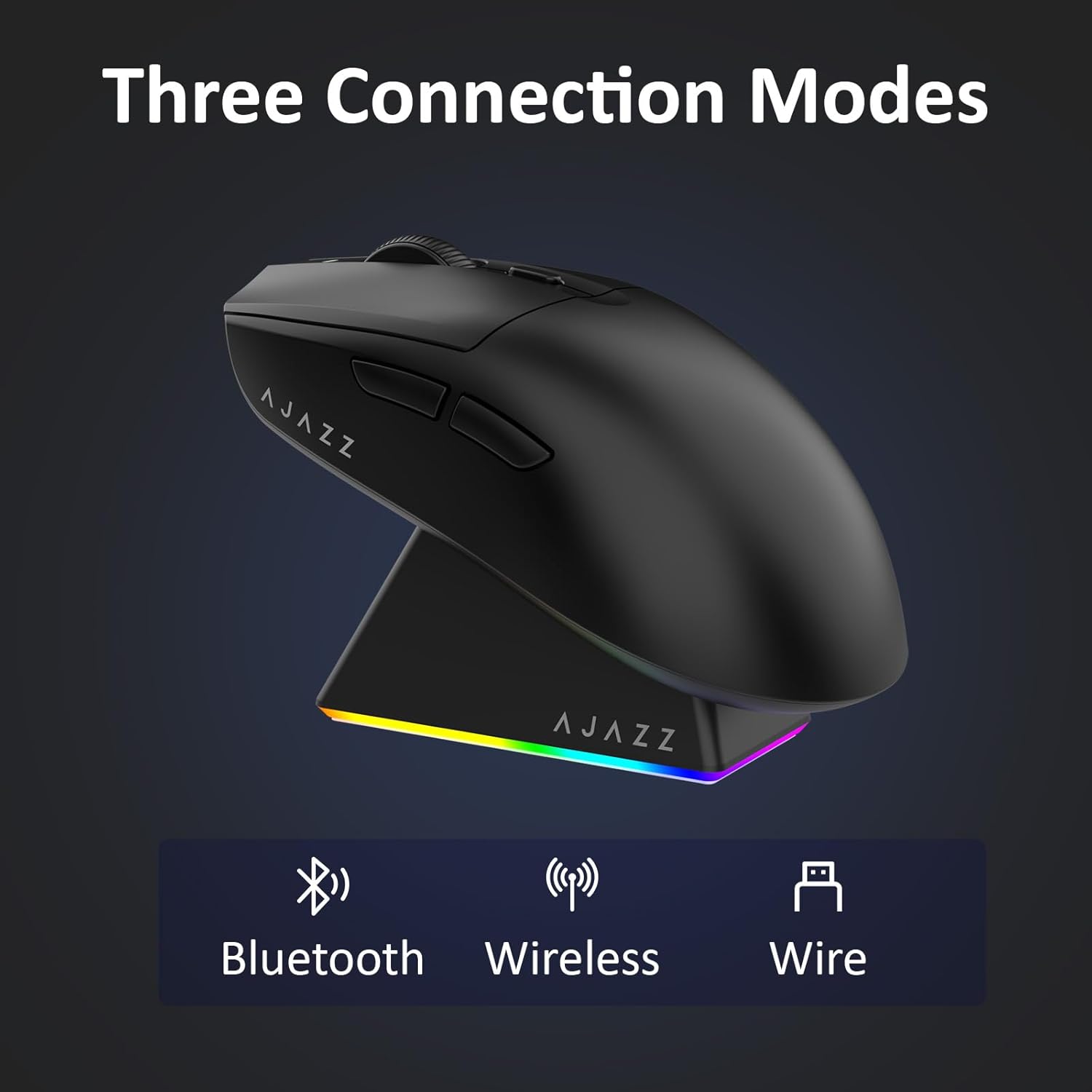
Figure 4.1: Visual representation of the three connection modes.
- 2.4G بې سیم حالت:
- د موږک په لاندې برخه کې په کمپارټمینټ کې زیرمه شوی 2.4G USB ریسیور ومومئ.
- د USB ریسیور په خپل کمپیوټر کې موجود USB پورټ کې ولګوئ.
- Slide the switch on the bottom of the mouse to the '2.4G' position. The mouse will automatically connect.
- بلوتوث موډ:
- د موږک په ښکته برخه کې سویچ د 'BT' موقعیت ته وغورځوئ.
- On your device, open Bluetooth settings and search for new devices.
- Select 'AJAZZ AJ139 V2 MC' from the list to pair.
- د بریښنا حالت:
- Connect the USB-C charging cable to the mouse and the other end to your computer's USB port.
- موږک به د تار لرونکي وسیلې په توګه کار وکړي او په ورته وخت کې چارج شي.
4.2. د موږک چارج کول
The mouse can be charged using the included charging dock or directly via the USB-C cable.
- د چارج کولو ډاک کارول:
- Connect the USB-C charging cable to the charging dock and then to a power source (e.g., computer USB port, USB wall adapter).
- Place the mouse onto the charging dock, aligning the magnetic contacts. The RGB lighting on the dock and mouse will indicate charging status.
- مستقیم USB-C چارج کول:
- Connect the USB-C charging cable directly to the mouse and a power source.
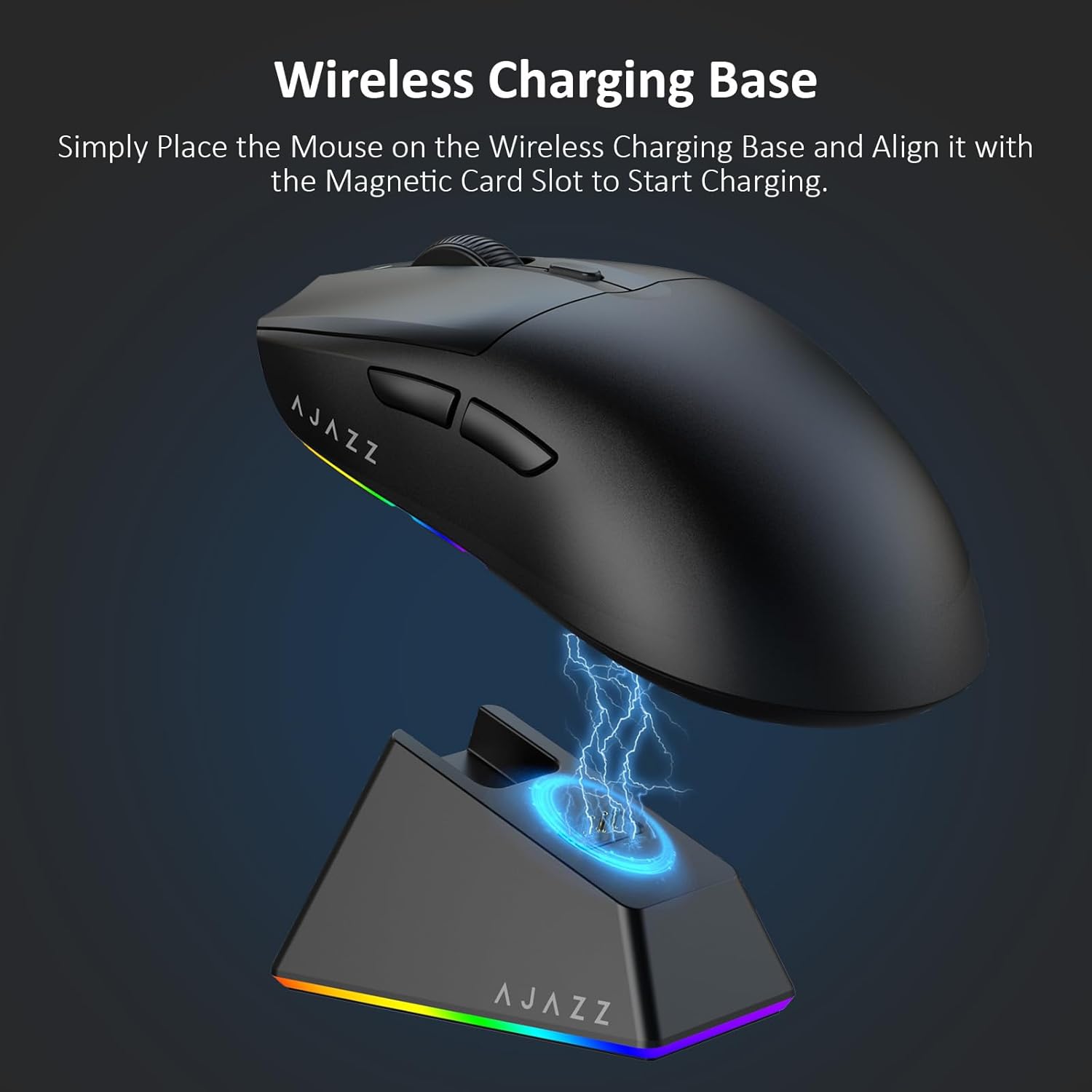
Figure 4.2: The mouse being charged on its wireless charging base.
5. عملیاتي لارښوونې
۴.۴. د DPI سمون
The mouse features a dedicated DPI adjustment button on its underside, allowing you to cycle through different sensitivity levels. Press the button to change the DPI setting to suit your preference.
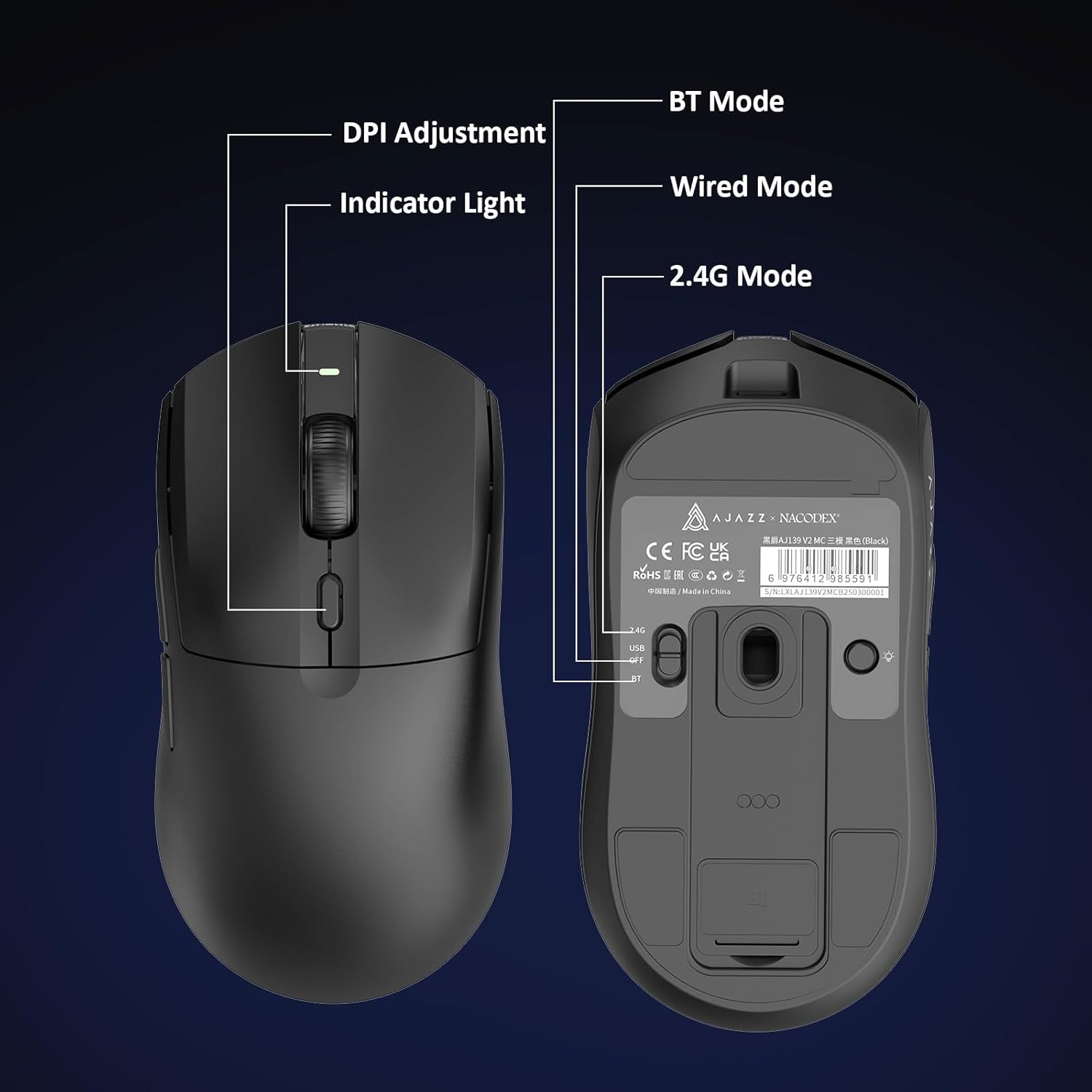
Figure 5.1: Location of the DPI adjustment button and connection mode switch on the mouse underside.
5.2. د تڼۍ دندې
The mouse is equipped with 6 programmable buttons:
- بائیں کلیک تڼۍ
- ښي تڼۍ کلیک وکړئ
- د سکرول ویل (د کلیک کولو وړ)
- DPI Adjustment Button (on underside)
- Two Side Buttons (typically for forward/backward navigation)
For advanced customization of button functions and macros, please refer to the official AJAZZ software (downloadable from the manufacturer's webسایټ).
۱. د RGB رڼا کنټرول
The mouse and charging dock feature customizable RGB lighting. Specific controls for lighting modes and colors are typically managed through the official AJAZZ software. A dedicated light button on the underside of the mouse allows for basic cycling or turning off the lighting.
6. ساتنه
- پاکول: د موږک سطحه پاکولو لپاره نرم، وچ ټوکر وکاروئ. د سختې خاورې لپاره، یو څه damp ټوکر کارول کیدی شي، ډاډ ترلاسه شي چې رطوبت داخلي برخو ته ننوځي.
- د سینسر پاملرنه: د موږک په لاندې برخه کې نظري سینسر پاک او د دوړو یا کثافاتو څخه پاک وساتئ ترڅو د تعقیب دقت وساتئ.
- د بیټرۍ اوږدوالی: د بیټرۍ د ژوند اوږدولو لپاره، د موږک په مکرر ډول په بشپړه توګه چارج کولو څخه ډډه وکړئ. کله چې د بیټرۍ شاخص ټیټ وي نو چارج یې کړئ.
7. ستونزه حل کول
| ستونزه | احتمالي حل |
|---|---|
| Mouse not responding in 2.4G Wireless mode. | Ensure the 2.4G USB receiver is securely plugged into a USB port and the mouse switch is set to '2.4G'. Try a different USB port. |
| Mouse not pairing via Bluetooth. | Ensure the mouse switch is set to 'BT' and your device's Bluetooth is enabled and discoverable. Try unpairing and re-pairing the device. |
| موږک چارج نه کوي. | Verify the USB-C cable is properly connected to both the dock/mouse and the power source. Ensure the mouse is correctly seated on the charging dock's magnetic contacts. |
| Inconsistent tracking or cursor movement. | د موږک په لاندې برخه کې نظري سینسر پاک کړئ. ډاډ ترلاسه کړئ چې تاسو موږک په مناسب سطحه کاروئ (د مثال په توګه، د موږک پیډ). |
| د RGB رڼا کار نه کوي. | Check the mouse's software settings for lighting control. Ensure the mouse has sufficient battery charge. |
8. تخنیکي مشخصات
| فیچر | مشخصات |
|---|---|
| برانډ | اجاز |
| د ماډل نوم | Aj139 V2 MC |
| رنګ | V2 MC Black |
| د ارتباط ټیکنالوژي | بلوتوث، USB، 2.4G بېسیم |
| د حرکت کشف ټیکنالوژي | آپټیکل (PAW3311 سینسر) |
| Mouse Maximum Sensitivity | 12000 Dots per Inch (DPI) |
| د راستنیدو نرخ | 1000Hz |
| د بیټرۍ ظرفیت | 500mAh |
| د تڼۍ مقدار | 6 |
| د لاس لارښوونه | سمه ده |
| مطابقت لرونکې وسیلې | ډیسټاپ کمپیوټر |
| عملیاتي سیسټم | وینډوز |
| رینج | 10 متره |
| د توکي وزن | ۰.۳ اونس (تقریبا ۸.۵ ګرامه) |
| د توکو ابعاد L x W | 5"L x 2.5"W (approx. 12.7cm x 6.35cm) |
| د زینت ځانګړتیا | د RGB رڼا |
| د تړلو موادو | پلاستیک |
| ختم | مټ |
9. تضمین او ملاتړ
This product comes with a standard manufacturer's warranty. For detailed warranty information, please refer to the official AJAZZ webسایټ یا خپل پرچون پلورونکي سره اړیکه ونیسئ.
For technical support, troubleshooting assistance, or any product-related inquiries, please visit the AJAZZ official support page or contact their customer service team.
آنلاین سرچینې:
AJAZZ Official Store