
1. پیژندنه
Thank you for choosing the THOMSON COSMO 500W Wi-Fi Connected Fluid-Free Electric Towel Dryer. This appliance is designed to provide rapid and uniform heat, ensuring warm towels and a comfortable bathroom environment. Its elegant design and smart connectivity features offer both performance and convenience.
This manual provides essential information for the safe installation, operation, and maintenance of your new towel dryer. Please read it thoroughly before use and retain it for future reference.
2. د خوندیتوب لارښوونې
خبرداری: د دې خوندیتوب لارښوونو په تعقیب کې پاتې راتلل ممکن د اور، بریښنا شاک، یا ټپي کیدو لامل شي.
- د دې وسیلې نصبولو یا کارولو دمخه ټولې لارښوونې ولولئ.
- دا وسیله یوازې د کورني کارونې لپاره ده. د سوداګریزو یا صنعتي موخو لپاره یې مه کاروئ.
- د بریښنا رسولو حجم ډاډمن کړئtage د وسیلې د درجه بندي لیبل سره سمون خوري.
- Do not operate the appliance with a damaged cord or plug, or if it has malfunctioned or been dropped.
- د بریښنا تار د ګرمو سطحو څخه لرې وساتئ.
- وسایل، تار یا پلګ په اوبو یا نورو مایعاتو کې مه ډوب کړئ.
- کله چې د کارولو په وخت کې نه وي او د پاکولو دمخه وسیله تل د بریښنا له سایټ څخه جلا کړئ.
- Do not allow children to operate or play with the appliance. Close supervision is necessary when the appliance is used near children.
- Install the towel dryer in a location where it is not accessible to persons in the bath or shower.
- Ensure proper ventilation around the appliance. Do not cover the towel dryer.
- دا وسیله د ډیر تودوخې محافظت سره سمبال ده. که چیرې دا ډیر ګرم شي، نو دا به په اتوماتيک ډول بند شي.
- نصب کول باید د سیمه ایزو تارونو مقرراتو سره سم د وړ بریښنایی متخصص لخوا ترسره شي.
3. محصول ختم شوview
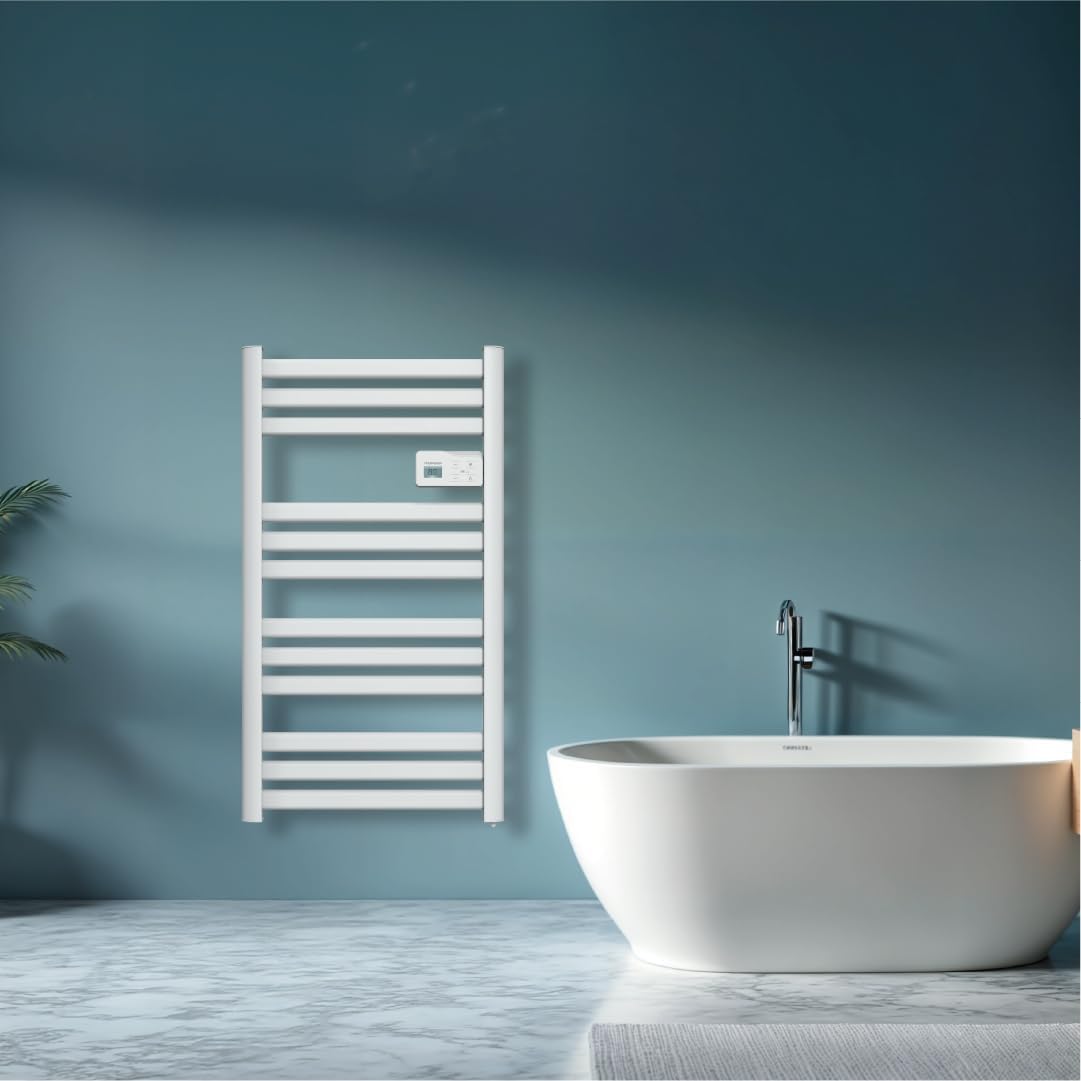
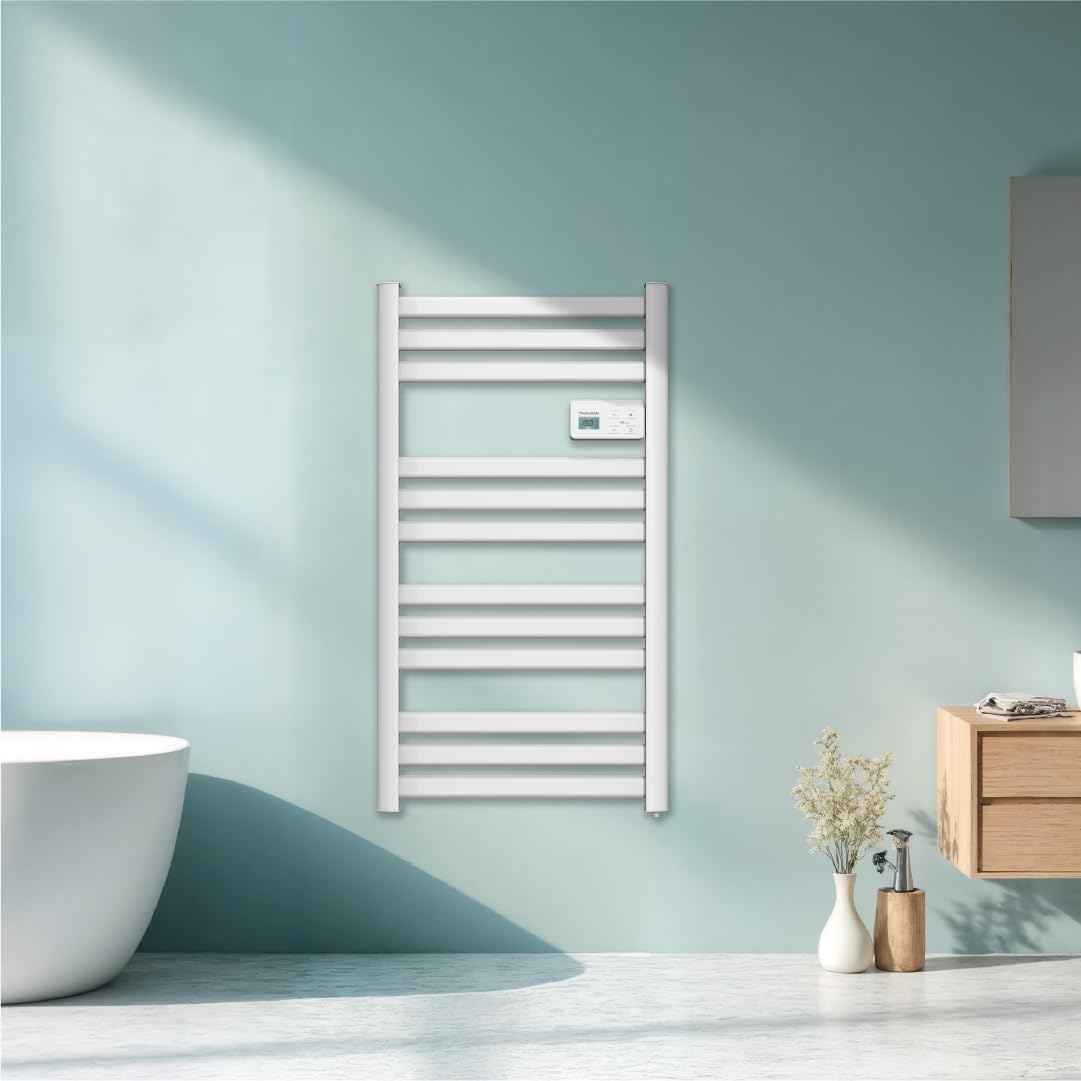
The THOMSON COSMO towel dryer features a sleek design and advanced fluid-free heating technology for rapid and even heat distribution. It includes a digital control panel and Wi-Fi connectivity for remote management.
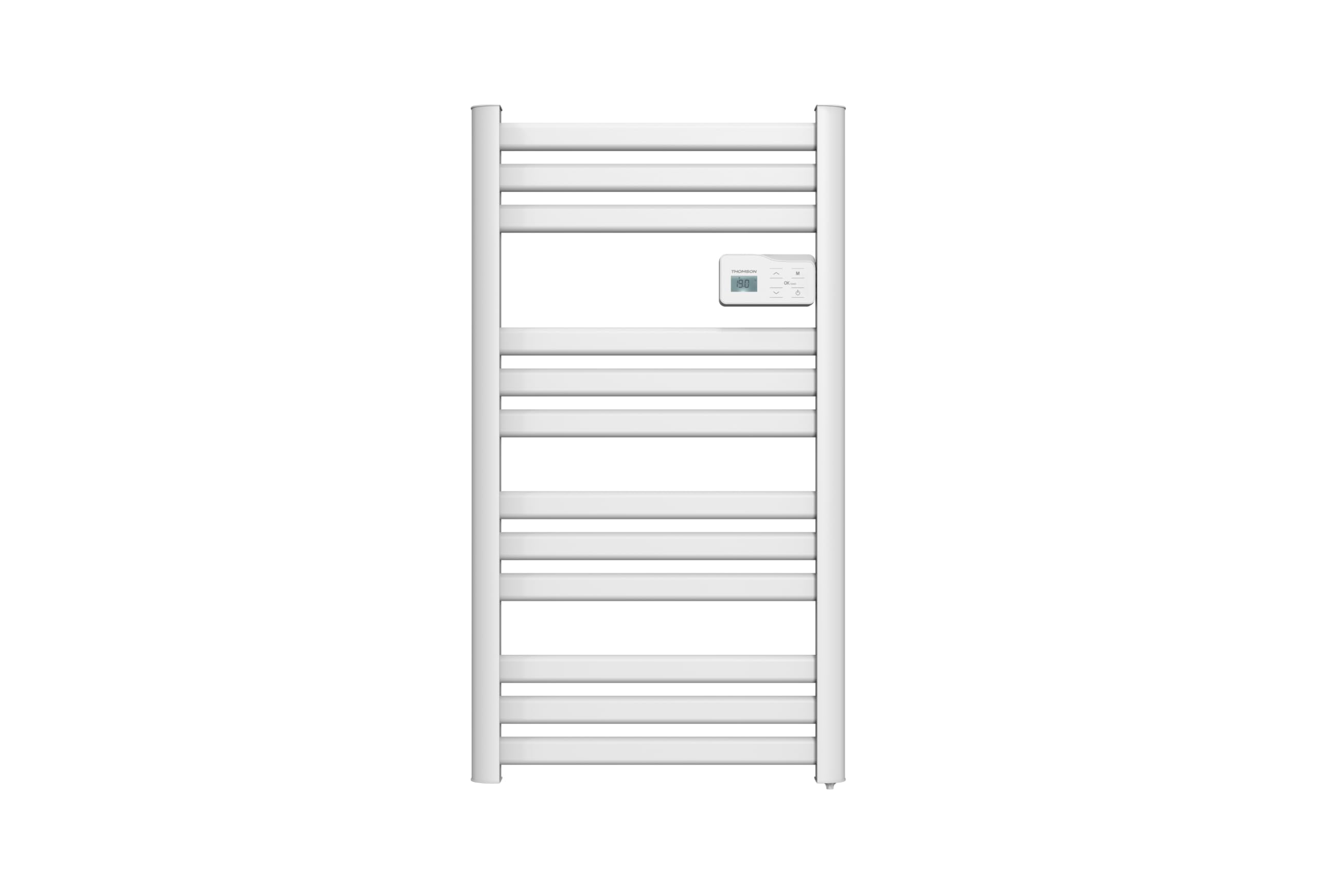
انځور: مخکی view of the THOMSON COSMO electric towel dryer, white, wall-mounted, showcasing its design in a bathroom.
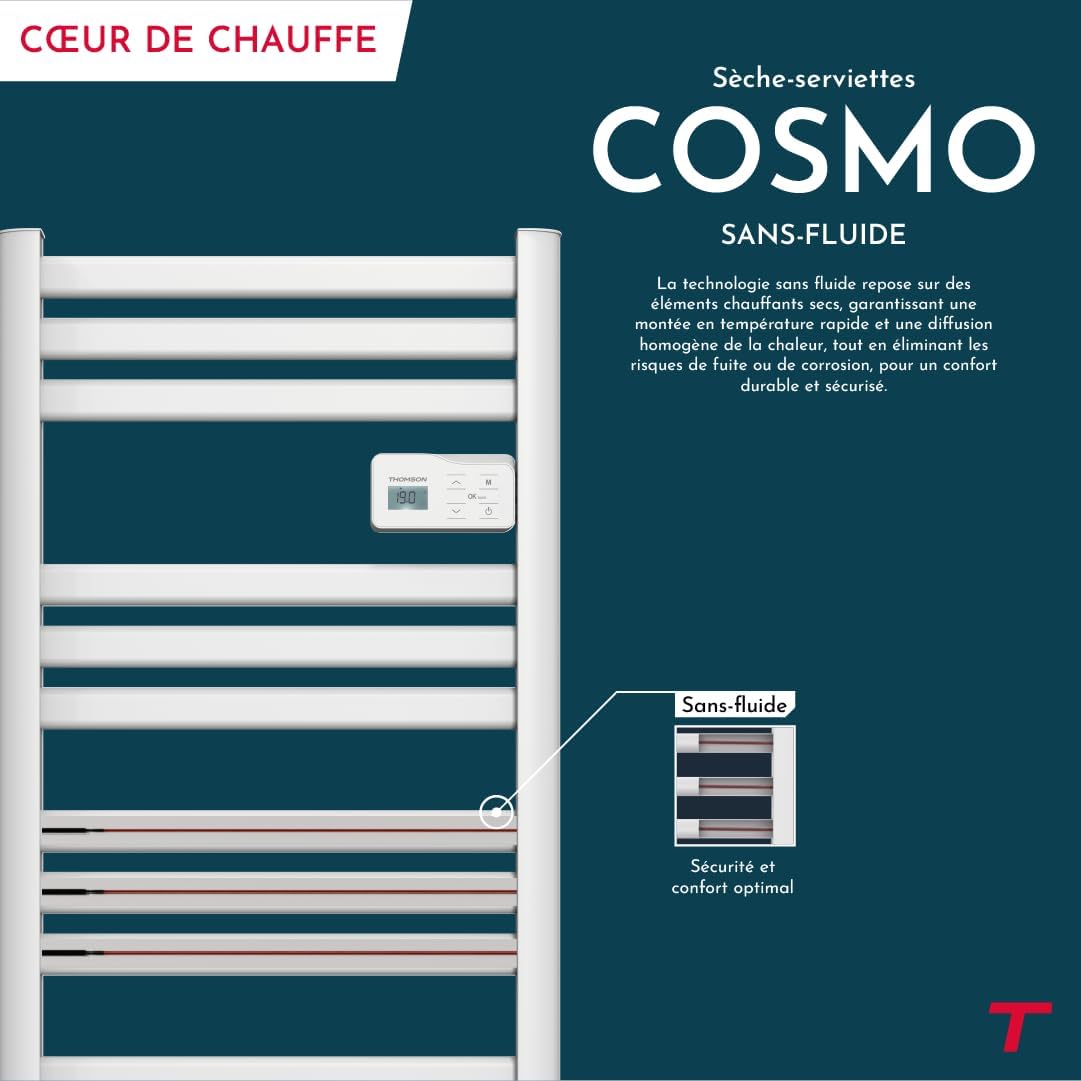
انځور: Diagram illustrating the internal fluid-free heating elements, highlighting rapid and homogeneous heat distribution and programmable thermostat.
کلیدي ځانګړتیاوې:
- 500W بریښنا: Efficient heating for towels and bathroom.
- Fluid-Free Technology: Ensures quick heat-up and uniform temperature across the surface.
- د وای فای اتصال: Compatible with Tuya Smart and Smart Life applications for remote control.
- د ډیجیټل کنټرول پینل: Intuitive LCD display for direct temperature and mode adjustments.
- د پروګرام وړ ترموسټات: 7 daily pre-recorded and customizable programs.
- د کړکۍ خلاص کشف: Automatically cuts heating to save energy if a sudden temperature drop is detected.
- د ماشوم قفل: په ترتیباتو کې د غیر ارادي بدلونونو مخه نیسي.
4. ترتیب او نصب کول
The THOMSON COSMO towel dryer is designed for wall-mounted installation. Professional installation is recommended.
4.1. خلاصول
- Carefully remove the towel dryer and all accessories from the packaging.
- د لیږد پرمهال د کوم زیان لپاره وګورئ. که زیانمن شوی وي، مه نصب کوئ او له خپل پرچون پلورونکي سره اړیکه ونیسئ.
- د راتلونکي ترانسپورت یا ذخیره کولو لپاره بسته بندي وساتئ.
4.2. د نصبولو ځای
- Choose a suitable wall in your bathroom, ensuring it is structurally sound to support the weight of the unit (approximately 3.9 kg).
- Ensure the location complies with local electrical safety regulations, especially regarding proximity to water sources (baths, showers, sinks).
- Maintain adequate clearance around the unit for air circulation and access.

انځور: Product dimensions and weight for installation planning.
4.3. دیوال لوړول
- Mark the drilling points on the wall using the provided mounting template or by measuring the bracket positions.
- Drill holes of appropriate size for the wall plugs (e.g., Molly anchors for plasterboard, as suggested by a user review).
- Insert the wall plugs and secure the mounting brackets to the wall.
- Carefully hang the towel dryer onto the secured brackets.
- Ensure the unit is level and securely fastened to the wall.
4.4. بریښنایی پیوستون
- The appliance connects via an electrical cable. Ensure the power supply is switched off at the main circuit breaker before making any connections.
- Connect the towel dryer to a suitable electrical outlet or junction box according to local electrical codes.
- Once connected, switch on the power supply.
5. عملیاتي لارښوونې
The THOMSON COSMO towel dryer features an intuitive digital control panel for easy operation.
انځور: Digital control panel with LCD display and buttons for temperature adjustment and mode selection, shown with a hand pressing the power button.
5.1. د کنټرول پینلview
- د LCD نندارې: اوسنی تودوخه، حالت، او نور ترتیبات ښیې.
- د چالانېدو تڼۍ (🏻): واحد فعال/بندوي.
- پورته/ښکته تیرونه (⌃ / ⌄): Adjust temperature settings or navigate menus.
- د حالت تڼۍ (M): Cycles through different operating modes (e.g., Comfort, Eco, Boost, Program).
- Menu/Confirm Button (≡): Accesses menu options or confirms selections.
5.2. بنسټیز عملیات
- بریښنا فعال/بند: د بریښنا ت buttonۍ فشار کړئ (🏻) to turn the towel dryer on or off.
- د حرارت درجه تنظیم کړئ: When the unit is on, use the Up/Down arrows (⌃ / ⌄) to adjust the desired temperature. The display will show the set temperature.
- د بدلون حالت: Press the Mode button (M) to cycle through available operating modes. Refer to the full product manual for detailed descriptions of each mode (e.g., Comfort, Eco, Boost, Frost Protection).
5.3 برنامه کول
The towel dryer offers 7 daily pre-recorded and customizable programs. Access the programming menu via the Menu/Confirm button (≡) and follow the on-screen instructions to set your desired heating schedules.
For a visual guide on programming, you can refer to the official video tutorial playlist:
ویډیو: Official video tutorial playlist for THOMSON COSMO towel dryer programming and features. This playlist provides step-by-step instructions on how to set up and use various functions of your device.
6. Wi-Fi Connectivity & Smart Features
The THOMSON COSMO towel dryer can be controlled remotely via Wi-Fi using the Tuya Smart or Smart Life mobile applications.
انځور: A graphic indicating the towel dryer's Wi-Fi connectivity and compatibility with the Tuya Smart application.
۵.۲. د اپلیکیشن نصب او جوړه کول
- Download the "Tuya Smart" or "Smart Life" app from your smartphone's app store (Google Play Store for Android, Apple App Store for iOS).
- خپل حساب کې ثبت یا ننوتل
- Ensure your towel dryer is powered on and your smartphone is connected to a 2.4 GHz Wi-Fi network.
- په اپلیکیشن کې، "وسیله اضافه کړئ" یا "+" آیکون باندې کلیک وکړئ.
- Select the appropriate device category (e.g., "Heater" or "Towel Warmer").
- Follow the in-app instructions to put your towel dryer into pairing mode (usually by pressing and holding a button on the control panel until an indicator light flashes).
- د اپلیکیشن دننه د جوړه کولو پروسه بشپړه کړئ.
۴.۱. د ریموټ کنټرول ځانګړتیاوې
یوځل چې وصل شو، تاسو کولی شئ د دې لپاره اپلیکیشن وکاروئ:
- Turn the towel dryer ON/OFF.
- د حرارت درجه تنظیم کړئ.
- Change operating modes.
- Set and customize heating schedules.
- Monitor energy consumption (if supported by the app and device).

انځور: The Tuya Smart app interface demonstrating energy monitoring and scheduling features for connected devices.
۴. د غږ کنټرول ادغام
The THOMSON COSMO towel dryer is compatible with voice assistants like Amazon Alexa and Google Home via the Tuya Smart/Smart Life app integration.

انځور: Logos of Amazon Alexa and Google Home, signifying that the towel dryer can be controlled using voice commands through these platforms.
- Enable the "Tuya Smart" or "Smart Life" skill/service in your Alexa or Google Home app.
- خپل د تویا/سمارټ لایف حساب د خپل غږ معاون حساب سره وصل کړئ.
- Discover devices. Your towel dryer should appear as a controllable device.
- تاسو اوس کولی شئ د غږ امرونه وکاروئ لکه:
- "Alexa, turn on the bathroom heater."
- "Hey Google, set the bathroom heater to 22 degrees."
7. ساتنه
Regular maintenance ensures the longevity and efficient operation of your THOMSON COSMO towel dryer.
7.1. پاکول
- تل وسیله انپلګ کړئ او اجازه ورکړئ چې د پاکولو دمخه په بشپړ ډول یخ شي.
- بهرنۍ سطحې په نرمۍ سره مسح کړئ، دamp ټوکر. د کثافاتو پاکوونکي، محلولونه، یا سخت کیمیاوي مواد مه کاروئ، ځکه چې دا کولی شي پای ته زیان ورسوي.
- ډاډ ترلاسه کړئ چې اوبه د کنټرول پینل یا بریښنایی برخو ته نه ننوځي.
- د اوبو جیټونه مه کاروئ یا وسیله په اوبو کې مه ډوبوئ.
7.2. ذخیره کول
If storing the towel dryer for an extended period, ensure it is clean and dry. Store it in a cool, dry place, preferably in its original packaging to protect it from dust and damage.
8. ستونزه حل کول
If you encounter issues with your THOMSON COSMO towel dryer, refer to the following common problems and solutions:
| ستونزه | احتمالي لامل | د حل لاره |
|---|---|---|
| وسیله نه ځي. | د برېښنا رسولو نشته؛ د برېښنا تڼۍ نه ده فشار شوې؛ د ډیر تودوخې محافظت فعال شوی. | Check power outlet and circuit breaker; Press the Power button; Unplug, let cool, then plug back in. |
| Appliance is not heating. | Temperature setting too low; Incorrect mode selected; Window open detection activated. | Increase temperature setting; Select Comfort or Boost mode; Close windows/doors. |
| د وای فای اتصال ناکام شو. | Incorrect Wi-Fi password; Not connected to 2.4 GHz network; Router too far; Device not in pairing mode. | Verify password; Connect to 2.4 GHz Wi-Fi; Move router closer or use extender; Re-enter pairing mode as per app instructions. |
| د غږ کنټرول کار نه کوي. | App not linked to voice assistant; Device not discovered; Incorrect commands. | Ensure Tuya/Smart Life skill is enabled and linked; Re-discover devices in Alexa/Google Home app; Use correct voice commands. |
که چیرې د دې حل لارو هڅه کولو وروسته هم ستونزه دوام ومومي، مهرباني وکړئ د پیرودونکو ملاتړ سره اړیکه ونیسئ.
9. مشخصات
| فیچر | تفصیل |
|---|---|
| ماډل | COSMO |
| برانډ | THOMSON (Bestherm) |
| د بریښنا تولید | 500 واټ |
| د تودوخې طریقه | Radiant, Fluid-Free Electric |
| ابعاد (H x W x D) | 98 سانتي متره x 54 سانتي متره x 9.2 سانتي متره (38.6 په x 21.3 x 3.6 کې) |
| وزن | 3.9 کیلوګرامه (8.6 پونډه) |
| رنګ | سپین |
| د نصب کولو ډول | په دیوال کی ایښودل شوی |
| ځانګړي ځانګړتیاوې | Wi-Fi Compatible, Overheat Protection, Programmable Thermostat, Electronic Thermostat, Child Lock, Window Open Detection |
| د سمارټ کور مطابقت | تویا سمارټ، سمارټ ژوند، ایمیزون الیکسا، ګوګل کور |
| ASIN | B0FP2KJNLQ |
10. تضمین او ملاتړ
10.1. د تضمین معلومات
Your THOMSON COSMO towel dryer comes with a manufacturer's warranty. Please refer to the warranty card included with your product for specific terms, conditions, and duration. Keep your proof of purchase for warranty claims.
10.2. د پیرودونکي ملاتړ
For technical assistance, troubleshooting beyond this manual, or warranty inquiries, please contact your retailer or the manufacturer's customer service. Contact details can typically be found on the product packaging or the manufacturer's official webسایټ
آنلاین سرچینې: For additional support and video tutorials, visit the official THOMSON website or the YouTube playlist provided in this manual.