
پیژندنه
This manual provides essential information for setting up, operating, maintaining, and troubleshooting your Apple iPad Pro 11-inch (M5). Please read this guide thoroughly to ensure optimal performance and longevity of your device. For the most up-to-date information and support, visit the official Apple Support webسایټ
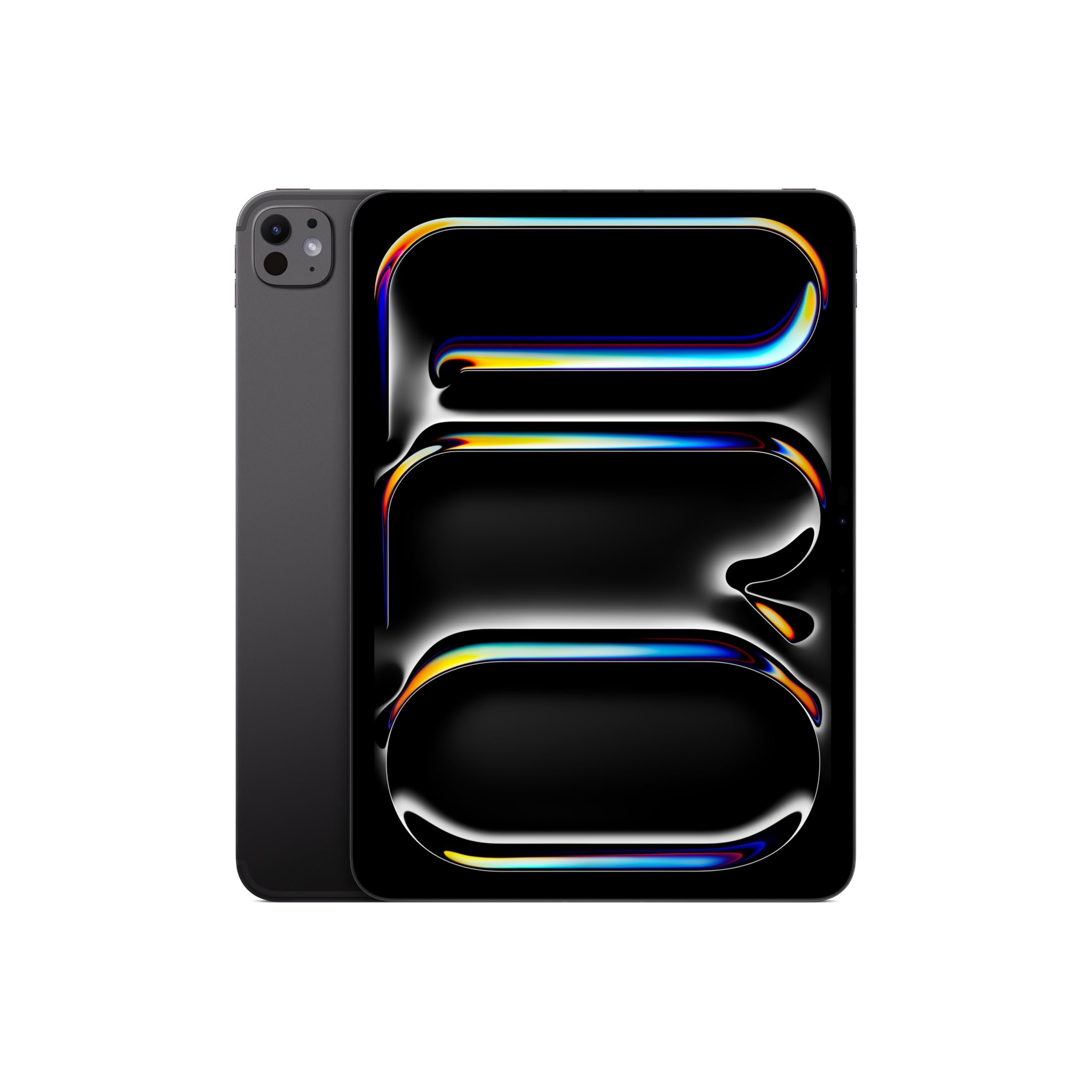
Image: The Apple iPad Pro 11-inch (M5) in Space Black, showcasing د هغې ښکلی ډیزاین.
په بکس کې څه دي
Verify that all items are present in your iPad Pro packaging:
- iPad Pro 11 انچه (M5)
- د USB-C چارج کیبل
- 20W USB-C ځواک اډیپټر

Image: The contents of the Apple iPad Pro box, displaying the iPad, USB-C charge cable, and 20W USB-C power adapter.
چمتو کول
۴. لومړنی بریښنا فعالول
- پورتنۍ ت buttonۍ فشار او ونیسئ تر هغه چې د آپیل لوګو څرګند نشي.
- د خپلې ژبې او سیمې غوره کولو لپاره د پردې پر لار لارښوونې تعقیب کړئ.
2. Connect to Wi-Fi or Cellular
- وای فای: له لیست څخه خپل وای فای شبکه غوره کړئ او پټنوم دننه کړئ.
- Cellular (Wi-Fi + Cellular models): Insert a nano-SIM card or activate an eSIM plan.
3. Set Up Face ID
Face ID allows you to securely unlock your iPad, authenticate purchases, and sign in to apps using facial recognition.
- During setup, follow the prompts to enroll your face.
- Ensure your face is well-lit and positioned correctly within the frame.
4. Apple ID
Sign in with your existing Apple ID or create a new one. Your Apple ID is used for iCloud, App Store, iTunes Store, and other Apple services.
Operating Your iPad Pro
ښودنه او تعامل
The iPad Pro features an Ultra Retina XDR Display with ProMotion technology, offering adaptive refresh rates for smooth scrolling and responsiveness. It supports P3 wide color and True Tone for accurate color representation.
M5 Chip Performance
Powered by the Apple M5 chip, your iPad Pro delivers exceptional performance for demanding tasks, including professional workflows, advanced gaming, and AI-driven applications. The integrated Neural Accelerators enhance on-device AI capabilities.

Image: The Apple iPad Pro 11-inch (M5) attached to a Magic Keyboard, showcasing its powerful M5 chip and multitasking capabilities with various applications open.
iPadOS and Apple Intelligence
iPadOS 26 provides a flexible windowing system for efficient multitasking. د ایپل استخبارات is integrated to assist with communication, expression, and task completion, prioritizing user privacy.
Cameras and LiDAR Scanner
The iPad Pro includes a landscape 12MP Center Stage کیمره for video calls and a 12MP Wide camera with an adaptive True Tone flash for high-quality photos and videos. The د لیډر سکینر enhances augmented reality experiences and improves low-light photography.
ارتباط
Enjoy fast wireless connections with Wi-Fi 7 (Apple N1) for quick data transfers. 5G cellular (Apple C1X) models offer robust connectivity in more locations.
Apple Pencil and Magic Keyboard (Sold Separately)
For enhanced creativity and productivity, the iPad Pro is compatible with Apple Pencil Pro او Apple Pencil (USB-C) for drawing, note-taking, and precise control. The جادو کیبورډ offers a comfortable typing experience and a trackpad with haptic feedback.

Image: A user interacting with the Apple iPad Pro using an Apple Pencil, highlighting its utility for creative tasks.

انځور: نږدې انځور view of the Apple Pencil Pro in use on the iPad Pro screen, illustrating its precision for digital artistry.
ساتنه
Cleaning Your iPad Pro
- د سکرین او بهرنۍ برخې پاکولو لپاره نرم، لینټ نه لرونکی ټوکر وکاروئ.
- Avoid abrasive materials, aerosols, solvents, or ammonia-based cleaners.
- پاکوونکي په مستقیم ډول په وسیله مه سپری کوئ.
د بیټرۍ پاملرنه
- د بیټرۍ د غوره ژوند لپاره، د سختې تودوخې څخه ډډه وکړئ.
- Charge your iPad Pro using the provided USB-C charge cable and power adapter.
- Regularly update iPadOS to benefit from battery optimization features.
د سافټویر تازه معلومات
Keep your iPadOS updated to the latest version to ensure access to new features, security enhancements, and performance improvements. Go to ترتیبات> عمومي> د سافټویر تازه کول.
د ستونزو حل کول
وسیله بې ځوابه ده
If your iPad Pro is unresponsive, try a force restart:
- د حجم پورته کولو تڼۍ ژر تر ژره فشار ورکړئ او خوشې یې کړئ.
- د حجم کمولو تڼۍ کېکاږئ او ژر یې خوشې کړئ.
- Press and hold the Top button until the Apple logo appears.
د شبکې د اتصال مسلې
- وای فای: Ensure your router is on and within range. Try forgetting the network (Settings > Wi-Fi > [Network Name] > Forget This Network) and reconnecting.
- سیلولر: Check your cellular plan status and ensure cellular data is enabled in Settings > Cellular Data.
د اپلیکیشن مسلې
If an app is not functioning correctly, try closing and reopening it. If the issue persists, check the App Store for updates or reinstall the app.
مشخصات
| فیچر | تفصیل |
|---|---|
| د ماډل نوم | iPad Pro 11 انچه (M5) |
| د توکي ماډل شمیره | ME2Q4LL/A |
| د محصول ابعاد | 6.99 x 9.83 x 0.21 انچه |
| د توکي وزن | 15.7 اونس |
| ښودل | 11-inch Ultra Retina XDR Display, Tandem OLED, 2420-by-1668-pixel resolution at 264 ppi, ProMotion, P3 Wide Color, True Tone |
| چپ | Apple M5 chip (9-core CPU, 10-core GPU, Neural Accelerators) |
| د حافظې د ذخیره کولو ظرفیت | 512 جي بي |
| کیمرې | 12MP Wide camera, 12MP TrueDepth (Center Stage) camera, LiDAR Scanner |
| ویډیو ثبتول | Up to 4K at 60 fps, ProRes video recording |
| ارتباط | Wi-Fi 7 (802.11be), Bluetooth 6, 5G (sub-6 GHz) on Cellular models |
| بندرونه | Thunderbolt / USB 4 port (Charging, DisplayPort, Thunderbolt 3, USB 4, USB 3) |
| امنیت | د مخ ID |
| بیټرۍ | Built-in 31.29-watt-hour rechargeable lithium-polymer battery (Up to 10 hours Wi-Fi, 9 hours Cellular) |
| عملیاتي سیسټم | iPadOS |
تضمین او ملاتړ
Your Apple iPad Pro 11-inch (M5) is covered by a limited warranty. For detailed warranty information, please refer to the documentation included with your product or visit the official Apple website. Apple also offers various support resources, including online knowledge bases, community forums, and direct customer support.
For technical assistance, service, and support, please visit ملاتړ.ایپل.com/ای پیډ یا مستقیم د ایپل ملاتړ سره اړیکه ونیسئ.