
محصول پای ته ورسیدview
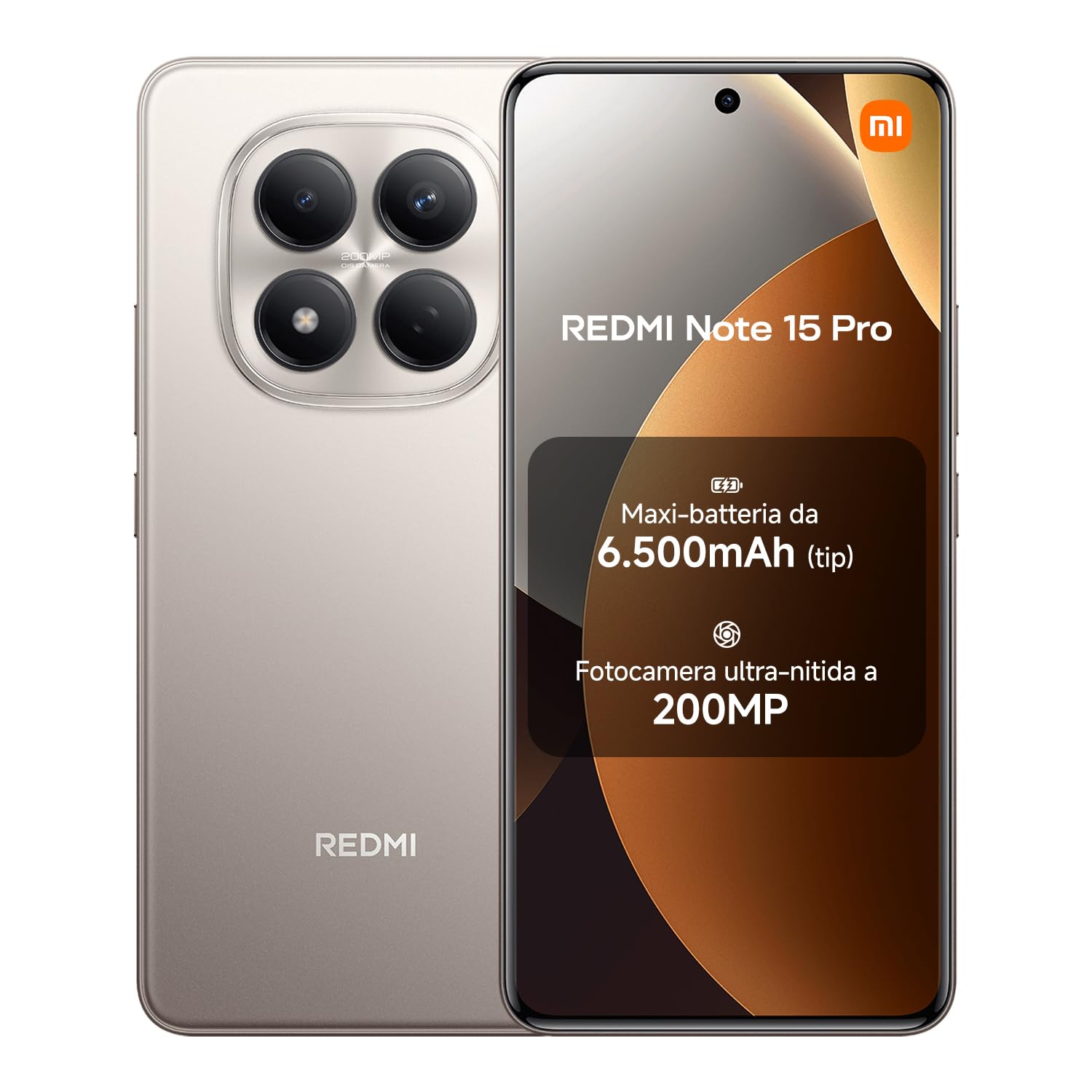
The XIAOMI Redmi Note 15 Pro is a high-performance smartphone designed for durability and advanced functionality. It features a robust 6500 mAh battery, a high-resolution 200 MP camera, IP65 dust and water resistance, and a vibrant 6.77-inch AMOLED FHD+ display. This device offers an optimized user experience with integrated AI capabilities.
په بکس کې څه دي
مهرباني وکړئ تصدیق کړئ چې لاندې ټول توکي ستاسو د محصول په کڅوړه کې شتون لري:
- XIAOMI Redmi Note 15 Pro Smartphone
- USB کیبل (USB-C)
- د سیم وتلو وسیله
- د سیلیکون محافظتي پوښ
- Ringholder

د تنظیم کولو لارښود
1. سیم کارت داخل کړئ
Locate the SIM card tray on the side of your device. Use the provided SIM eject tool to open the tray. Insert your Nano-SIM card(s) into the tray with the gold contacts facing down. Ensure the tray is fully reinserted into the device.
۴. لومړنی چارج
Before first use, fully charge your Redmi Note 15 Pro. Connect the USB-C cable to the phone's charging port and the other end to a compatible power adapter (not included). The device supports 45W turbo charging for rapid power delivery.

3. بریښنا فعال/بند
To power on, press and hold the Power button until the Xiaomi logo appears. To power off, press and hold the Power button, then select 'Power off' from the options displayed on the screen.
4. د ابتدايي ترتیب وزرډ
Follow the on-screen instructions to complete the initial setup process, which includes language selection, Wi-Fi connection, Google account login, and setting up security features like fingerprint or facial recognition.
ستاسو وسیله چلول
ښودنه او نیویګیشن
The 6.77-inch AMOLED FHD+ display offers vivid colors and a maximum brightness of 3200 nits, ensuring clear visibility even in bright environments. Navigate the interface using intuitive touch gestures or the customizable on-screen navigation bar. The 120Hz refresh rate provides a smooth and responsive user experience.

د کیمرې دندې
Your device features an exceptional 200 MP main camera with a large 1/1.4-inch sensor for highly detailed photos. Open the Camera app to access various modes including Photo, Video, Portrait, and Pro mode. The integrated AI assistant can optimize image creation and enhance your photography.

د بیټرۍ مدیریت
The 6500 mAh battery provides extended usage. To optimize battery life, manage background app usage and adjust screen brightness. The device supports 45W turbo charging for quick power-ups and up to 18W reverse charging, allowing you to power other devices like a portable power bank.


د دوړو او اوبو مقاومت (IP65)
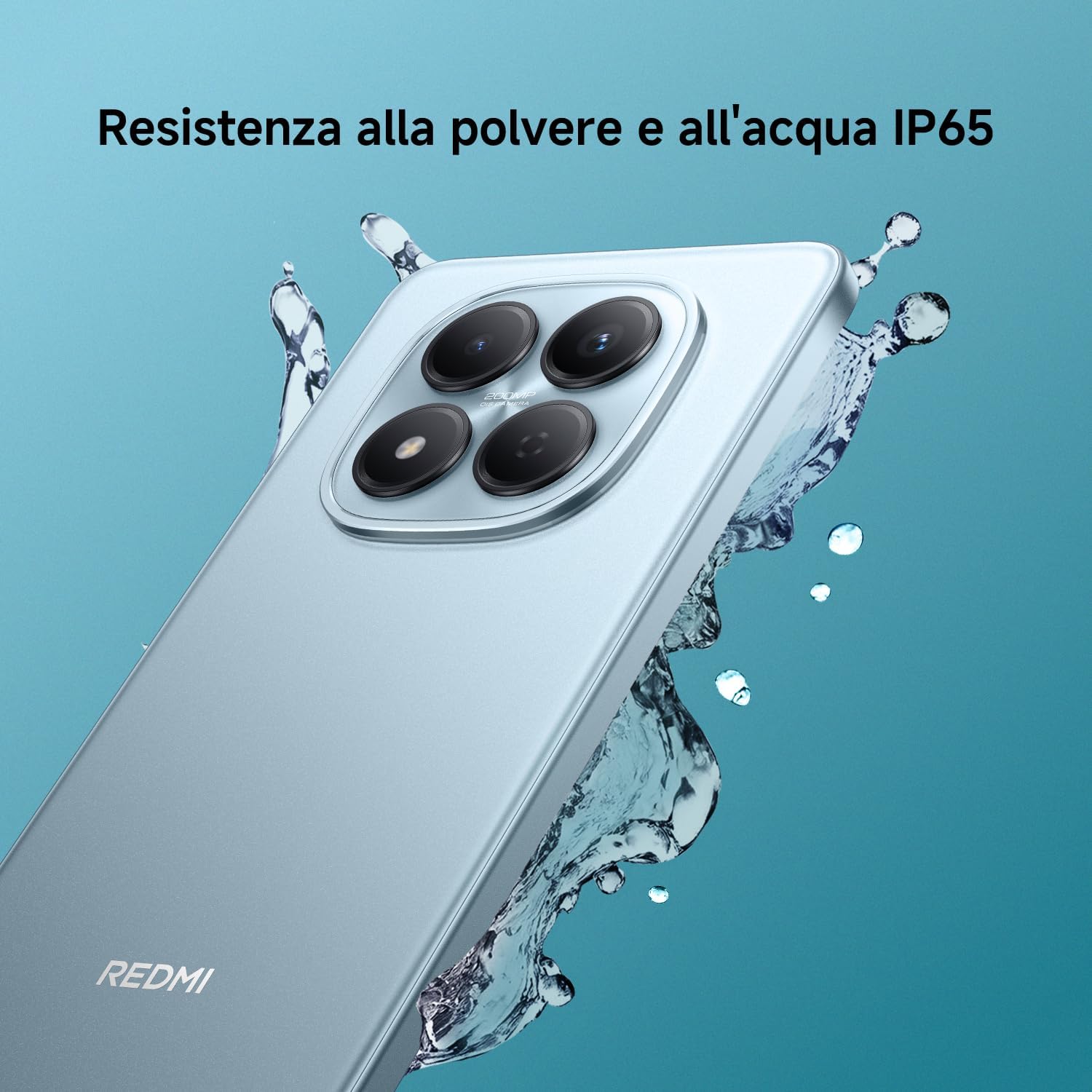
The Redmi Note 15 Pro is rated IP65 for dust and water resistance, offering effective protection against splashes and dust. While resistant, it is important to avoid intentional submersion or exposure to high-pressure water jets to maintain its integrity.

ساتنه
ستاسو وسیله پاکول
Use a soft, lint-free cloth to gently clean the screen and body of your phone. Avoid using harsh chemicals or abrasive materials. For dust and water removal from speakers, the device features 'Wet Touch 2.0' technology and a one-touch speaker cleaning function to restore sound quality.

د سافټویر تازه معلومات
Regularly check for and install software updates to ensure optimal performance, security, and access to new features. You can typically find update options in ترتیبات > د تلیفون په اړه > د MIUI نسخه.
د بیټرۍ پاملرنه
To prolong the lifespan of your battery, avoid exposing your device to extreme temperatures. It is also recommended to avoid frequently letting the battery completely drain. Optimal charging practices suggest keeping the battery level between 20% and 80%.
د ستونزو حل کول
وسیله ځواب نه ورکوي
If your device freezes, becomes unresponsive, or experiences unexpected behavior, you can force a restart. Press and hold the Power button for approximately 10 seconds until the device powers off and then restarts.
د شبکې د اتصال مسلې
If you encounter problems with mobile data or Wi-Fi connectivity, try toggling Airplane Mode on and off from the quick settings panel. You can also reset network settings in the ترتیبات لاندې مینو Connection & sharing > Reset Wi-Fi, mobile networks, and Bluetooth.
Poor Call Quality or No Signal
Ensure you are in an area with adequate network signal strength. If issues persist, try cleaning the earpiece and microphone openings. In areas with no network coverage, the device's offline communication feature may allow basic communication.

مشخصات
| فیچر | تفصیل |
|---|---|
| برانډ | XIAOMI |
| د ماډل نوم | د ریډمي نوټ 15 پرو |
| عملیاتي سیسټم | هایپر او ایس |
| RAM | 8 جي بي |
| د ذخیره کولو ظرفیت | 256 جي بي |
| د CPU ماډل | میډیاټیک ډیمینسټي ۸۳۰۰ |
| د CPU سرعت | 2.2 GHz |
| د سکرین اندازه | ۷۸۷ انچه |
| د ښودلو ریزولوشن | 1080 x 2400 |
| د تازه کولو نرخ | 120 Hz |
| د بیټرۍ ظرفیت | 6500 mAh |
| د شا کیمرې ریزولوشن | 200 MP |
| د مخکینۍ کیمرې ریزولوشن | 32 MP |
| د اوبو د مقاومت کچه | IP65 (د اوبو په وړاندې مقاومت لرونکی) |
| د ارتباط ټیکنالوژي | ۴ جي، بلوتوث، این ایف سي، وای فای |
| د سیم کارت سلاټونه | دوه ګونی سیم |
| بایټومریکیک پیژندنه | Fingerprint Recognition, Facial Recognition |
| رنګ | ټایټینیم |
| د ماډل کال | 2026 |

تضمین او ملاتړ
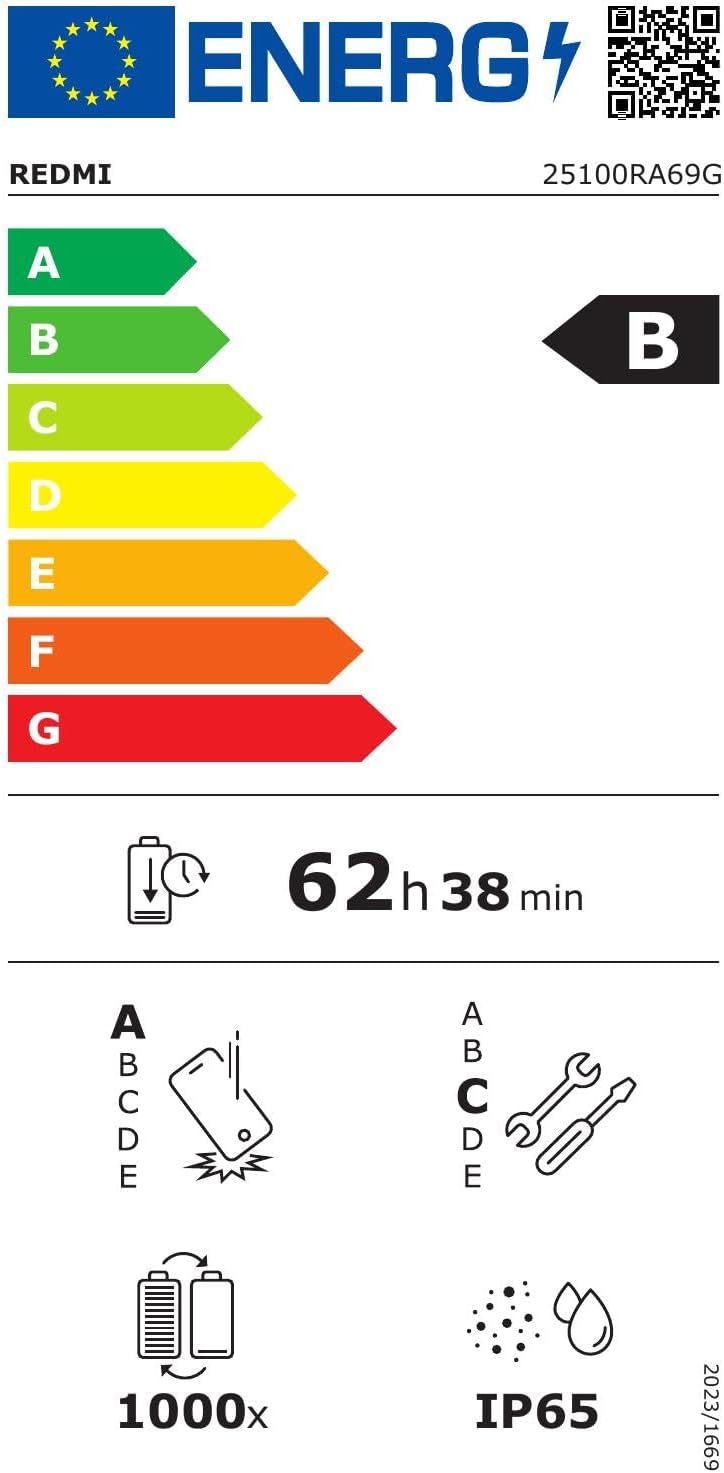
Your XIAOMI Redmi Note 15 Pro comes with a د جوړونکي دوه کلن تضمین. For warranty claims or technical support, please contact XIAOMI customer service or visit their official website. It is essential to retain your proof of purchase for warranty validation.
For further assistance, you can also refer to the official XIAOMI support pages or community forums for common questions and solutions. These resources often provide detailed FAQs, troubleshooting guides, and software updates.
یادونه: The warranty typically does not cover damages caused by misuse, unauthorized repairs, accidental damage beyond the specified IP65 resistance limits, or normal wear and tear.