
1. پیژندنه
Thank you for choosing the FREDEES Arched Display Cabinet. This manual provides essential information for the safe and efficient assembly, operation, and maintenance of your new cabinet. Please read all instructions carefully before beginning assembly and retain this manual for future reference.
2. د خوندیتوب معلومات
- کابینه تل په نرم او پاک سطحه راټول کړئ ترڅو د سکریچونو مخه ونیول شي.
- د راټولولو دمخه ډاډ ترلاسه کړئ چې ټولې برخې شتون لري او زیانمنې شوې نه دي. زیانمنې شوې برخې مه کاروئ.
- د غونډو په جریان کې کوچنۍ برخې له ماشومانو لرې وساتئ ترڅو د ساه بندیدو خطر څخه مخنیوی وشي.
- د ټیپ ضد کټ: For safety, especially in households with children or pets, it is highly recommended to secure the display cabinet to the wall using the provided anti-tip kit. This prevents accidental tipping and enhances stability.

Image: Anti-Tip Kit Installation Diagram. This diagram illustrates the proper method for securing the cabinet to the wall using the anti-tip kit to prevent tipping.
3. د بسته محتويات
ډاډ ترلاسه کړئ چې لاندې لیست شوي ټولې برخې ستاسو په بسته کې شاملې دي:
- Arch Display Cabinet x1
- Installation Package (Hardware) x1
- د کارن لارښود x1
4. تنظیم او مجلس
Assembly of the FREDEES Arched Display Cabinet is designed to be straightforward. Follow the step-by-step instructions provided in the included installation package. It is recommended to have a second person assist with lifting and positioning larger components.
4.1 د محصول ابعاد

Image: Product Dimensions. This image details the overall dimensions of the cabinet and individual shelf sizes.
4.2 د تنظیم وړ المارۍ
The cabinet features two adjustable shelves and two fixed shelves. The adjustable shelves can be moved up or down by 2.5 inches to accommodate items of various heights. To adjust, carefully remove the shelf, reposition the shelf pins to the desired height, and reinsert the shelf.

Image: Adjustable Shelves. This image highlights the flexibility of the shelves to customize storage space.
5. عملیاتي لارښوونې
۳.۱ د LED رڼا سیسټم
Your display cabinet is equipped with integrated LED lighting offering three color modes: blue, white, and yellow. The lighting system also includes a smart human sensor for automatic operation.
- د رڼا رنګونو بدلول: Locate the control button on the side of the cabinet. Short press the button to cycle through the blue, yellow, and white light modes.
- د انسان سینسر: The built-in sensor automatically turns on the lights when a person is detected within approximately 1 meter and turns them off after 30 seconds of no detection.
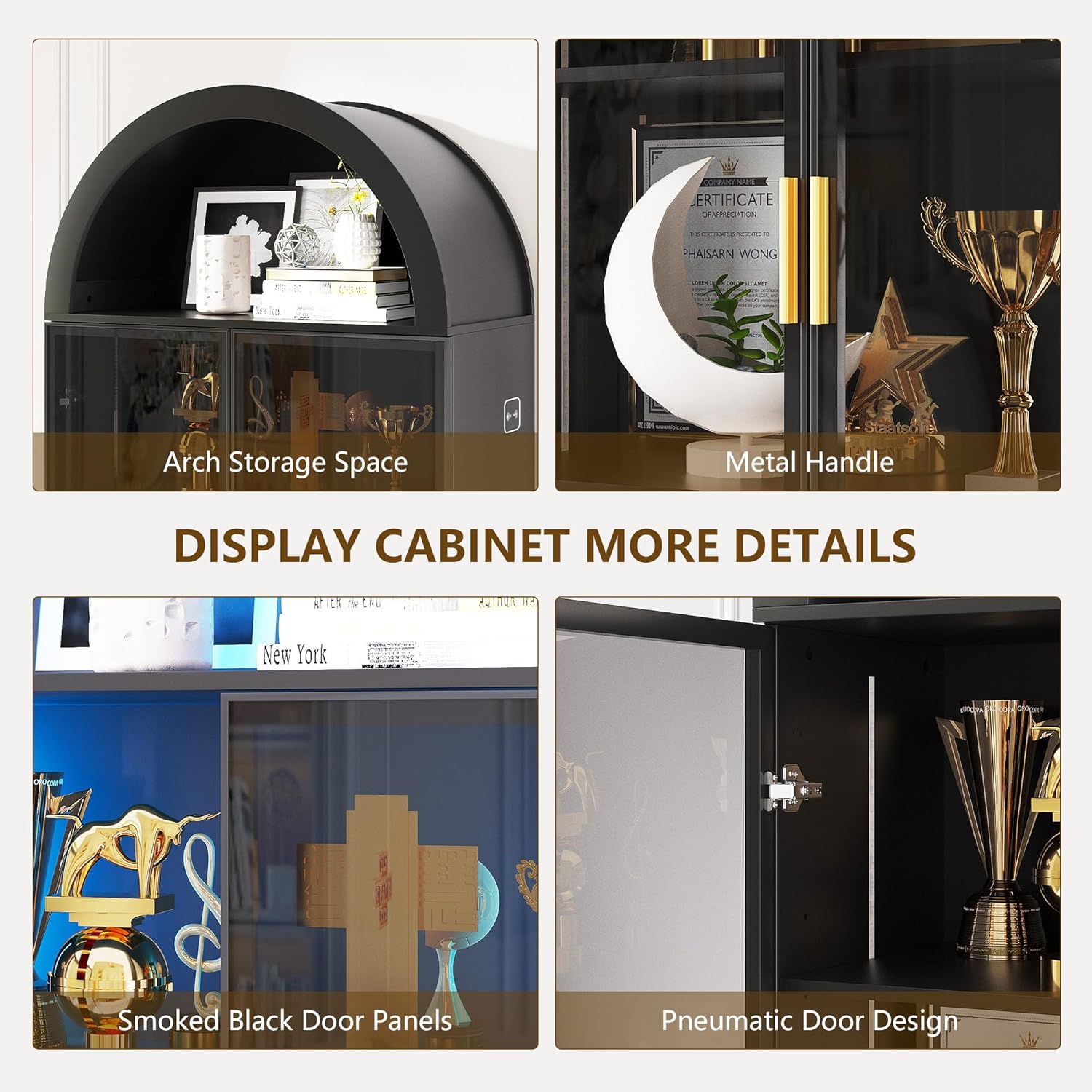
Image: LED Light Control. This image demonstrates the three available light colors and the control interface.

Image: Smart Human Sensor. This diagram explains how the human sensor activates and deactivates the cabinet lighting.
5.2 Smoked Black Acrylic Doors
The cabinet features smoked black acrylic doors with gold handles. These doors provide a modern aesthetic while allowing a subtle view of your displayed items. The doors can be opened and closed using the handles. If desired, the doors can be omitted during assembly for an open cabinet design.

Image: Smoked Black Acrylic Doors. This image provides a clear view of the cabinet's doors and handles.
6. ساتنه
To ensure the longevity and appearance of your FREDEES Arched Display Cabinet, follow these maintenance guidelines:
- پاکول: The cabinet's surface is waterproof and scratch-resistant. Wipe surfaces with a soft, damp ټوکر د کثافاتو پاکونکو یا سخت کیمیاوي موادو څخه ډډه وکړئ چې ممکن پای ته زیان ورسوي.
- خړوبول: Regularly dust the interior and exterior with a dry, soft cloth.
- د دروازې زنګونه: Periodically check door hinges for tightness and adjust if necessary to ensure smooth operation.
7. ستونزه حل کول
If you encounter any issues with your display cabinet, refer to the following common troubleshooting tips:
- د LED څراغونه کار نه کوي:
- Ensure the power adapter is securely plugged into both the cabinet and a working electrical outlet.
- د بل وسیلې په لګولو سره وګورئ چې ایا د بریښنا آوټ لیټ فعال دی.
- Verify that the light control button is being pressed correctly to cycle through modes.
- دروازې په سمه توګه نه تړل کیږي:
- Inspect hinges for any loose screws and tighten them.
- Ensure the cabinet is placed on a level surface. Uneven flooring can cause doors to misalign.
- د کابینې بې ثباتي:
- Confirm all assembly screws are tightened.
- ډاډ ترلاسه کړئ چې د ټیپ ضد کټ په سمه توګه نصب شوی او دیوال ته خوندي دی.
For issues not covered here, please contact FREDEES customer support.
8. مشخصات
| فیچر | تفصیل |
|---|---|
| برانډ | فریډیز |
| د ماډل شمیره | QM-97053-27 |
| رنګ | Arch-black |
| مواد | انجنیري لرګي |
| د محصول ابعاد | ۱۶"د x ۲۶"وچ x ۴۷"ح |
| د توکي وزن | 80.7 پونډه |
| د الماریو شمیر | ۵ (۳ د تنظیم وړ، ۲ ثابت) |
| اضافي ځانګړتیاوې | 3-Color LED Lights, Human Sensor, Smoked Black Acrylic Doors, Arch Storage Space |
| مجلس ته اړتیا ده | هو |
9. تضمین او ملاتړ
For warranty information or technical support, please refer to the contact details provided with your purchase documentation or visit the official FREDEES webسایټ. د هر ډول تضمین ادعا لپاره د پیرود ثبوت په توګه د پیرود رسید وساتئ.