پیژندنه
This manual provides detailed instructions for the proper use, setup, and maintenance of your Casio Youth Digital Grey Dial Men's Watch, model DB-520A-1AUZ (DB05). Please read this manual thoroughly to ensure optimal performance and longevity of your timepiece.

شکل 1: مخکی view of the Casio DB-520A-1AUZ digital watch, showing the grey dial, digital display, and silver stainless steel band.
محصول پای ته ورسیدview
The Casio DB-520A-1AUZ is a digital watch featuring a grey dial and a durable stainless steel band. It is designed for daily wear and includes various timekeeping functions.
کلیدي ځانګړتیاوې:
- Digital Display with Grey Dial
- Stainless Steel Band (Silver Color)
- کوارټز غورځنګ
- Water Resistance (as indicated on the watch face)
- Data Bank Functionality (as indicated by "DATA BANK 50" on the watch face)
- Alarm and World Time Functions

شکل 2: اړخ view of the watch, highlighting the control buttons for adjustment and mode selection.
تنظیم او ابتدايي ترتیب
۳. د وخت او نیټې ټاکل:
- فشار ورکړئ ADJUST/SELECT/MODE button (usually top-left) until the seconds begin to flash, indicating time setting mode.
- د کارولو فارورډ or REVERSE buttons (bottom-right/left) to adjust the seconds to 00.
- فشار ورکړئ ADJUST/SELECT/MODE button again to move to the hour setting. Use فارورډ or REVERSE to set the correct hour (12/24-hour format may be selectable).
- د دقیقو، کال، میاشتې او ورځې لپاره تکرار کړئ.
- مطبوعاتي ADJUST/SELECT/MODE د تنظیم کولو حالت څخه وتلو لپاره.
2. Adjusting the Band:
The stainless steel band can be adjusted for a comfortable fit. It is recommended to have this done by a professional jeweler or watch repair service to prevent damage to the band or clasp mechanism.
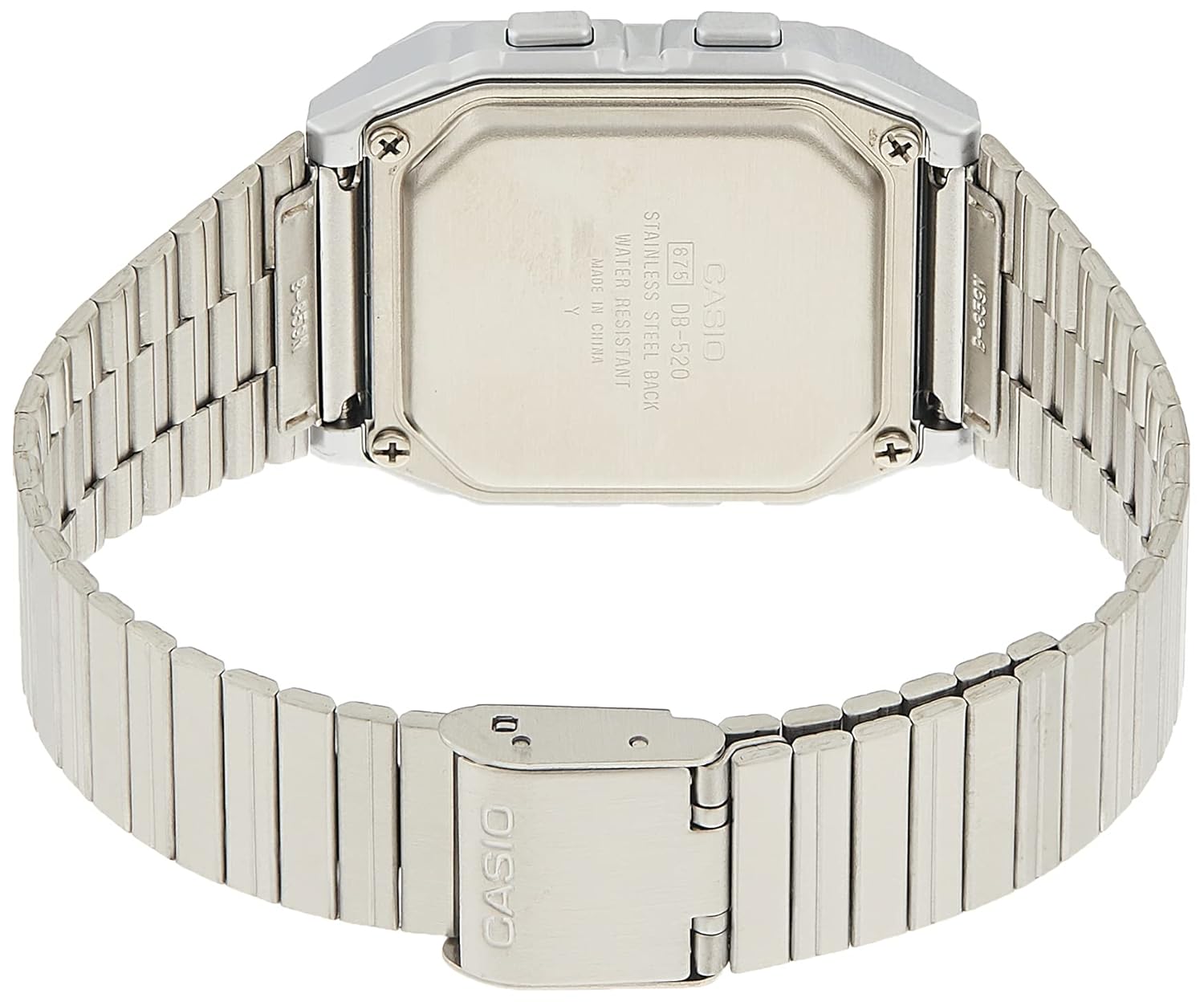
شکل 3: شاته view of the watch, showing the stainless steel case back and the clasp mechanism of the band.
عملیاتي لارښوونې
د وخت ساتلو حالت:
This is the default mode, displaying the current time and date.
Using the Data Bank:
The Data Bank function allows you to store numerical and textual information. Refer to the markings on the watch face (SCH, WORLD TIME, TEL, MEMO) for specific button functions related to data entry and recall.
- فشار ورکړئ MEMO button to enter Data Bank mode.
- کارول فارورډ or REVERSE to scroll through stored entries.
- To add a new entry, press ADJUST/SELECT/MODE while in Data Bank mode and follow the on-screen prompts.
د الارم فعالیت:
د الارم تنظیم کولو لپاره:
- فشار ورکړئ ADJUST/SELECT/MODE button repeatedly until you reach the Alarm mode.
- کارول فارورډ or REVERSE د مطلوب الارم وخت ټاکلو لپاره.
- مطبوعاتي ADJUST/SELECT/MODE د الارم تایید او فعالولو لپاره.
د نړیوال وخت فعالیت:
The World Time mode displays the current time in various major cities around the world.
- فشار ورکړئ ADJUST/SELECT/MODE button until you reach the World Time mode.
- کارول فارورډ or REVERSE د مختلفو وخت زونونو / ښارونو له لارې سفر کول.

Figure 4: The watch displayed on a wrist, demonstrating its size and fit.
ساتنه او پالنه
- پاکول: ساعت په منظم ډول د نرم او وچ ټوکر سره پاک کړئ. د سختې خاورې لپاره، لږ څه دamp ټوکر او نرم صابون ومینځئ، بیا په ښه توګه وچ کړئ. د سختو کیمیاوي موادو څخه ډډه وکړئ.
- د اوبو مقاومت: This watch is water resistant. Avoid operating buttons while the watch is wet to prevent water ingress. Do not expose to hot water or steam.
- د بیټرۍ بدلول: When the display becomes dim or functions become erratic, it is time to replace the battery. This should be done by a qualified technician to ensure proper sealing and water resistance.
- د تودوخې لوړوالی: Avoid exposing the watch to extreme temperatures, both hot and cold, as this can affect battery life and accuracy.
د ستونزو حل کول
| ستونزه | احتمالي لامل | د حل لاره |
|---|---|---|
| ښودنه خالي یا تیاره ده. | ټیټ بیټرۍ. | بیټرۍ بدله کړئ. |
| وخت غلط دی. | وخت په سمه توګه نه دی ټاکل شوی یا په ناڅاپي ډول د تڼۍ فشار. | Re-set the time and date as per "Setup" section. |
| تڼۍ بې ځوابه دي. | ساعت ممکن په بند حالت کې وي یا بیټرۍ ډیره ټیټه وي. | هڅه وکړئ چې ټول تڼۍ فشار کړئ ترڅو وګورئ چې کوم یو ځواب ورکوي. که نه، د بیټرۍ بدلولو په اړه فکر وکړئ. |
| د نندارې دننه اوبه. | Seal compromised or excessive water exposure. | سمدلاسه یو وړ خدمت مرکز ته بوځئ. هڅه مه کوئ چې پخپله یې وچ کړئ. |
مشخصات
- د ماډل شمیره: DB-520A-1AUZ (DB05)
- د ښودلو ډول: ډیجیټل
- د حرکت ډول: کوارټز
- د قضیې بڼه: مربع
- د ډایل رنګ: خړ
- د بند مواد: سټینلیس سټیل
- د بانډ رنګ: سره زر
- د قضیې قطر: 40 سانتي متره
- د توکي وزن: 196 ګرامه
- د محصول ابعاد: 6 x 10.4 x 9.6 سانتي متره (د بسته بندۍ ابعاد)
- جوړونکی: کاسیو
تضمین او ملاتړ
د تضمین معلومات:
دا محصول د الف سره راځي دوه کاله کورني تضمین provided by the manufacturer. Please retain your purchase receipt as proof of purchase for warranty claims.
د پیرودونکي ملاتړ:
For any issues not covered in this manual, or for warranty service, please contact Casio customer support. Refer to the official Casio webد اړیکو د تازه معلوماتو لپاره سایټ یا ستاسو د محصول بسته بندي.
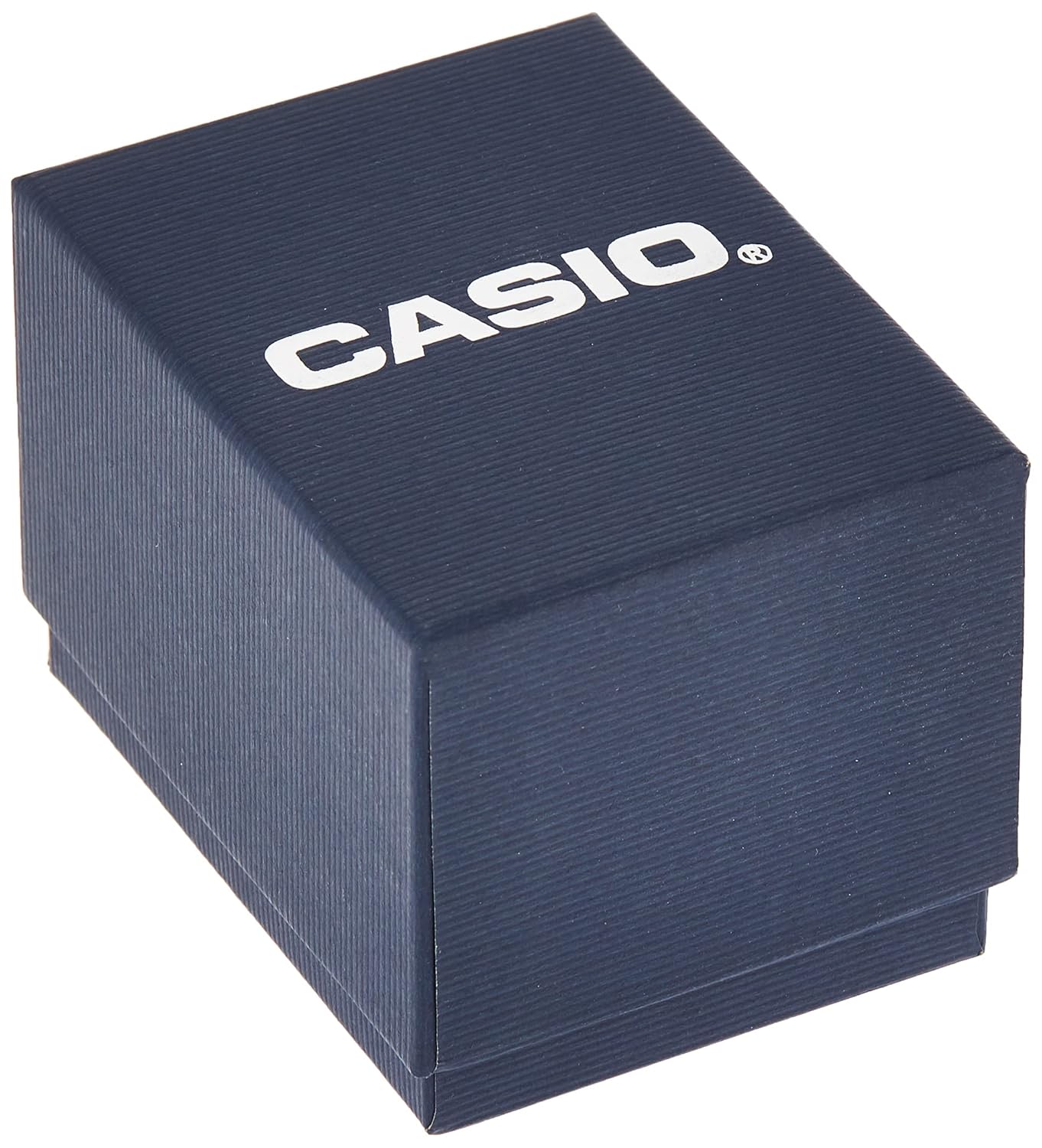
Figure 5: The product packaging for the Casio watch.


