1. محصول ختم شوview
The Sitecom WLA-5100 N600 Wi-Fi Dual Band USB Adapter provides wireless connectivity for your computer. It supports Wi-Fi 4 (802.11n) standards and operates on dual bands (2.4 GHz and 5 GHz) for optimal performance. This adapter connects via a USB interface, offering a convenient solution for adding or upgrading Wi-Fi capabilities to desktop or laptop computers.

Image 1: The Sitecom WLA-5100 N600 Wi-Fi Dual Band USB Adapter. This image shows the compact black USB adapter with the Sitecom logo, featuring a removable cap for the USB connector.
2. د بسته محتويات
- 1 x Sitecom WLA-5100 N600 Wi-Fi Dual Band USB Adapter
- 1 x Quick Installation Guide (may vary by region)
- 1 x Driver CD (drivers may also be available for download online)
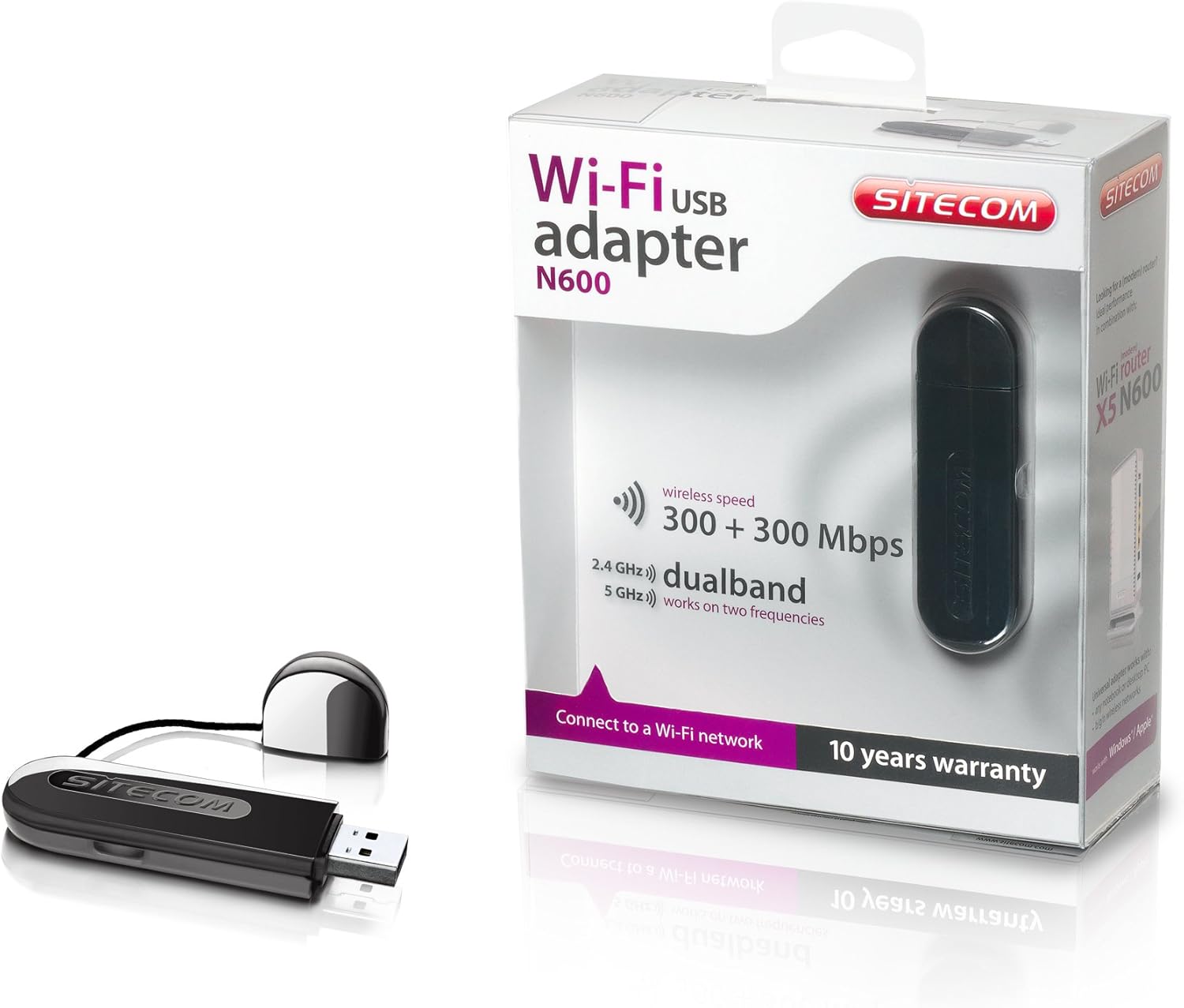
Image 2: The Sitecom WLA-5100 N600 Wi-Fi Dual Band USB Adapter shown alongside its retail packaging. The packaging highlights features such as wireless speed (300 + 300 Mbps) and dual-band functionality (2.4 GHz and 5 GHz).
3. د سیسټم اړتیاوې
- شته USB پورټ (USB 2.0 یا لوړ وړاندیز شوی)
- Operating System: Compatible with Windows and Mac OS X (e.g., Mac OS X 10.8 Mountain Lion and later versions).
- Internet connection for driver download (if not using the included CD).
4. ترتیب کول
4.1 د ډرایور نصب کول
- Before inserting the adapter, it is recommended to install the necessary drivers.
- Insert the included Driver CD into your computer's optical drive, or download the latest drivers from the official Sitecom support webسایټ
- د ډرایور نصبولو پروسې بشپړولو لپاره په سکرین کې لارښوونې تعقیب کړئ.
4.2 د هارډویر نصب کول
- Carefully insert the Sitecom WLA-5100 USB adapter into an available USB port on your desktop or laptop computer.
- Ensure the adapter is fully seated in the USB port. The operating system should detect the new hardware.
4.3 د وای فای شبکې سره وصل کول
- Once the drivers are installed and the adapter is connected, your computer should detect available wireless networks.
- Access your operating system's network settings (e.g., Wi-Fi icon in the system tray for Windows, Wi-Fi menu bar item for macOS).
- Select your desired Wi-Fi network (SSID) from the list of available networks.
- که غوښتنه وشي، د شبکې امنیتي کیلي (پاسورډ) دننه کړئ، بیا 'وصل' کلیک وکړئ.
- ستاسو کمپیوټر باید اوس د وای فای شبکې سره وصل وي.
5. چلول
The WLA-5100 adapter supports dual-band operation, allowing connection to both 2.4 GHz and 5 GHz Wi-Fi networks. The 2.4 GHz band offers wider coverage and better penetration through obstacles, while the 5 GHz band provides faster speeds and less interference, making it ideal for activities like online gaming and high-definition video streaming.
Your computer's operating system will automatically detect and display available networks on both bands. You can choose which band to connect to based on your proximity to the router and your performance needs. For optimal performance, connect to a 5 GHz network if available and you are in close range to your router.
6. ساتنه
- اډاپټر پاک او له دوړو څخه پاک وساتئ. د پاکولو لپاره نرم او وچ ټوکر وکاروئ.
- د اډاپټر د سختې تودوخې، مستقیم لمر وړانګو، یا رطوبت سره د مخ کیدو څخه ډډه وکړئ.
- د وسیلې د جلا کولو یا بدلولو هڅه مه کوئ، ځکه چې دا به تضمین باطل کړي او ممکن زیان ورسوي.
- When not in use, store the adapter in a safe place to prevent physical damage.
7. ستونزه حل کول
۹.۲ د وای فای اتصال نشته
- Check Adapter Connection: Ensure the adapter is securely plugged into a functional USB port. Try a different USB port.
- د ډرایور نصب کول تایید کړئ: Confirm that the drivers are correctly installed. Check your computer's Device Manager (Windows) or System Information (macOS) to see if the adapter is listed without errors. Reinstall drivers if necessary.
- د روټر حالت: ډاډ ترلاسه کړئ چې ستاسو وای فای روټر فعال دی او سیګنال خپروي.
- د شبکې حد: Make sure your computer is within range of your Wi-Fi network.
- کمپیوټر بیا پیل کړئ: ځینې وختونه یو ساده بیا پیل کولی شي د اتصال ستونزې حل کړي.
۶.۲ د اتصال ورو سرعت
- د بندونو انتخاب: If available, connect to the 5 GHz network for faster speeds, especially if you are close to the router.
- لاسوهنه: Move the adapter or computer away from potential sources of interference (e.g., microwaves, cordless phones, Bluetooth devices).
- د موټر چلوونکي تازه کول: ډاډ ترلاسه کړئ چې تاسو د اډاپټر لپاره وروستي ډرایورونه نصب کړي دي.
- د روټر فعالیت: Check your router's settings and ensure it is operating optimally.
۵.۱ اډاپټر نه دی پیژندل شوی
- USB پورټ: هڅه وکړئ چې اډاپټر په خپل کمپیوټر کې په بل USB پورټ کې ولګوئ.
- ډرایور بیا نصب کړئ: Uninstall existing drivers and perform a clean reinstallation.
- د عملیاتي سیسټم تازه معلومات: ډاډ ترلاسه کړئ چې ستاسو عملیاتي سیسټم تازه دی.
8. مشخصات
| فیچر | تفصیل |
|---|---|
| برانډ | Sitecom |
| ماډل | WLA-5100 |
| د ارتباط ټیکنالوژي | بېسیم |
| کوربه انټرنټ | USB |
| بيسيم ستندرد | IEEE 802.11a, 802.11b, 802.11g, 802.11n (Wi-Fi 4) |
| بې سیم سرعت | تر ۱۲۰۱ ایم بی پی ایس (۵ ګیګاهرتز) + ۵۷۴ ایم بی پی ایس (۲.۴ ګیګاهرتز) پورې |
| د فریکونسی بند | دوه ګونی بند (2.4 GHz او 5 GHz) |
| رنګ | تور |
| ابعاد (L x W x H) | ۴۴.۶ x ۳۲.۴ x ۲۷ سانتي متره (تقریبا) |
| وزن | 10 ګرامه |
| د بریښنا سرچینه | د USB ویډیو |
| مطابقت لرونکې وسیلې | Desktop computer, Laptop computer |
| د نړیوال سوداګریز توکي شمیره (GTIN) | 08716502026821 |
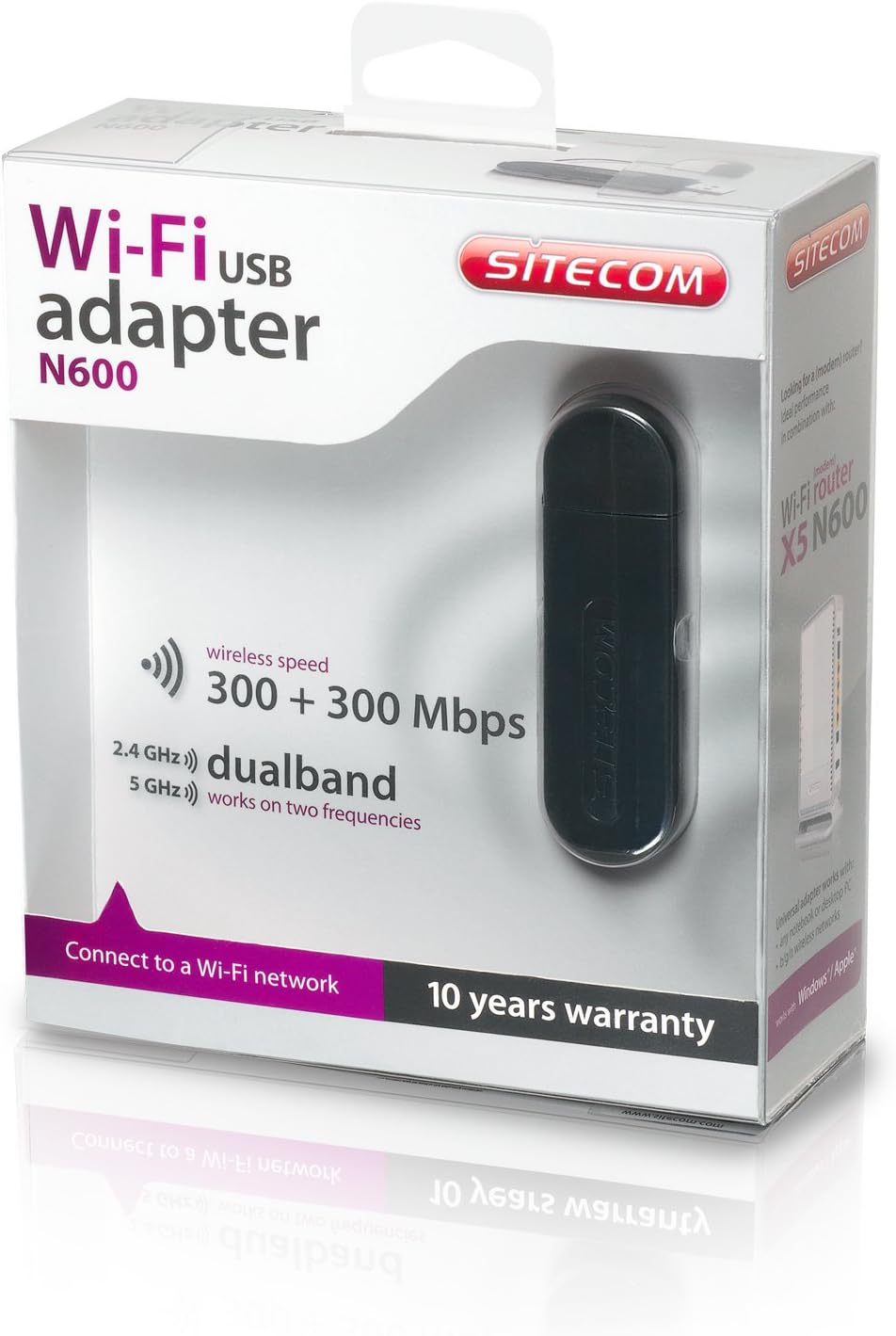
Image 3: The retail packaging for the Sitecom WLA-5100 N600 Wi-Fi Dual Band USB Adapter. The box prominently displays the product name, N600 rating, wireless speed, and dual-band capabilities.
9. تضمین او ملاتړ
The Sitecom WLA-5100 N600 Wi-Fi Dual Band USB Adapter typically comes with a 10 کلن تضمینلکه څنګه چې د محصول په بسته بندۍ کې ښودل شوي. مهرباني وکړئ د تضمین ادعاوو لپاره د پیرود ثبوت وساتئ.
For technical support, driver downloads, frequently asked questions, or further assistance, please visit the official Sitecom website or contact their customer support. Refer to the packaging or the Sitecom website for the most current support contact information.


