پیژندنه
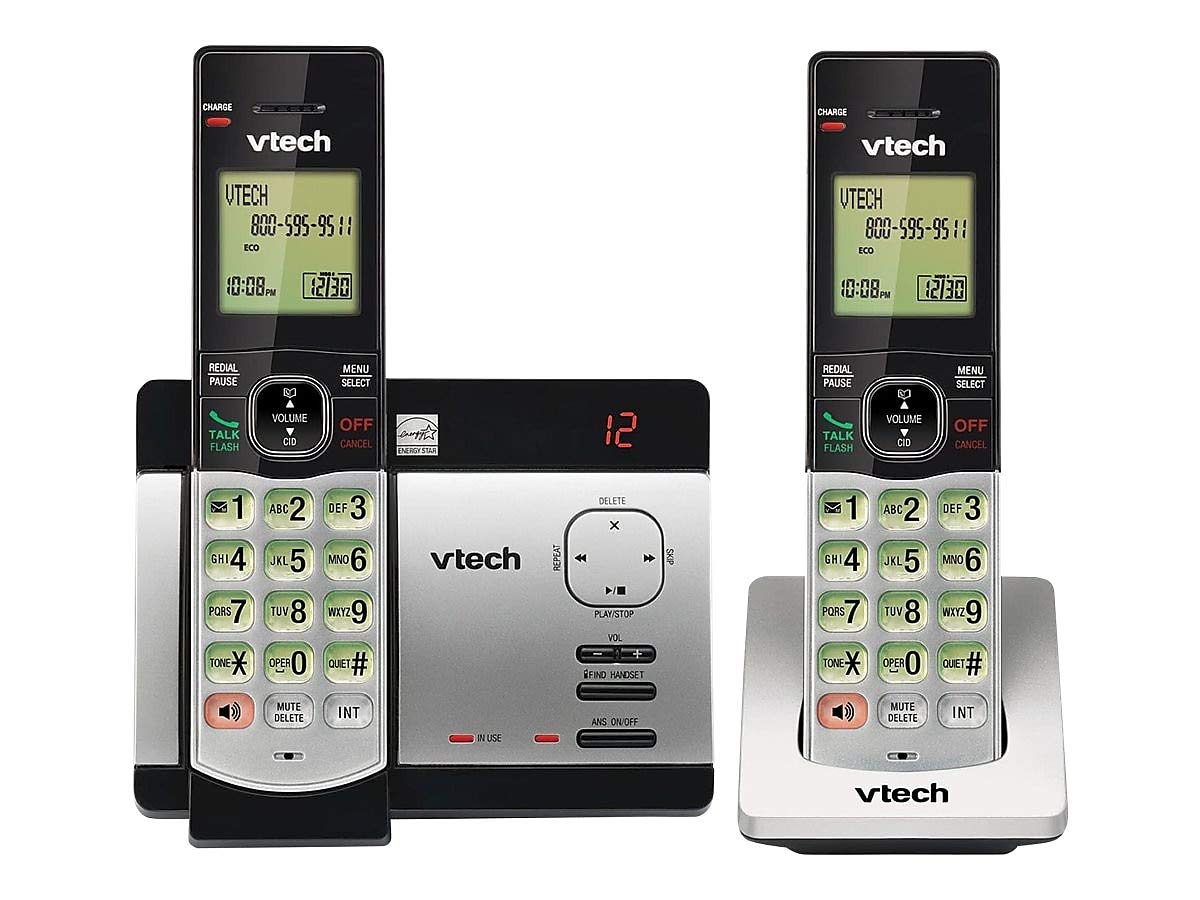
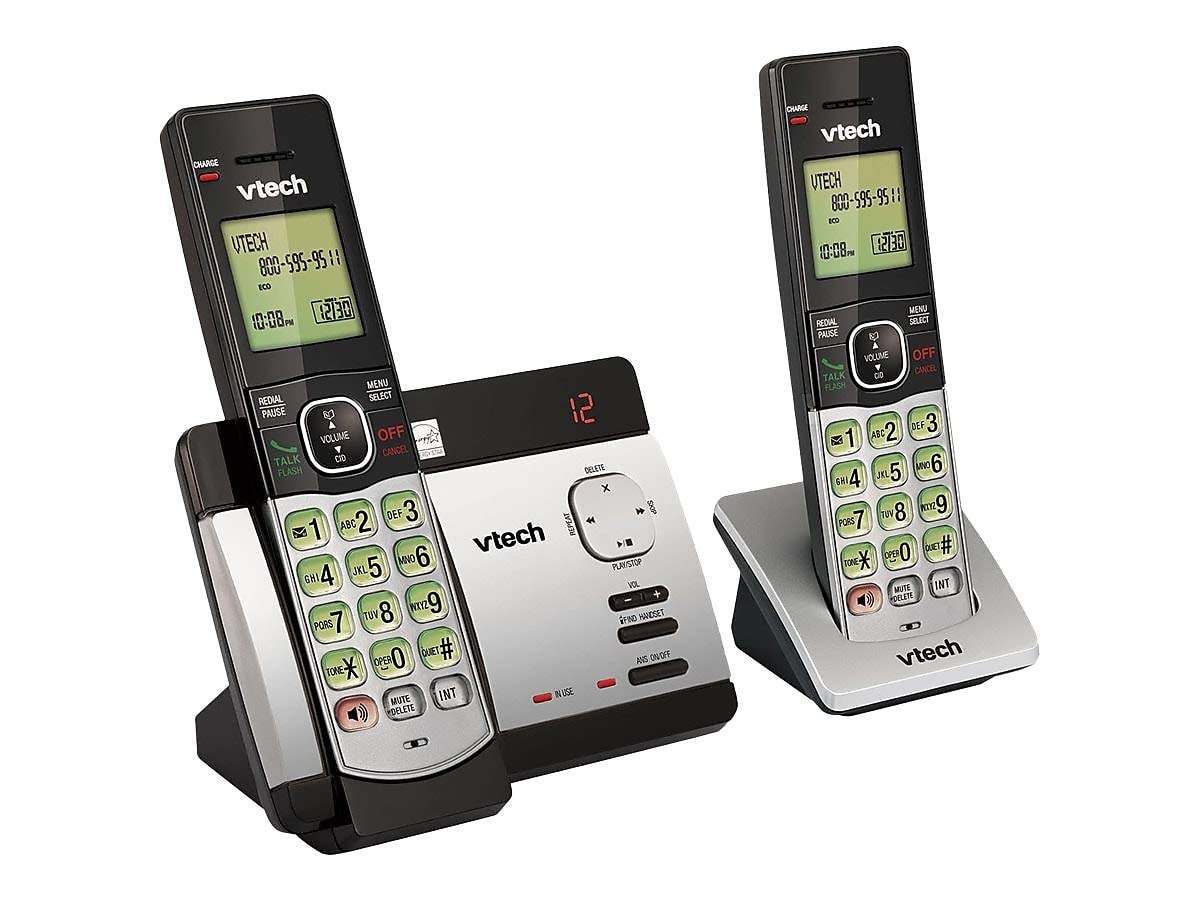
This user manual provides comprehensive instructions for the VTECH Communications CS6729-2 2 Handset Answering System. It covers setup, operation, maintenance, and troubleshooting to ensure optimal performance of your new telephone system. Please read this manual thoroughly before using your phone.
تنظیم او نصب کول
د بسته محتويات
ډاډ ترلاسه کړئ چې ټول توکي ستاسو په کڅوړه کې شتون لري:
- بې تاره دستګاه (2)
- Base Unit with Digital Answering System
- د بیس واحد لپاره د AC بریښنا اډاپټر
- د ټیلیفون کرښه
- د چارج وړ بیټرۍ (۱۰ AAA بیټرۍ اړینې دي، شاملې دي)
- د وال ماونټ بریکٹ
د بیټرۍ نصب کول
Before initial use, install the included AAA batteries into each cordless handset. Open the battery compartment cover on the back of the handset, insert the batteries according to the polarity markings, and close the cover. Place the handset on the base unit or charger to charge for at least 16 hours before first use.
د بنسټ واحد سره نښلول
Connect the small end of the AC power adapter to the power jack on the back of the telephone base. Plug the large end of the AC power adapter into a wall outlet not controlled by a wall switch. Connect one end of the telephone line cord to the telephone jack on the back of the telephone base. Plug the other end of the telephone line cord into a telephone wall jack.
عملیاتي لارښوونې
تلیفونونه کول او ترلاسه کول
د تلیفون کولو لپاره، فشار ورکړئ خبرې / فلش or any dial pad key, then dial the number. To receive a call, press خبرې / فلش when the phone rings. To end a call, press بند / لغوه یا هینډسیټ بیرته په بیس یونټ/چارجر کې ځای په ځای کړئ.
Answering System Features
The integrated digital answering system can record up to 14 minutes of messages. You can retrieve messages from any handset or remotely. The voicemail waiting indicator will notify you of new messages. Messages are time and date stampد اسانه حوالې لپاره ed.
د زنګ وهونکي ID/د زنګ وهلو انتظار
The phone displays the caller's name and number (if available) before you answer. If you have Call Waiting service, the phone will alert you to an incoming call while you are on another call.
د تلیفون کتاب لارښود
Store up to 50 names and numbers in the phonebook directory for quick dialing. Refer to the handset menu for instructions on adding, editing, and deleting entries.
انټرکام
Use the intercom feature to communicate between handsets. This system supports up to 5 handsets (additional handsets sold separately).
سرخیل
The phone stores the last 10 dialed numbers. Press REDIAL/PUSE to access and redial these numbers.
د حجم کنټرول
Adjust the earpiece and speakerphone volume during a call using the حجم buttons on the side of the handset.
خاموش
فشار ورکړئ خاموش/ ړنګول button during a call to mute your microphone. The other party will not hear you, but you can still hear them. Press again to unmute.
د کنفرانس غوښتنې
You can set up a 3-way conference call between an outside line and up to two cordless handsets.
درې ژبي اشارې
The system offers trilingual prompts, allowing you to choose between English, Spanish, or French for voice announcements and menu options.
ساتنه
پاکول
تلیفون او بیس یونټ د نرم، ډی سره پاک کړئamp cloth. Do not use cleaning sprays or harsh chemicals. Avoid getting moisture in any openings.
د بیټرۍ پاملرنه
To maintain optimal battery life, fully charge the handsets regularly. If the phone will not be used for an extended period, remove the batteries to prevent leakage.
د ستونزو حل کول
که تاسو د خپل تلیفون سیسټم سره ستونزې تجربه کوئ، لاندې حلونه هڅه وکړئ:
| ستونزه | د حل لاره |
|---|---|
| د ډایل ټون نشته | Ensure the power adapter and telephone line cord are securely plugged into the base unit and wall outlets. Check if the phone line is active. |
| زنګونه نشي وهلی/ترلاسه کولی | Check battery charge level. Ensure the handset is within range of the base unit. Verify the telephone line connection. |
| د ځواب ورکولو سیسټم پیغامونه نه ثبتوي | ډاډ ترلاسه کړئ چې د ځواب ورکولو سیسټم فعال دی. وګورئ چې حافظه ډکه ده که نه؛ که اړتیا وي زاړه پیغامونه حذف کړئ. |
| ضعیف غږ کیفیت | د اساس واحد ته نږدې لاړ شئ. د نورو بریښنایی وسیلو څخه د مداخلې لپاره وګورئ. |
| هینډسیټ چارج نه کوي | Ensure the handset is properly seated in the charging cradle. Clean the charging contacts on both the handset and cradle. |
مشخصات
- ماډل: CS6729-2
- ټکنالوژي: DECT 6.0 ډیجیټل
- لاسي صنایع: 2 (تر 5 پورې د پراخیدو وړ)
- د ځواب ورکولو سیسټم: Digital, 14 minutes recording time
- د تلیفون کتاب ظرفیت: 50 نومونه او شمیرې
- حافظه بیا ډایل کړئ: وروستۍ پنځه شمېرې
- بیټرۍ: دوه د AAA چارج وړ بیټرۍ (شامل دي)
- د محصول ابعاد: 1 x 3.2 x 6.9 inches (handset)
- د توکي وزن: ۲.۴۵ پونډه
- رنګ: خړ
- د بریښنا سرچینه: د بریښنا تار شوی
تضمین او ملاتړ
د تضمین معلوماتو او تخنیکي ملاتړ لپاره، مهرباني وکړئ د خپل محصول سره شامل شوي تضمین کارت ته مراجعه وکړئ یا رسمي VTech ته مراجعه وکړئ. webسایټ. د تضمین ادعاوو لپاره د پیرود ثبوت په توګه د پیرود رسید وساتئ.


